


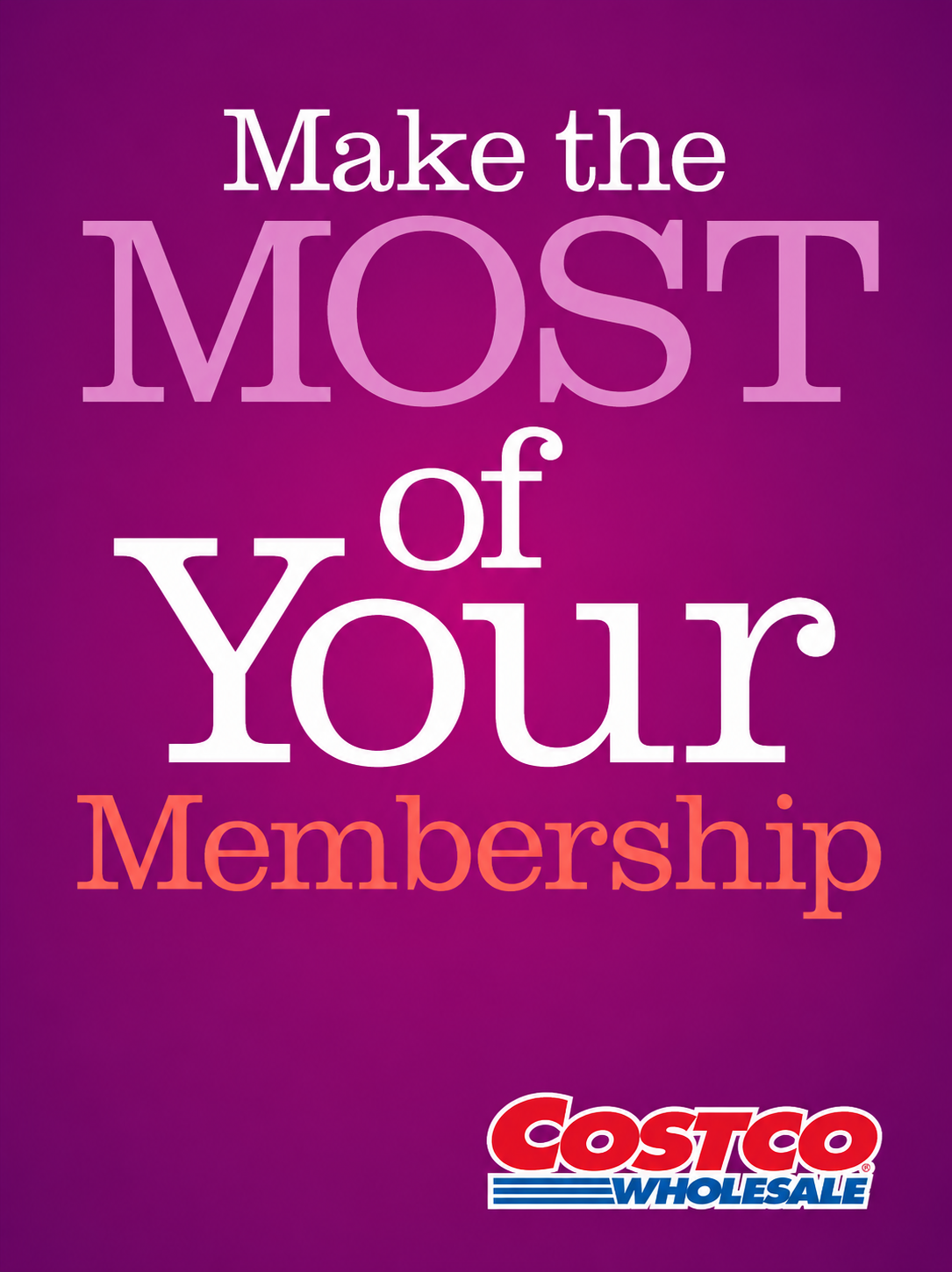
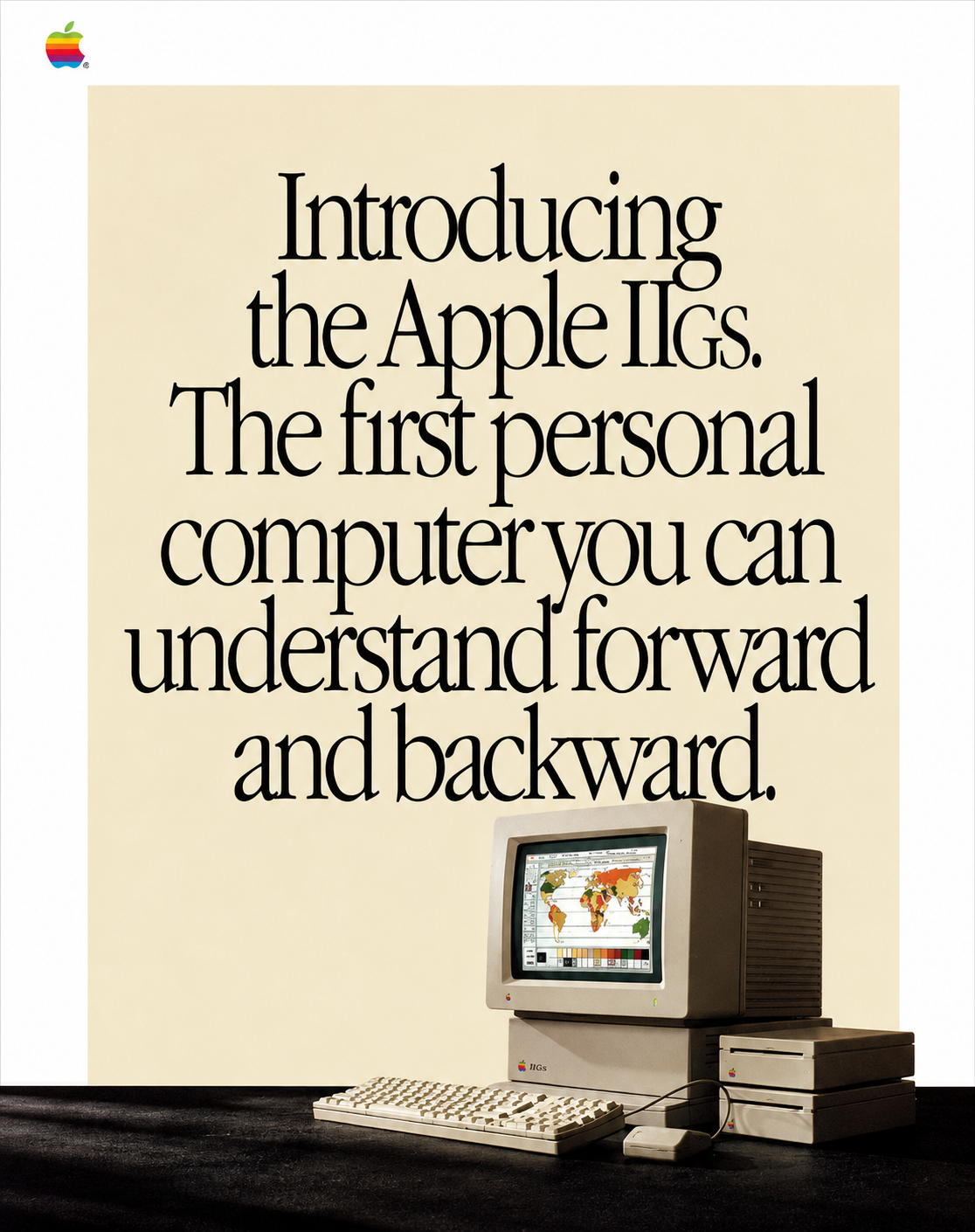
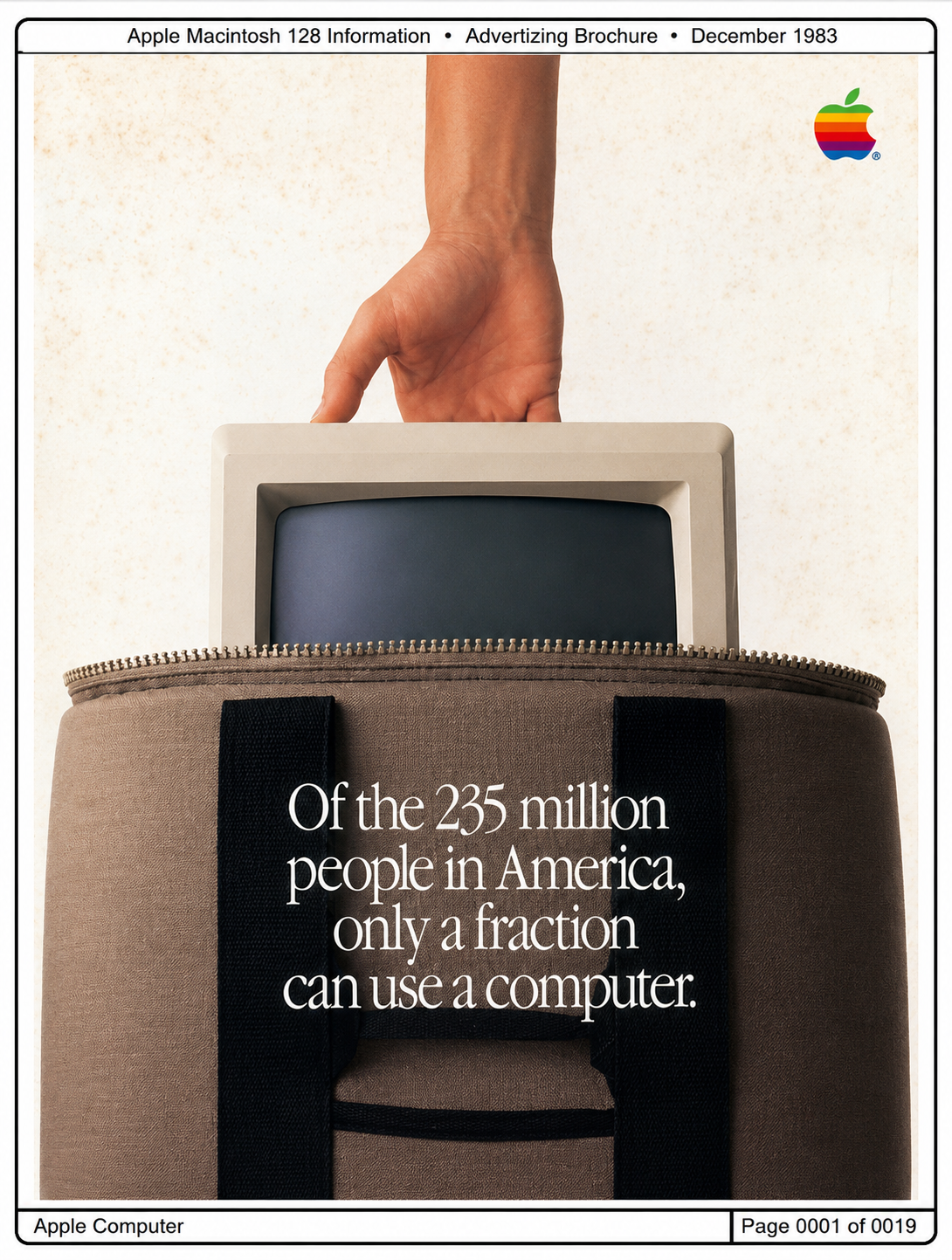
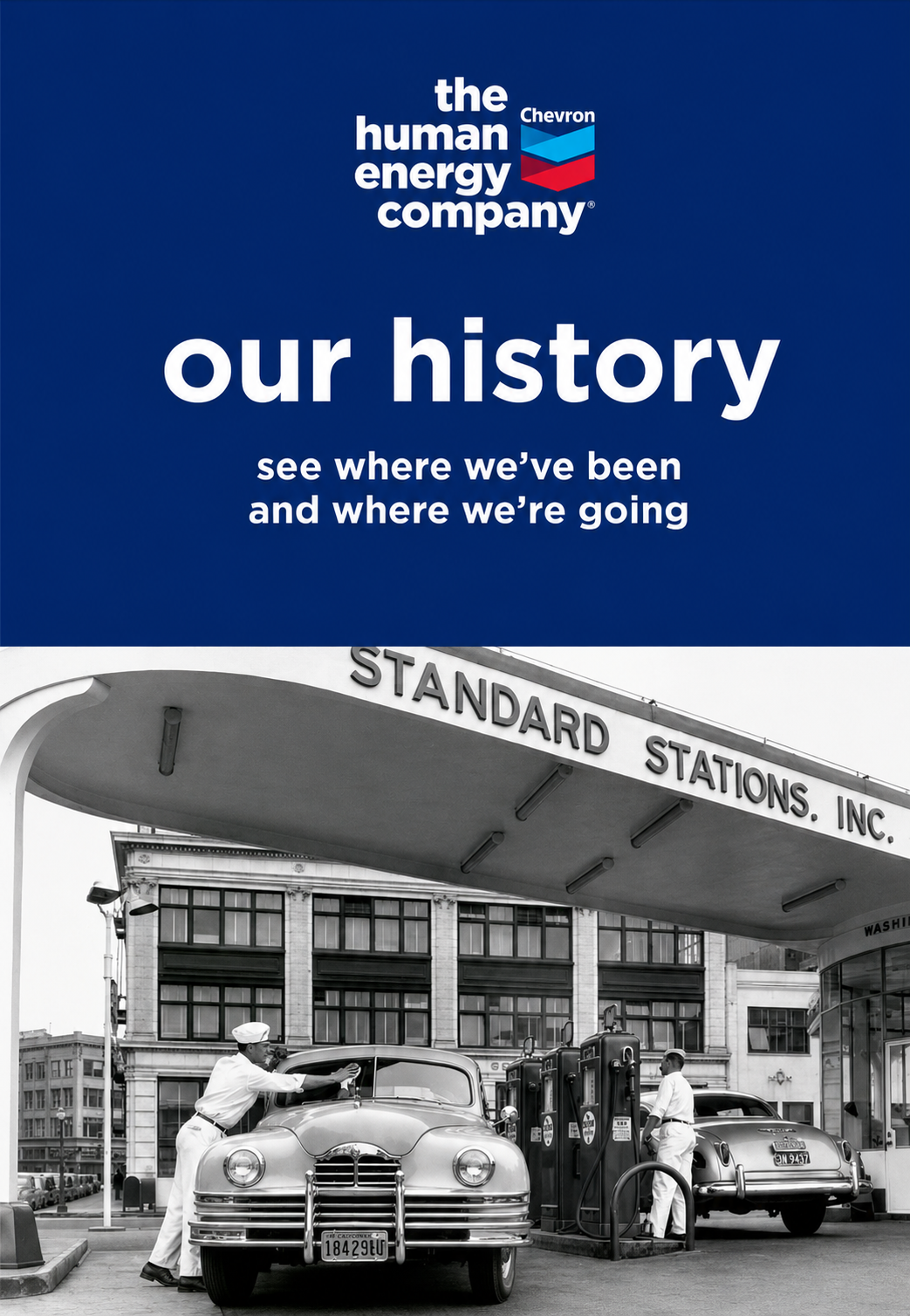


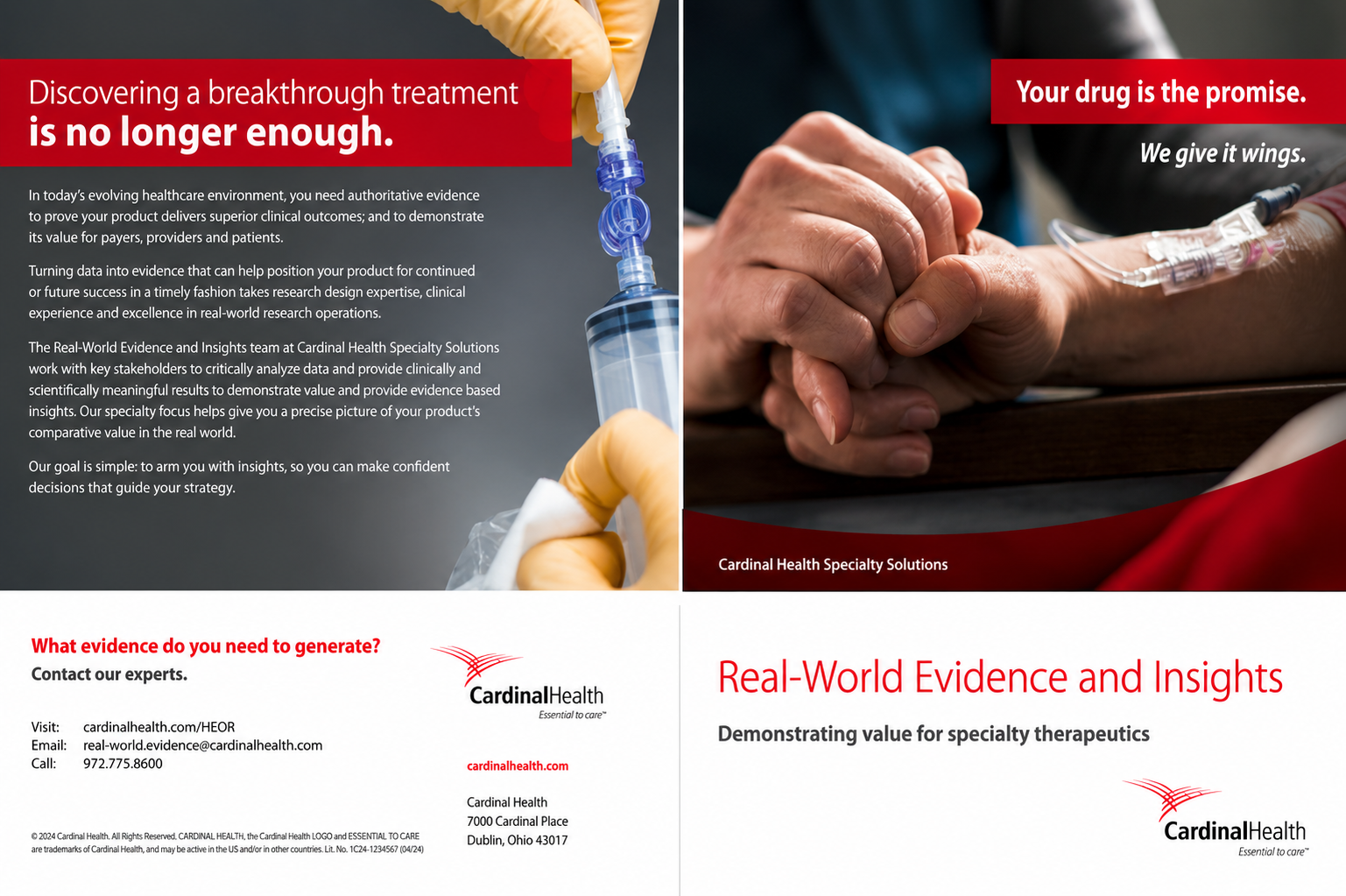
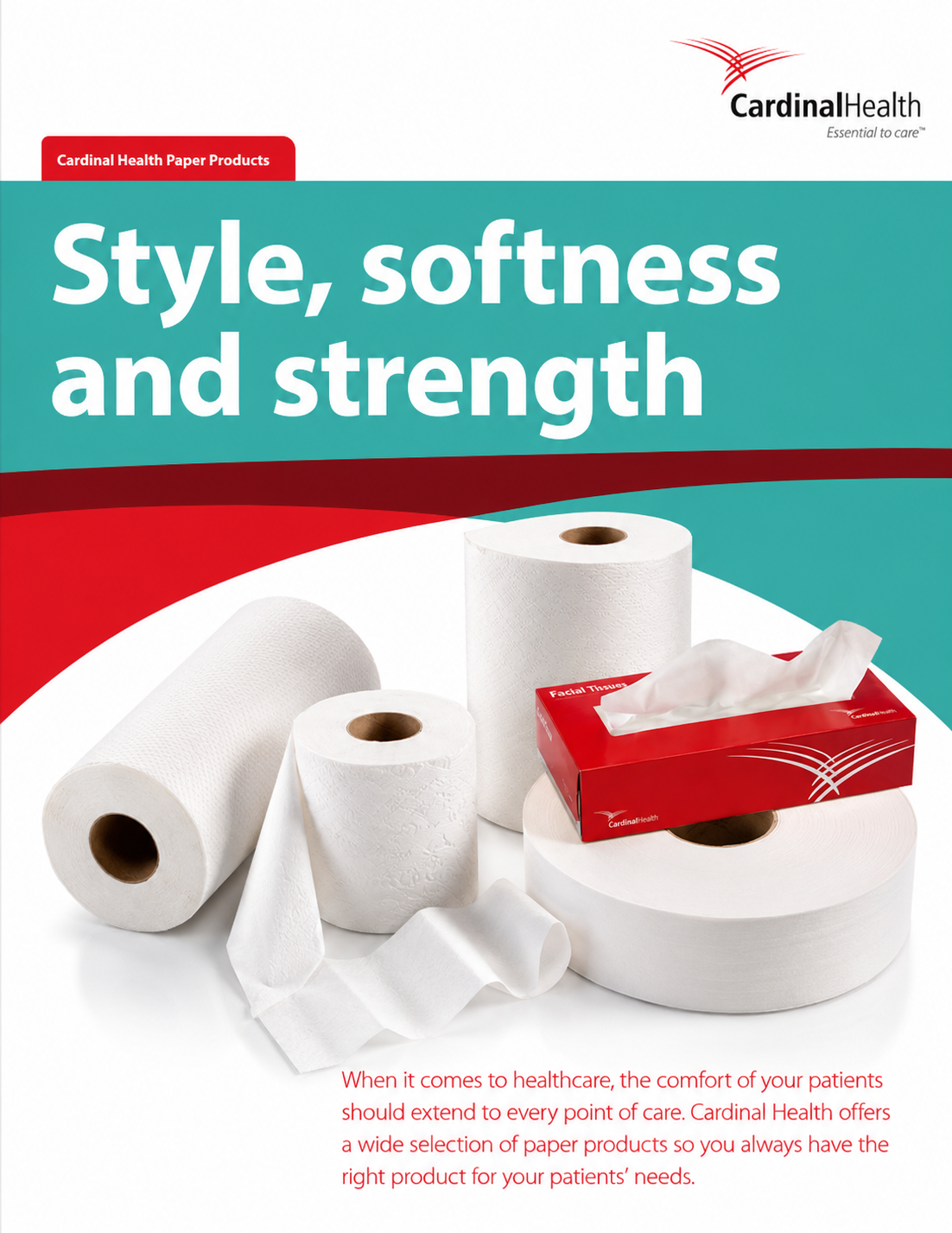

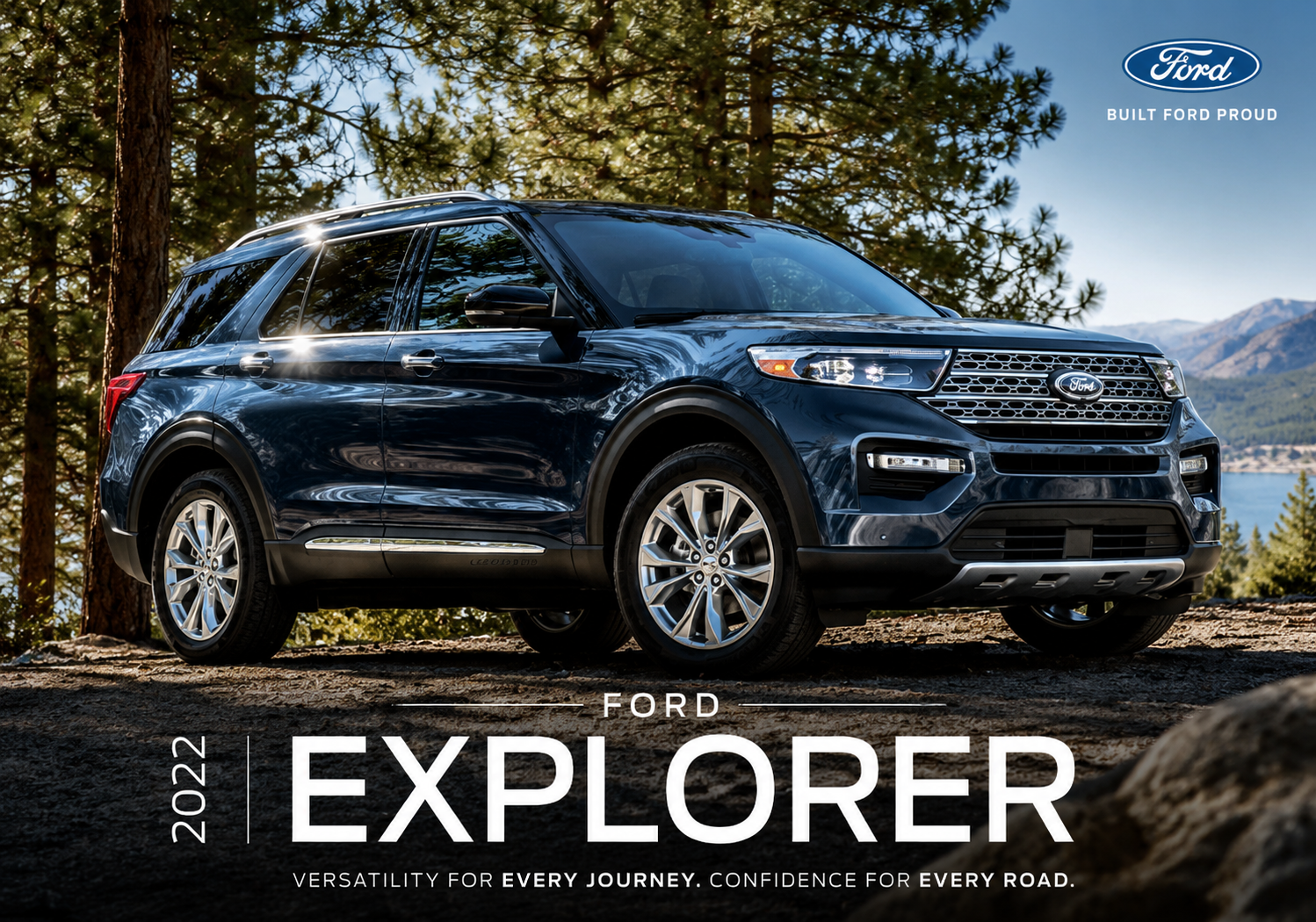
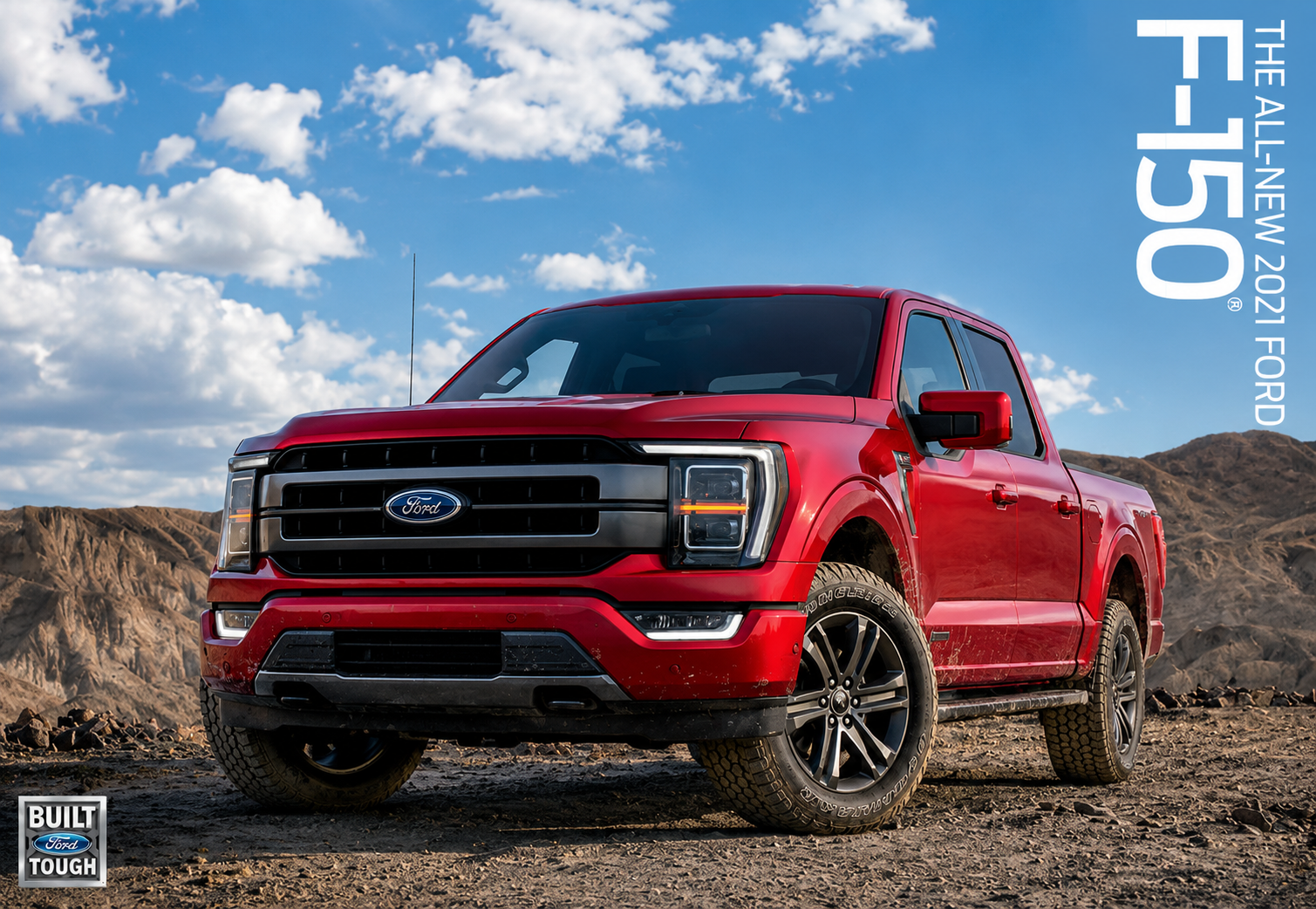
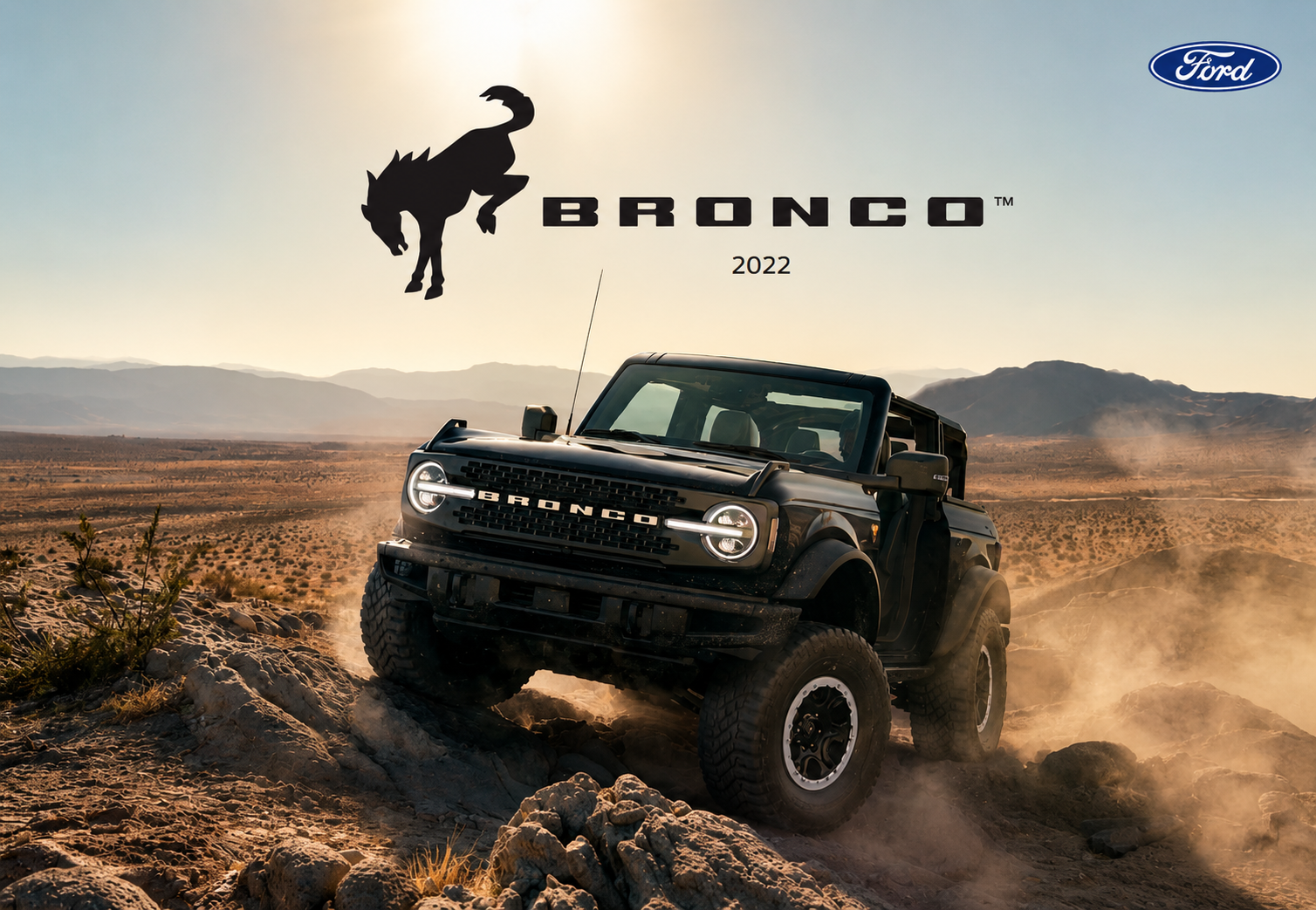

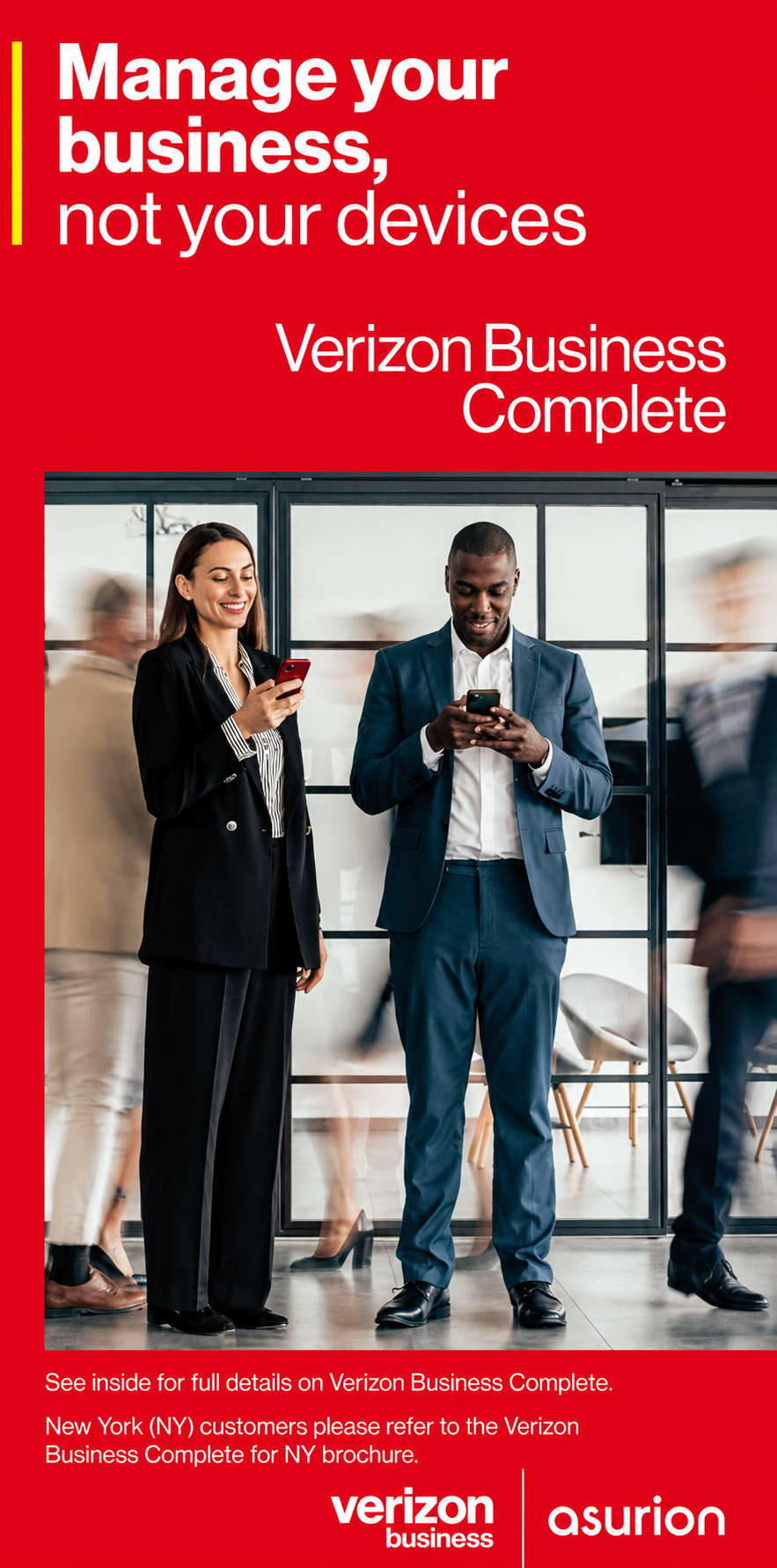
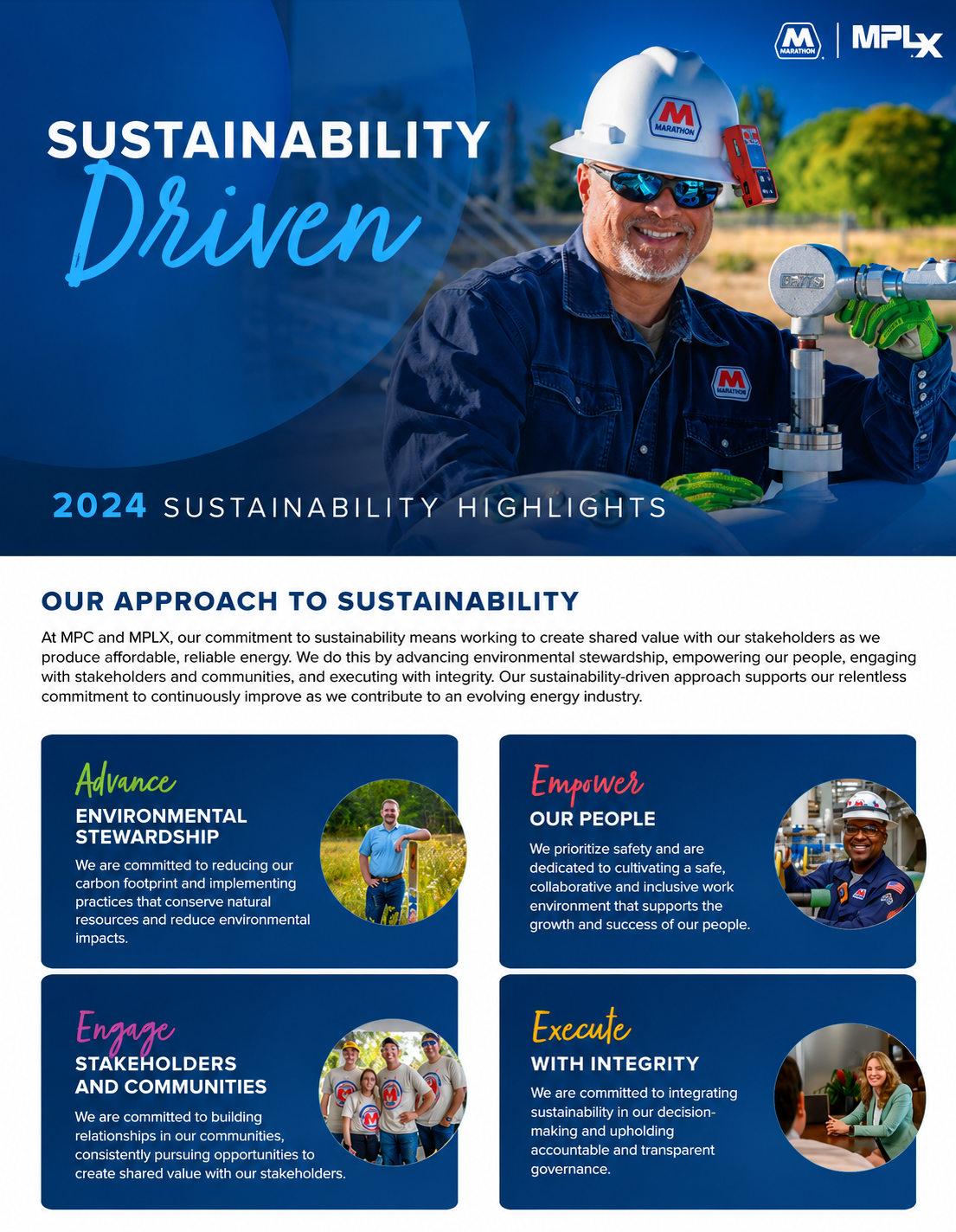



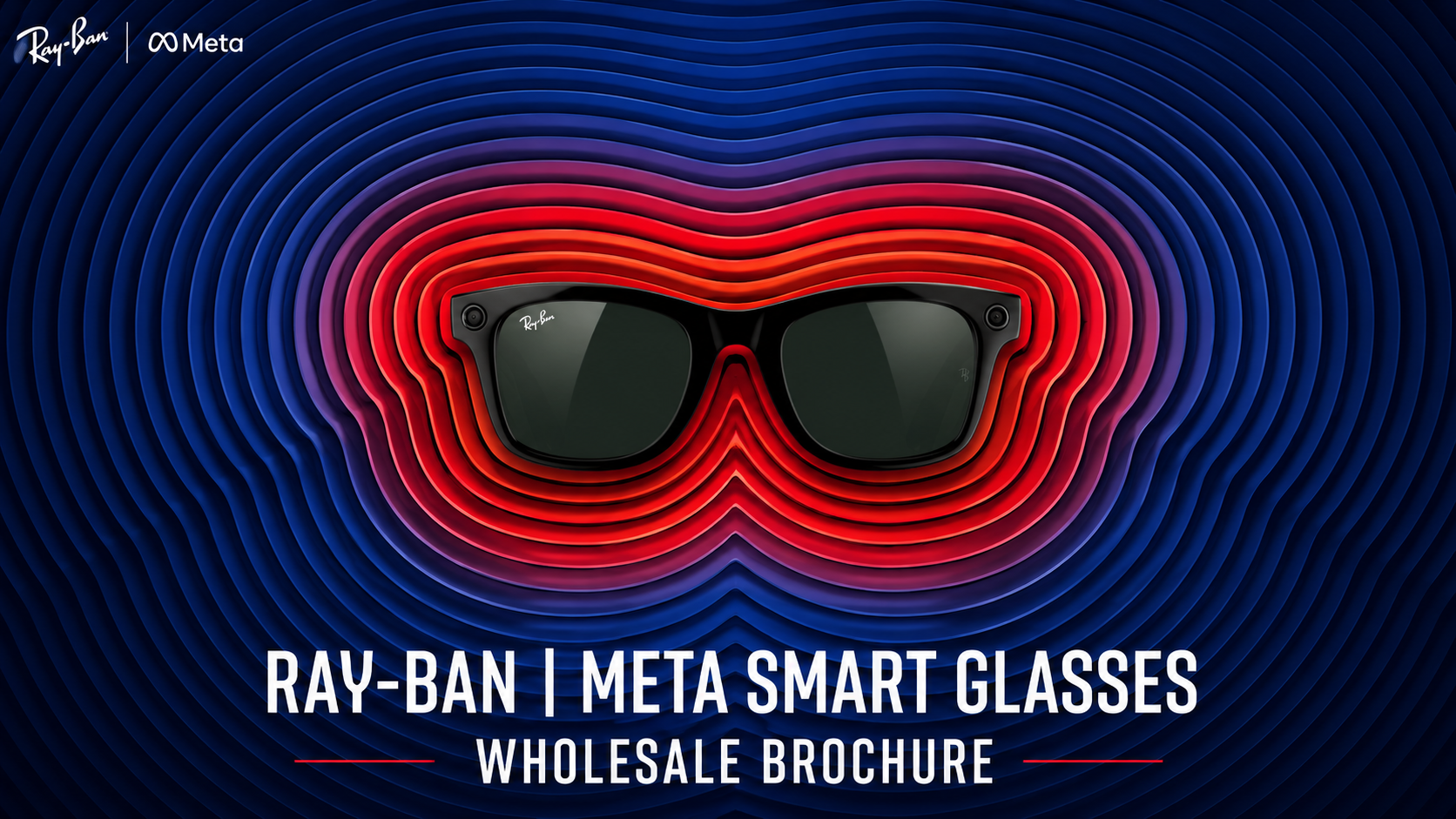


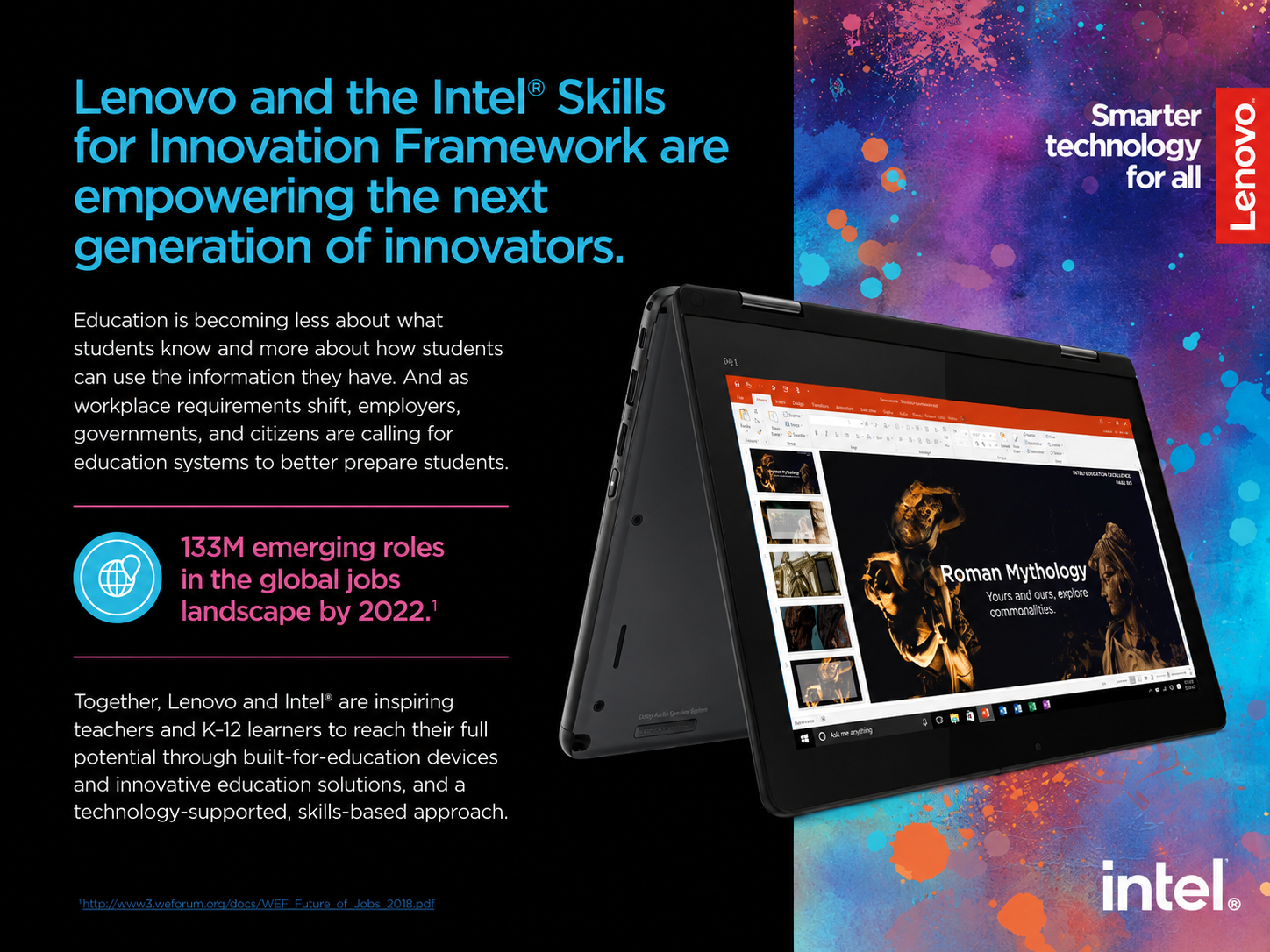



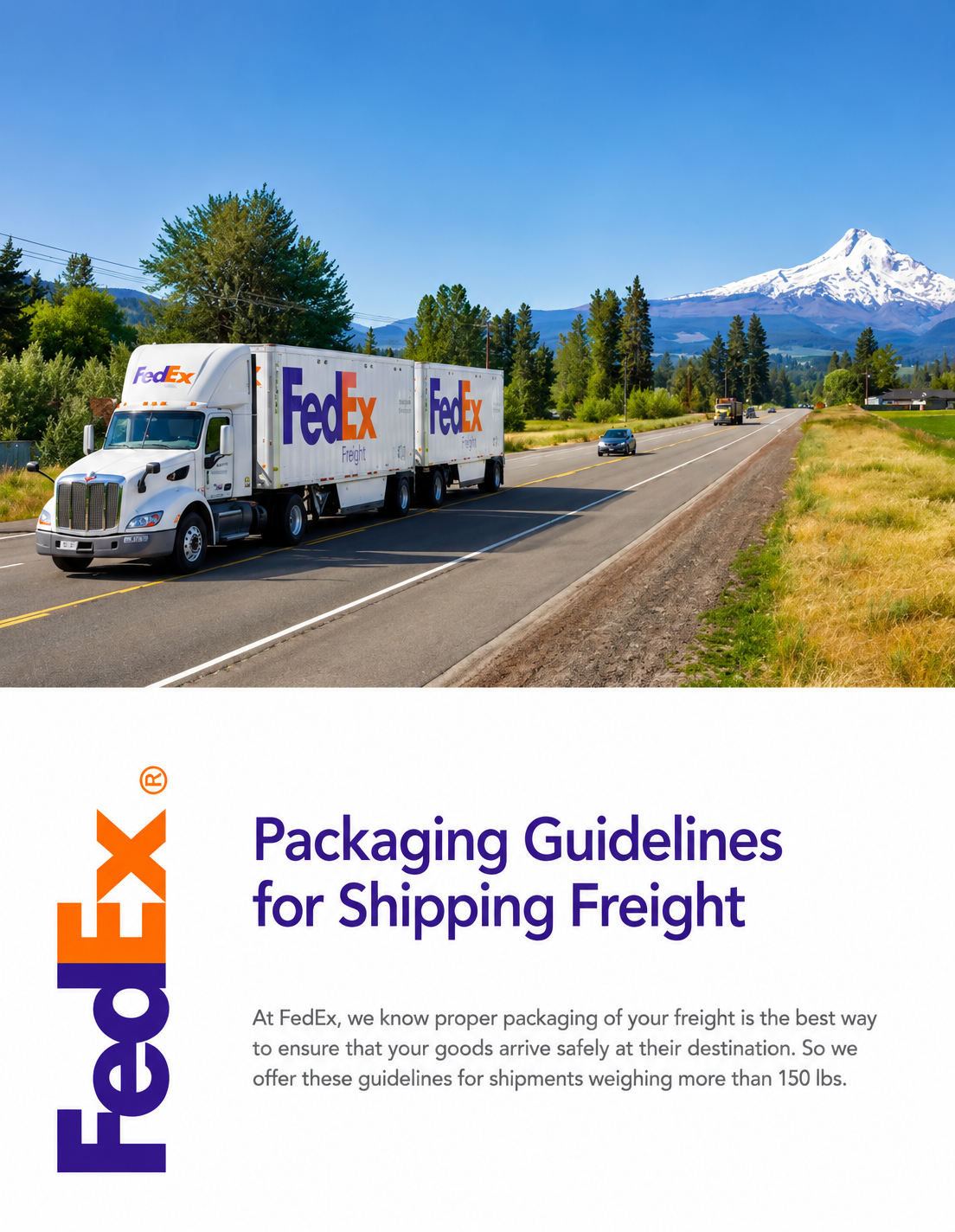
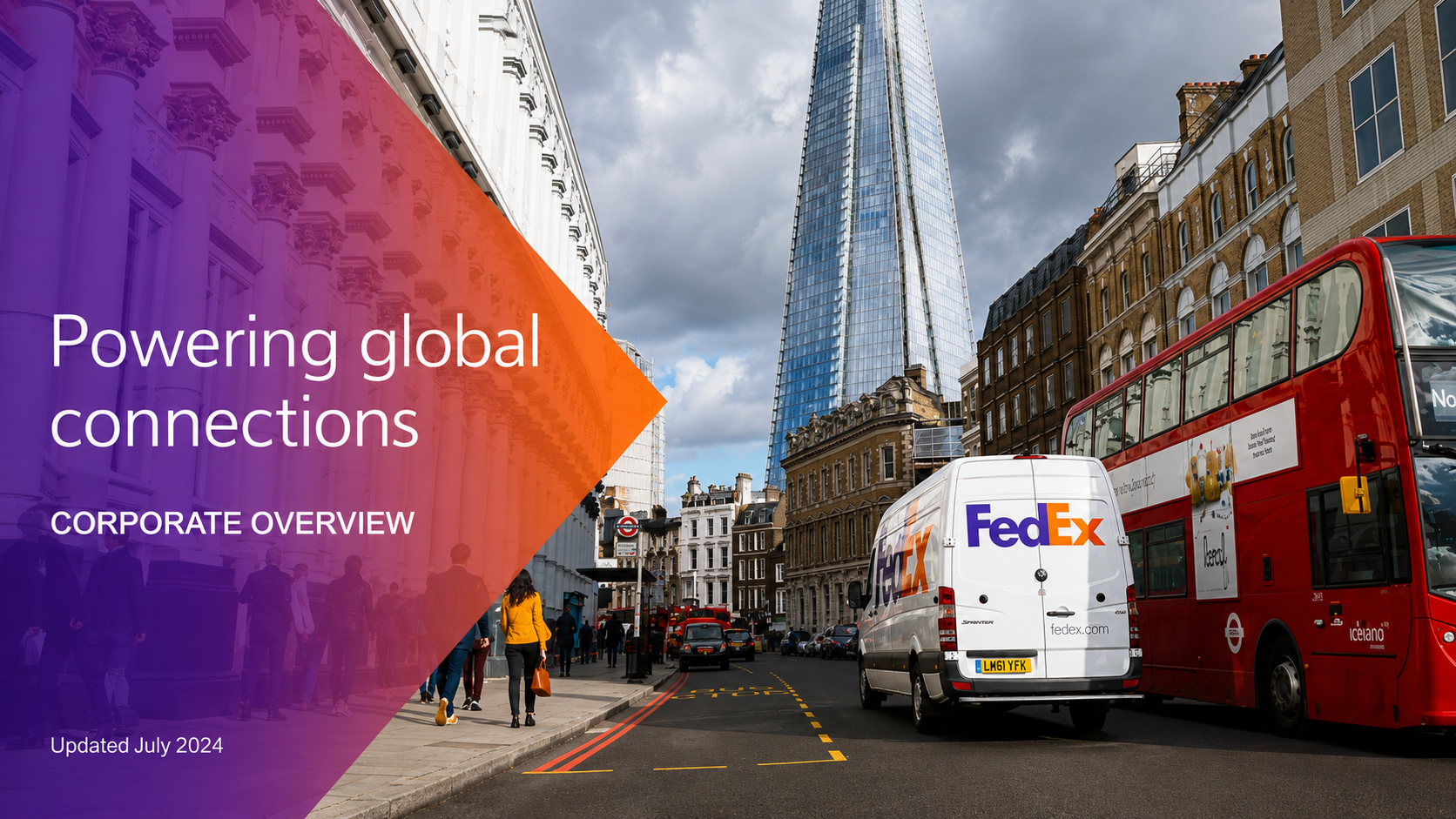
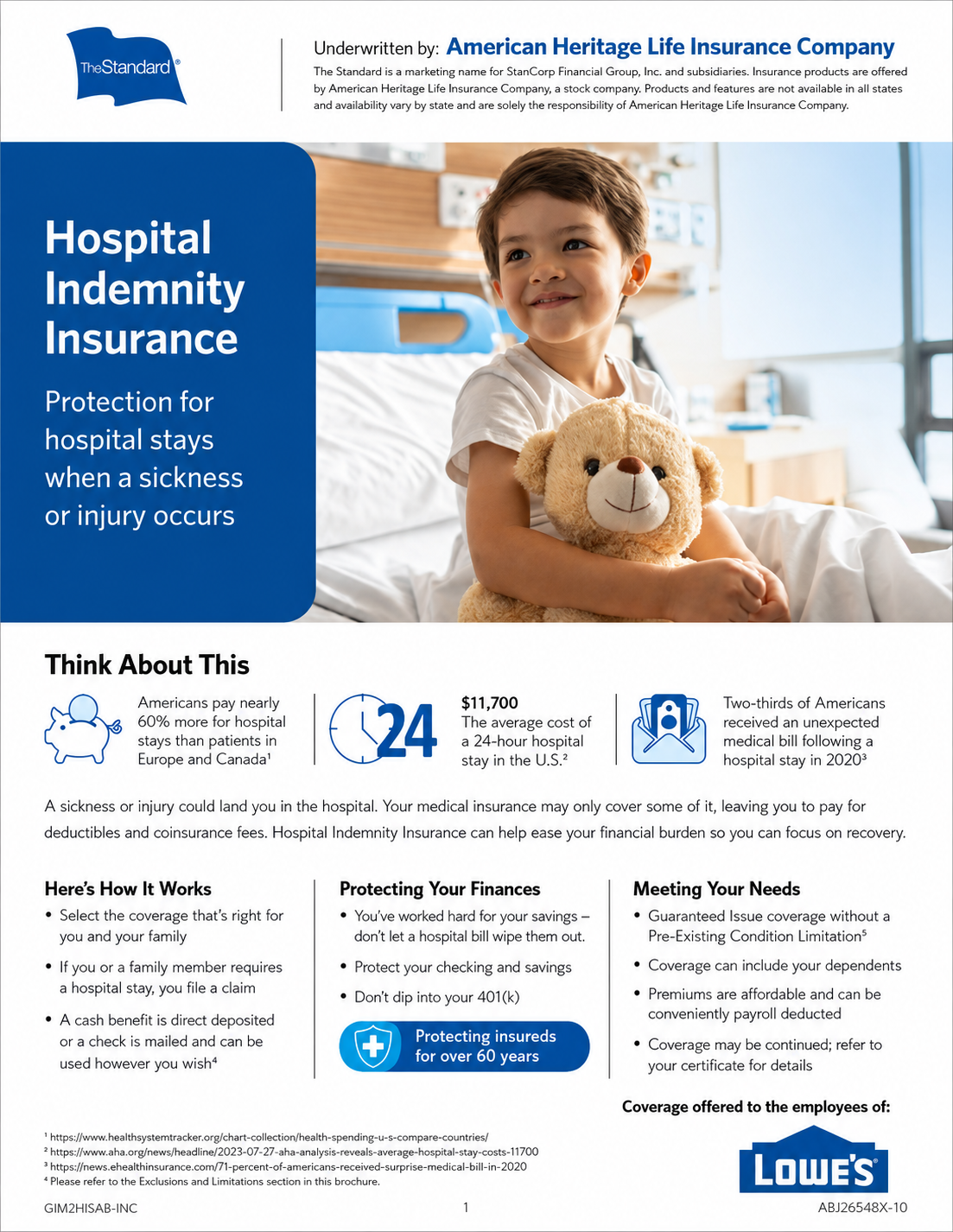
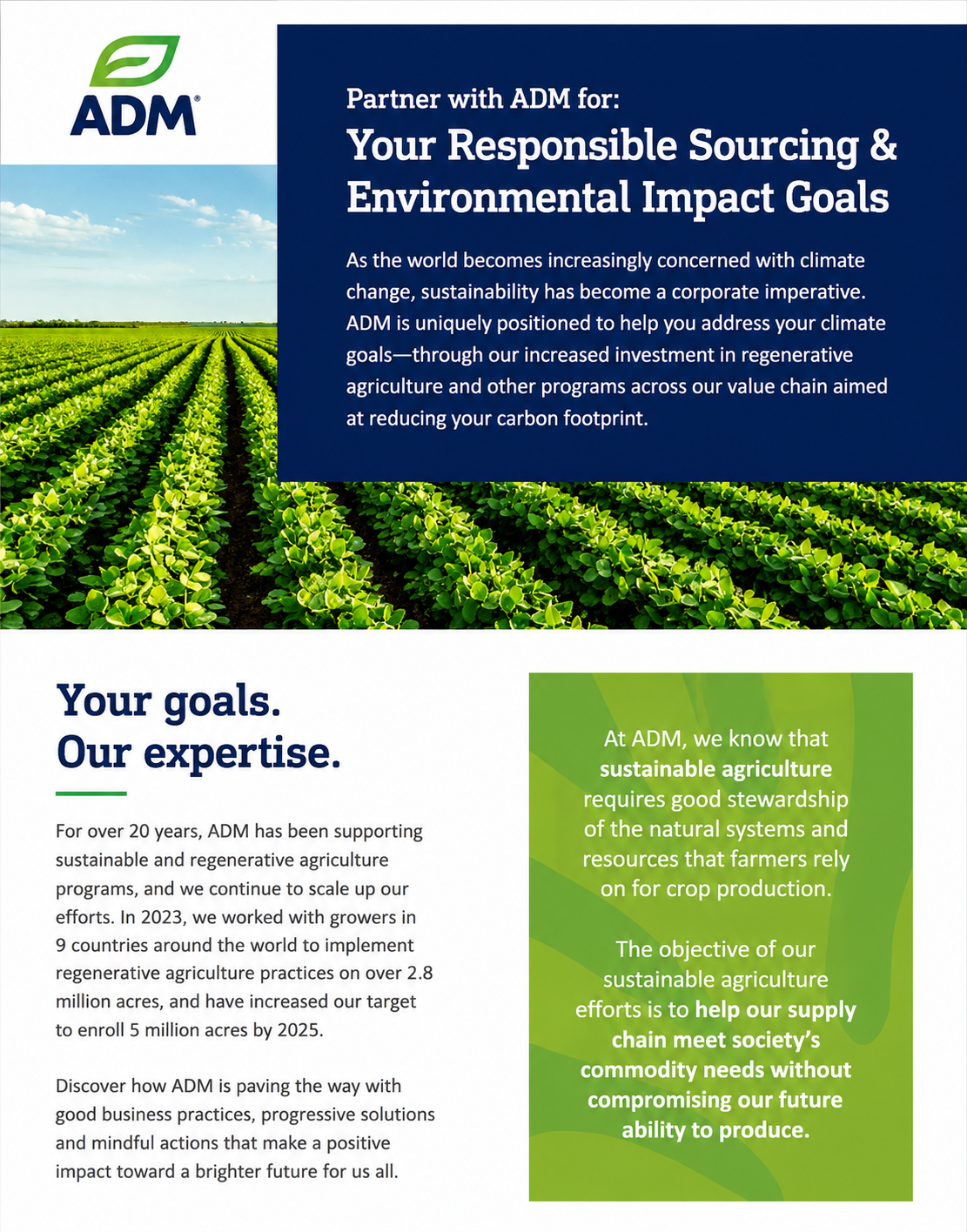
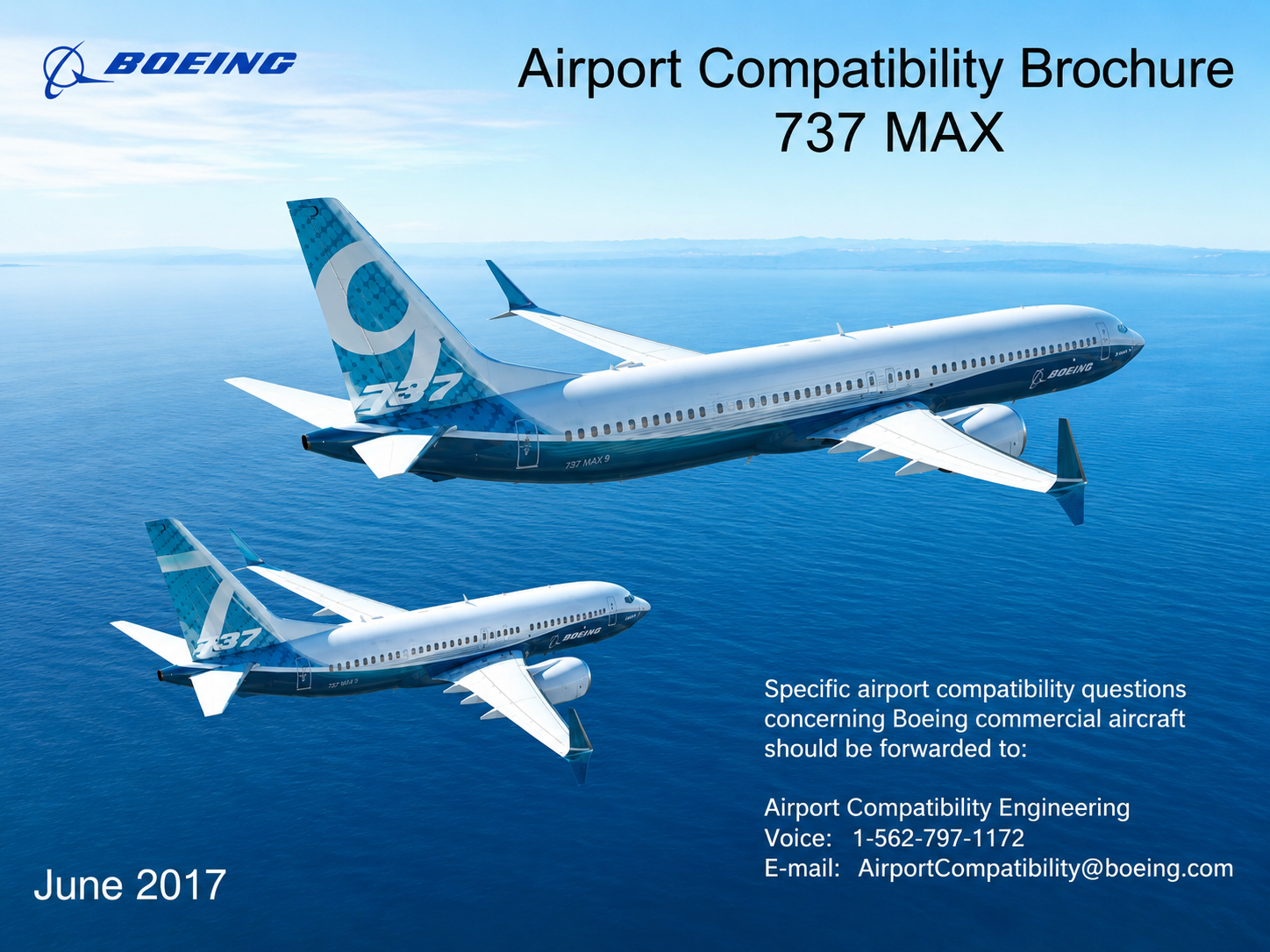

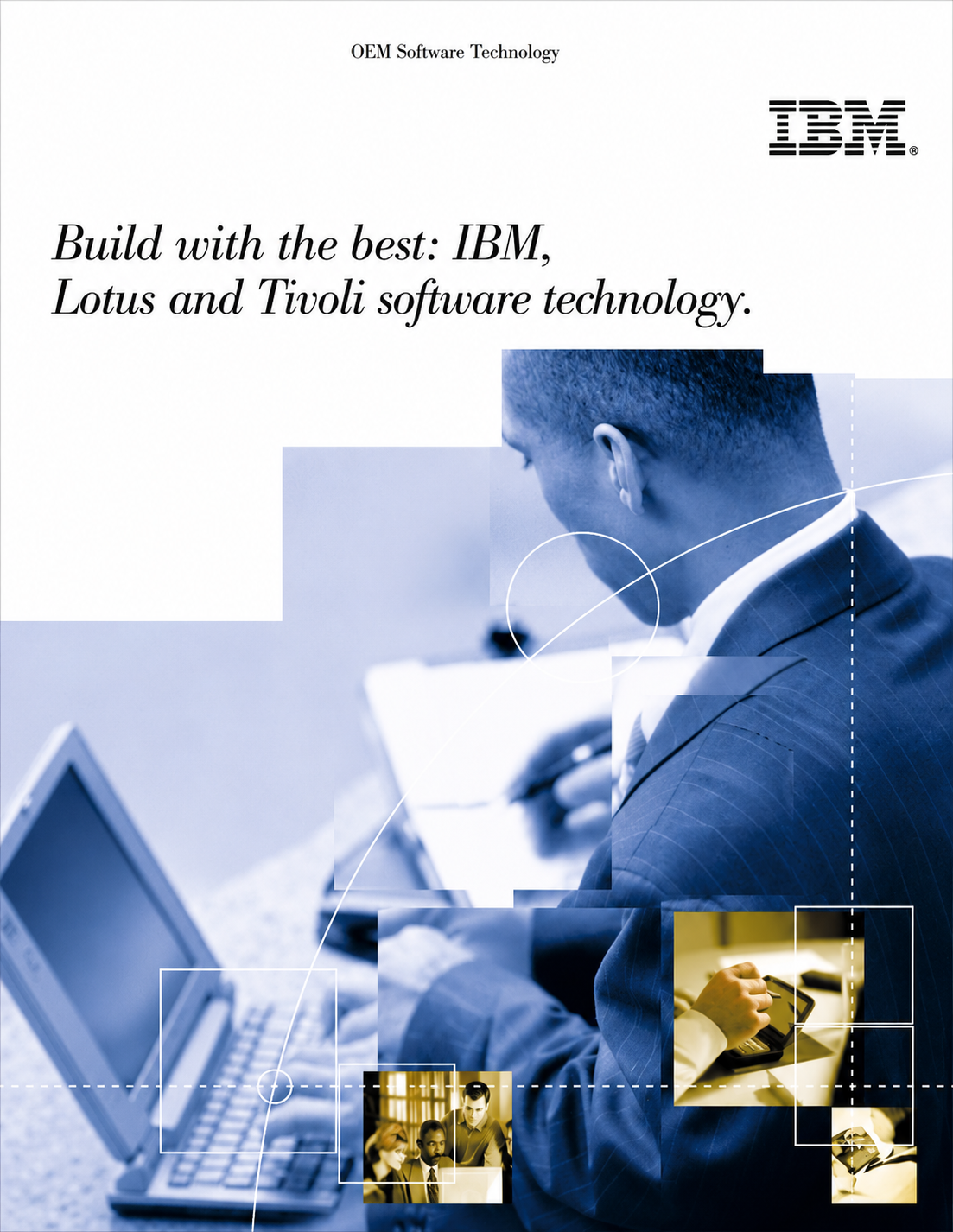
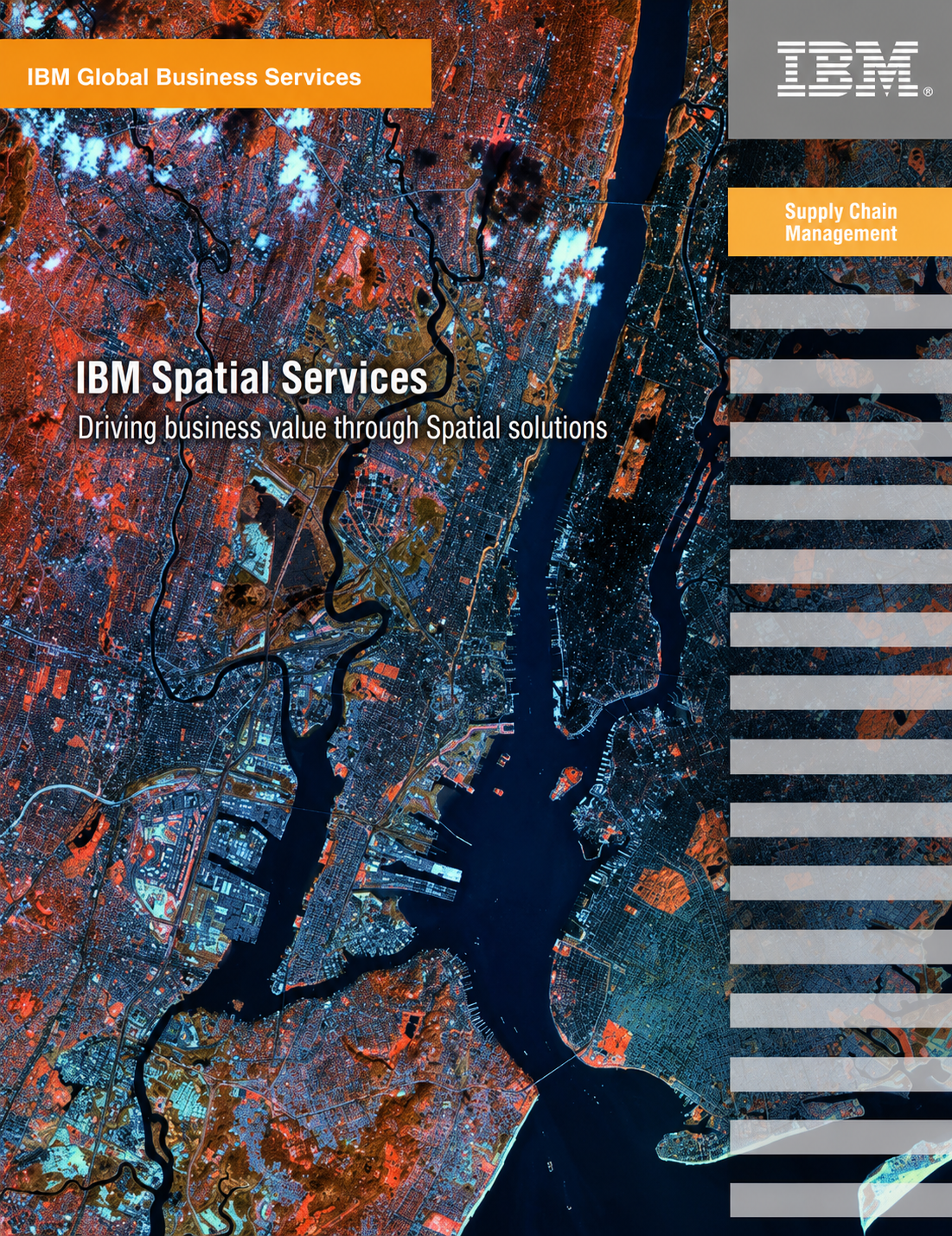
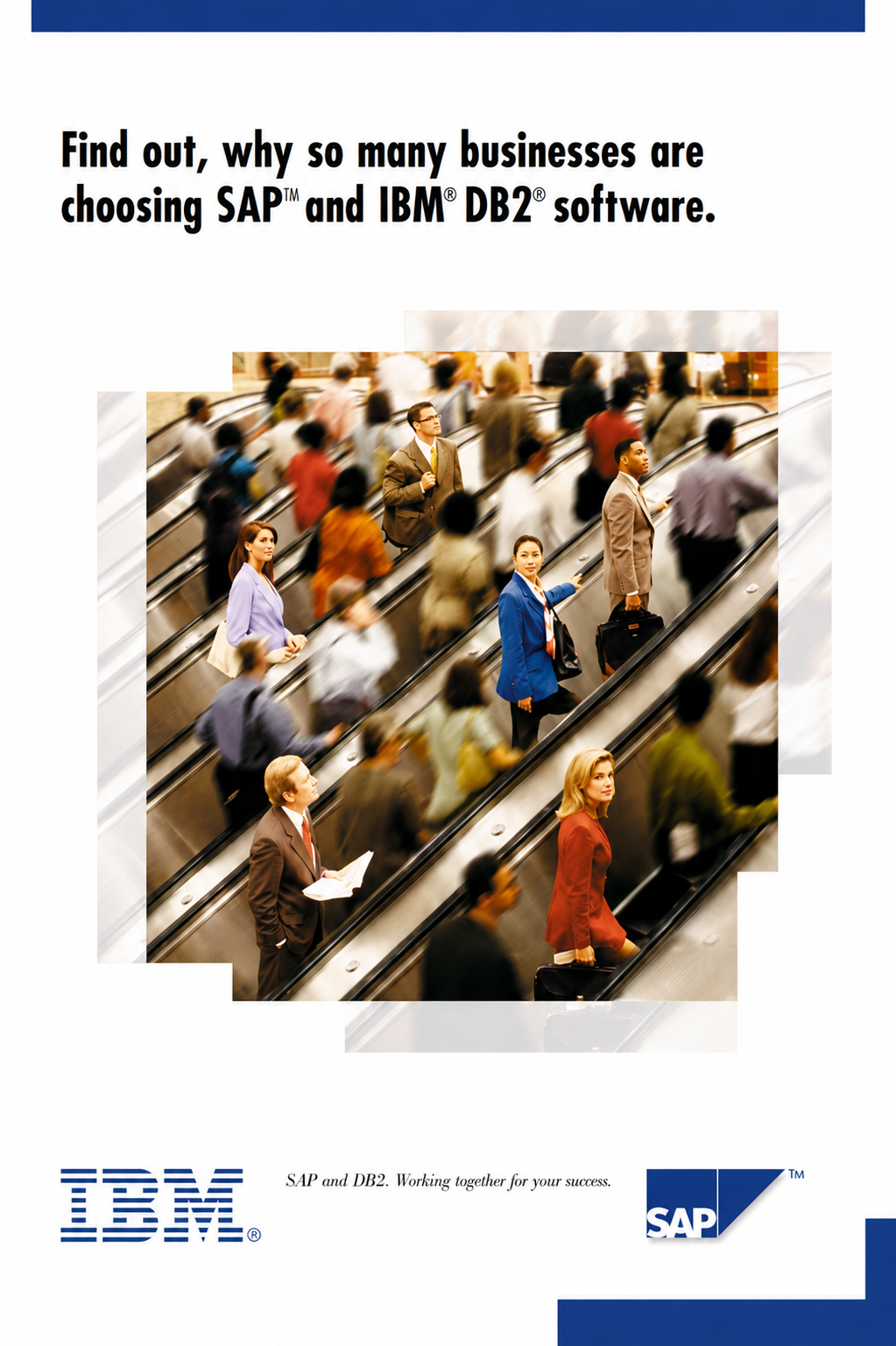
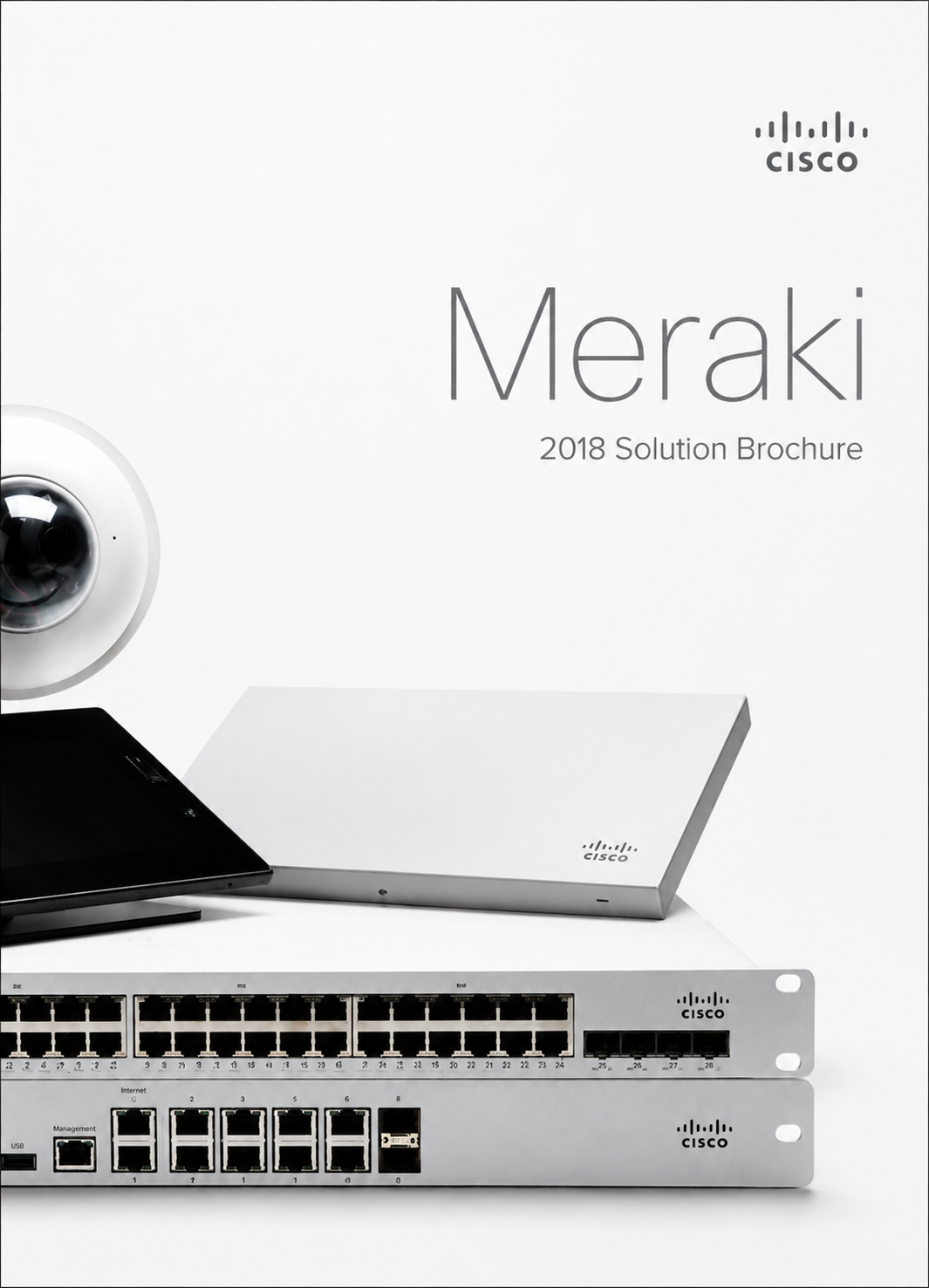





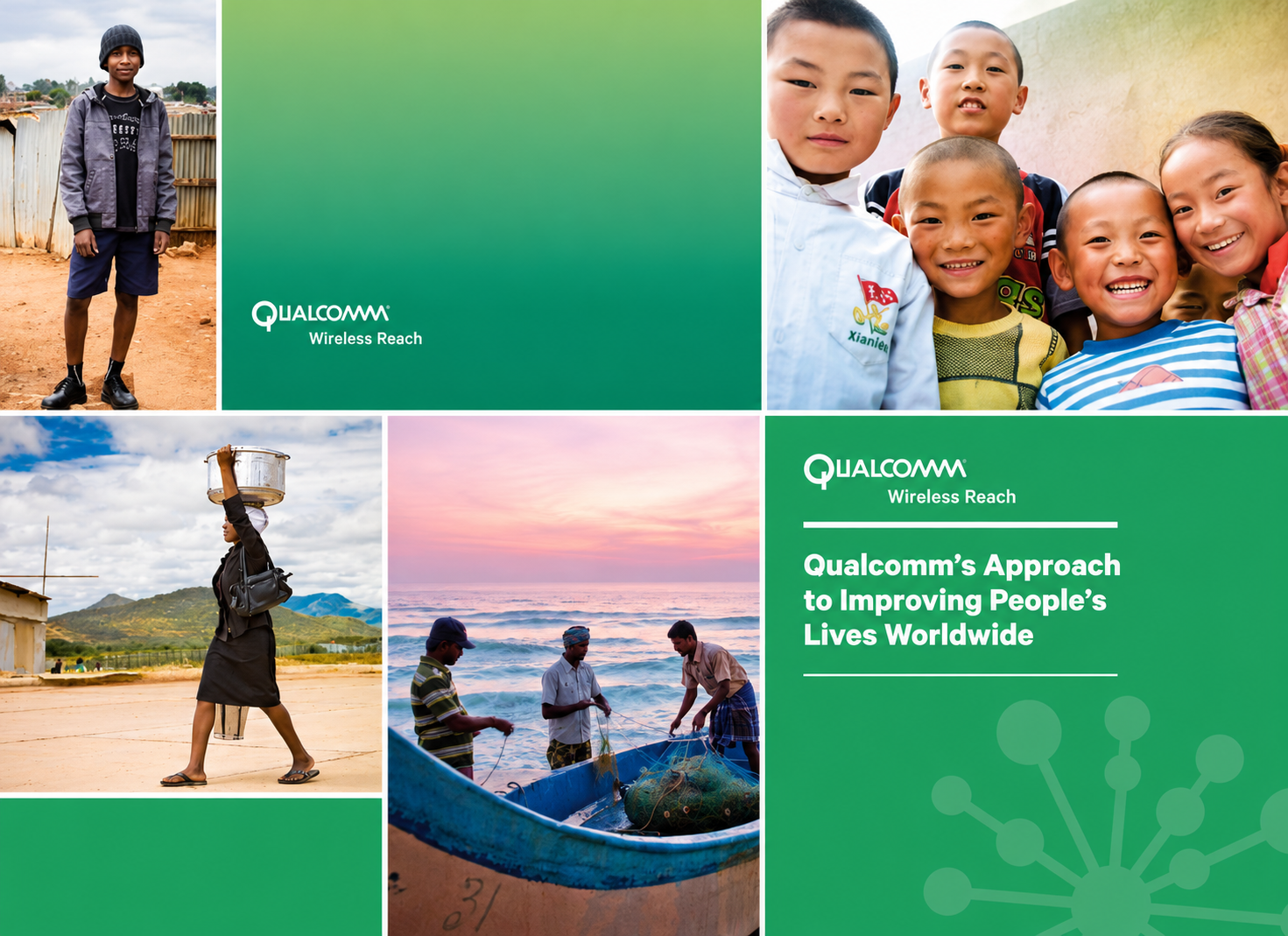
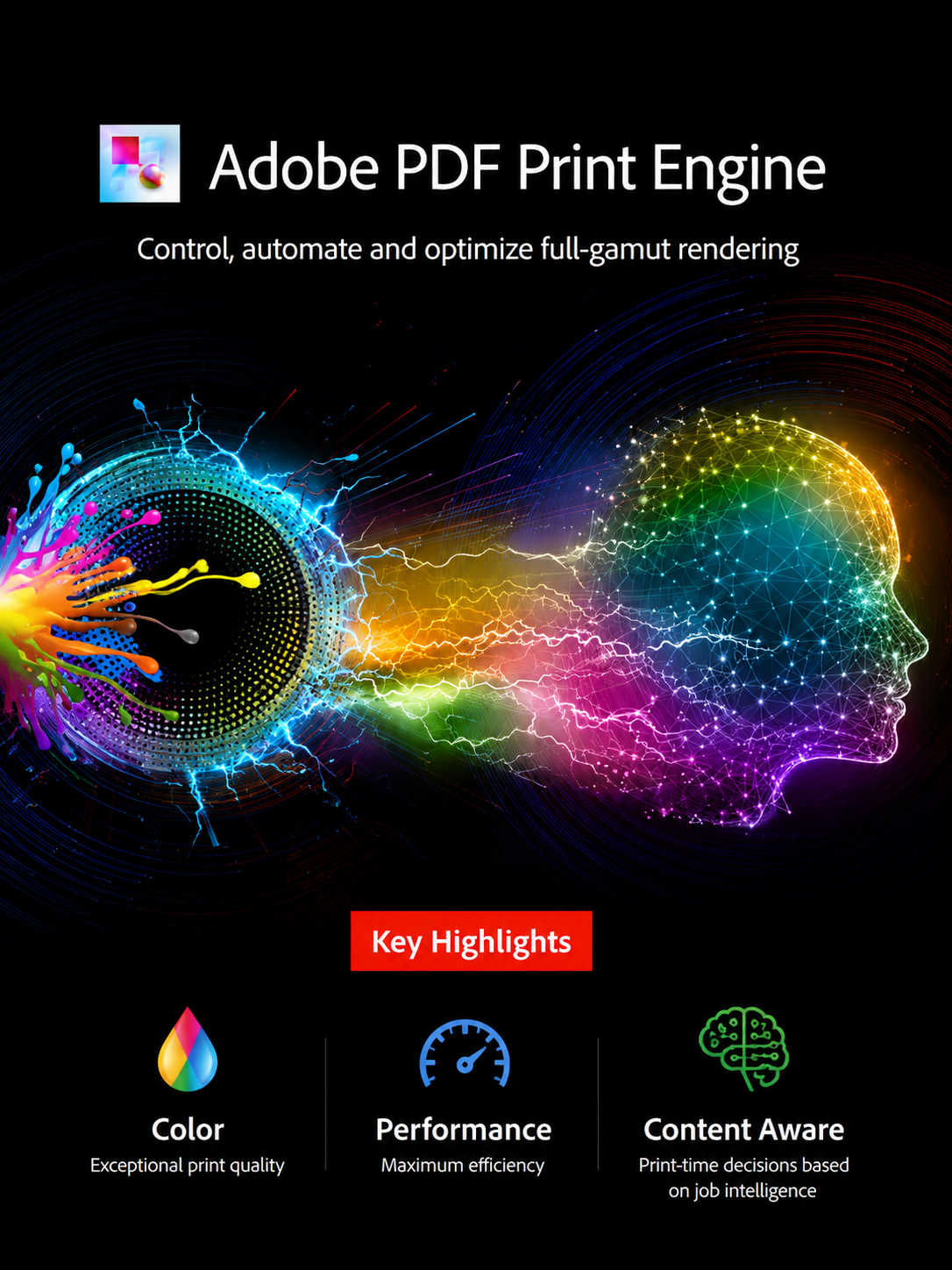



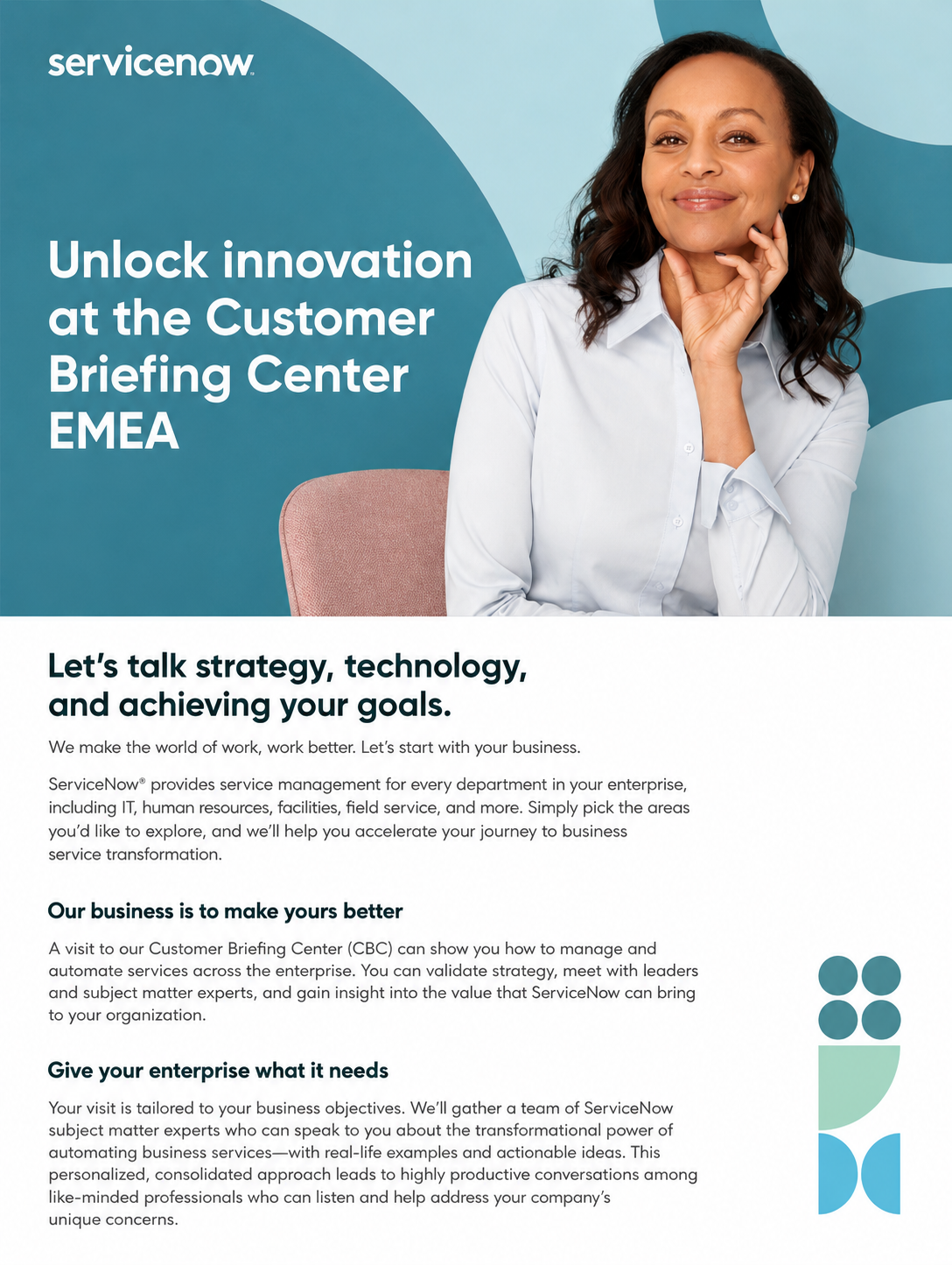

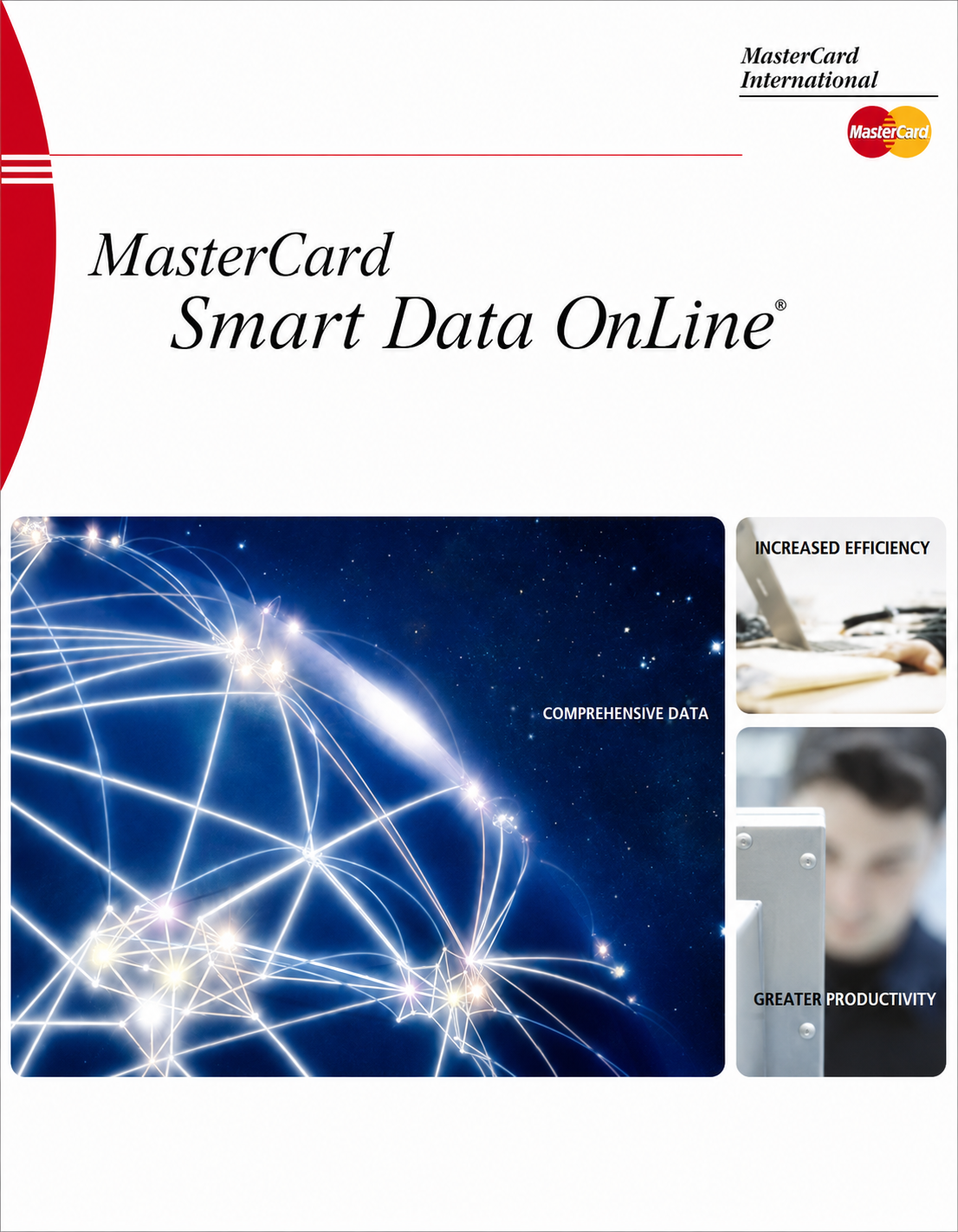
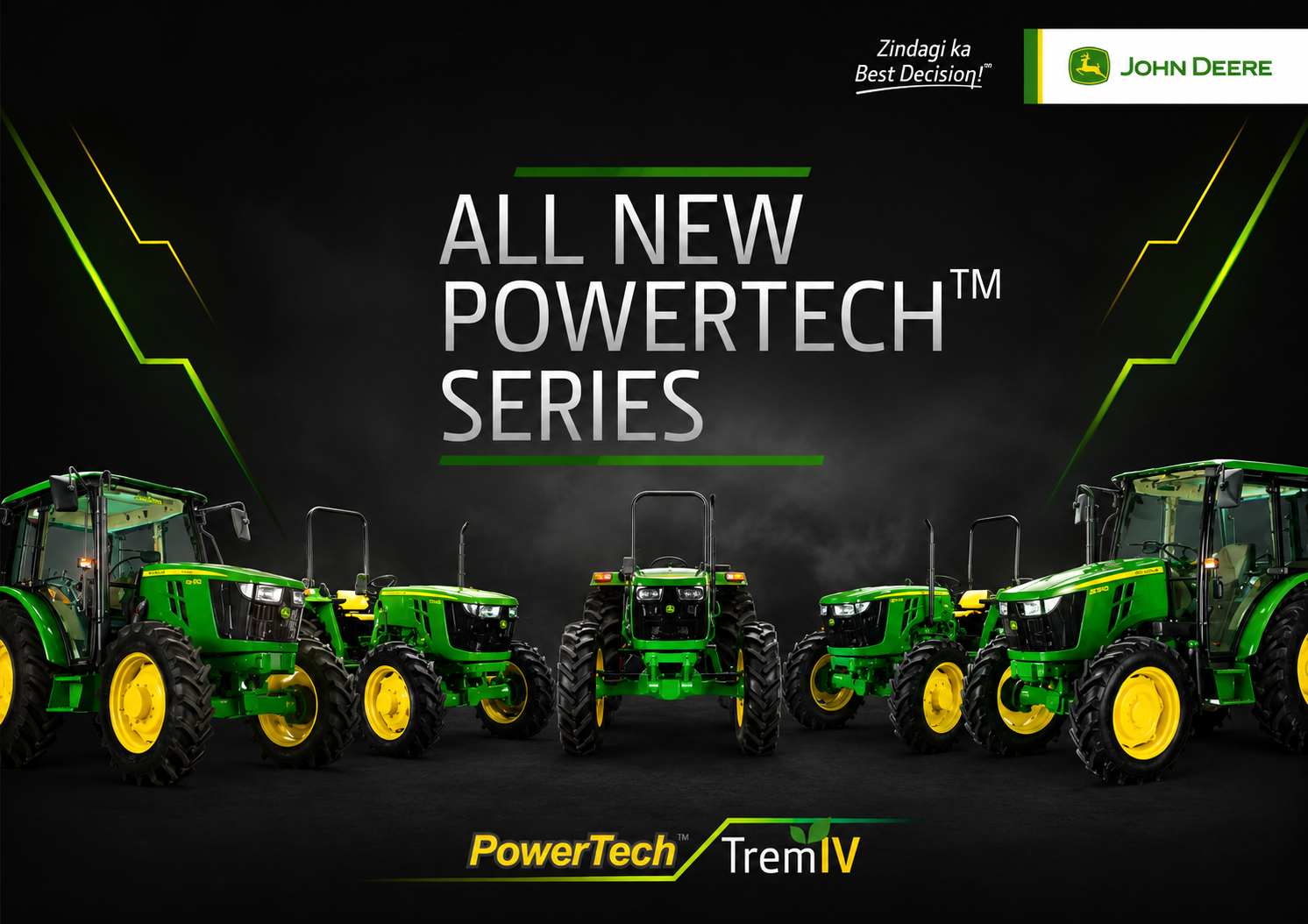
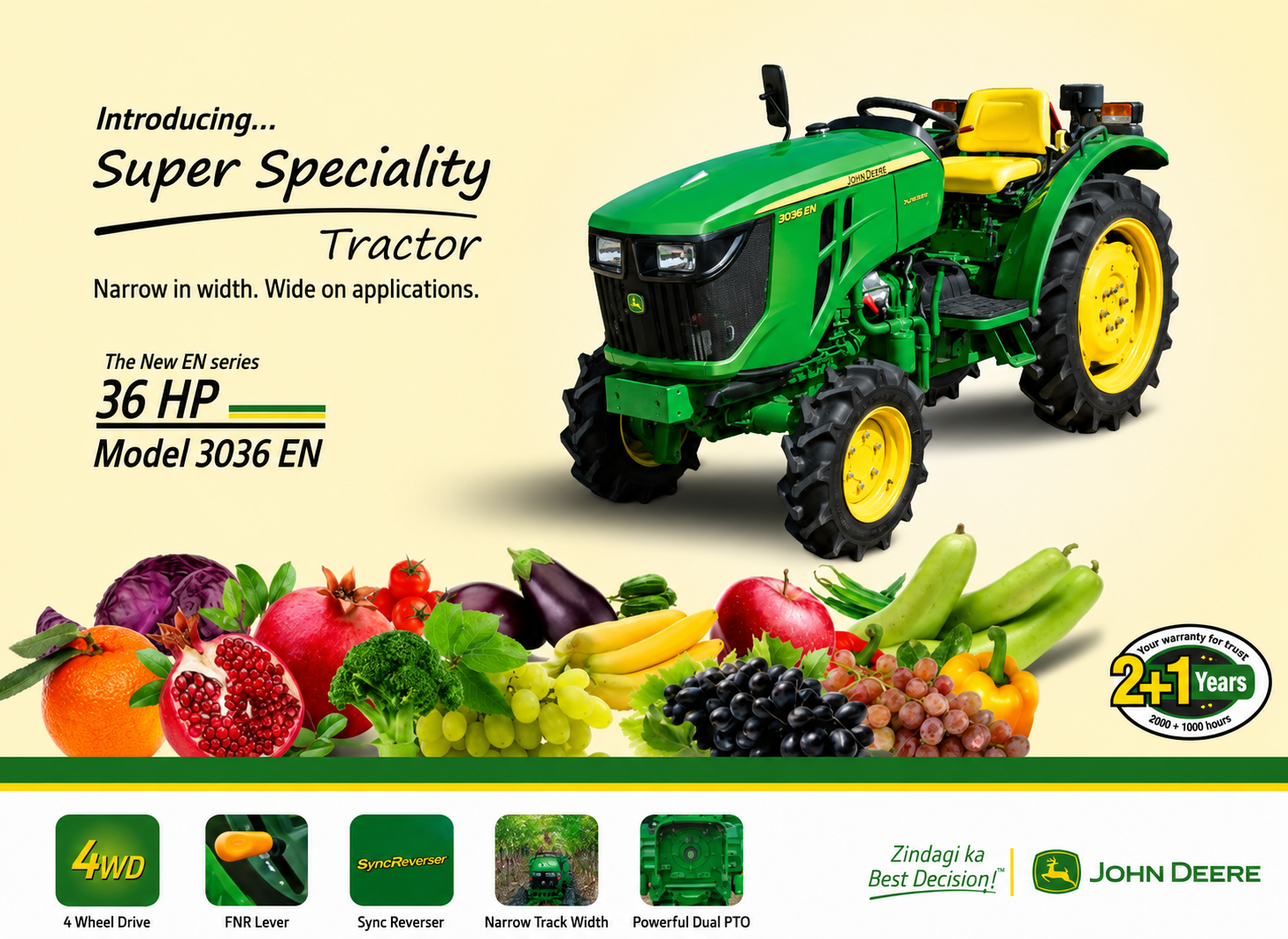

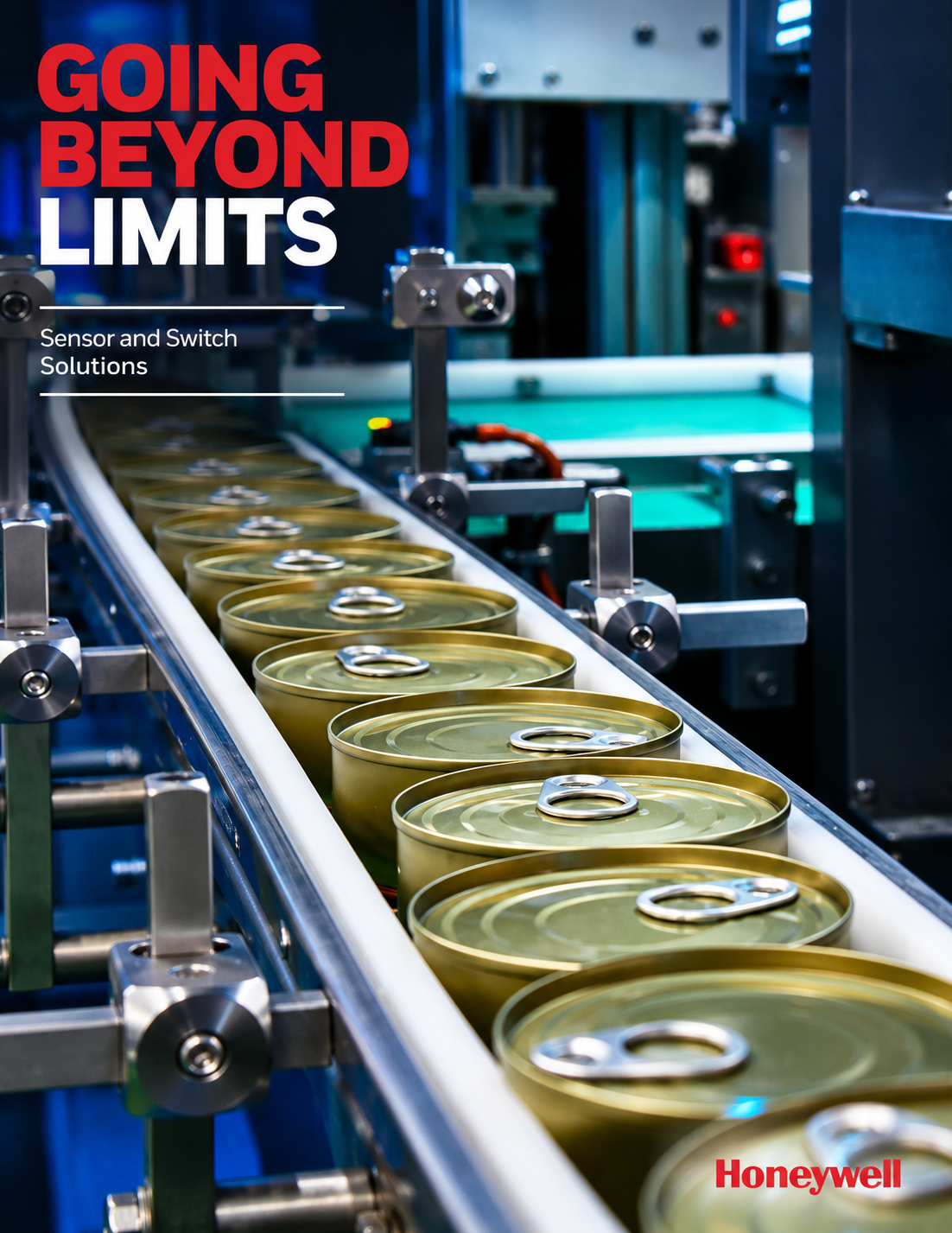
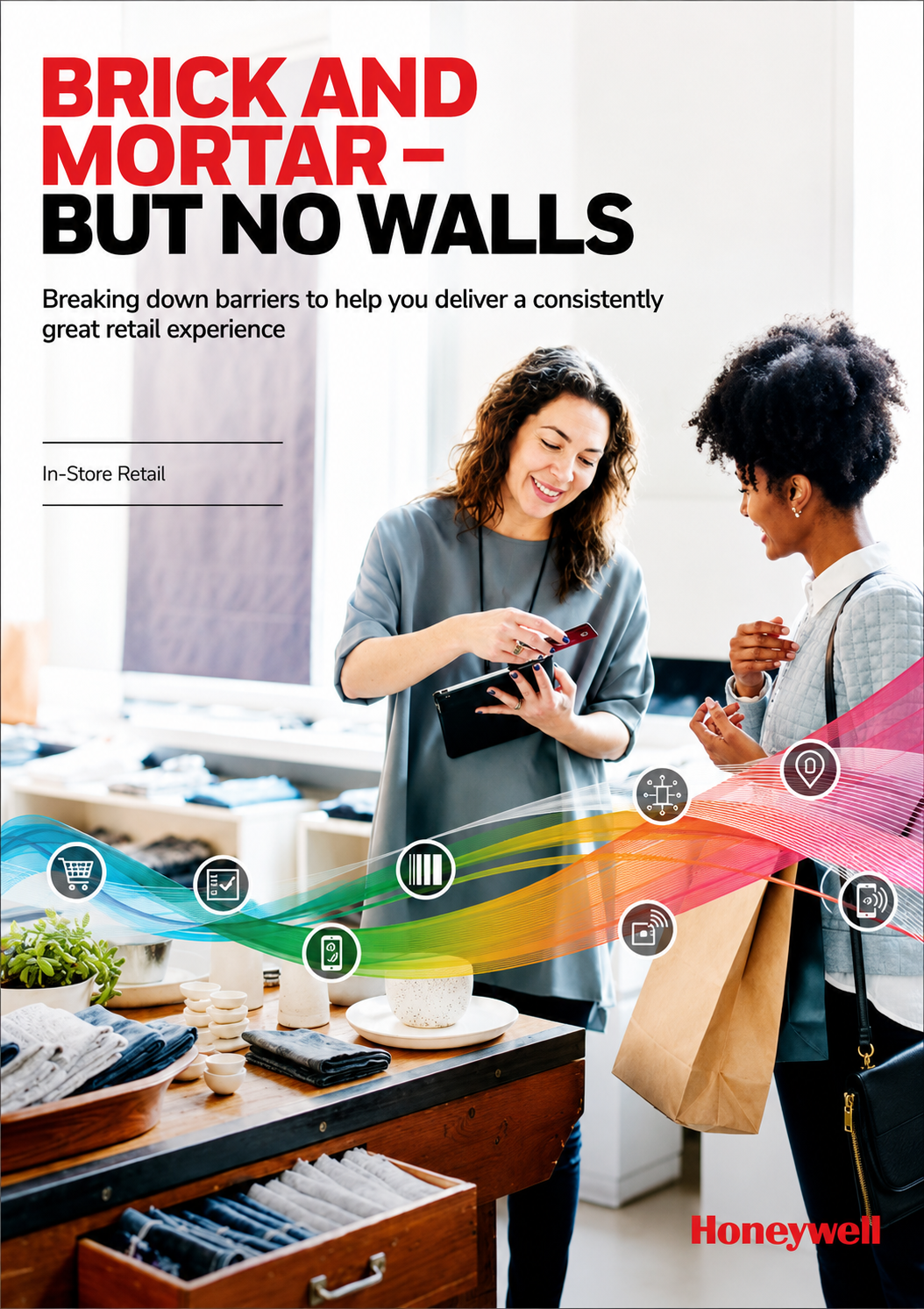
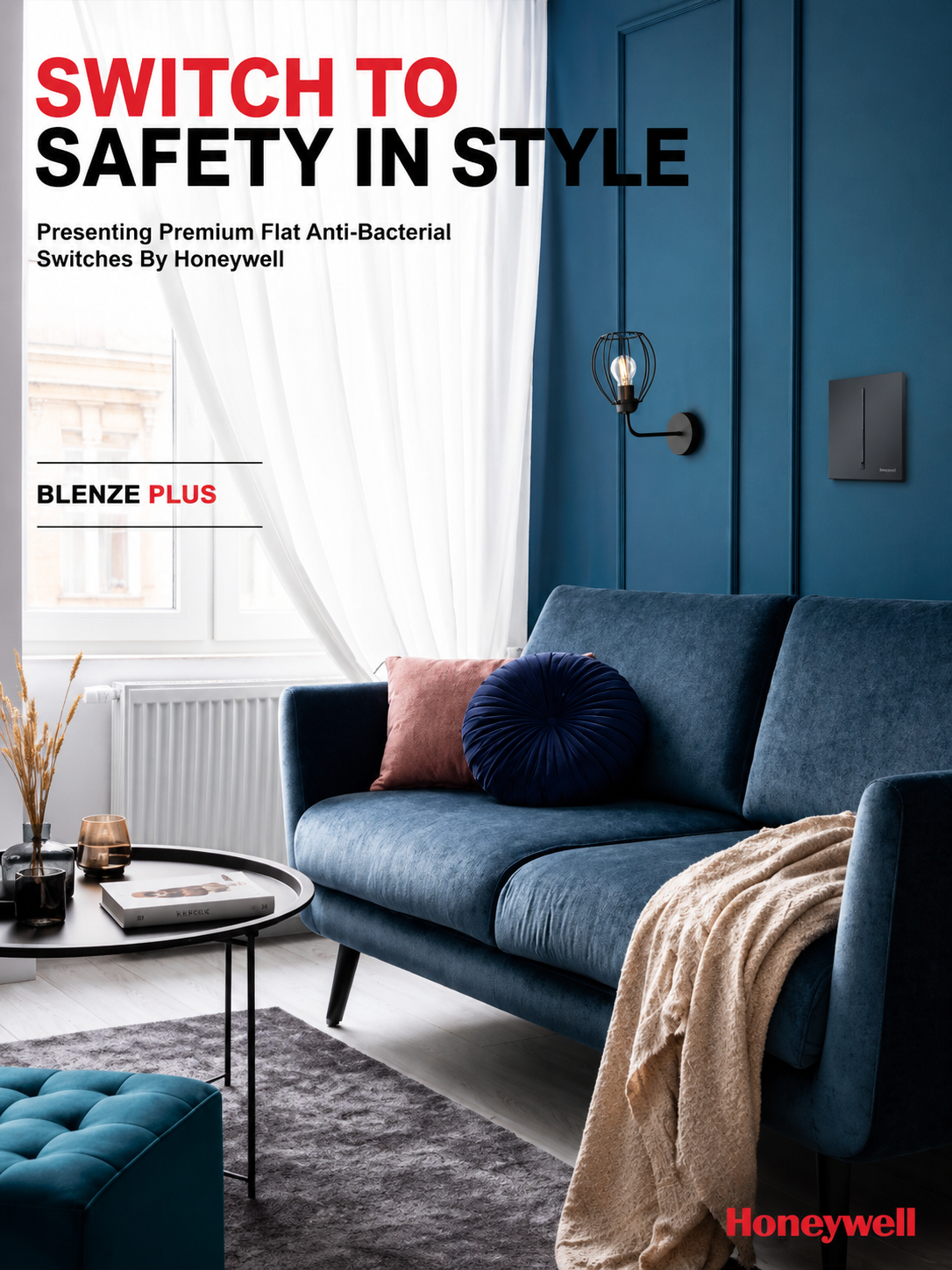
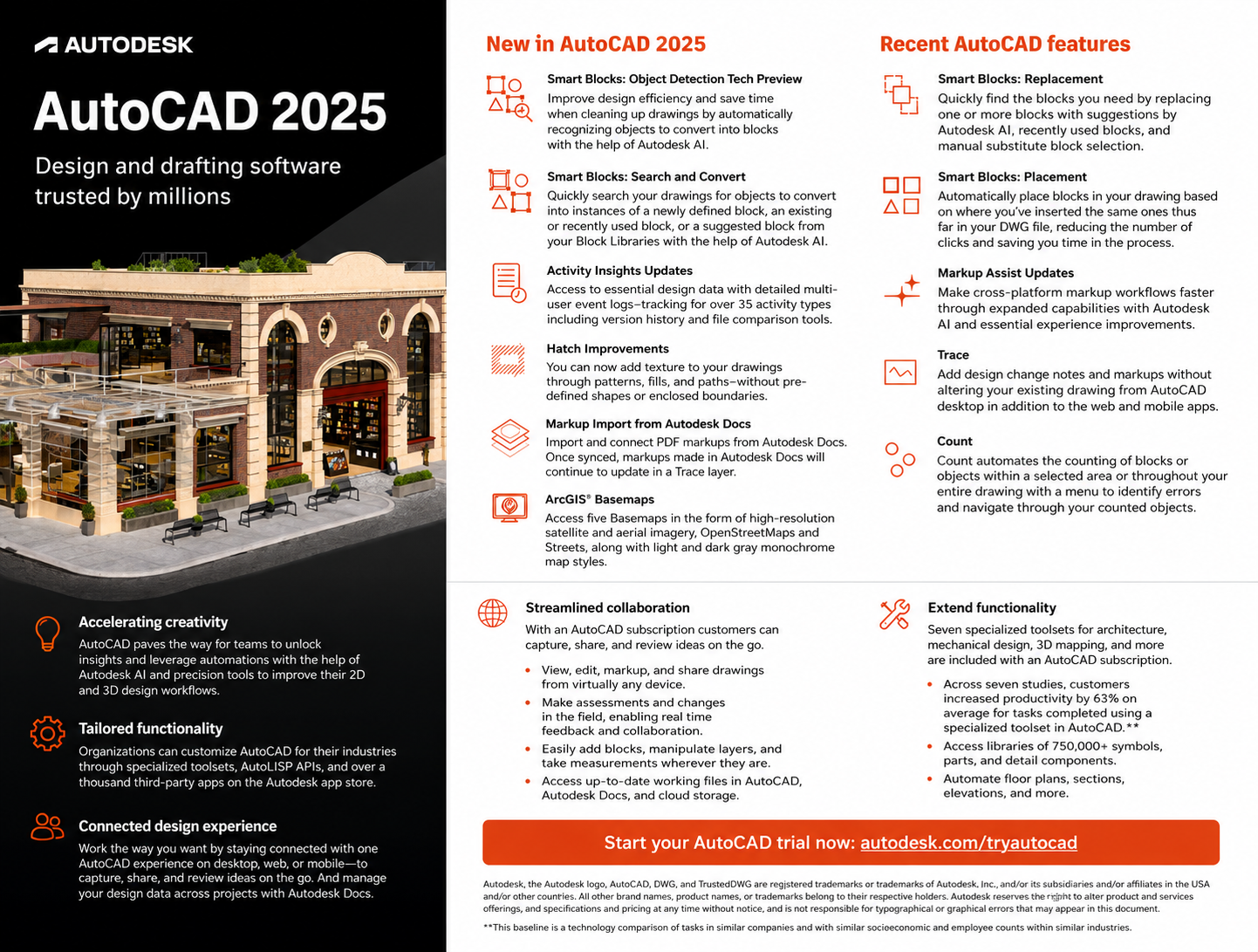


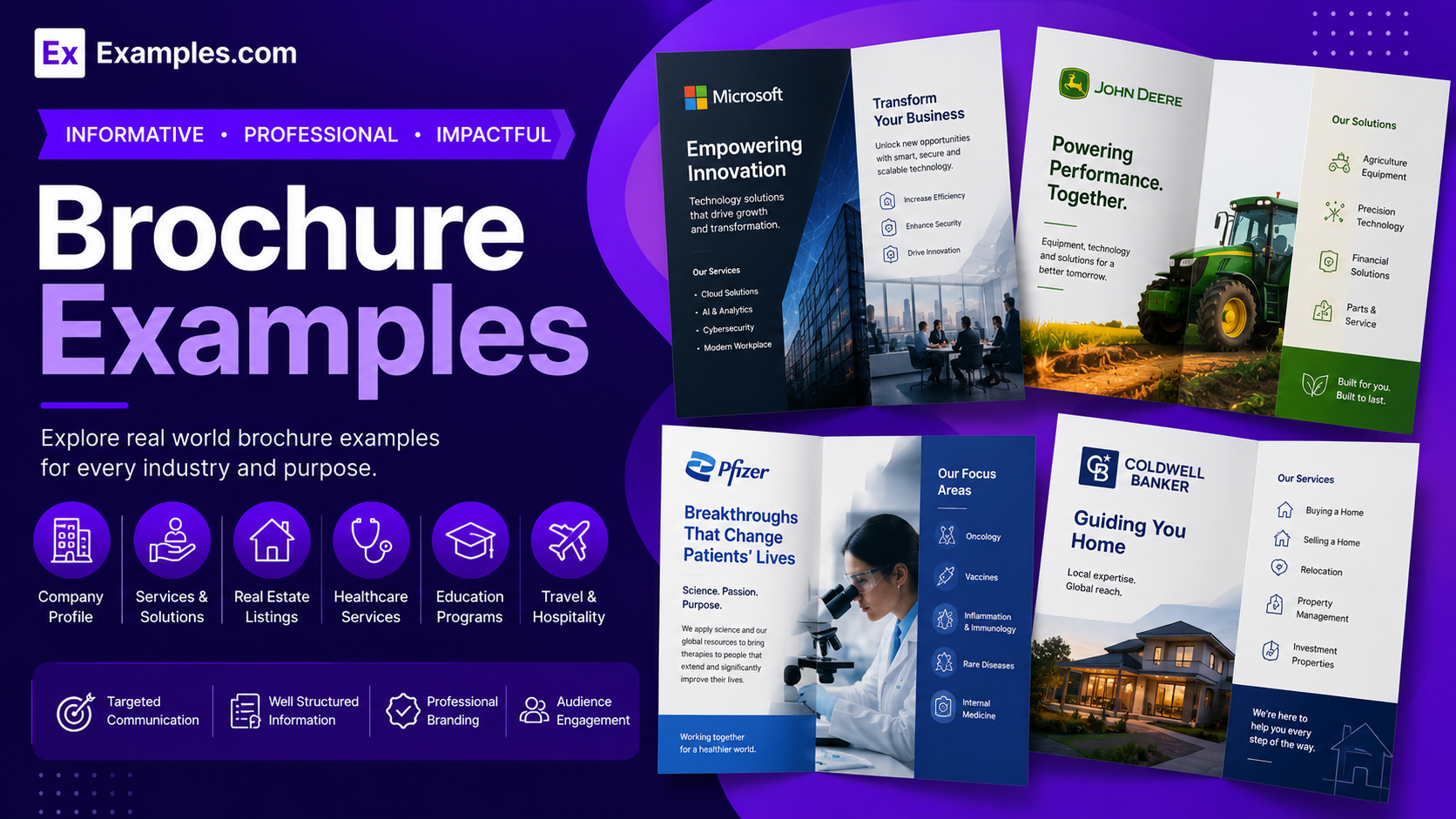
Create professional brochures using AI-powered design generation inspired by real-world brochure examples. Browse brochure designs from businesses, travel agencies, healthcare providers, educational institutions, real estate companies, restaurants, and corporate brands, choose a style that fits your purpose, enter an AI prompt, generate a completely new brochure, customize every panel in the online editor, and download the final PDF. Examples.com helps users transform ideas into visually engaging brochures for products, services, events, and businesses through an AI-powered creative workflow.
What Is A Brochure?
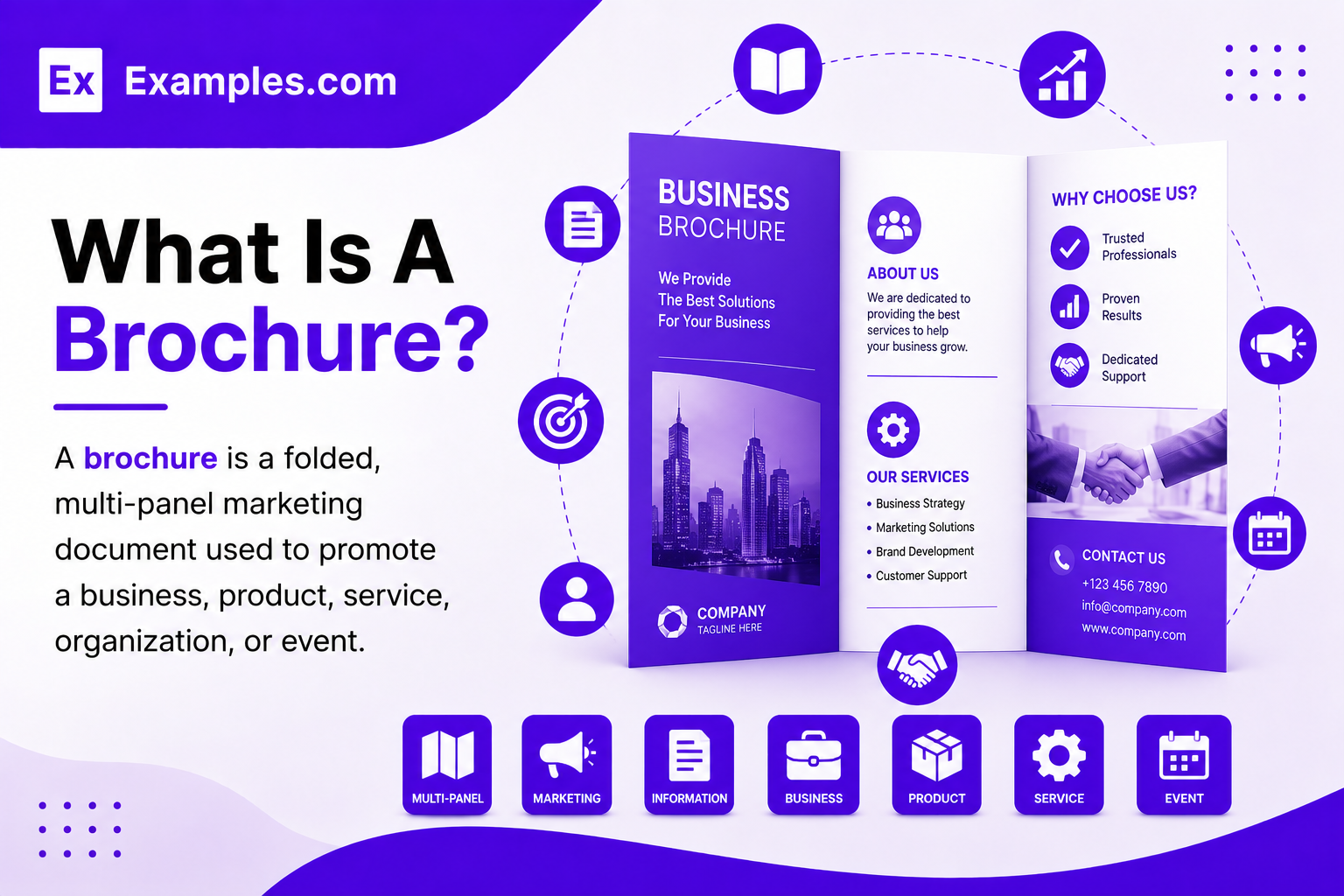
A brochure is a folded, multi-panel marketing document used to promote a business, product, service, organization, or event. It combines text, images, graphics, and contact information to communicate key messages clearly. AI-powered brochure tools help users create professional brochures using prompts, visually organized layouts, and online customization features.
Popular Types Of Brochures
Brochures are available in different folding styles to organize information based on marketing goals, audience, and content length. Each format offers a unique reading experience and presentation style.
Tri-Fold Brochures
Use six organized panels to present products, services, travel information, and promotional content clearly.
Bi-Fold Brochures
Provide four spacious panels for detailed company information, catalogs, and professional business presentations.
Z-Fold Brochures
Display information across zigzag-folding panels that create a smooth and engaging reading experience.
Gate Fold Brochures
Feature dramatic opening panels that reveal central content for premium product or event promotions.
Roll Fold Brochures
Present information through sequential folded panels ideal for step-by-step storytelling and service explanations.
Digital Brochures
Share interactive brochure designs online through websites, email campaigns, and digital marketing platforms.
Why Should I Use Real Brochure Examples To Create My Own Brochure?
Real brochure examples help users understand panel organization, typography, image placement, color balance, and content flow before creating their own design. Instead of starting with a blank layout, users can explore professionally designed brochures that communicate information clearly and effectively.
Using real-world brochure examples also makes the creative process faster and more efficient. Users simply choose a preferred brochure style, enter an AI prompt, generate a completely new brochure, and personalize every section. This workflow improves visual consistency, readability, and presentation quality while making brochure creation accessible for beginners and professionals.
How Do I Generate A Brochure With AI?
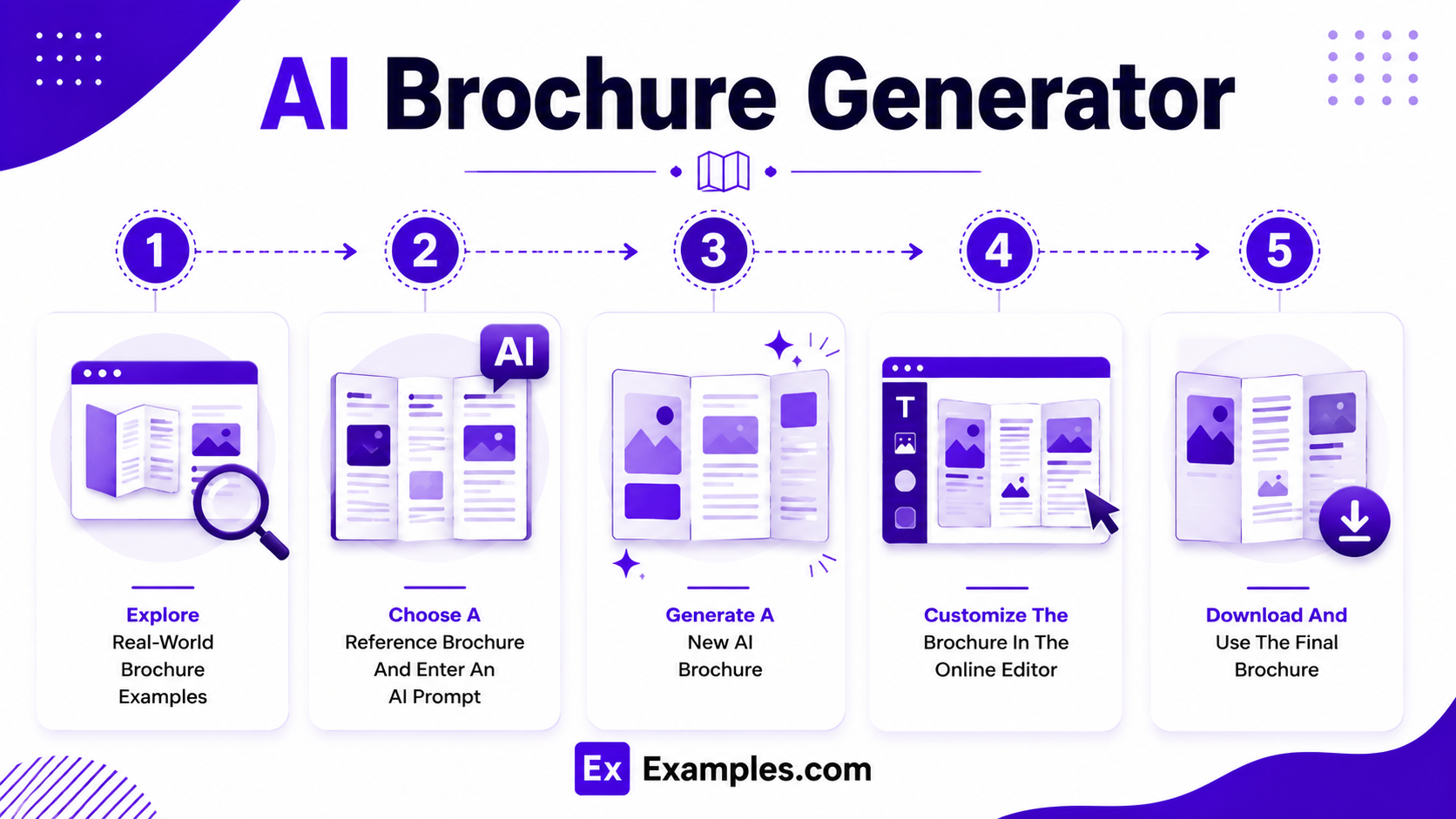
Creating a professional brochure becomes simple by combining real-world design inspiration with AI-powered generation and online customization tools.
Explore Real-World Brochure Examples
Browse brochure examples from travel agencies, healthcare providers, educational institutions, real estate companies, restaurants, retail businesses, corporate organizations, and marketing campaigns. These professionally designed brochures help users discover layouts, folding styles, typography, imagery, and visual organization before creating a new brochure.
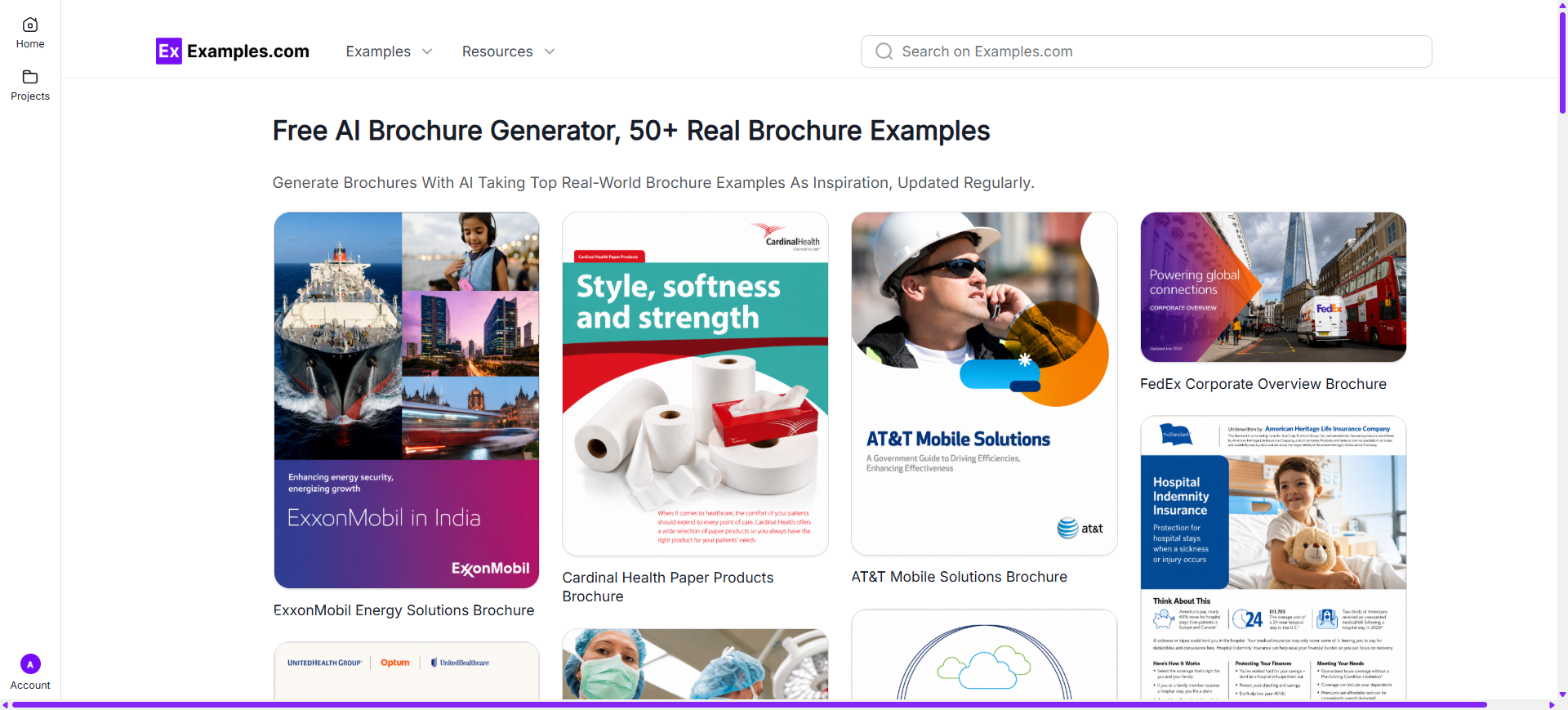
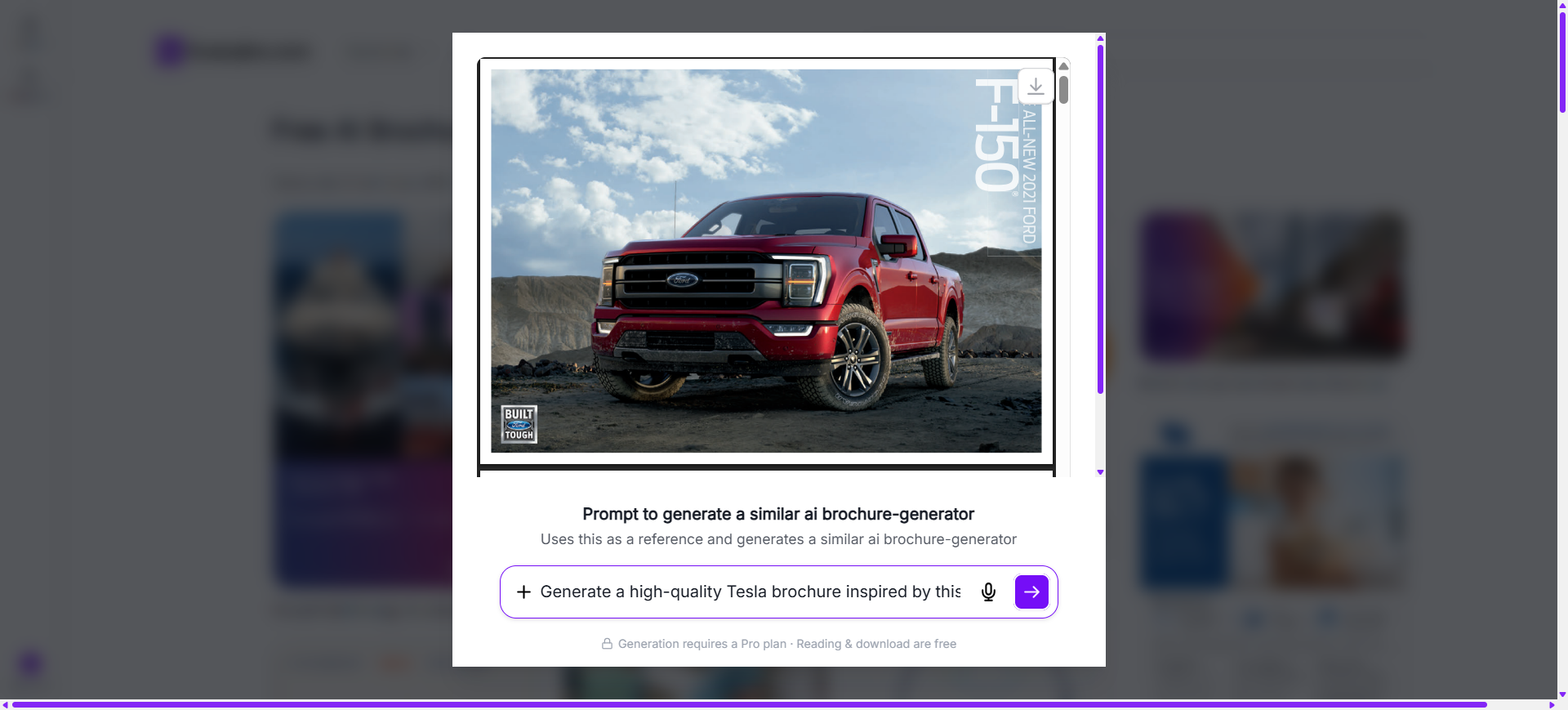
Choose A Reference Brochure And Enter An AI Prompt
Select a brochure example that matches your preferred style. Then enter an AI prompt describing your business, products, services, audience, branding, colors, imagery, and preferred layout to generate a personalized brochure.
Generate A New AI Brochure
The AI generates a completely new brochure inspired by the selected reference and your prompt. Users can create original cover panels, interior layouts, promotional sections, headlines, graphics, and branded marketing materials without modifying the original brochure example.
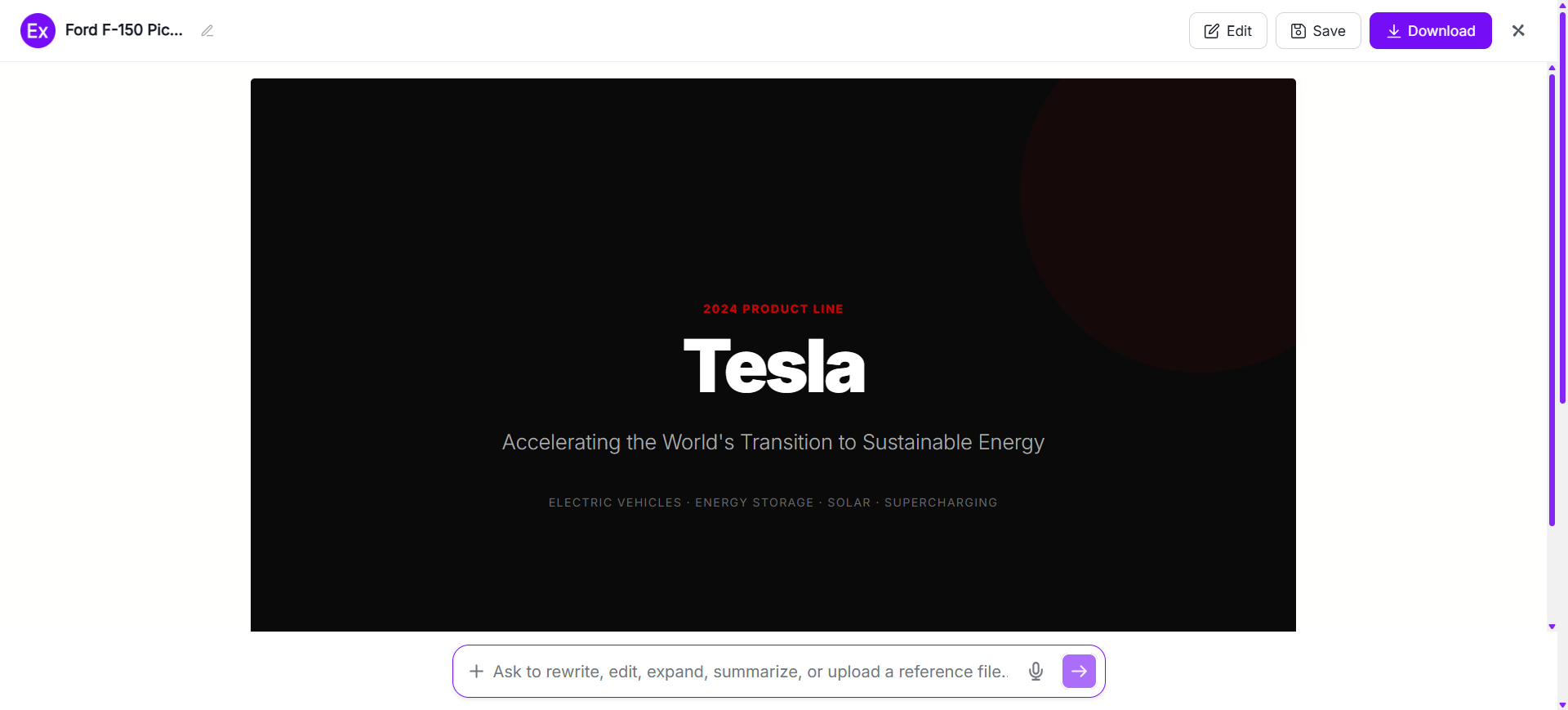
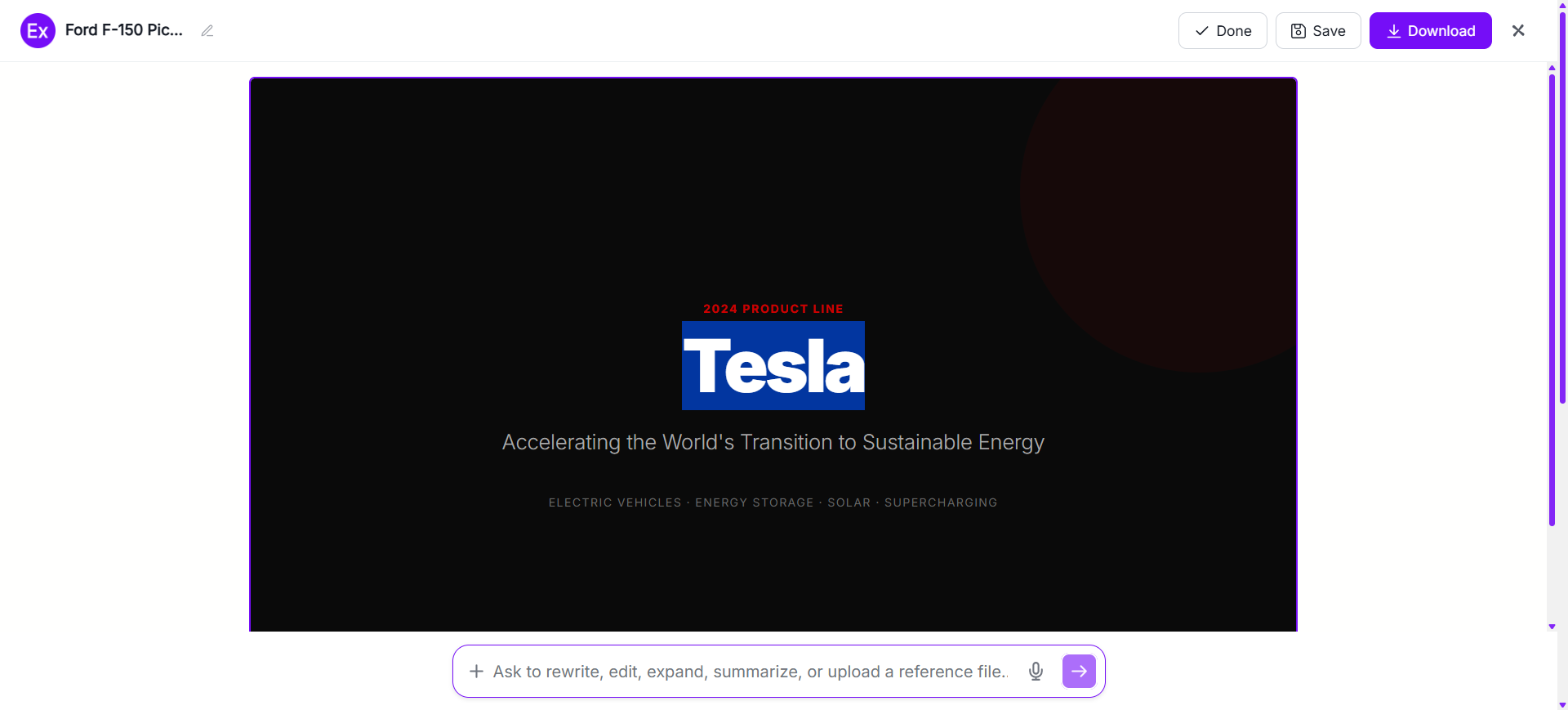
Customize The Brochure In The Online Editor
Open the generated brochure inside the online editor to customize every panel. Replace images, edit text, update branding, adjust colors, change layouts, add graphics, upload media, and refine design elements using AI-powered editing tools.
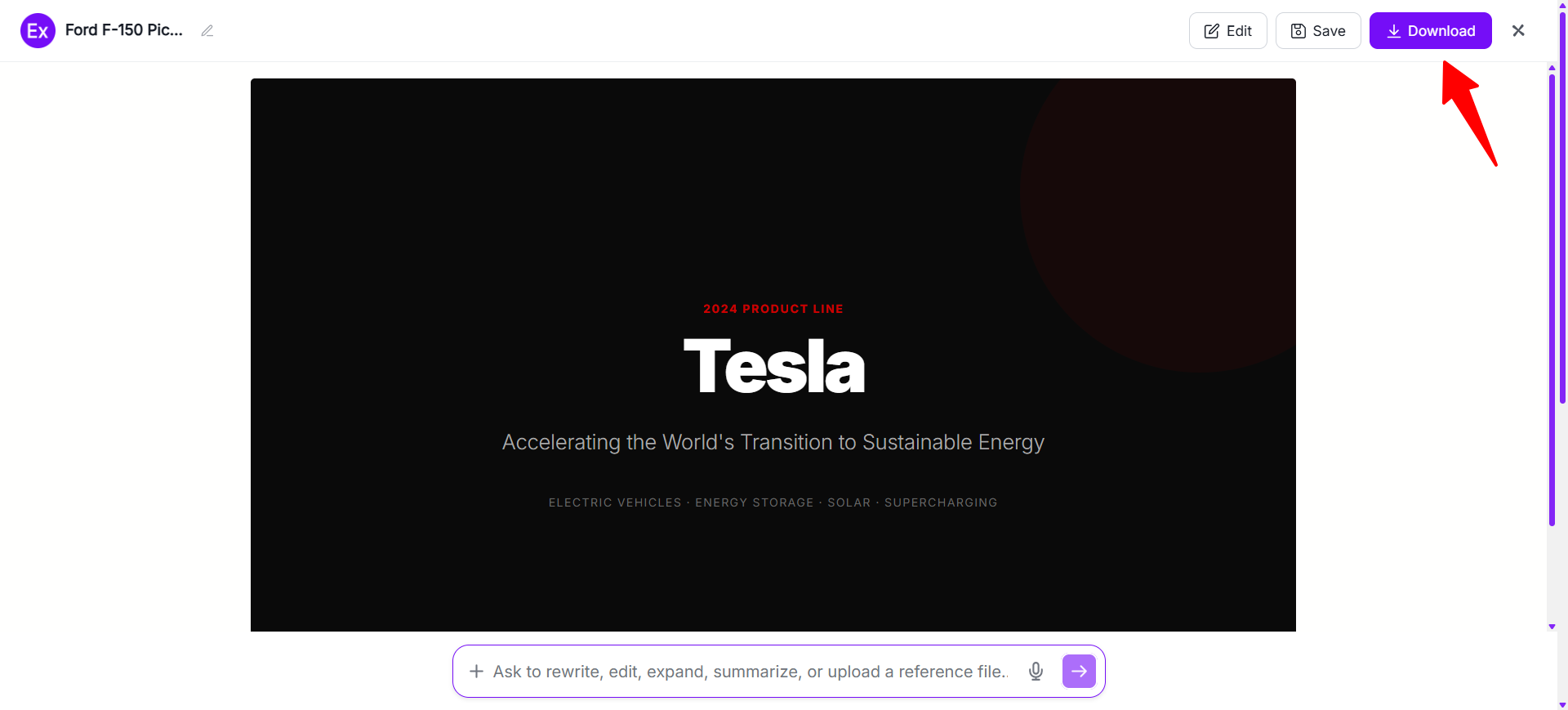
Download And Use The Final Brochure
After customization is complete, download the finished brochure as a PDF Document. The final design can be used for marketing campaigns, product promotions, company presentations, educational materials, events, digital publishing, and business communication.
Customize Brochure Designs Online
Brochure customization allows users to personalize every panel for different marketing goals, industries, and audiences. Examples.com provides an online editor where users can modify layouts, replace images, update headings, edit product information, change colors, upload graphics, add icons, and organize content without requiring professional design software.
Users can also generate new visuals with AI prompts, improve image quality, resize brochure layouts, edit backgrounds, and create multiple brochure variations. This flexible workflow helps businesses, marketers, educators, nonprofits, and creators produce professional brochures for products, services, events, company profiles, and promotional campaigns.
AI Brochure Editing Features
Examples.com includes multiple AI-powered editing tools that help users improve and customize brochure designs online.
InPaint
Edit or remove specific brochure elements while preserving the surrounding design and layout.
Resize
Adjust brochure dimensions for digital marketing, presentations, printing, or social media sharing.
Upscale
Improve image quality and sharpen graphics for professional-looking brochure designs.
Restyle
Generate alternative brochure themes, layouts, color palettes, and design styles with AI.
Background Editing
Remove, replace, or customize image backgrounds to create cleaner brochure visuals.
Crop
Refine image framing and panel composition for balanced brochure layouts.
Flip
Mirror selected images or graphics to create alternative visual arrangements.
Animate
Convert brochure visuals into engaging animated content for digital presentations and online marketing.
Multishot
Generate multiple brochure design variations from a single prompt for creative comparison.
Standard Brochure Sizes And Formats
Selecting the right brochure size and folding style helps organize information effectively while improving readability and presentation. The ideal format depends on the amount of content, marketing purpose, and distribution method.
| Brochure Format | Common Size | Best Use Case |
|---|---|---|
| Tri-Fold | 8.5 × 11 Inches | Business promotions, travel, and general marketing |
| Bi-Fold | 8.5 × 11 Inches | Product catalogs and company profiles |
| Z-Fold | 8.5 × 11 Inches | Step-by-step guides and promotional campaigns |
| Gate Fold | 11 × 17 Inches | Premium products, luxury brands, and special events |
| Roll Fold | 8.5 × 14 Inches | Service explanations and sequential storytelling |
| Digital Brochure | Custom Screen Size | Websites, email marketing, and online presentations |
Tri-fold brochures remain one of the most popular formats because they provide six organized panels for presenting information clearly. Bi-fold brochures offer more space for detailed content, while Z-fold brochures create a smooth reading experience through continuous panel organization.
PDF format is commonly preferred because it preserves layout consistency while supporting professional printing, digital sharing, presentations, email campaigns, and business distribution.
Essential Elements Every Brochure Should Include
An effective brochure combines informative content with organized visual design. Including the right elements helps improve communication, readability, and customer engagement.
- Eye-Catching Cover – Create an attractive front cover that encourages readers to explore the brochure.
- Clear Headline – Use a concise headline that immediately communicates the brochure’s primary purpose.
- About Us Section – Introduce the business, organization, or brand with a short and informative overview.
- Products Or Services – Present key offerings with organized descriptions, visuals, and supporting details.
- High-Quality Images – Include professional photographs and graphics that strengthen visual communication.
- Consistent Branding – Maintain matching colors, fonts, and logos throughout every brochure panel.
- Contact Information – Add business address, phone number, email, website, and other essential contact details.
- Clear Call To Action – Encourage readers to contact the business, request information, make a purchase, or learn more.
- Professional Layout – Use balanced spacing and organized panels to improve readability and information flow.
How Do I Design A Better Brochure?
A well-designed brochure combines attractive visuals with organized information that guides readers naturally through every panel. Following a few design principles helps improve readability, communication, and customer engagement.
- Define The Brochure’s Purpose – Identify your marketing goal before selecting a layout or writing content.
- Choose The Right Folding Style – Select a brochure format that matches your content length and presentation needs.
- Create An Eye-Catching Cover – Design a compelling front panel that immediately captures attention.
- Organize Information Clearly – Arrange content into logical sections that are easy to follow from panel to panel.
- Use Concise Text – Keep descriptions short while supporting them with informative headings and visuals.
- Include High-Quality Images – Use professional photography and graphics that reinforce your message.
- Maintain Consistent Branding – Apply matching colors, typography, logos, and design styles throughout the brochure.
- Use White Space Effectively – Leave enough spacing between sections to improve readability and visual balance.
- Add A Strong Call To Action – Encourage readers to contact your business, request information, or take the next step.
Common Brochure Design Mistakes To Avoid
Avoiding common brochure design mistakes helps create marketing materials that are professional, visually appealing, and easy to understand.
- Overloading Panels With Text – Long paragraphs reduce readability. Use concise content supported by headings, visuals, and bullet points.
- Poor Content Organization – Arrange information in a logical reading sequence across every brochure panel.
- Using Low-Quality Images – Blurry or pixelated visuals reduce professionalism and weaken your message.
- Weak Typography Choices – Too many fonts or decorative typefaces make brochures harder to read.
- Ignoring White Space – Crowded layouts overwhelm readers and reduce visual clarity.
- Inconsistent Branding – Different colors, logos, and styles weaken brand recognition across the brochure.
- Missing Contact Information – Always include phone numbers, email addresses, websites, and business locations.
- Weak Call To Action – Clearly guide readers toward contacting your business, requesting information, or making a purchase.
How Can I Market My Product Using A Brochure?
Brochures help businesses present products and services in a structured format that informs customers and supports purchasing decisions across both print and digital marketing.
Product Showcases
Present products with detailed descriptions, feature highlights, pricing information, and professional photography.
Company Profiles
Introduce your business, mission, values, experience, achievements, and brand story to build customer confidence.
Service Promotions
Explain service offerings, customer benefits, pricing packages, and business solutions using organized brochure panels.
Event Marketing
Promote exhibitions, conferences, workshops, product launches, and community events with engaging brochure designs.
Sales Presentations
Support customer meetings with brochures that summarize products, comparisons, and key selling points.
Customer Education
Share buying guides, product instructions, frequently asked questions, and educational resources that assist purchasing decisions.
Which Brochure Sizes Perform Best?
The best brochure format depends on your marketing objectives, content requirements, and distribution method.
| Brochure Format | Best For | Advantages |
|---|---|---|
| Tri-Fold (8.5 × 11 Inches) | Business marketing, travel, and promotions | Six organized panels with balanced content flow |
| Bi-Fold (8.5 × 11 Inches) | Company profiles and catalogs | Larger panels for detailed information |
| Z-Fold (8.5 × 11 Inches) | Product guides and step-by-step information | Continuous reading experience with smooth unfolding |
| Gate Fold (11 × 17 Inches) | Luxury products and premium promotions | Dramatic opening highlights central content |
| Roll Fold (8.5 × 14 Inches) | Service explanations and storytelling | Sequential information across multiple panels |
| Digital Brochure | Websites, email campaigns, and presentations | Easy online sharing without printing limitations |
Tri-fold brochures remain the most widely used because they balance readability, portability, and content organization. Bi-fold formats are ideal for detailed information, while digital brochures provide convenient online sharing across multiple platforms.
Brochure Ideas For Different Industries
Different industries use brochures to introduce businesses, explain services, promote products, and educate customers through organized marketing content.
- Healthcare – Explain medical services, wellness programs, healthcare facilities, and patient education resources.
- Real Estate – Present residential properties, commercial projects, investment opportunities, and neighborhood information.
- Education – Promote schools, colleges, universities, academic programs, admissions, and campus facilities.
- Travel And Tourism – Highlight travel packages, destinations, hotels, itineraries, and local attractions.
- Hospitality – Showcase hotels, restaurants, resorts, event venues, menus, and guest experiences.
- Retail And Ecommerce – Promote product collections, seasonal offers, new arrivals, and exclusive shopping experiences.
- Finance And Insurance – Explain financial services, investment opportunities, insurance plans, and customer benefits.
- Technology – Introduce software, hardware products, cloud solutions, digital services, and innovative technologies.
- Nonprofit Organizations – Share community programs, fundraising campaigns, volunteer opportunities, and organizational impact.
- Corporate Businesses – Present company profiles, business solutions, annual achievements, employee programs, and partnership opportunities.
FAQs
What Is The Difference Between A Brochure And A Flyer?
A brochure contains multiple folded panels with detailed information, while a flyer is usually a single-page document designed for quick promotional messaging.
Which Brochure Fold Is Best For Business Marketing?
Tri-fold brochures are widely used because they organize information into six panels that are easy to read and distribute.
Can I Create A Professional Brochure Without Design Experience?
Yes. AI-powered tools help users generate layouts, organize content, customize visuals, and create professional brochures without advanced design skills.
What Should I Include On A Brochure Cover?
A brochure cover should include a clear headline, attractive imagery, your logo, and a visual style that encourages readers to explore the inside panels.
Can I Customize Every Brochure Panel After AI Generates It?
Yes. Users can edit text, images, colors, layouts, branding, and other design elements using the online editor after generating a brochure.
What Paper Type Is Commonly Used For Printed Brochures?
Many printed brochures use gloss, matte, or recycled paper stocks depending on the desired appearance, durability, and marketing purpose.
When Should I Use A Digital Brochure Instead Of A Printed One?
Digital brochures work well for websites, email marketing, online presentations, and social media, while printed brochures are ideal for meetings, trade shows, events, and direct distribution.
What Can I Use A Brochure For?
Brochures can be used for business marketing, product promotions, company profiles, travel guides, educational materials, healthcare information, real estate listings, event promotions, and customer communication.