




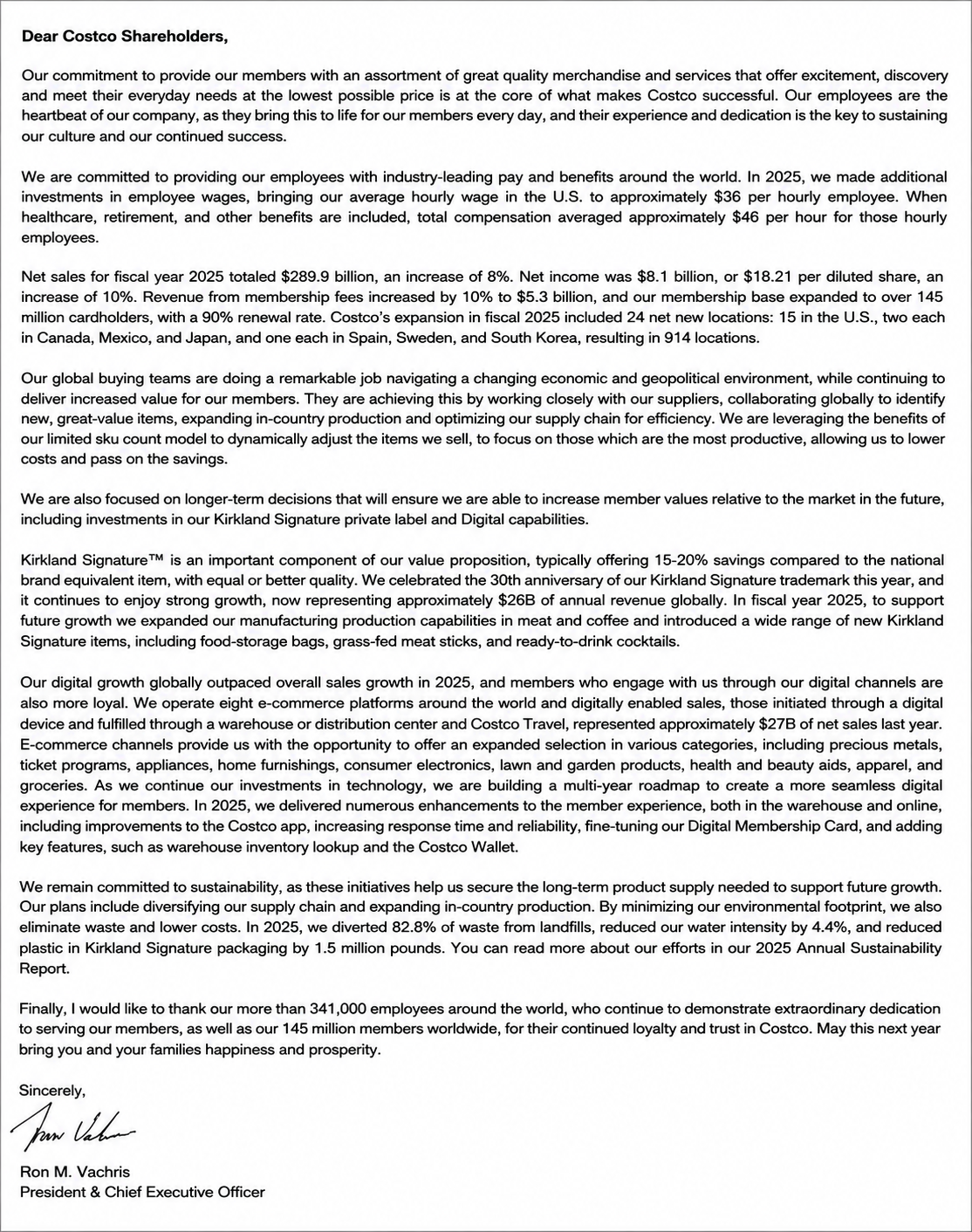

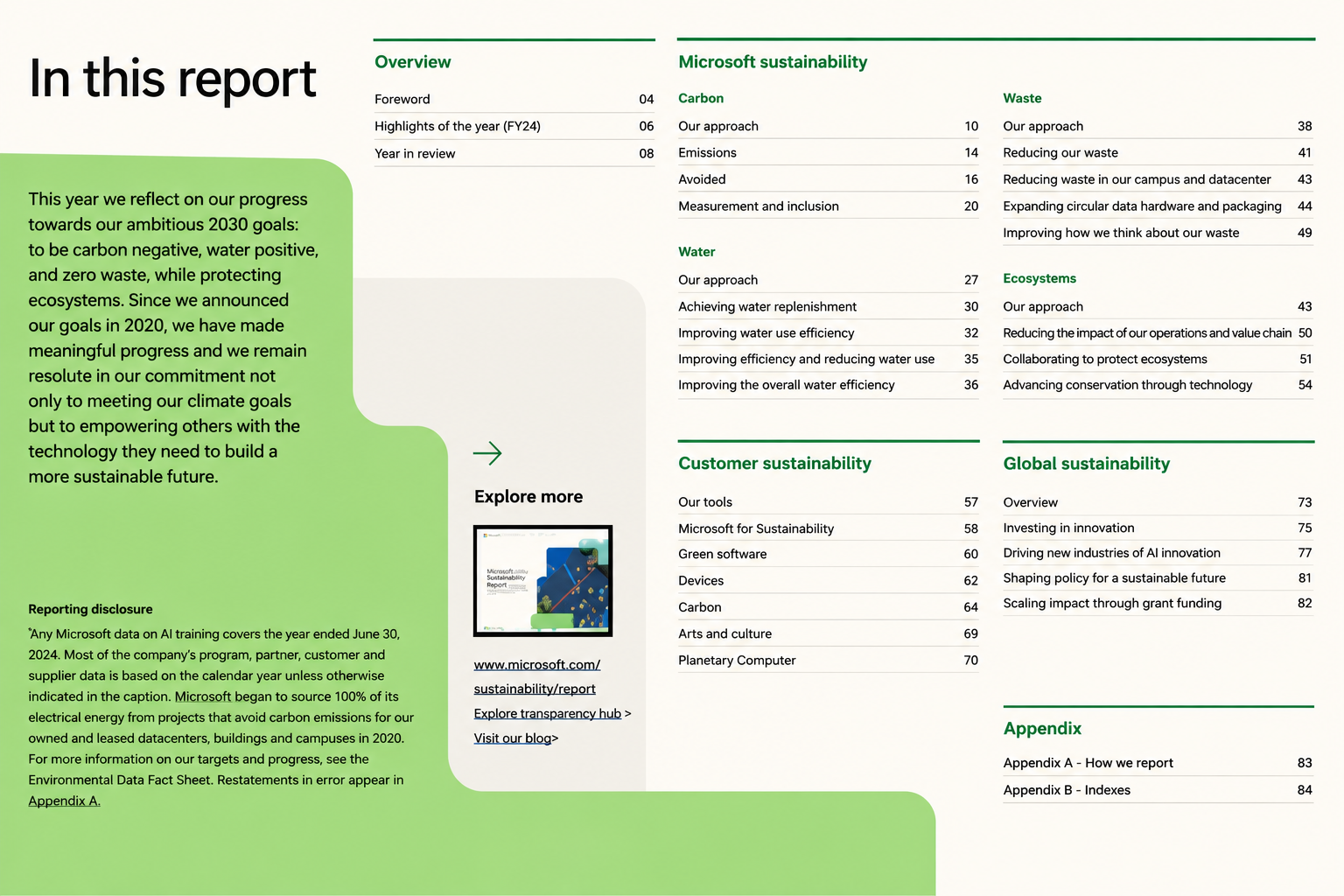


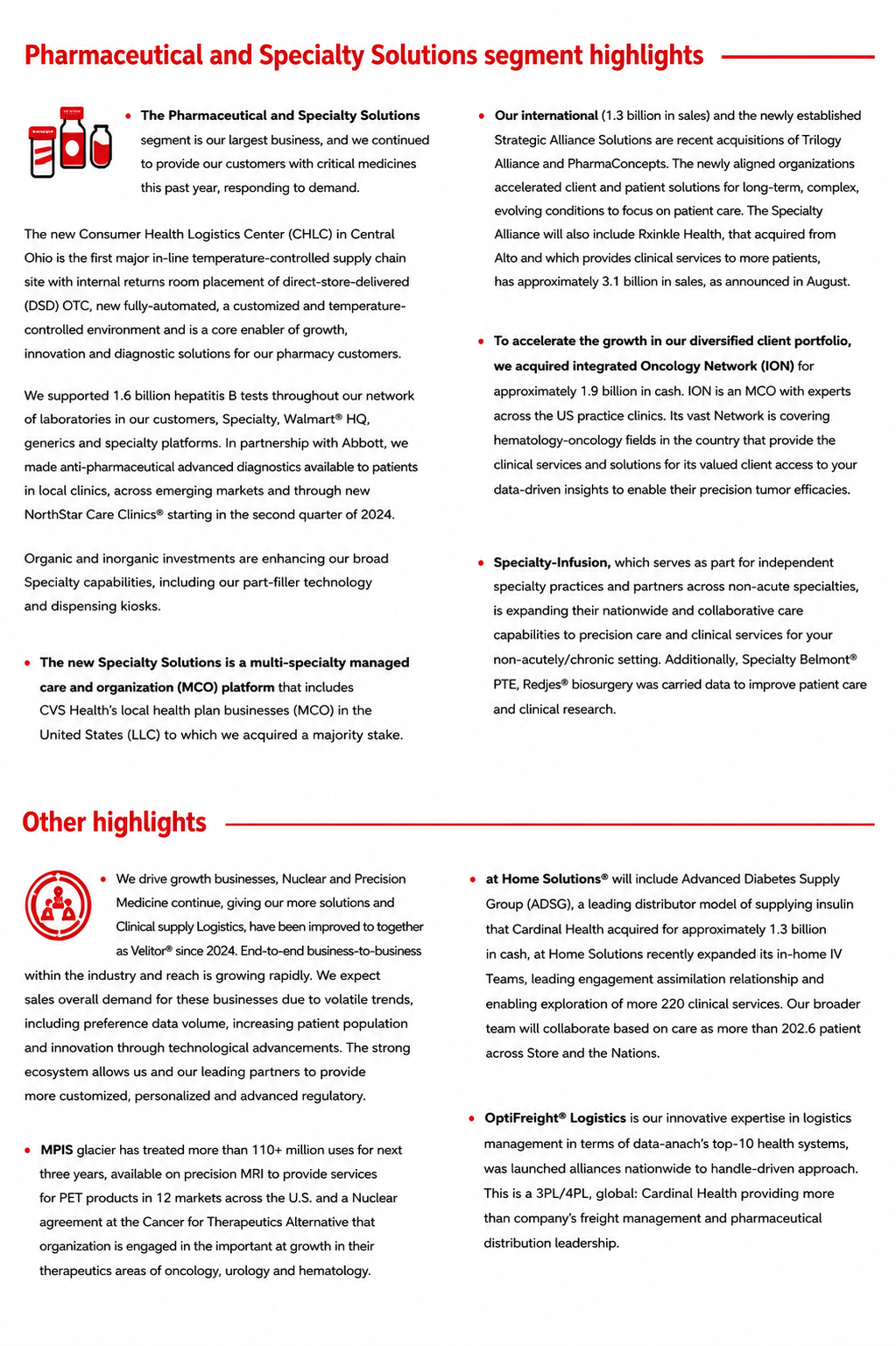

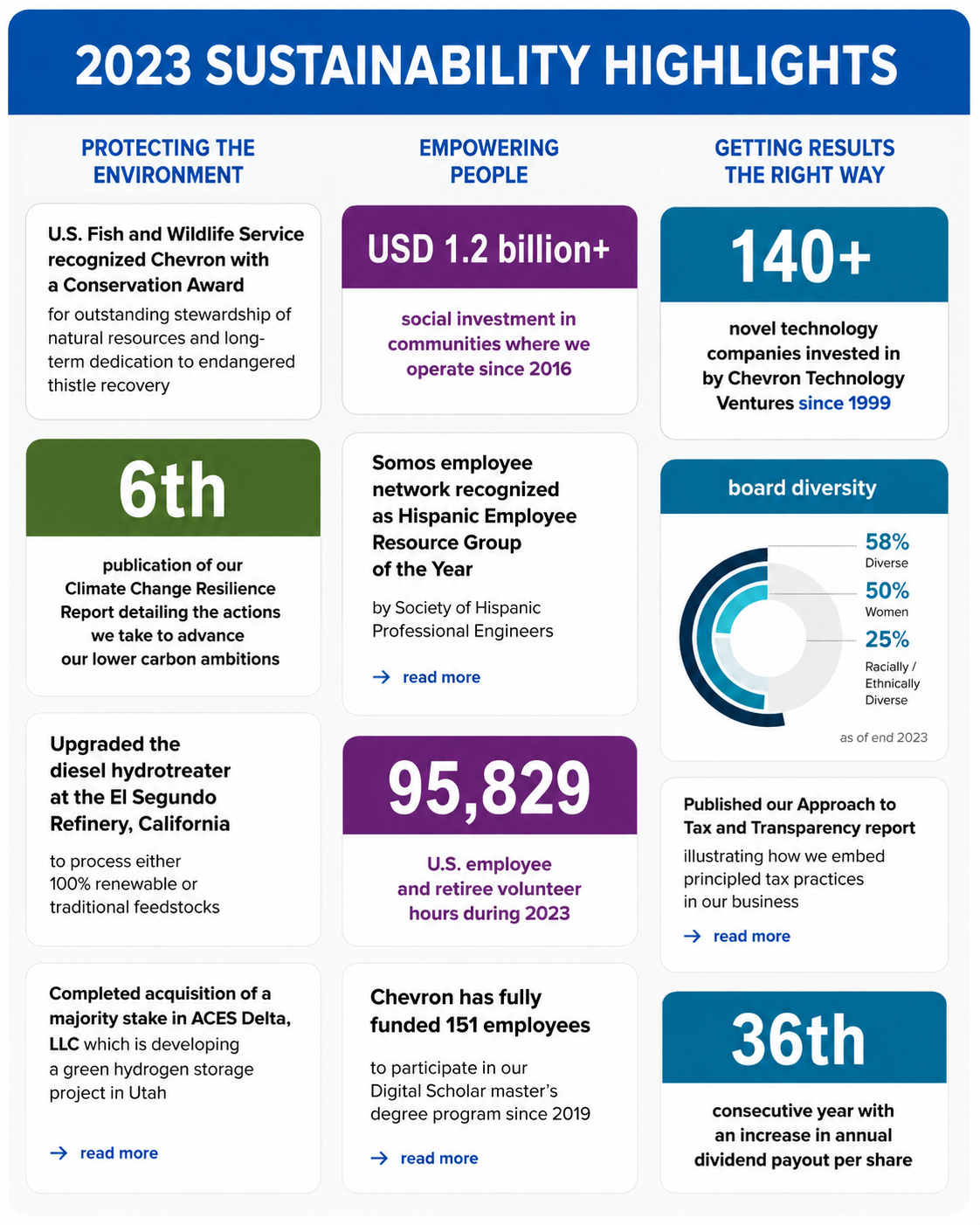


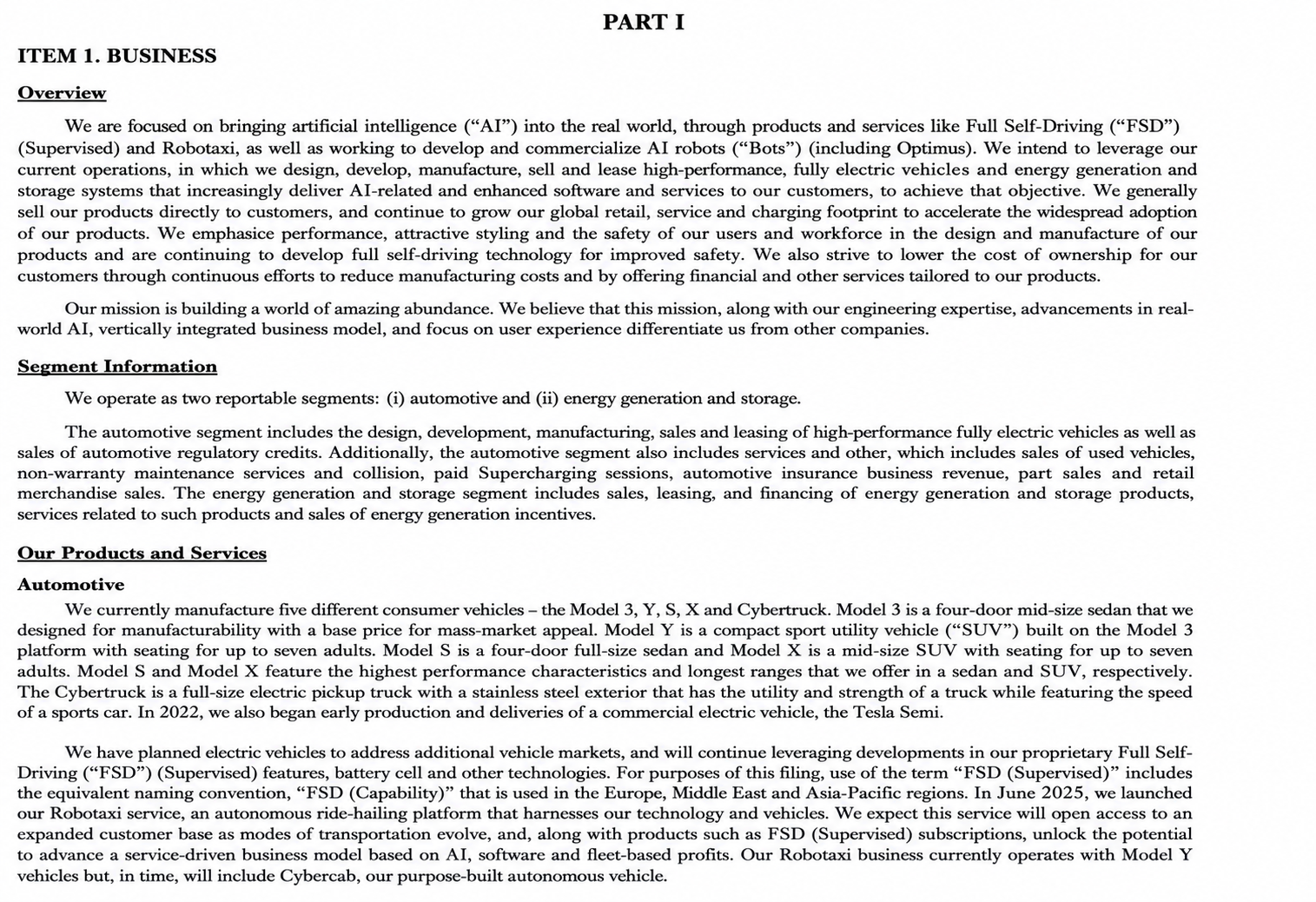

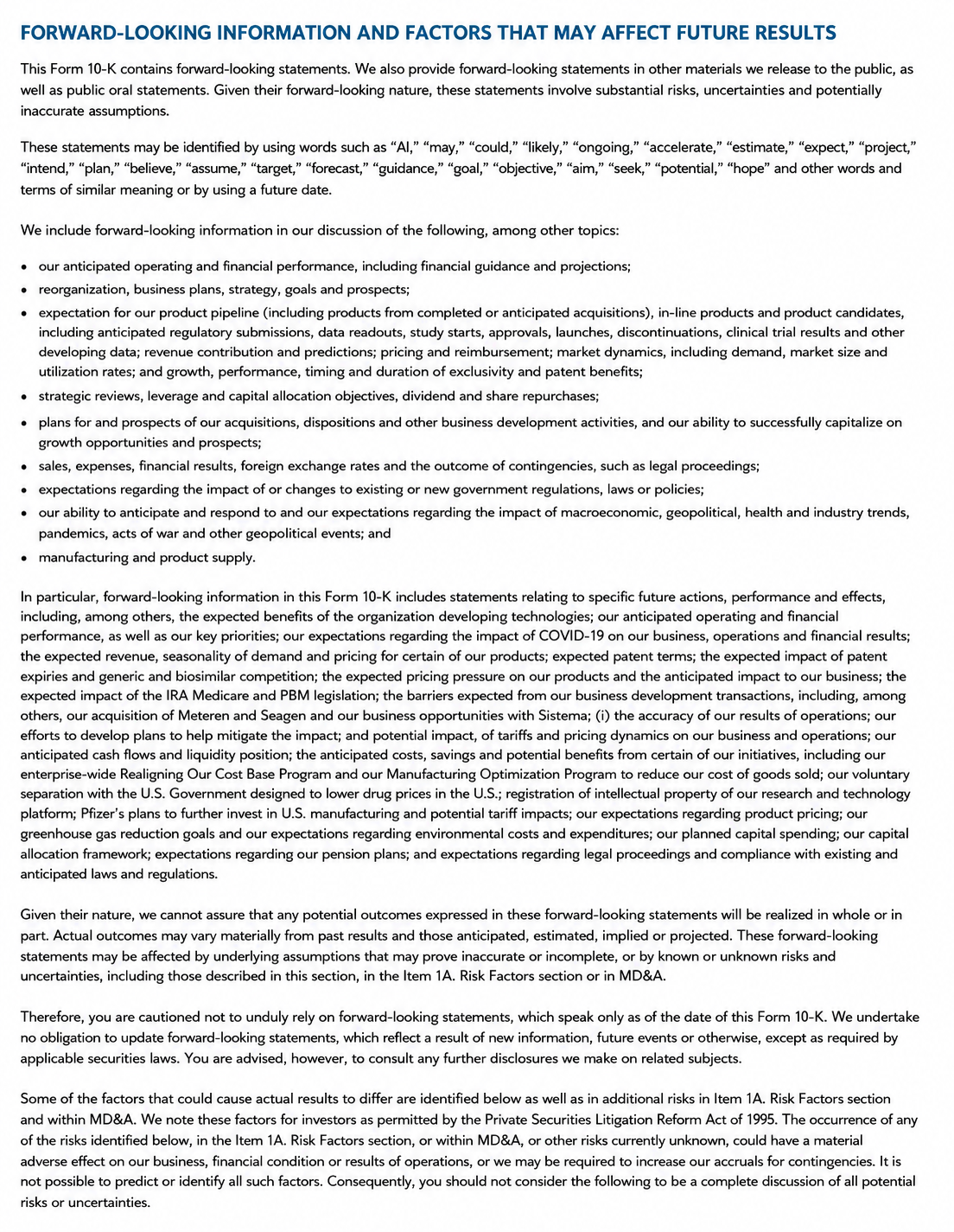
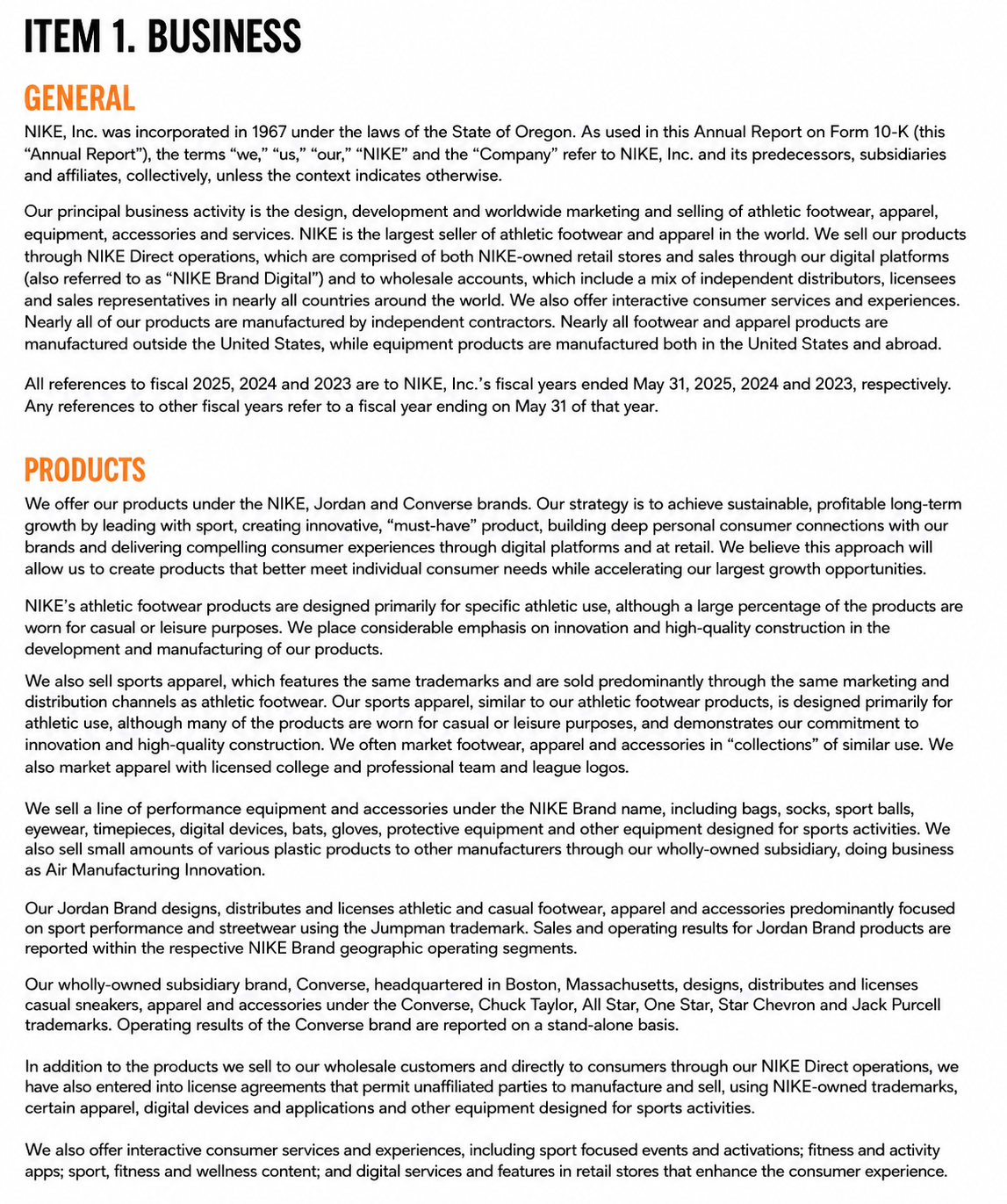

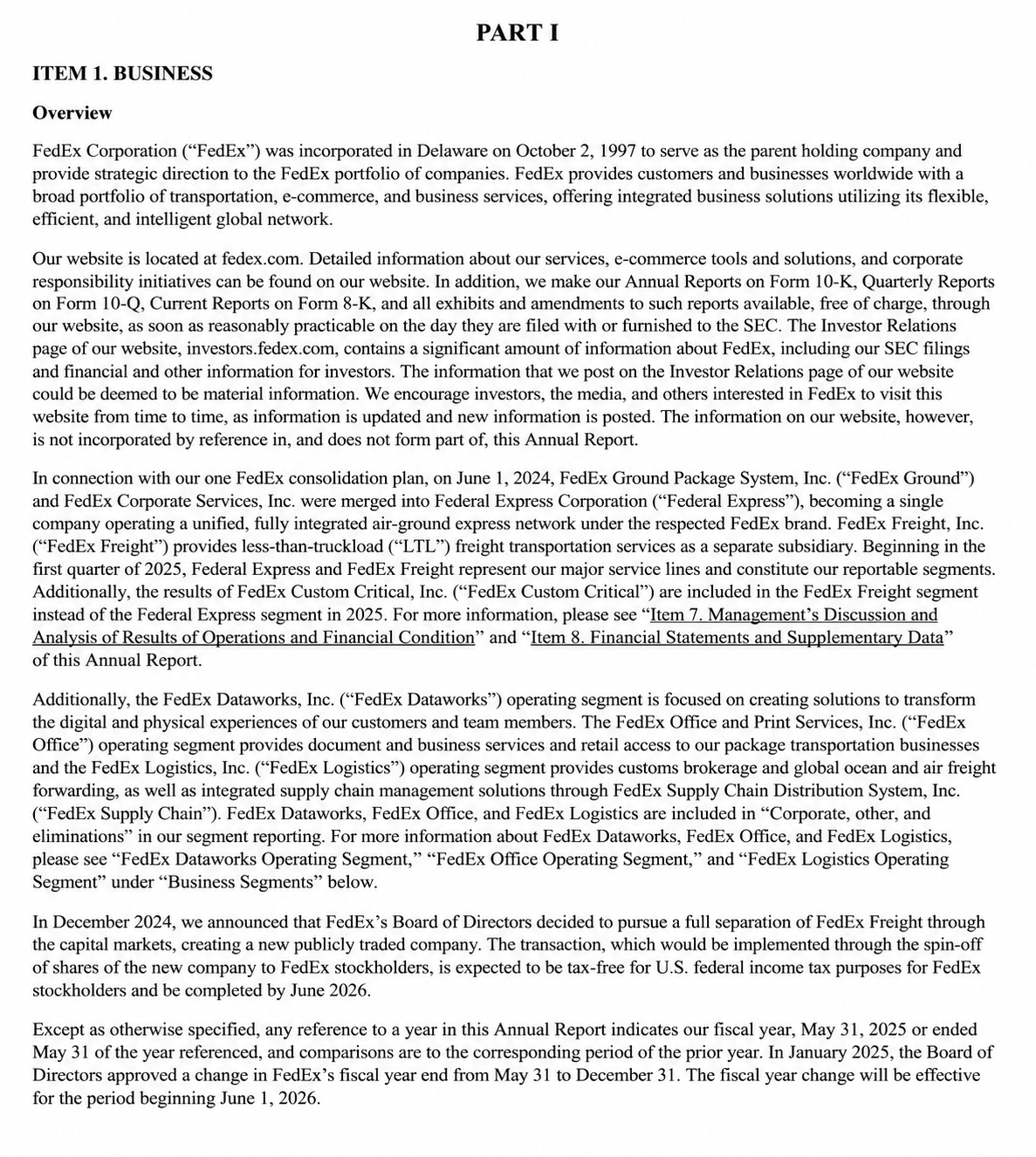




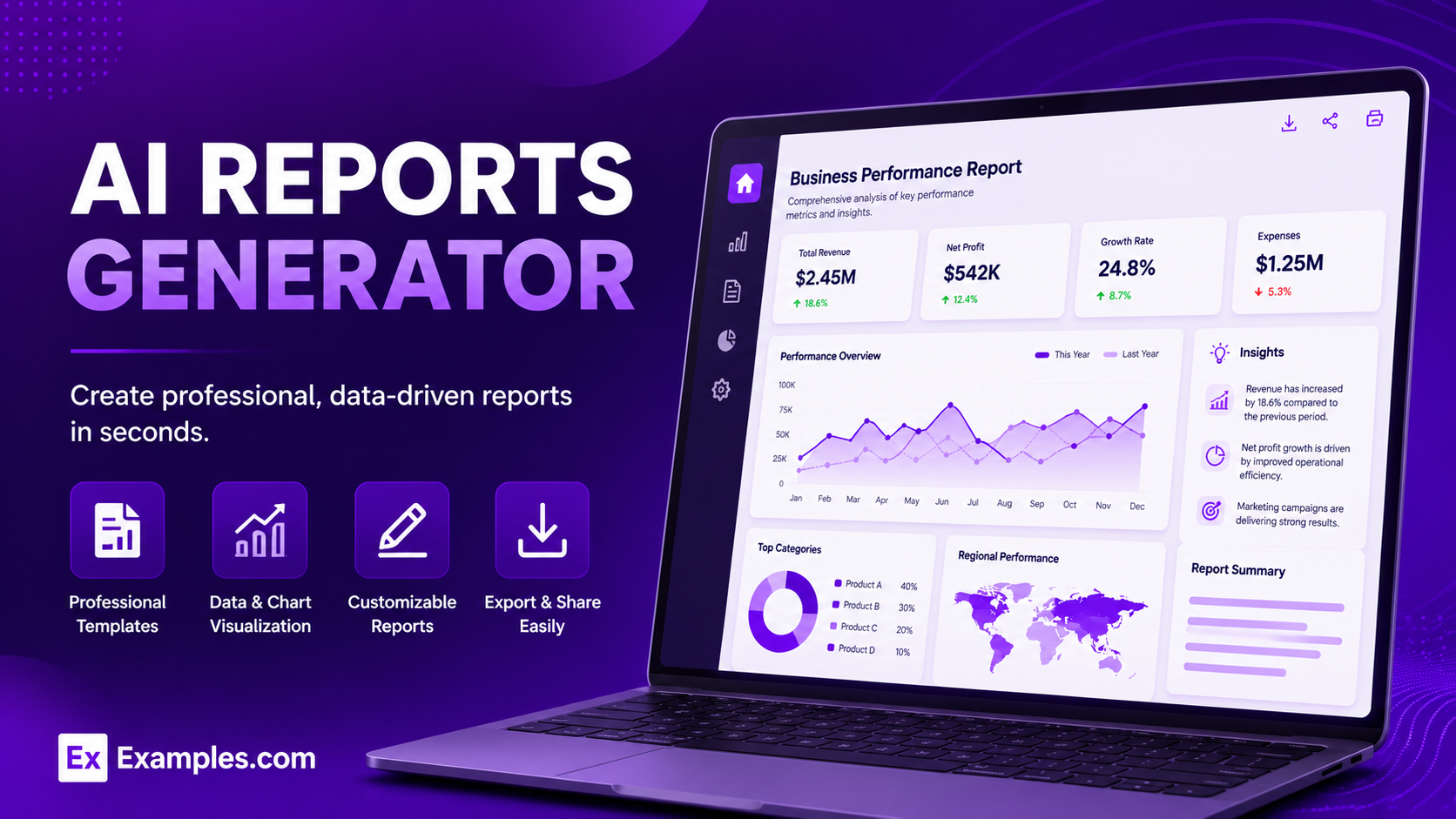
Reports help you organize, analyze, and present information in a clear, professional format for business, education, research, and personal use. Whether you need a project report, sales report, financial report, or progress report, using real report examples and customizable templates makes creating accurate, well-structured reports faster and easier. Explore professionally designed report examples, edit them online, and generate polished reports that effectively communicate your data and insights.
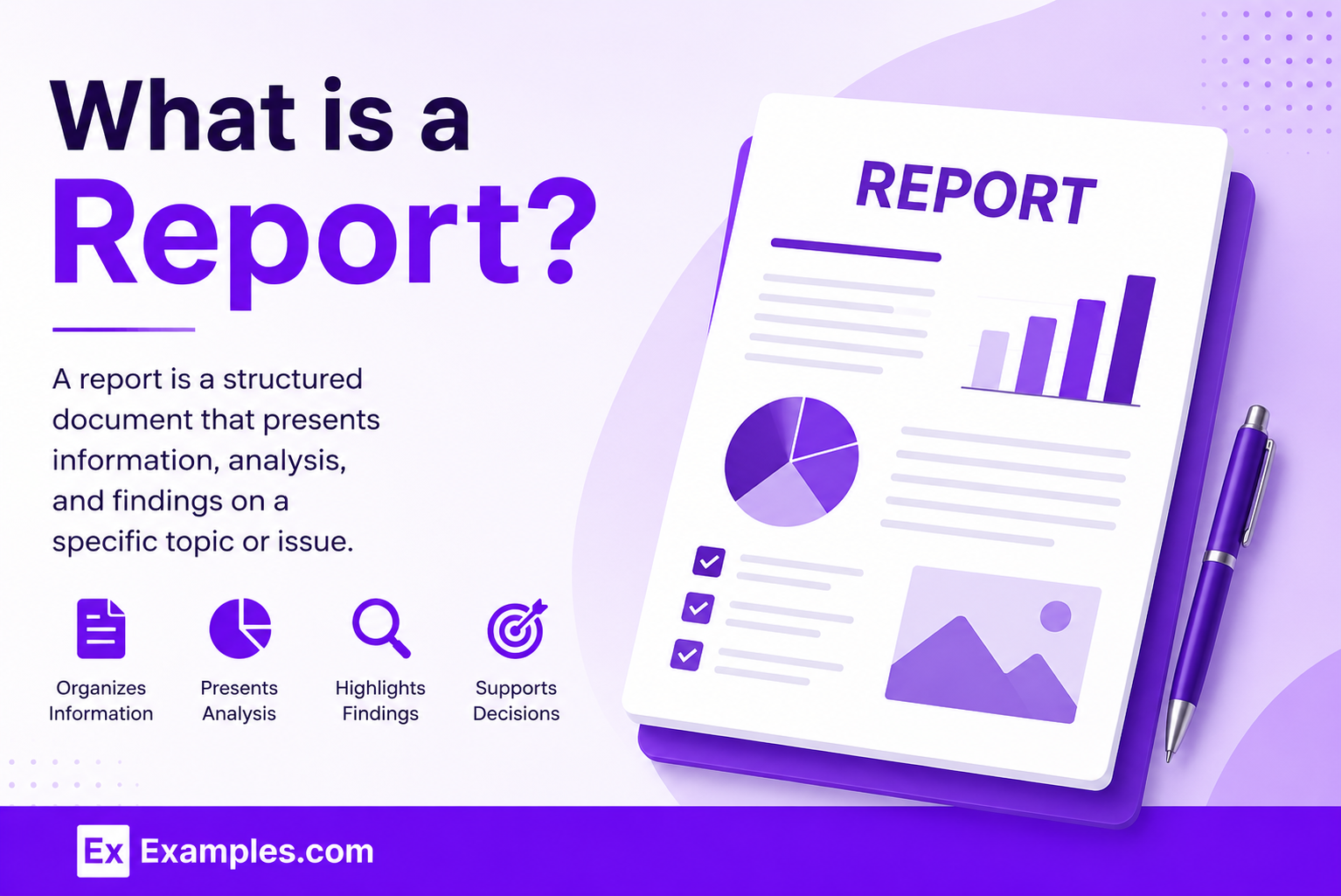
What Is a Report?
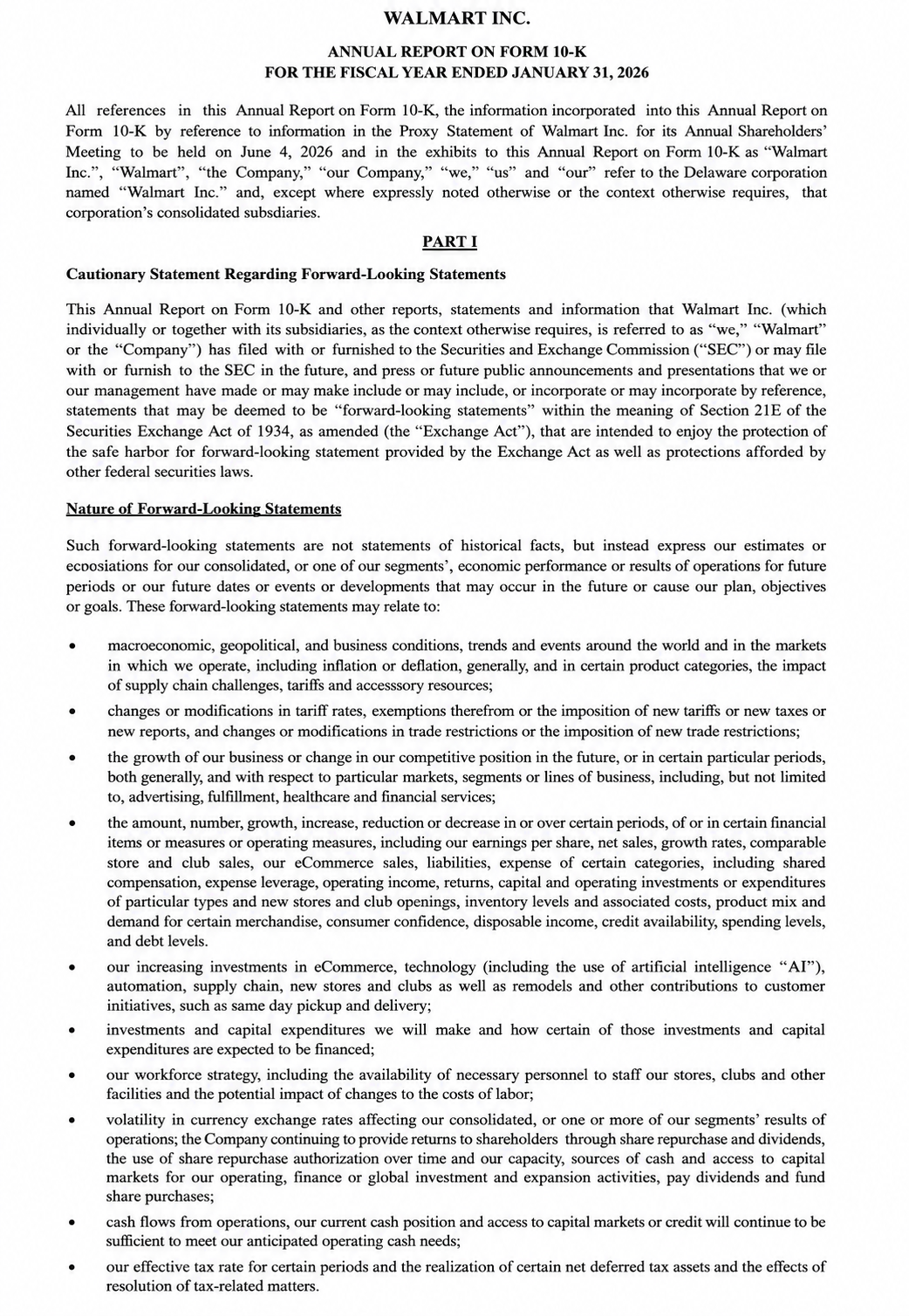
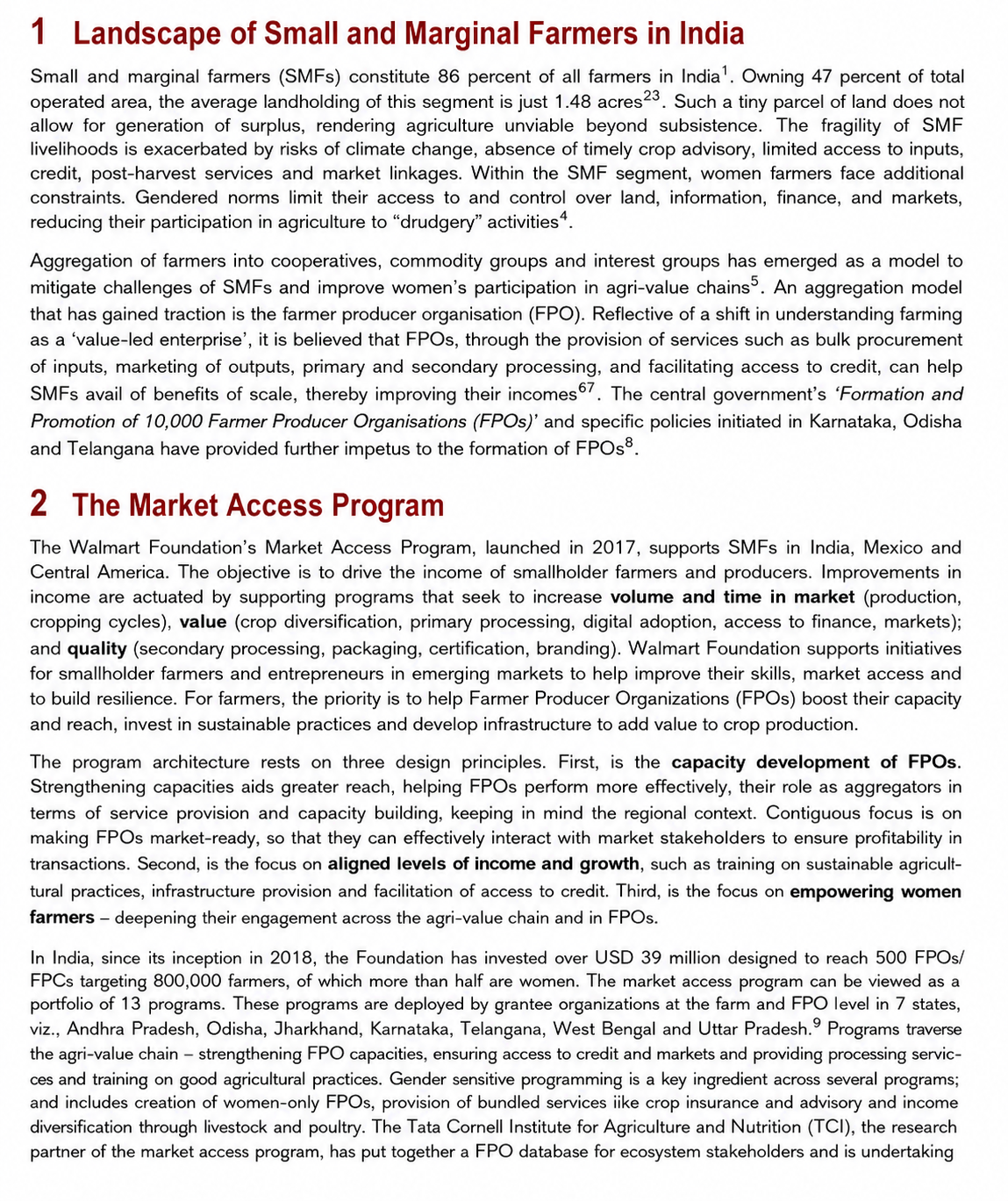
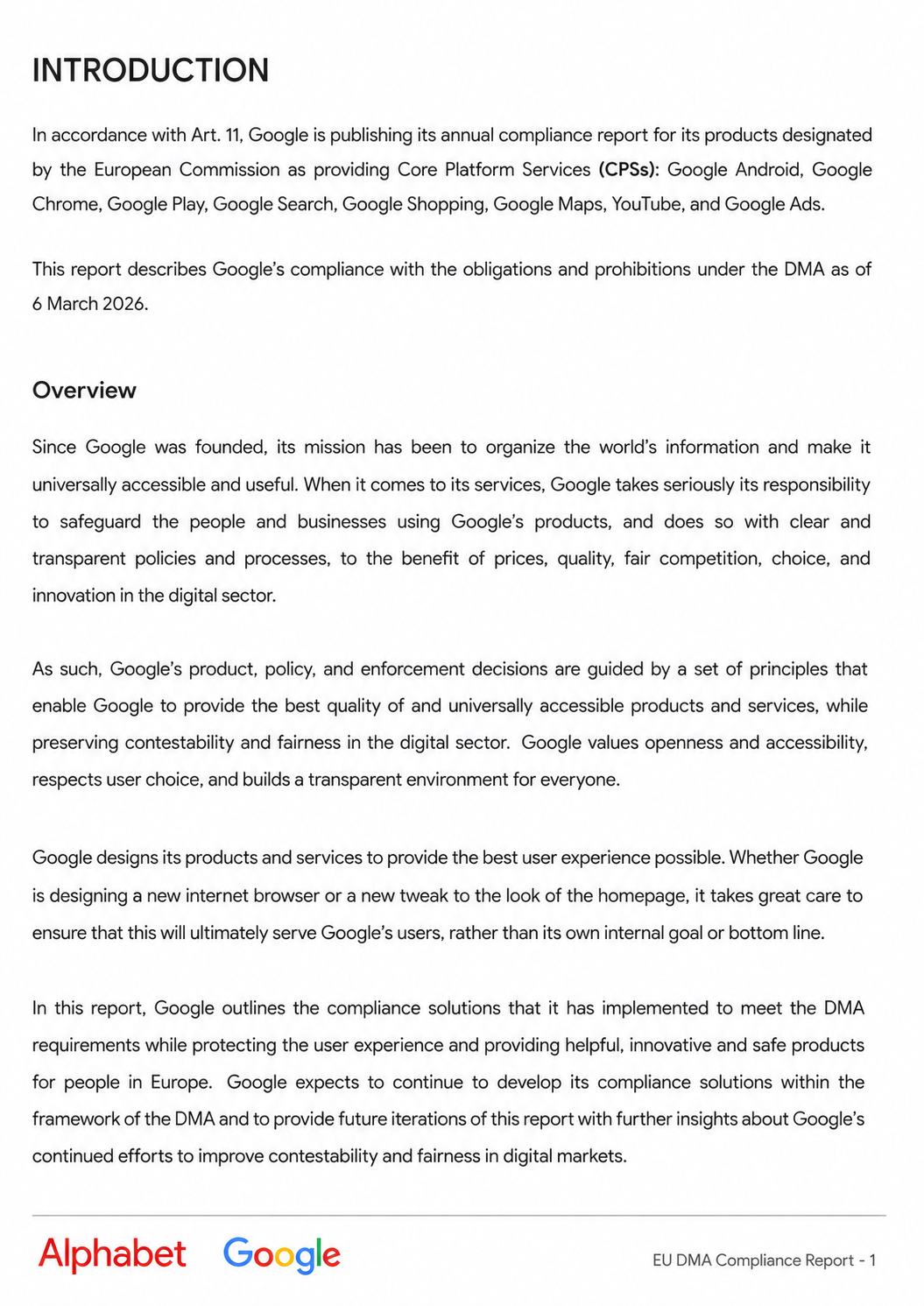
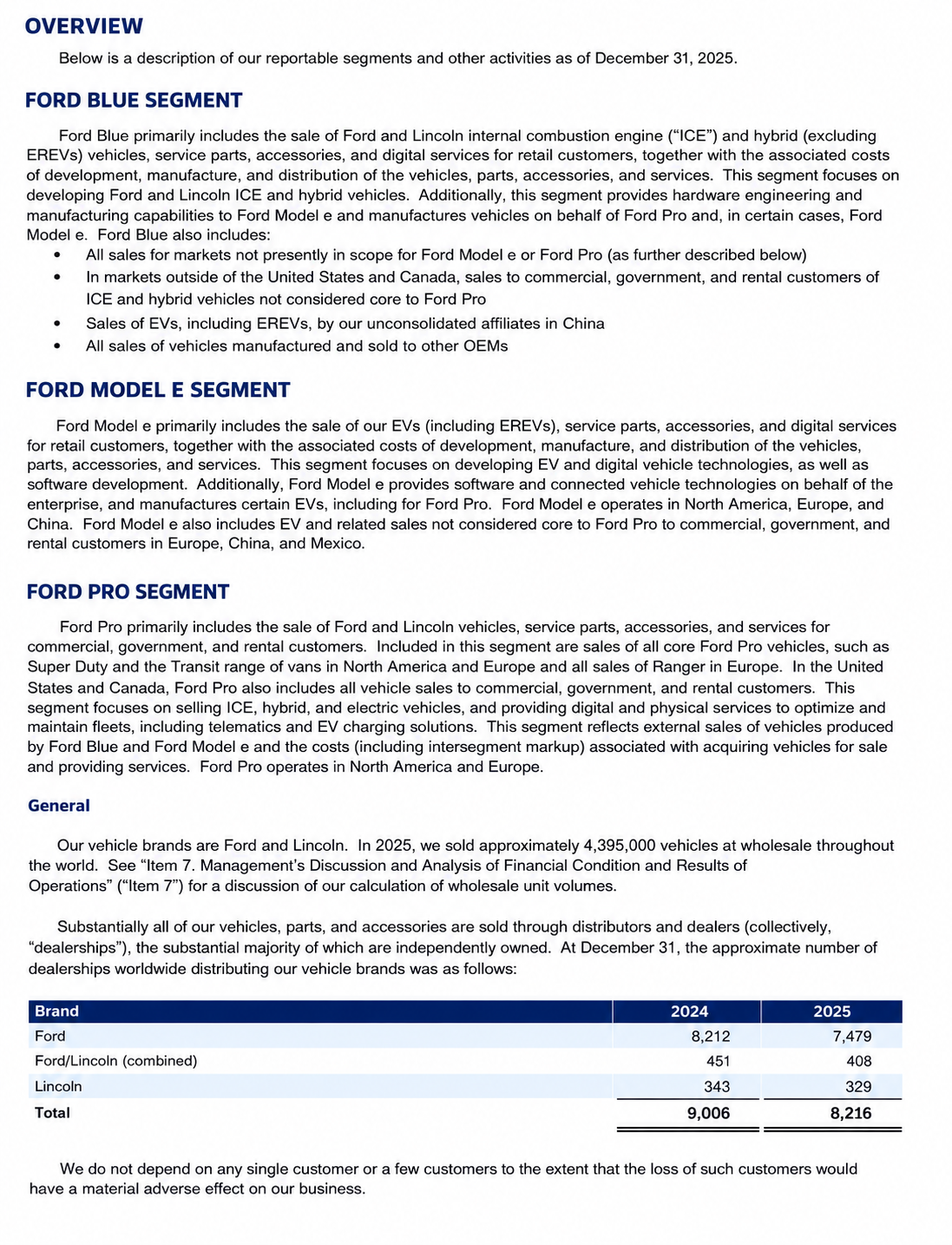
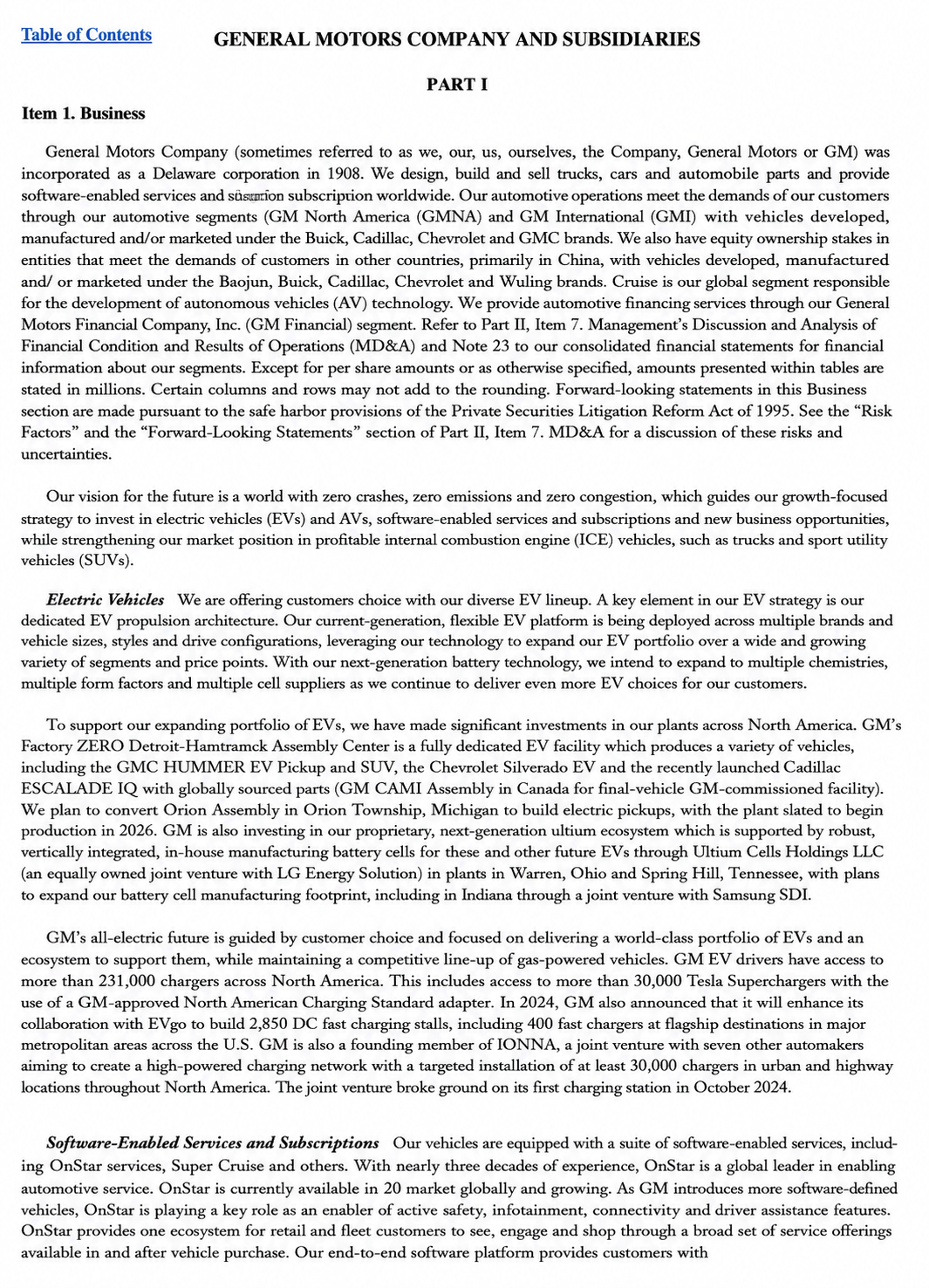
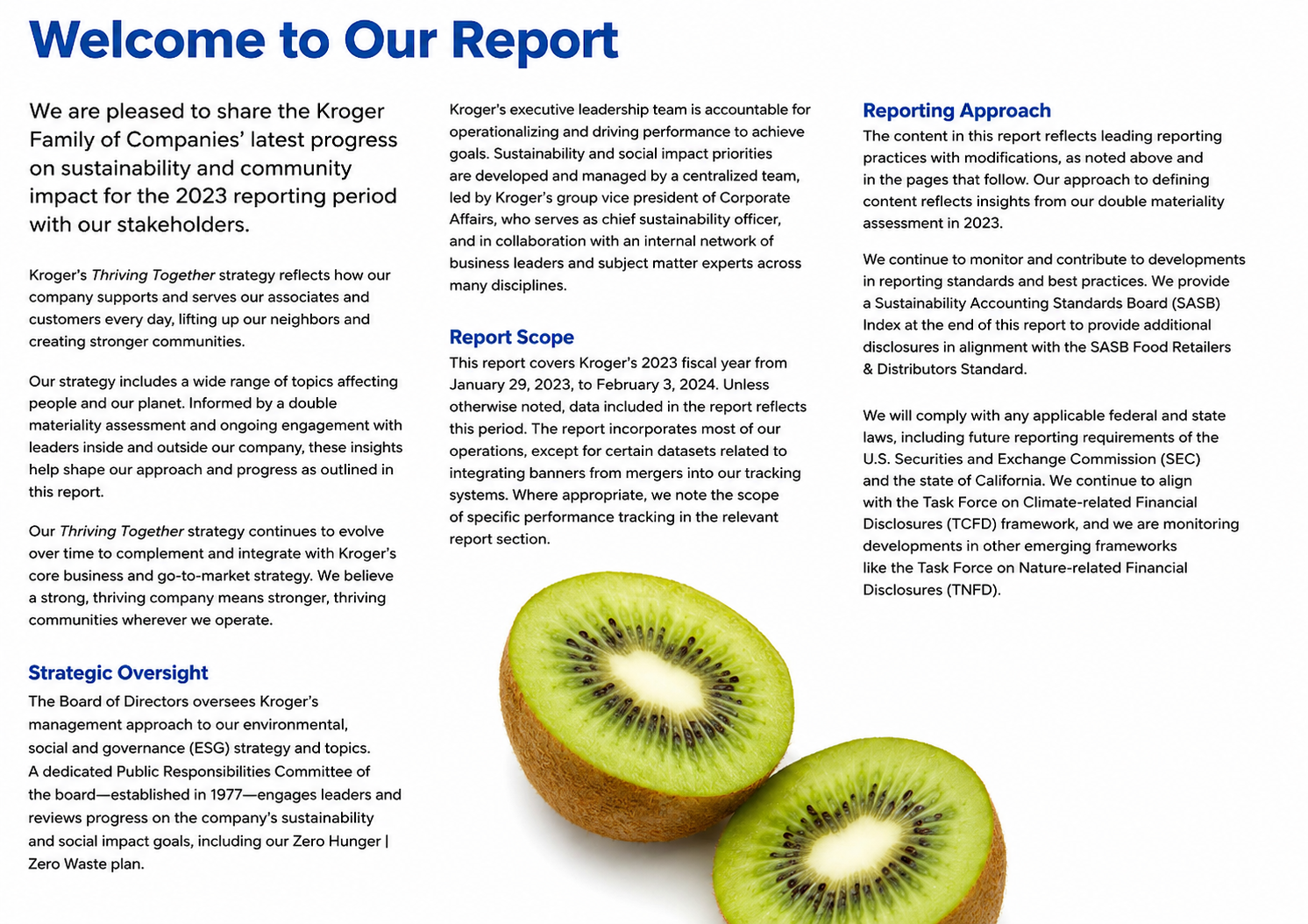
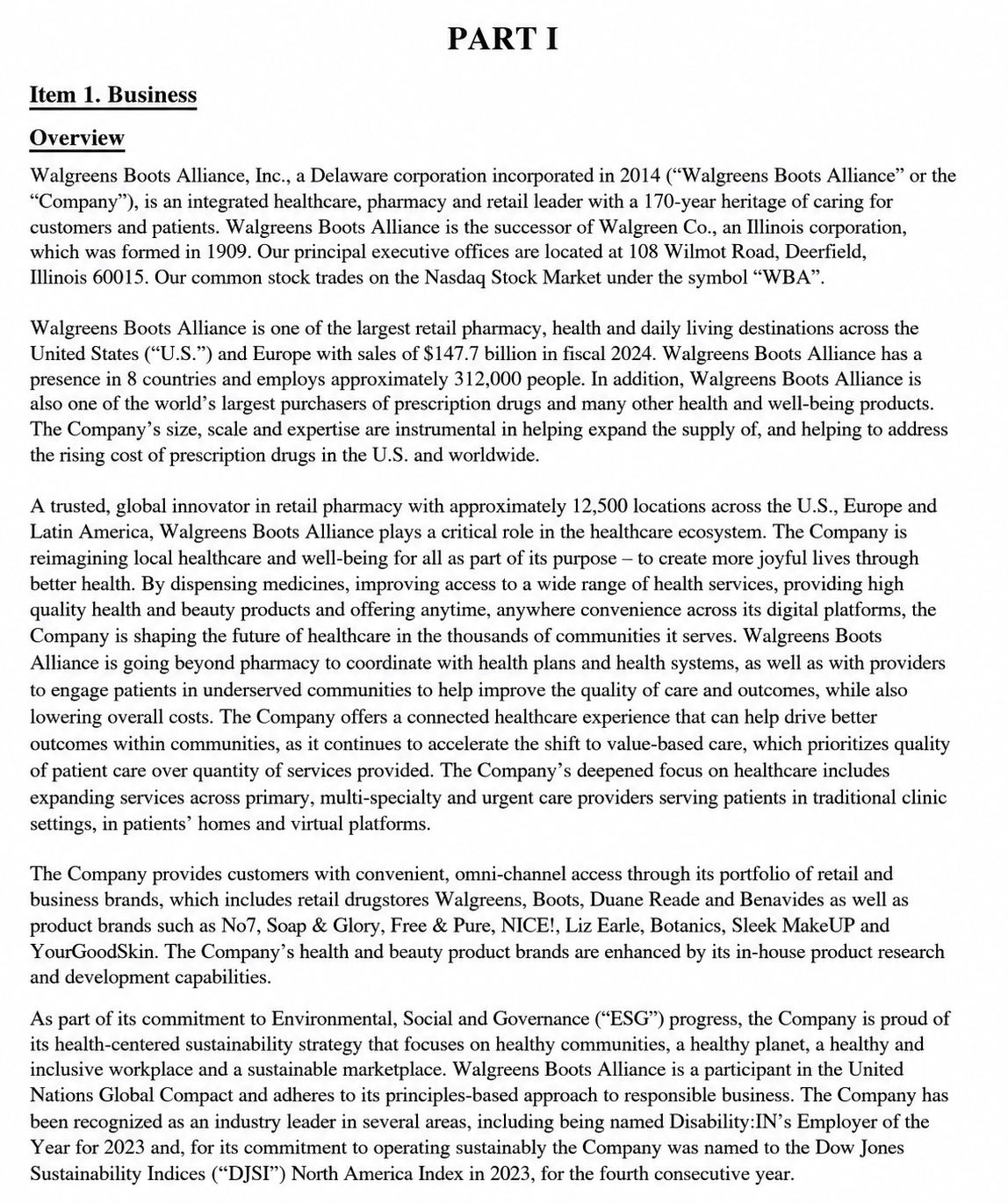
A report is a structured document that presents information, findings, analysis, or recommendations on a specific topic. Used in business, education, healthcare, finance, research, and many other fields, reports organize data into clear sections to communicate insights, track progress, support decision-making, and document important information. A well-written report helps readers quickly understand key details, evaluate results, and take informed action.
Popular Types of Reports
Business Report
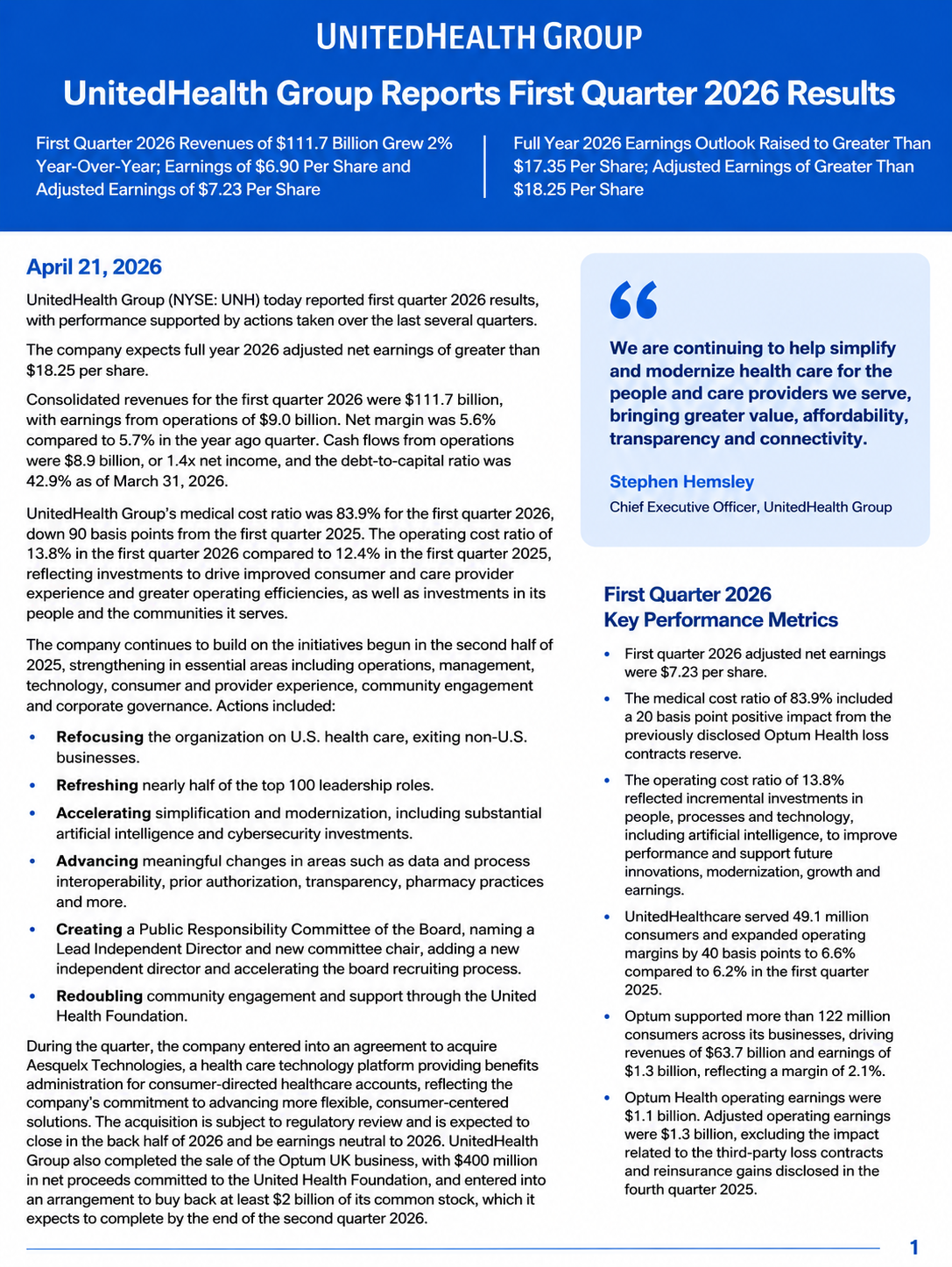
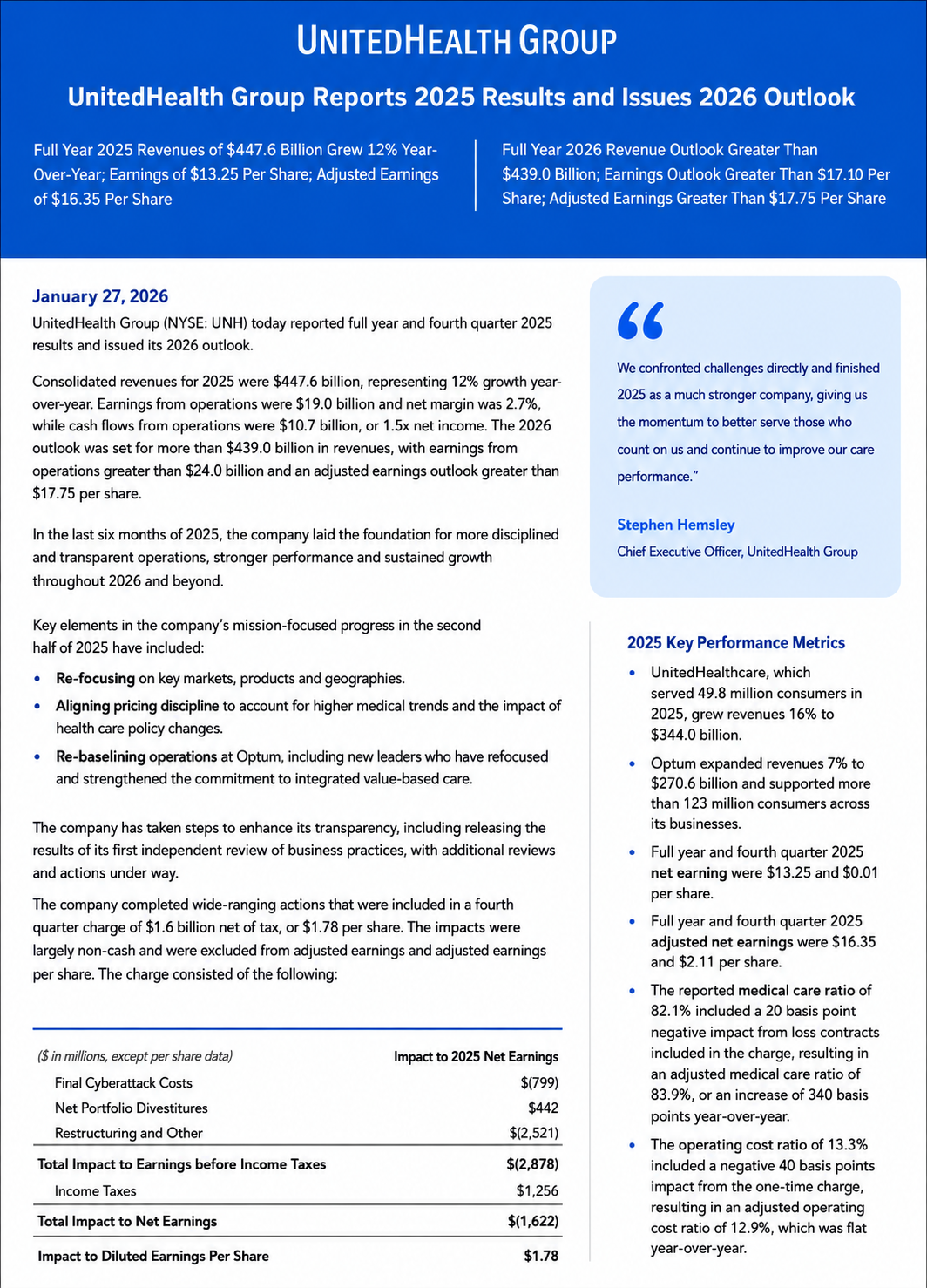
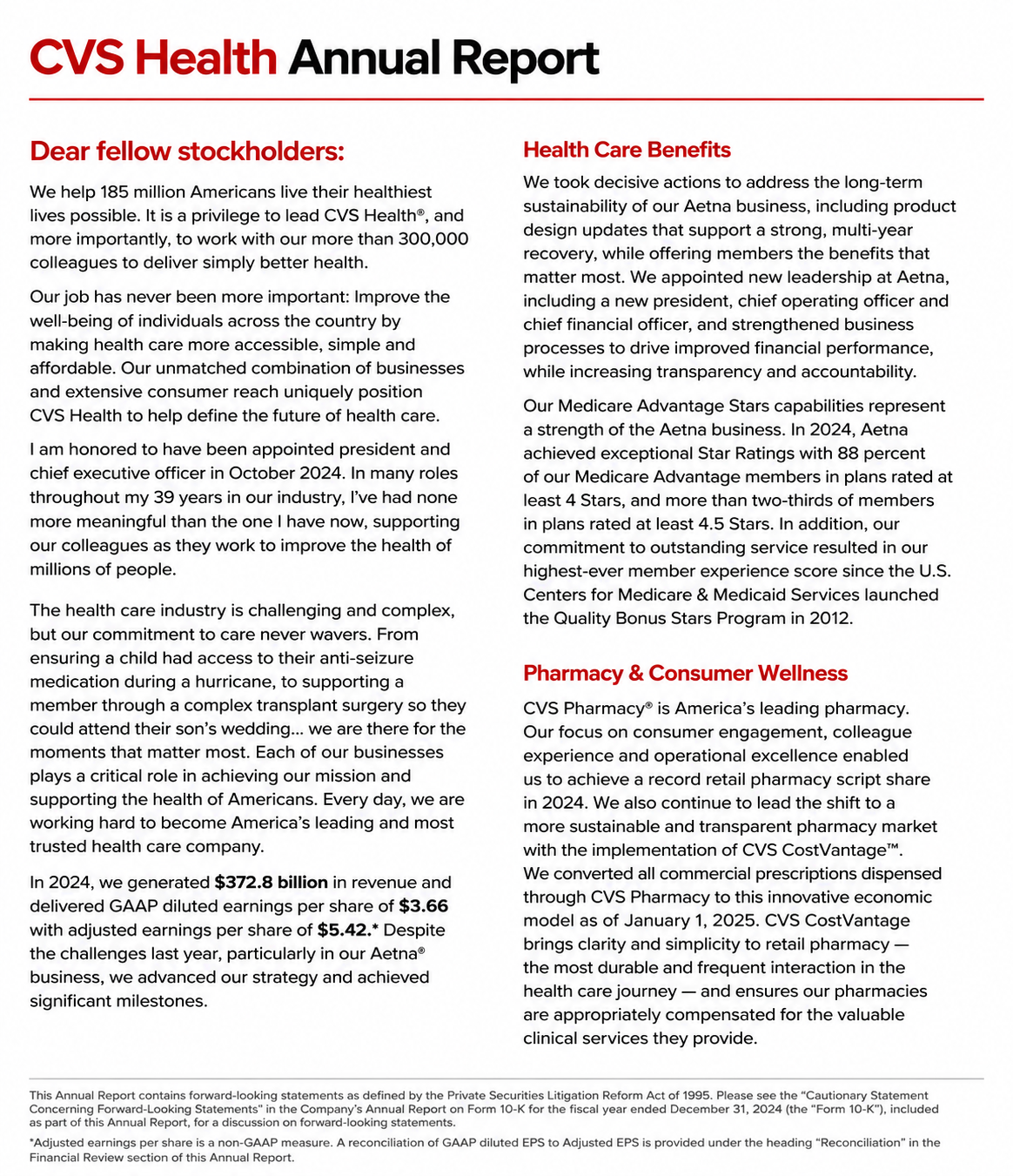
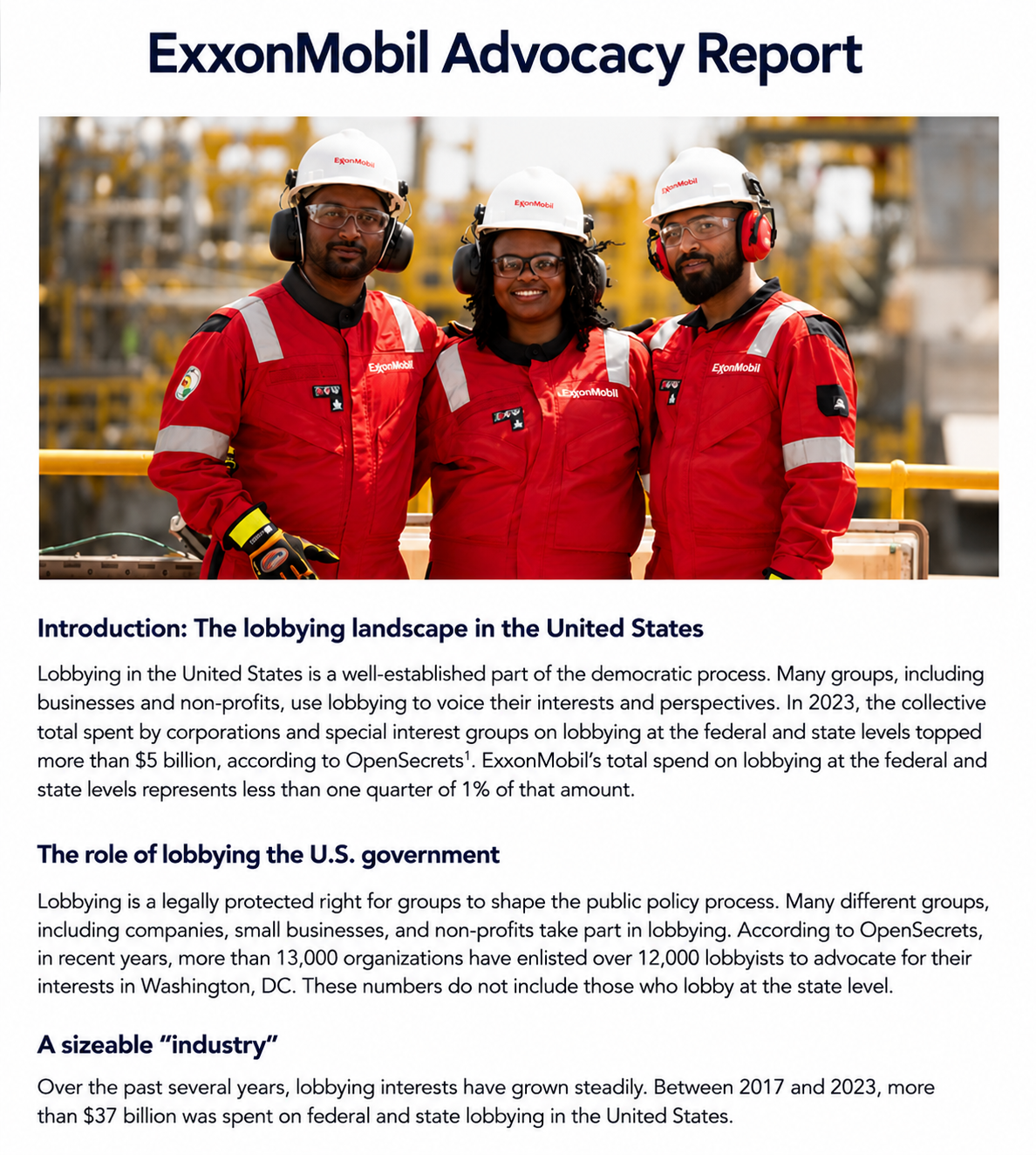
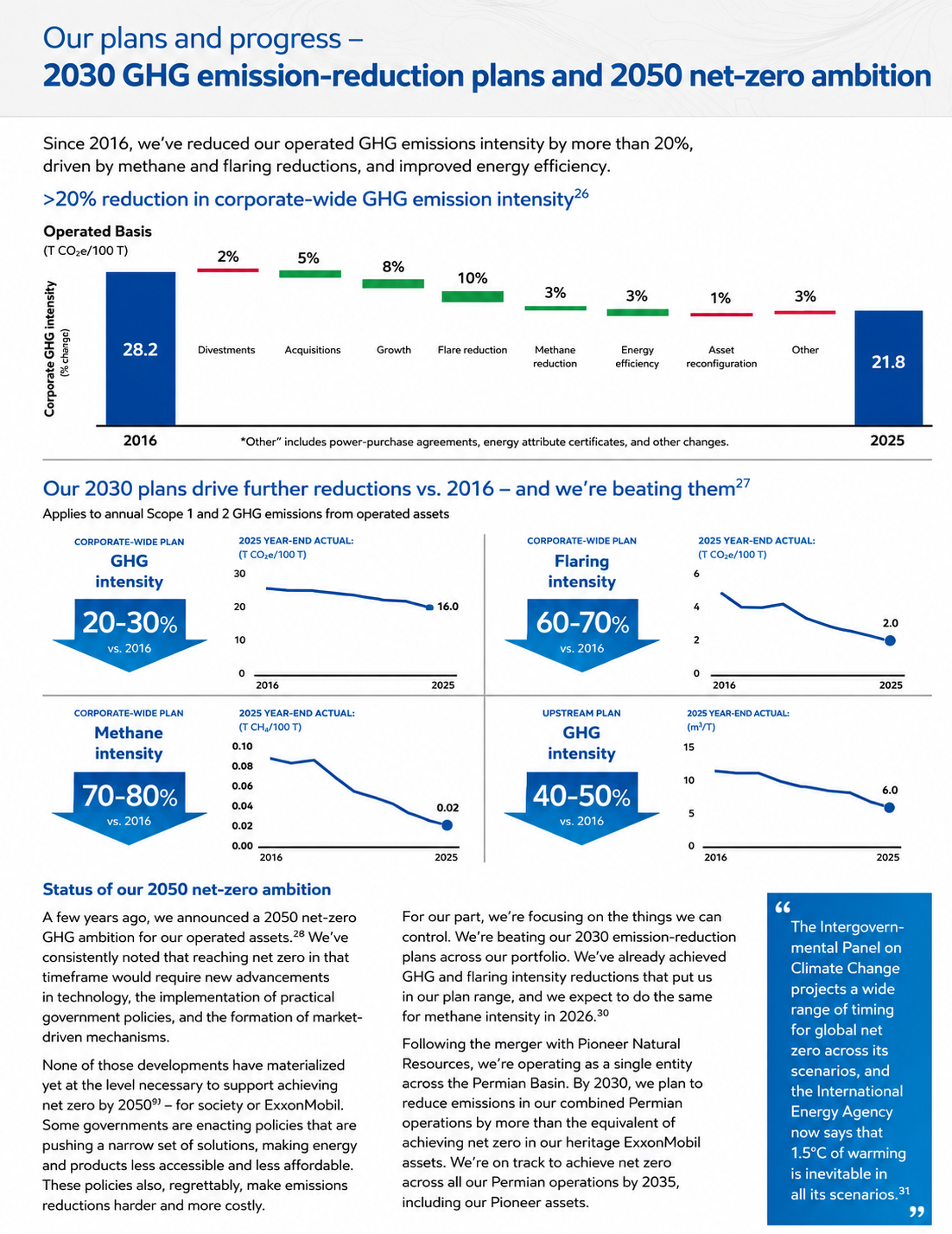
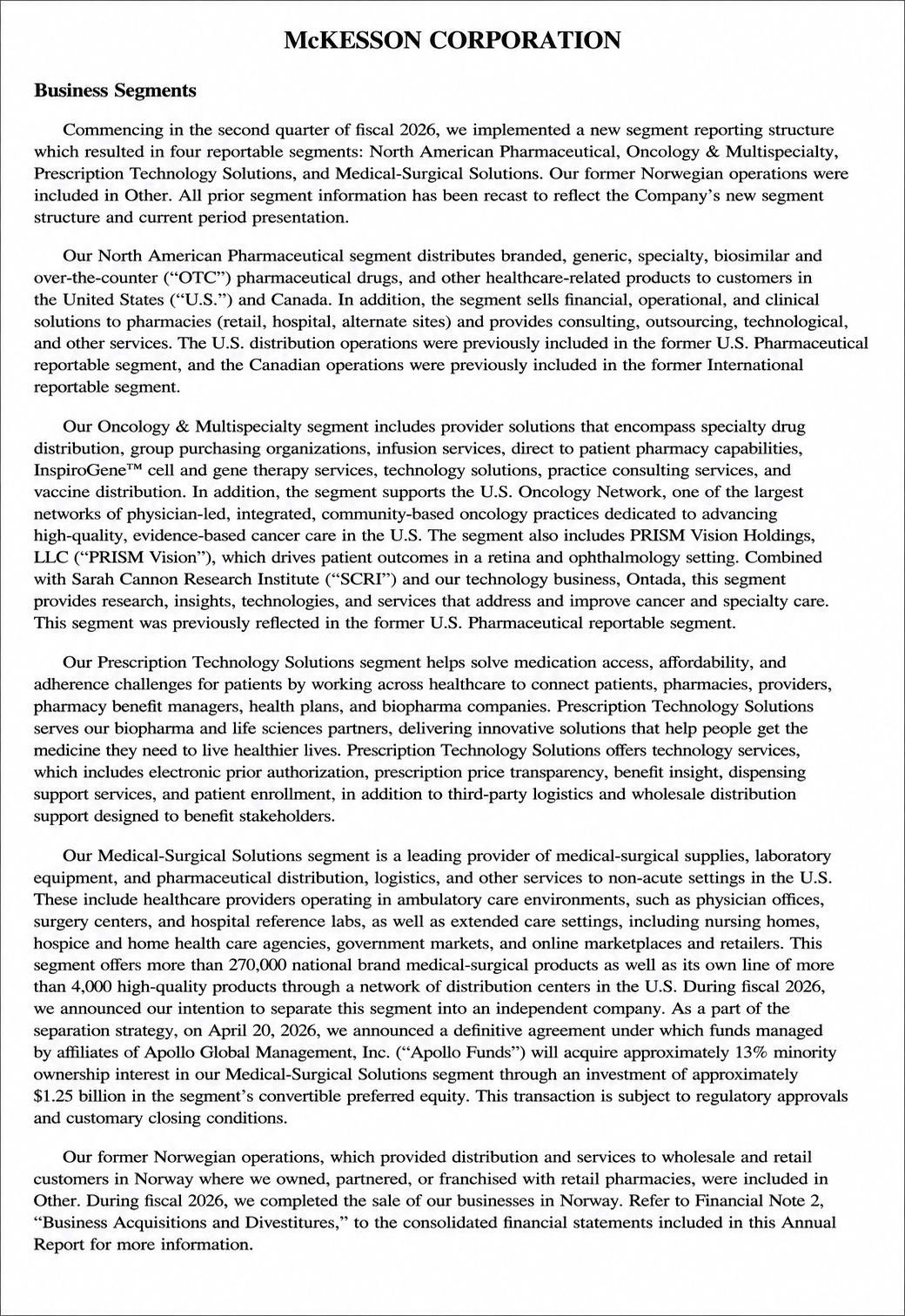
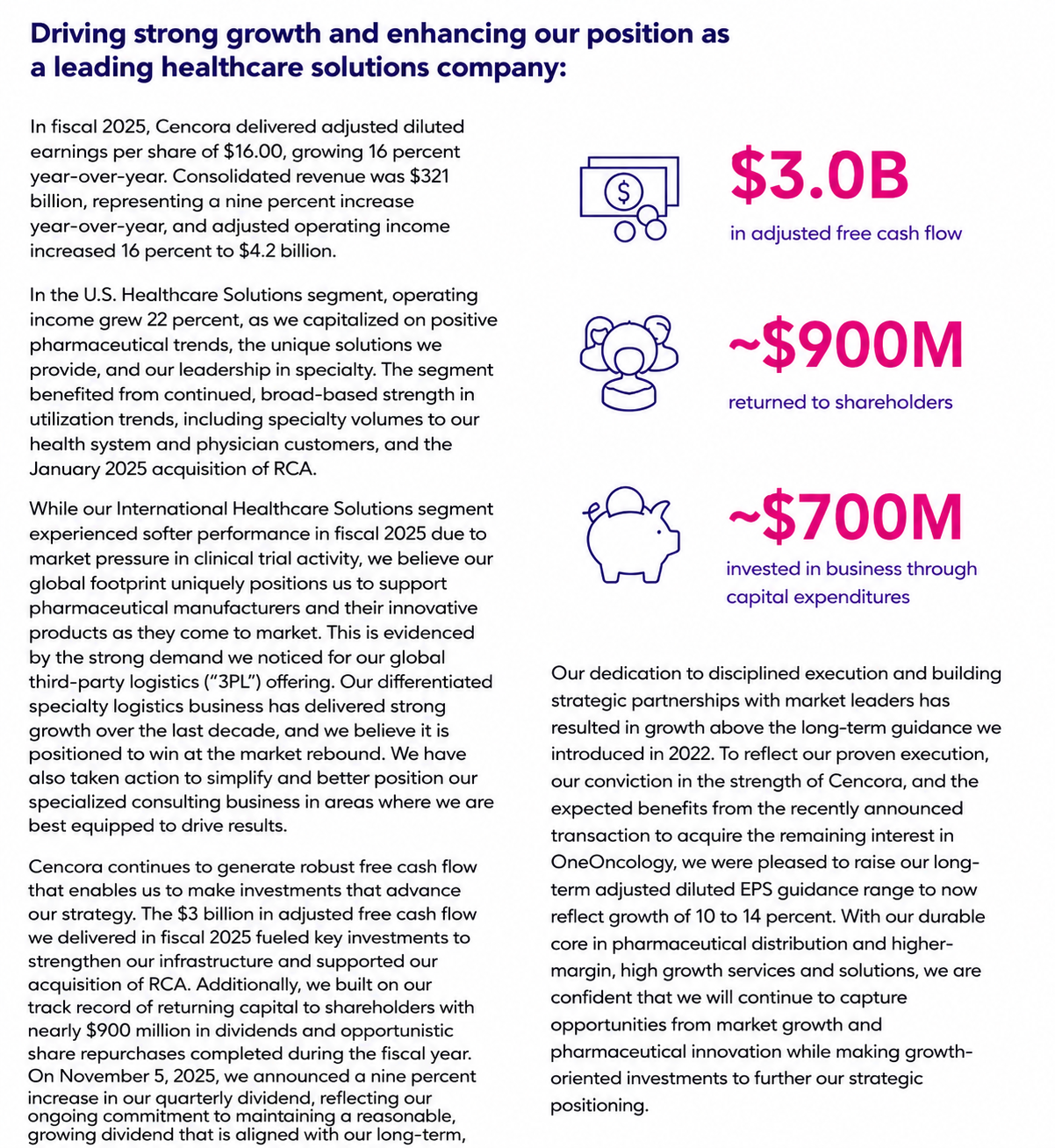
A Business Report presents operational performance, financial results, market trends, or strategic recommendations to help organizations make informed business decisions.
Sales Report
A Sales Report tracks sales performance, revenue, customer activity, and sales trends over a specific period, helping businesses measure growth and identify opportunities.
Financial Report
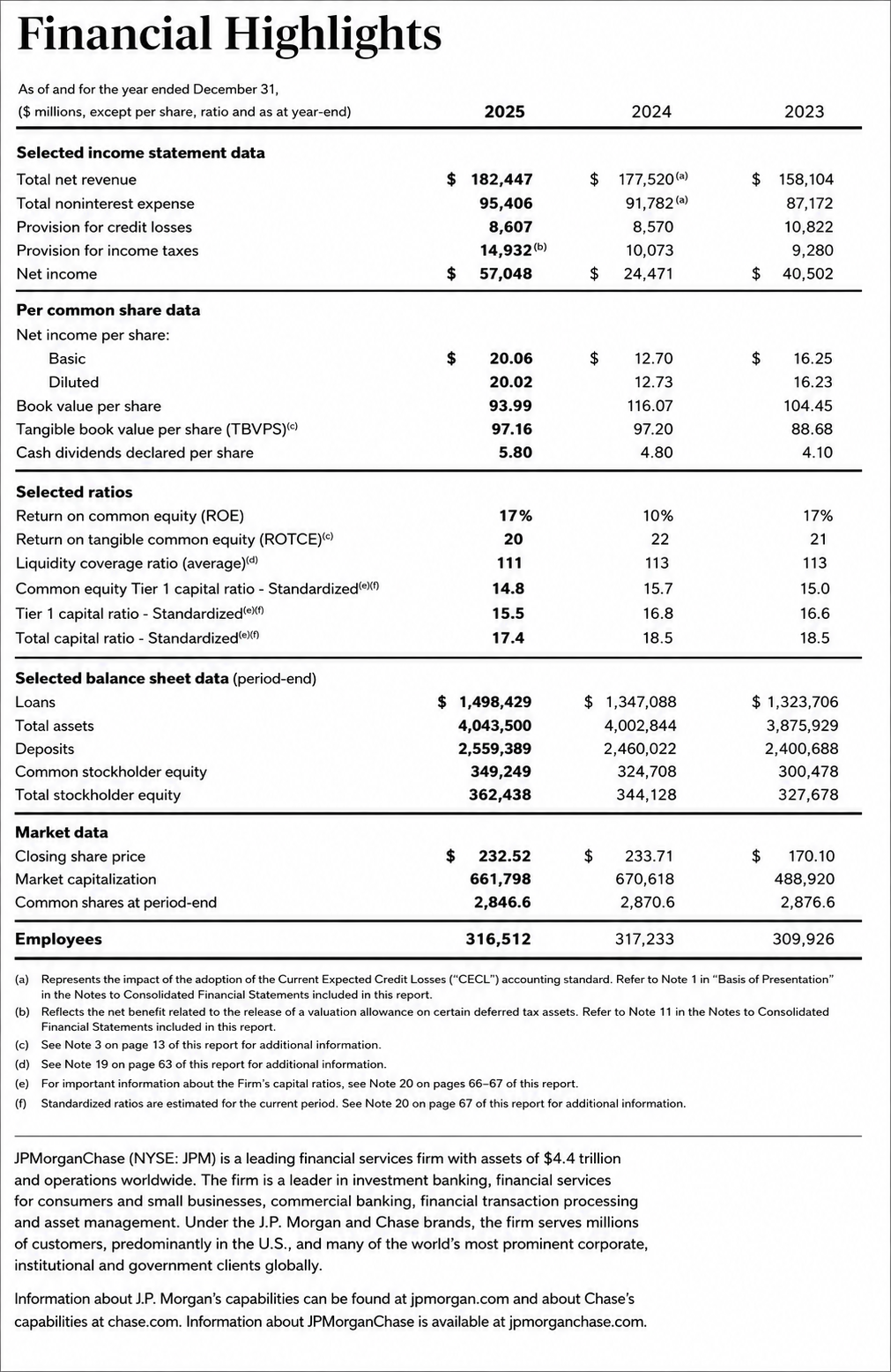
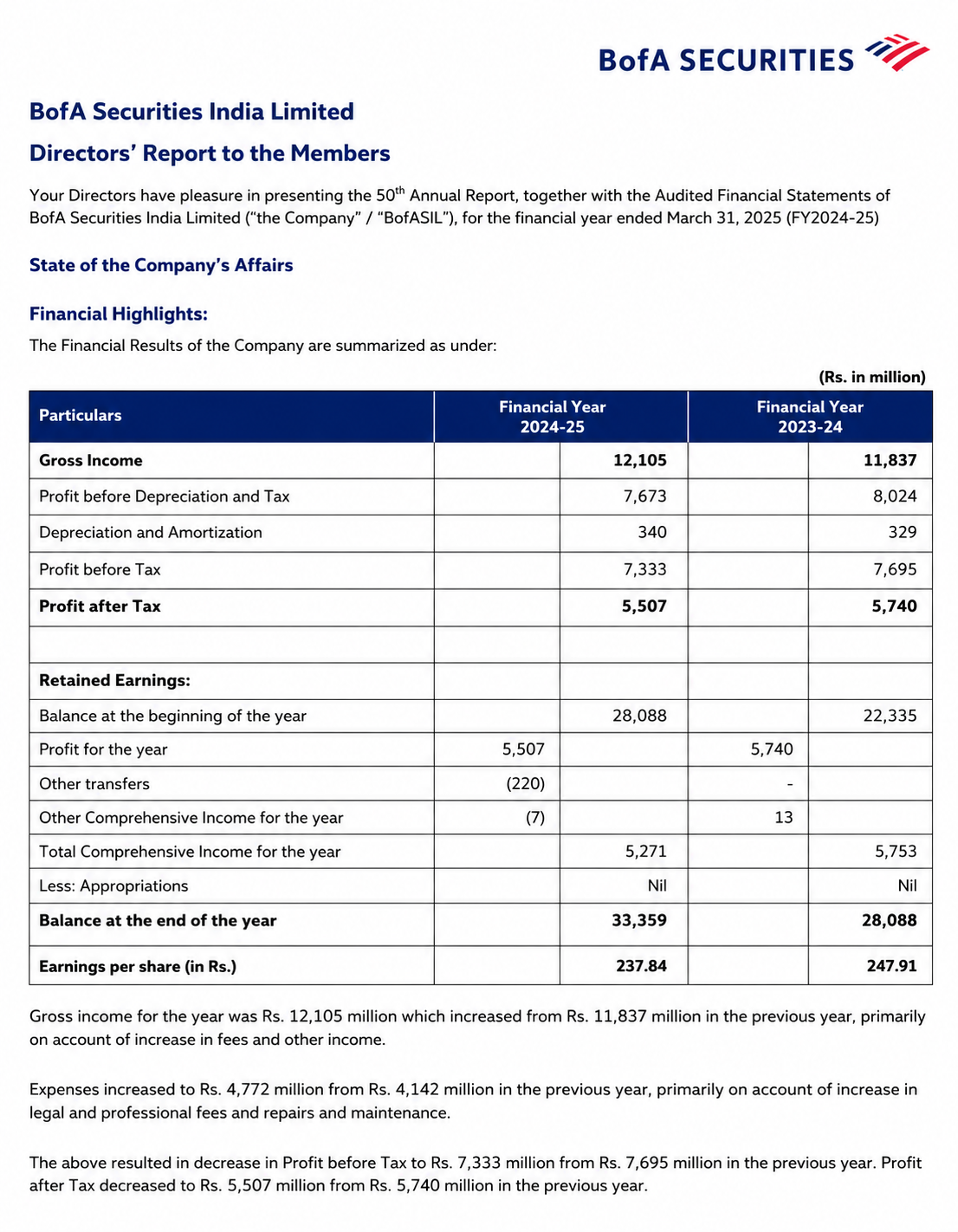
A Financial Report summarizes an organization’s financial health through income statements, balance sheets, cash flow reports, and other key financial data.
Project Report
A Project Report documents project objectives, progress, milestones, challenges, outcomes, and recommendations to keep stakeholders informed throughout the project lifecycle.
Research Report
A Research Report presents research findings, methodologies, data analysis, and conclusions in a structured format to communicate valuable insights and support evidence-based decisions.
Progress Report
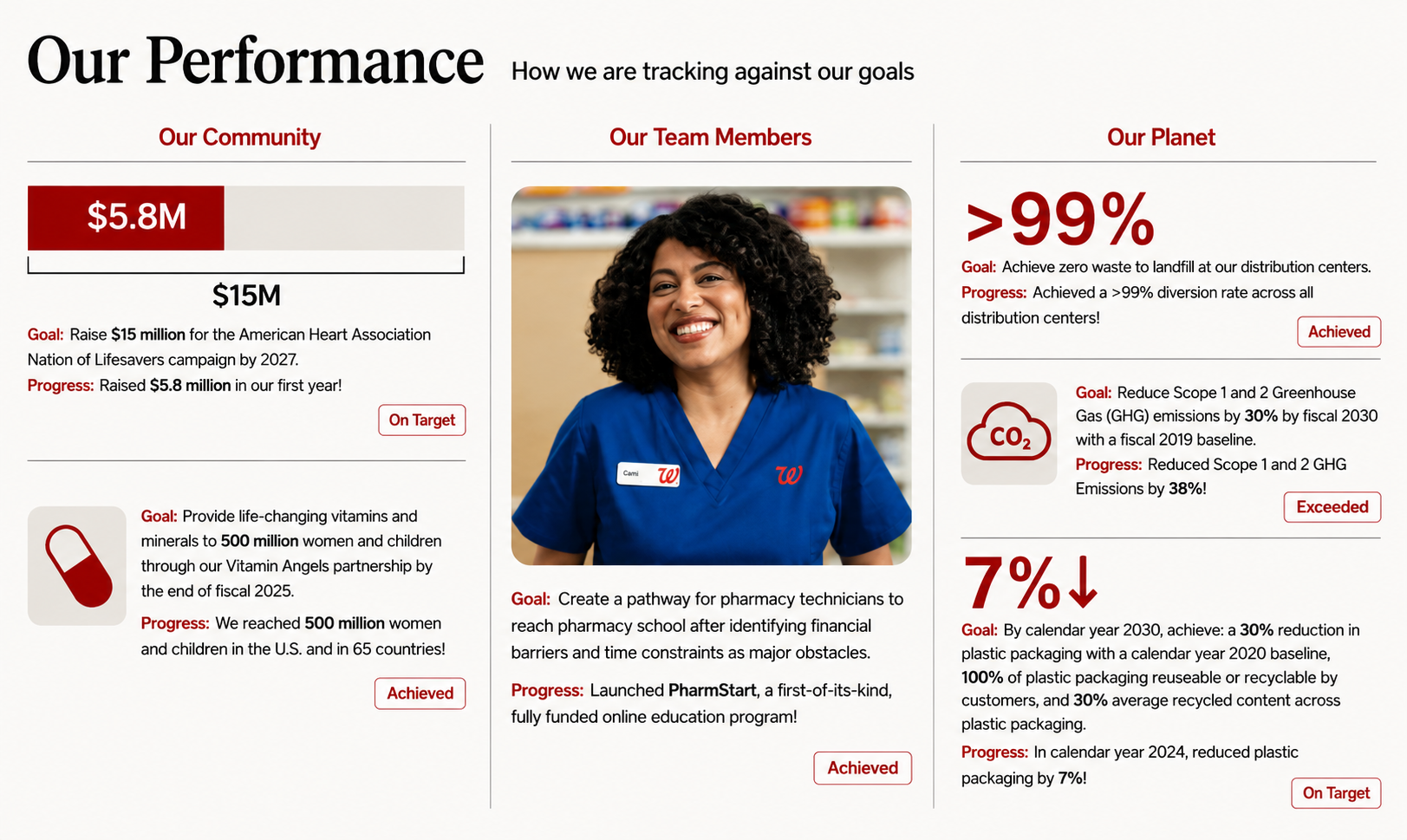
A Progress Report provides regular updates on ongoing work, completed tasks, current status, challenges, and upcoming activities to track progress toward goals.
How Do I Generate Reports Using Real Report Examples?
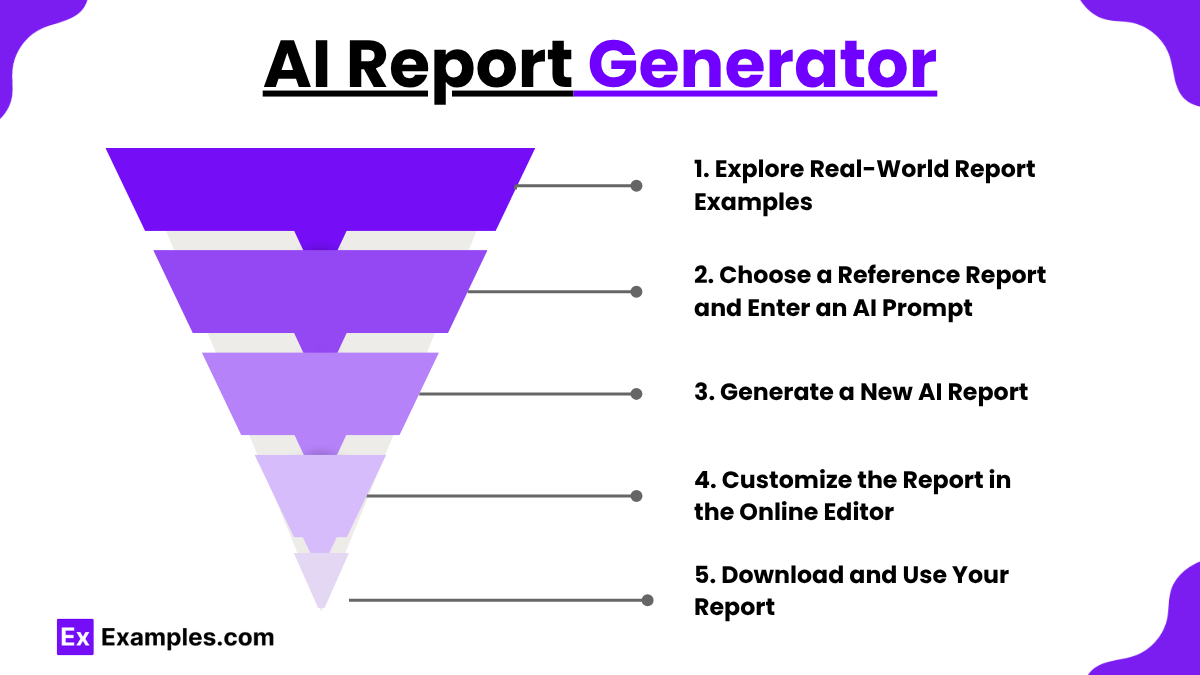
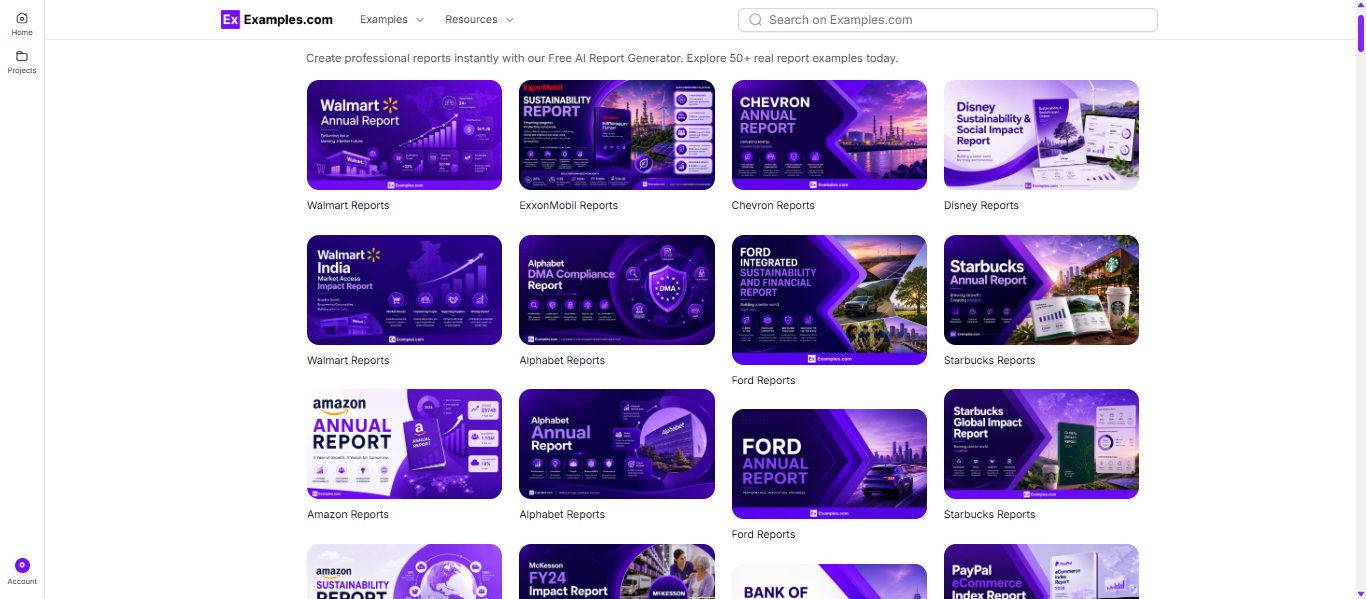
Explore Real Report Examples
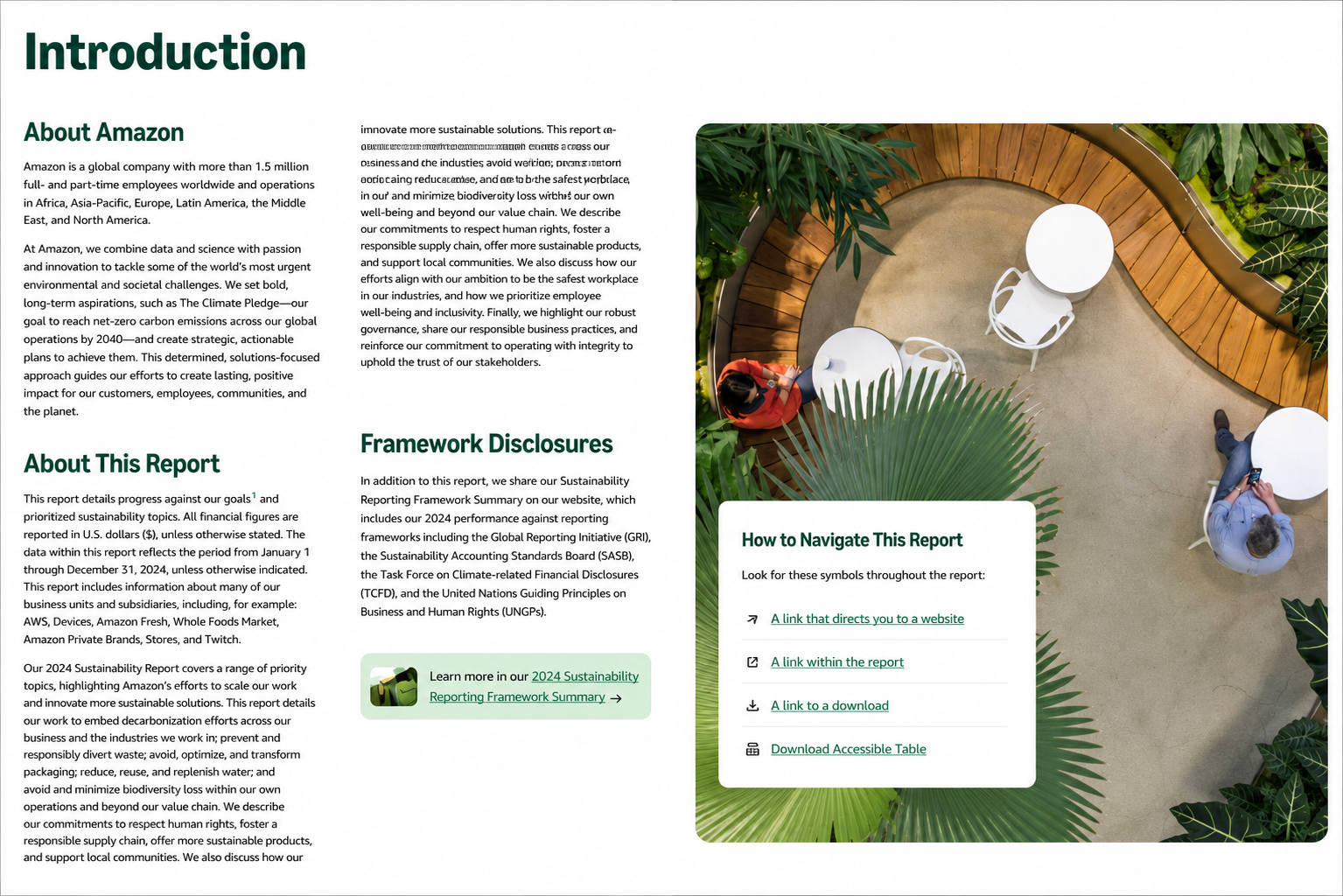
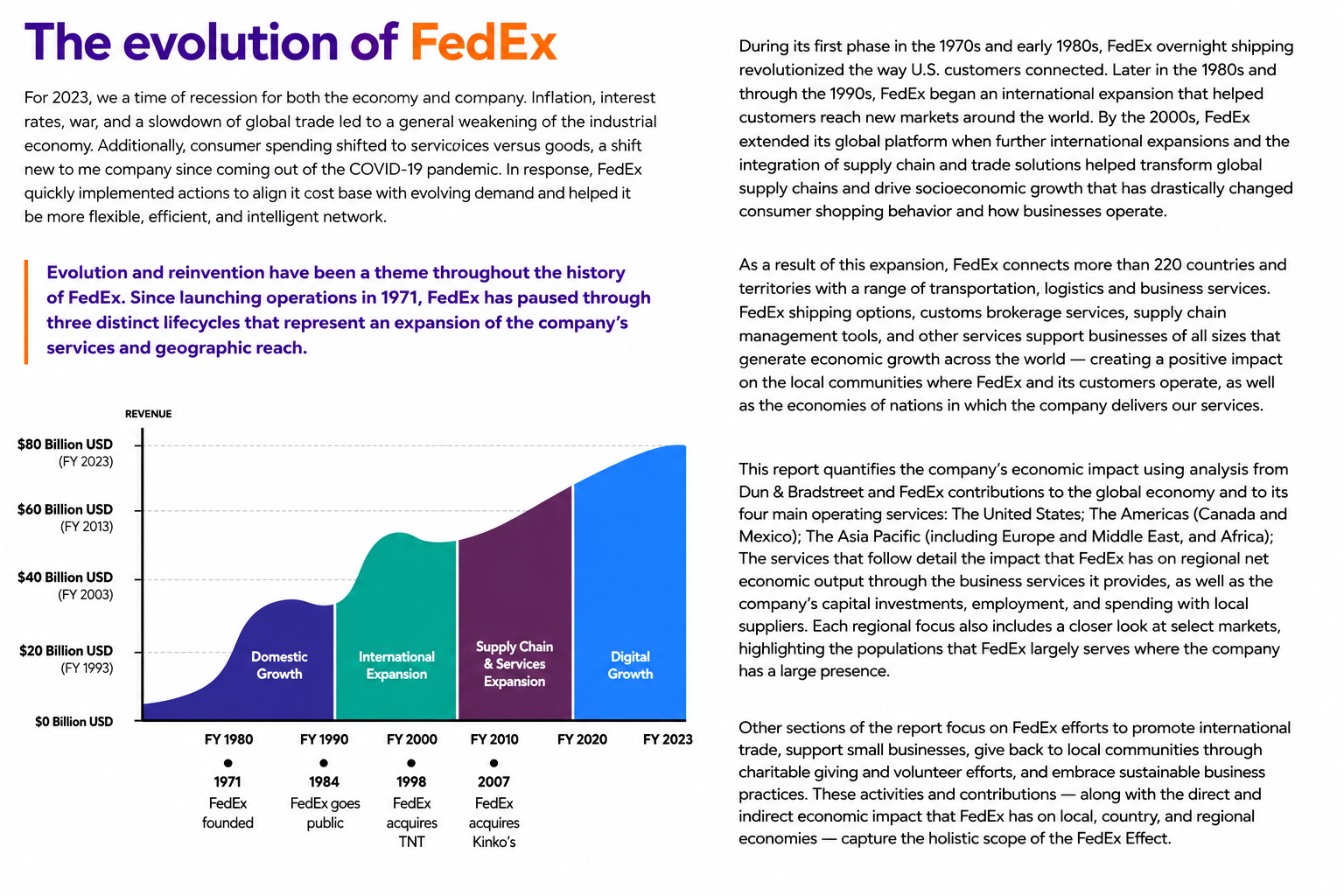
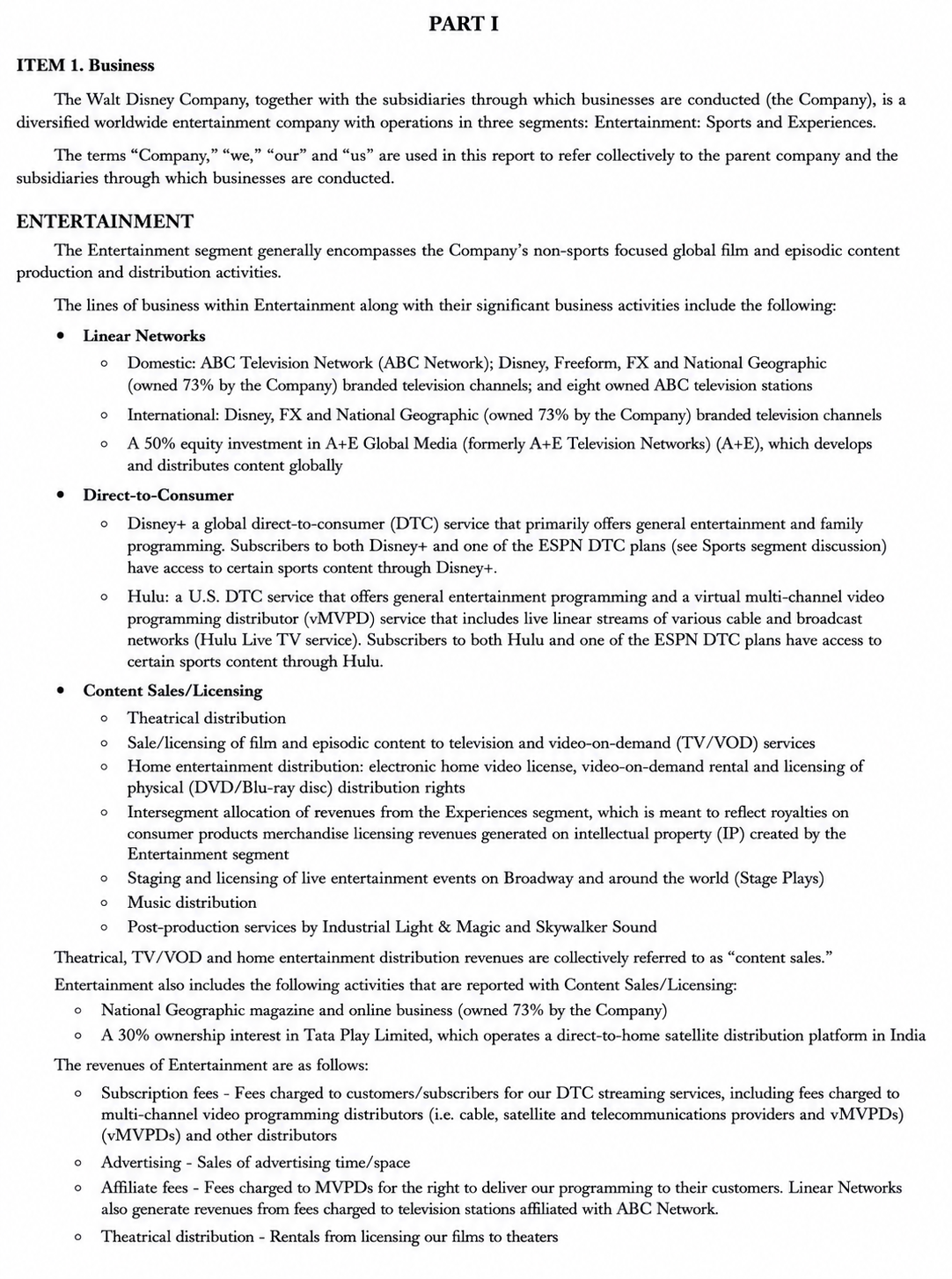
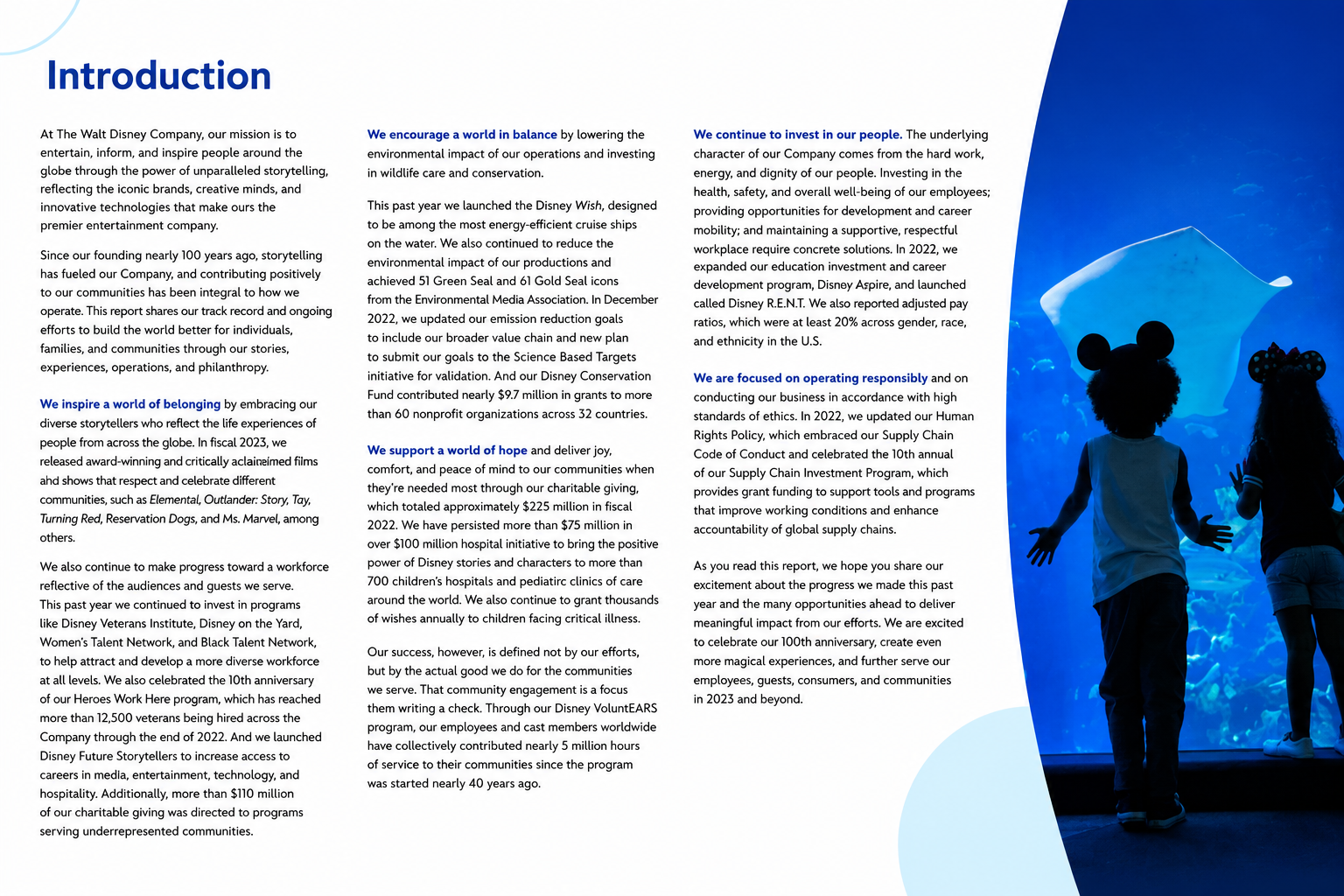
Browse professionally written report examples to understand document structure, formatting, sections, and writing style. Reviewing real reports helps you create clear, accurate, and well-organized reports for business, education, research, and professional use.
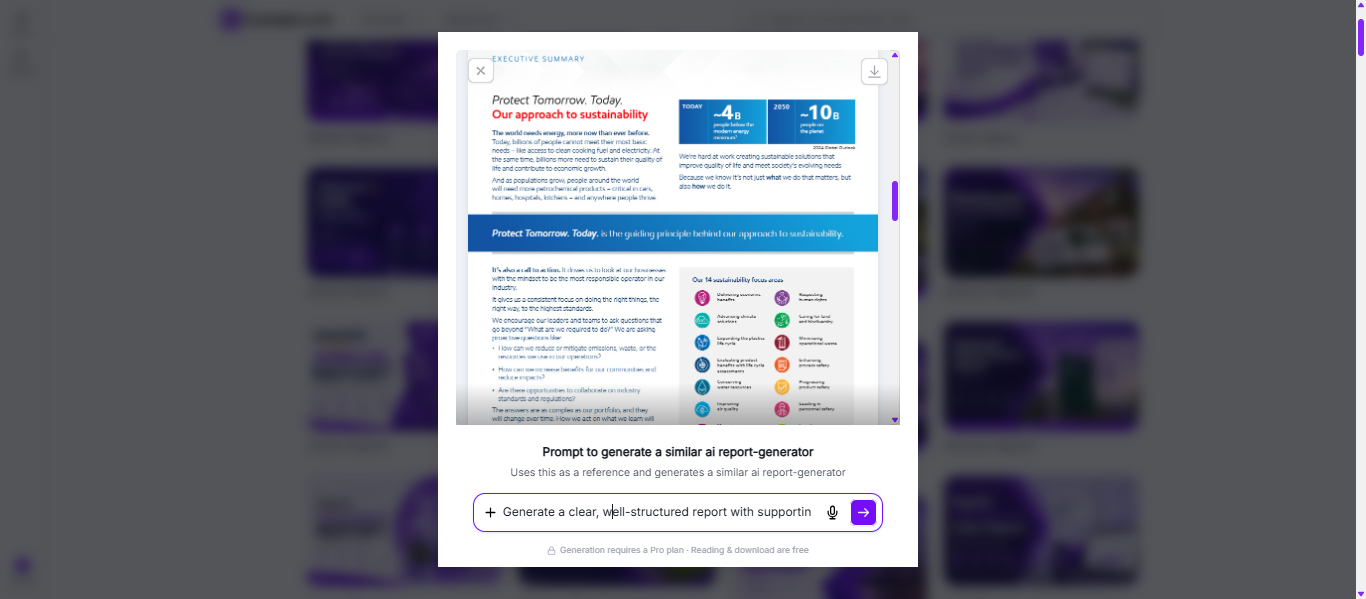
Choose a Reference Report and Enter an AI Prompt
Select a reference report and describe your requirements, including the report type, purpose, audience, key information, findings, data, and any recommendations you want to include.
Generate a New AI Report
The AI generates a customized report based on your prompt, organizing the content into professional sections with clear headings, concise analysis, and a logical structure.
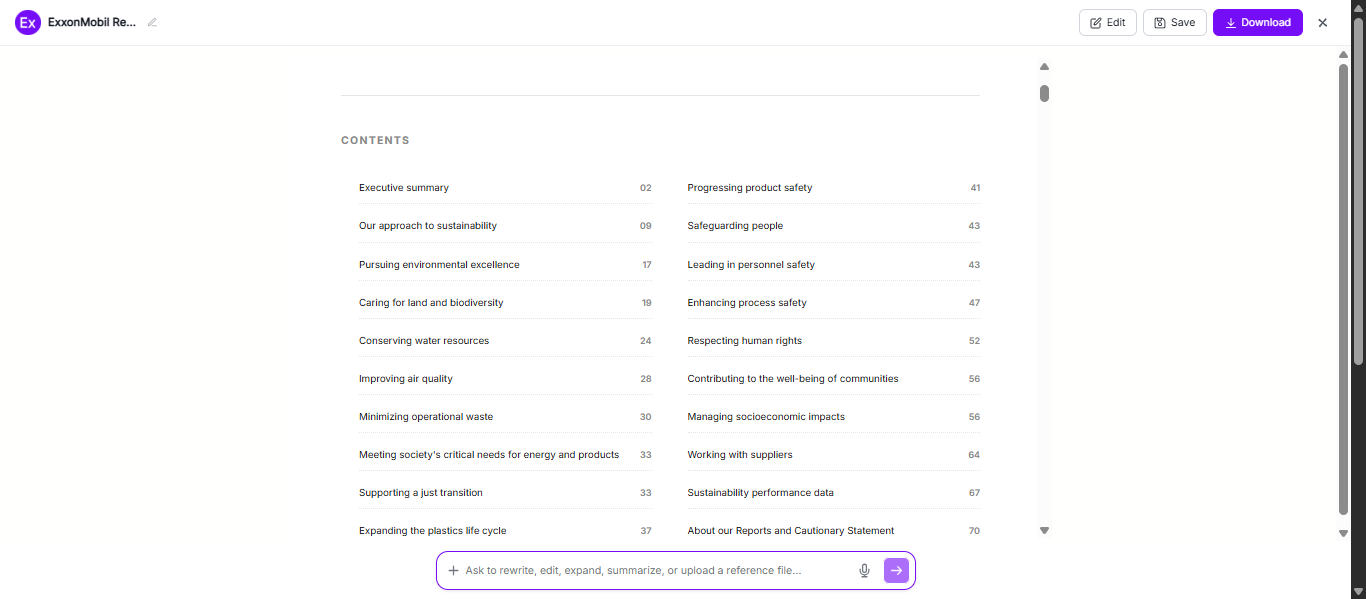
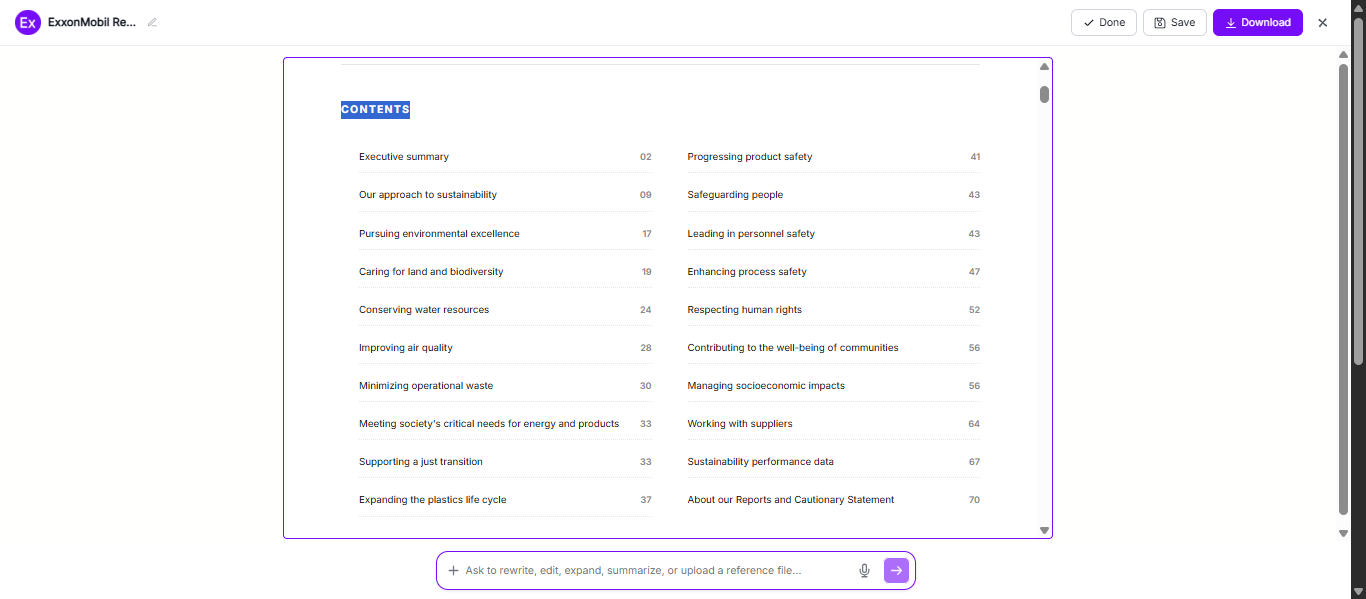
Customize the Report in the Online Editor
Edit titles, headings, text, charts, tables, formatting, images, and other report elements to match your specific requirements and presentation style.
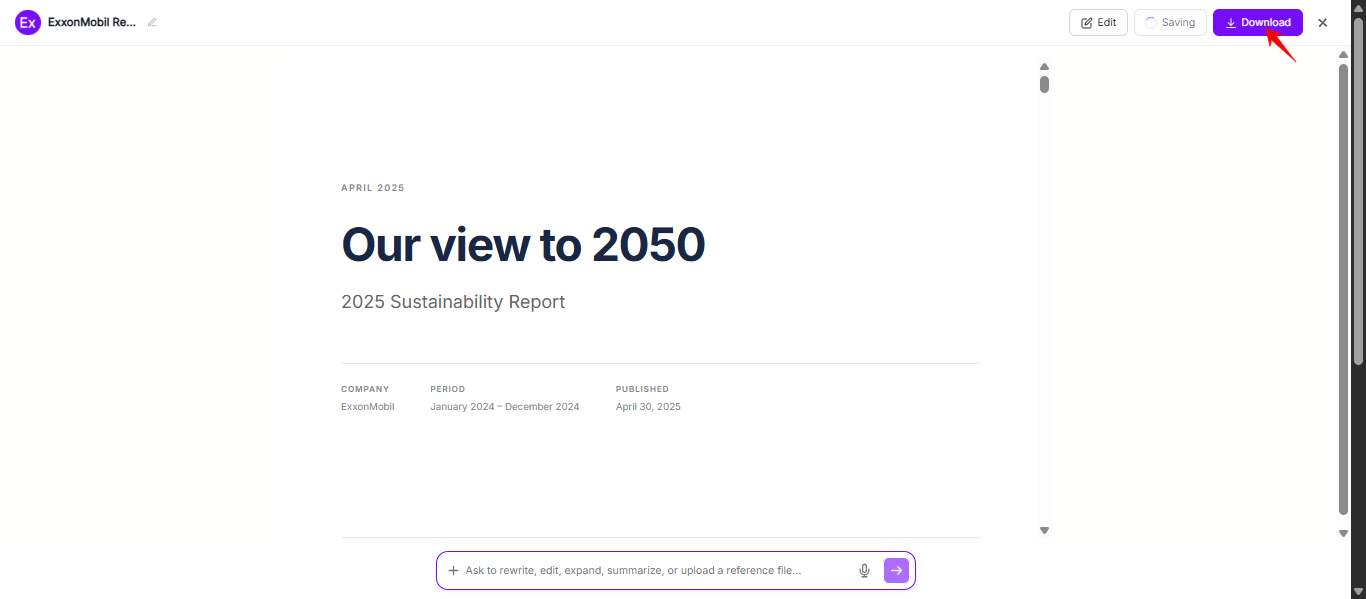
Download and Use Your Report
Download your completed report in PDF format for sharing, presenting, printing, submitting, or securely storing for future reference.
How Do I Customize a Report Online?
Customize your report by editing the title, headings, content, summaries, findings, and recommendations to match your purpose and audience. You can also modify fonts, colors, layouts, tables, charts, images, and other visual elements to create a professional, easy-to-read document. Review your report for accuracy, collaborate with others if needed, and download the finished report in PDF or other formats for sharing, presenting, printing, or submitting.
AI Report Editing Features
AI Report Generation
Generate professionally written reports based on your topic, objectives, audience, and key information with clear structure and organized content.
Smart Content Editing
Rewrite, expand, summarize, or refine report sections to improve clarity, accuracy, and readability.
Auto Formatting
Automatically organize headings, sections, tables, and layouts to create a clean, professional-looking report.
Report Customization
Edit titles, findings, charts, tables, visuals, recommendations, and other report elements to suit your specific requirements.
Collaboration and Review
Share your report with teammates or stakeholders for feedback, revisions, and approval before finalizing.
Instant Download Options
Download your completed report in your preferred format for sharing, presenting, printing, or future reference.
Which Essential Elements Should Every Report Include?
- Title and Report Purpose – Use a clear title and explain the report’s objective so readers immediately understand its focus.
- Introduction – Provide background information, the scope of the report, and the purpose of the analysis or findings.
- Organized Sections – Divide the report into logical headings and subheadings to improve readability and navigation.
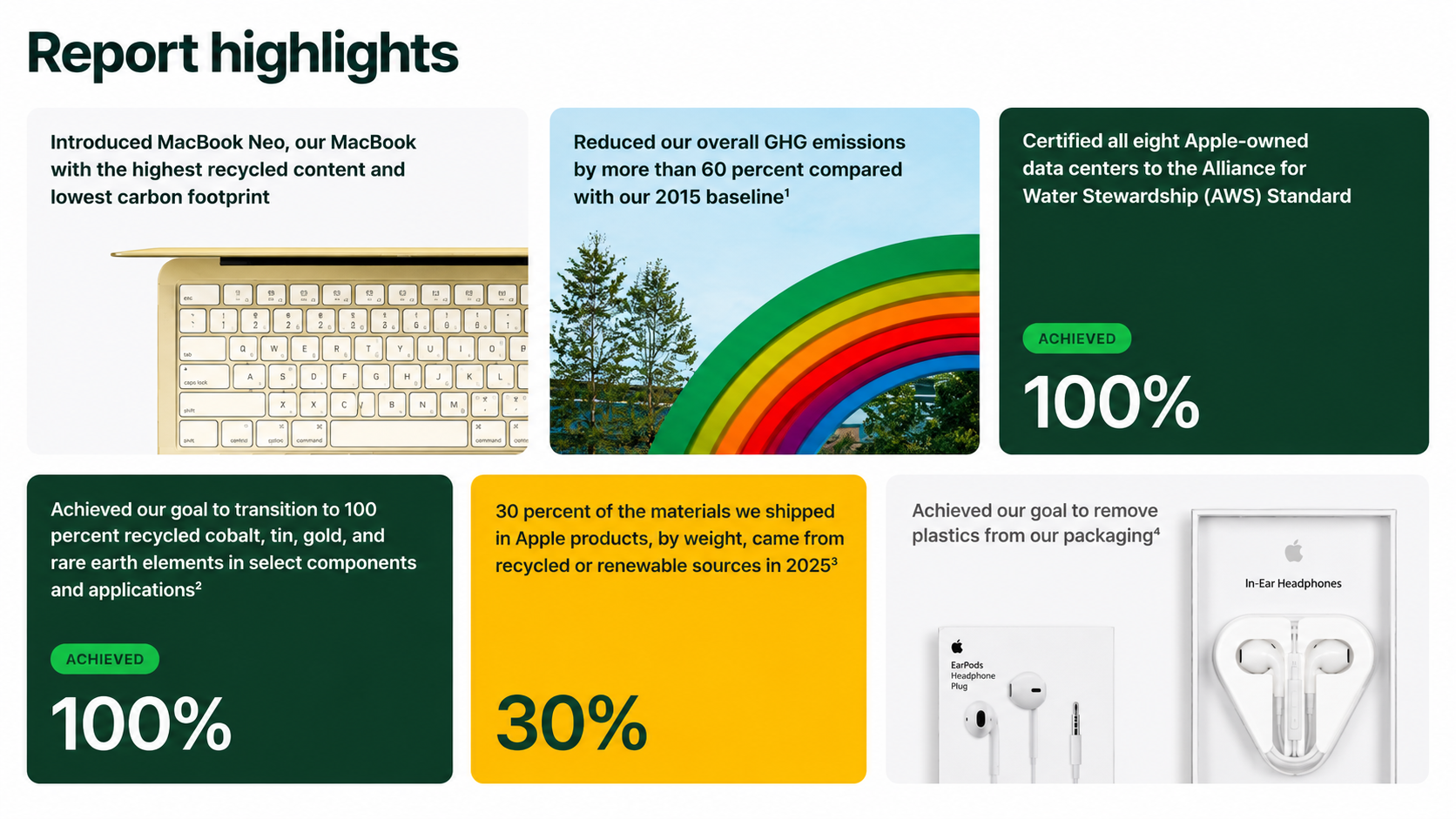
- Data and Supporting Evidence – Include accurate facts, statistics, research, charts, tables, or other evidence to support your findings.
- Analysis and Key Findings – Interpret the data, identify trends, and highlight the most important insights for your audience.
- Conclusion and Recommendations – Summarize the main points and provide actionable recommendations or next steps when appropriate.
- References or Appendices (Optional) – Cite sources or include supporting documents, additional data, or supplementary information to improve credibility and completeness.
How Do I Write a Better Report?
- Define Your Objective – Start by identifying the purpose of the report and the key message you want to communicate.
- Know Your Audience – Tailor the content, tone, and level of detail to meet the needs of your intended readers.
- Organize Information Logically – Use clear headings, subheadings, and a logical flow to make the report easy to follow.
- Support Findings with Evidence – Include reliable data, research, statistics, examples, or observations to strengthen your conclusions.
- Write Clearly and Concisely – Use simple language, avoid unnecessary jargon, and keep sentences focused on the main points.
- Use Visuals When Appropriate – Add tables, charts, graphs, or images to present complex information more effectively.
- Review and Edit Before Publishing – Proofread for grammar, spelling, formatting, and consistency to ensure your report is accurate and professional.
Why Should I Use Real Report Examples to Create My Own Reports?
- Learn how professional reports are structured with clear sections and logical organization.
- Save time by using proven report formats instead of starting from scratch.
- Improve the quality of your writing by following real-world examples.
- Present information, data, and findings in a clear and professional manner.
- Avoid common formatting and content mistakes by using established report layouts.
- Easily customize report examples to match your topic, audience, or industry.
- Create polished, credible reports that are easier to read, understand, and share.
What Common Report Writing Mistakes Should I Avoid?
- Starting without a clear purpose or objective.
- Including inaccurate, outdated, or unsupported information.
- Using poor organization or inconsistent formatting.
- Writing long, complex paragraphs that are difficult to read.
- Leaving out important sections such as conclusions or recommendations.
- Overusing technical jargon without explaining key terms.
- Failing to proofread for grammar, spelling, and formatting errors.
- Ignoring charts, tables, or visuals that could improve data presentation.
- Using inconsistent fonts, headings, or styles throughout the document.
- Submitting the report without reviewing it for clarity, accuracy, and completeness.
How Can Reports Improve Business Performance?
Track Business Performance
Monitor key metrics, financial results, and operational activities to measure progress and identify areas for improvement.
Support Better Decision-Making
Use accurate data, analysis, and insights from reports to make informed business decisions with greater confidence.
Identify Trends And Opportunities
Analyze performance over time to discover market trends, customer behavior, growth opportunities, and potential risks.
Improve Communication
Share clear, organized reports with stakeholders, managers, clients, and team members to keep everyone informed and aligned.
Increase Efficiency And Accountability
Document progress, measure outcomes, and track responsibilities to improve productivity, transparency, and overall business performance.
Report Ideas for Different Industries
- Business – Annual reports, financial reports, sales reports, market analysis reports, performance reports, and operational reports help organizations track growth, evaluate performance, and support strategic decision-making.
- Education – Research reports, lab reports, internship reports, project reports, and book reports help students and educators present findings, document progress, and demonstrate academic achievements.
- Healthcare – Medical reports, patient reports, incident reports, clinical research reports, and healthcare audit reports improve documentation, patient care, and regulatory compliance.
- Technology – Technical reports, software testing reports, cybersecurity reports, project status reports, and system performance reports help teams monitor progress, resolve issues, and improve efficiency.
- Construction – Project progress reports, safety reports, inspection reports, quality assurance reports, and site evaluation reports help manage construction projects and ensure compliance.
- Retail – Sales reports, inventory reports, customer feedback reports, market trend reports, and store performance reports help retailers analyze operations and improve customer satisfaction.
FAQs
What is a report used for?
Reports organize information, present findings, support decision-making, track progress, and communicate results clearly across business, education, and research.
What are the main types of reports?
Common reports include business, financial, project, research, sales, progress, technical, and performance reports for different professional and academic purposes.
How do I write a professional report?
Define your objective, organize content logically, include reliable evidence, write clearly, and proofread carefully before finalizing your report.
What should every report include?
Every report should include a title, introduction, findings, analysis, conclusion, recommendations, and supporting data or references when necessary.
Can AI help create professional reports?
Yes, AI helps generate report drafts, improve writing, organize content, enhance formatting, and save time while maintaining document quality.
Why should I use report examples?
Report examples provide structure, formatting ideas, writing guidance, and practical references for creating clear, accurate, and professional reports.
Which report format is best for business?
Business reports typically use structured sections, clear headings, concise analysis, supporting data, and actionable recommendations for effective communication.
How can I customize a report online?
Edit text, headings, tables, charts, visuals, layouts, and formatting to create a report tailored to your audience and objectives.