An email newsletter is one of the most effective ways to keep your audience informed, build lasting relationships, and promote products or services through regular email updates. Whether your goal is to share company news, educational content, or special offers, a well-crafted email newsletter helps you communicate consistently with subscribers who want to hear from you. Creating one starts with defining a clear purpose, building a permission-based subscriber list, writing valuable content with clear headings and a strong call to action, and choosing a design that is easy to read on any device. A well-designed email newsletter not only improves engagement but also encourages readers to return, take action, and stay connected with your brand over time.
What Is an Email Newsletter?
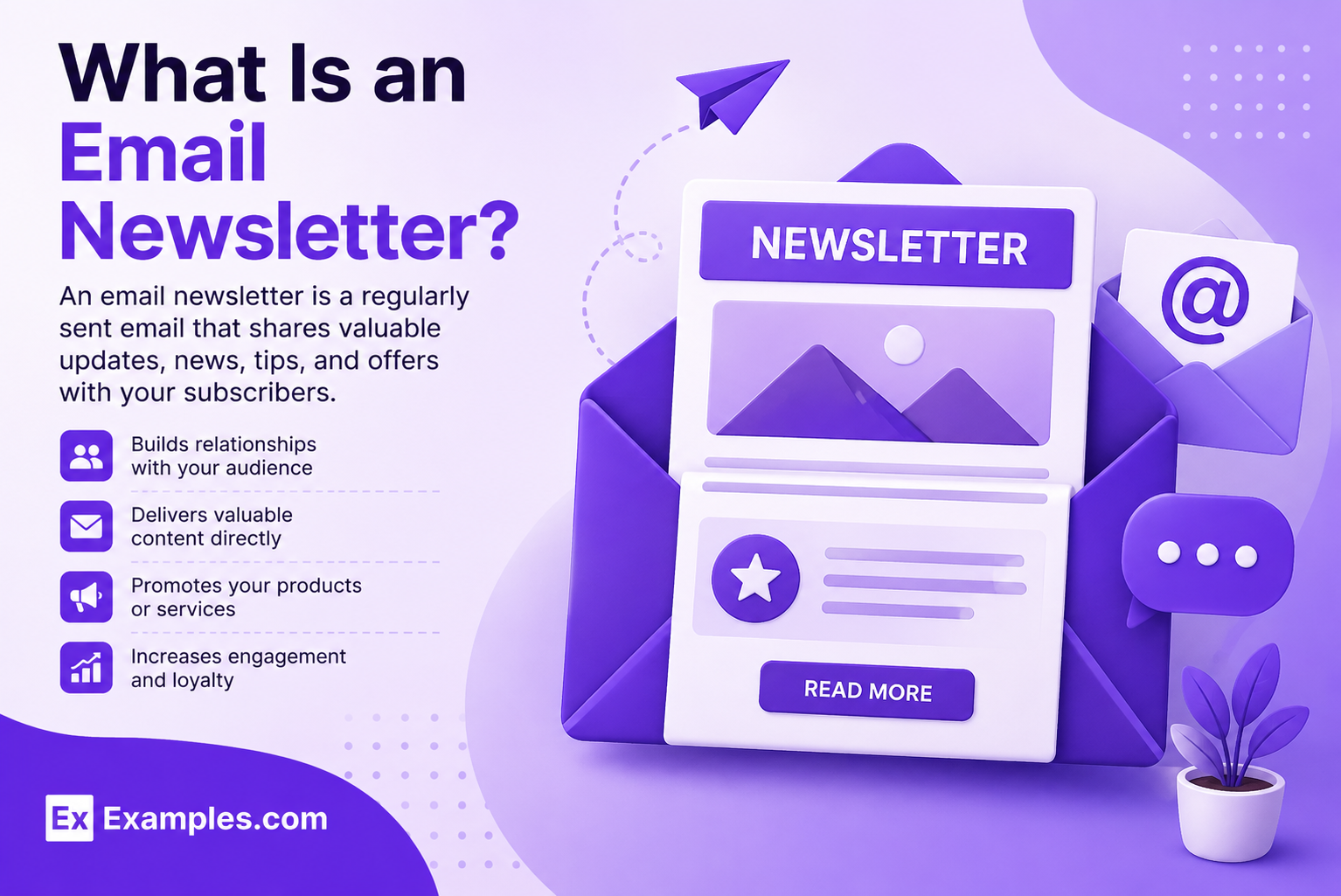
An email newsletter is a recurring email sent to subscribers to share updates, educational content, announcements, promotions, or company news. It helps businesses, organizations, and creators build stronger relationships with their audience, increase engagement, and encourage meaningful actions through valuable and relevant communication.
Popular Types of Email Newsletters
📰
Company Newsletters
A Company Newsletter shares business updates, announcements, milestones, and important news to keep subscribers informed and connected.
🎓
Educational Newsletters
An Educational Newsletter delivers tutorials, expert tips, industry insights, and helpful resources to educate and engage readers.
🛍️
Promotional Newsletters
A Promotional Newsletter highlights special offers, discounts, product launches, and limited-time deals to encourage customer action.
📅
Event Newsletters
An Event Newsletter promotes upcoming webinars, conferences, workshops, or community events while providing registration details and reminders.
👋
Welcome Newsletters
A Welcome Newsletter introduces new subscribers to your brand, sets expectations, and shares valuable resources to build a strong first impression.
💡
Product Update Newsletters
A Product Update Newsletter announces new features, improvements, releases, and updates to help subscribers get the most from your products or services.
How Do I Generate Email Newsletters Using Real Email Newsletter Examples?
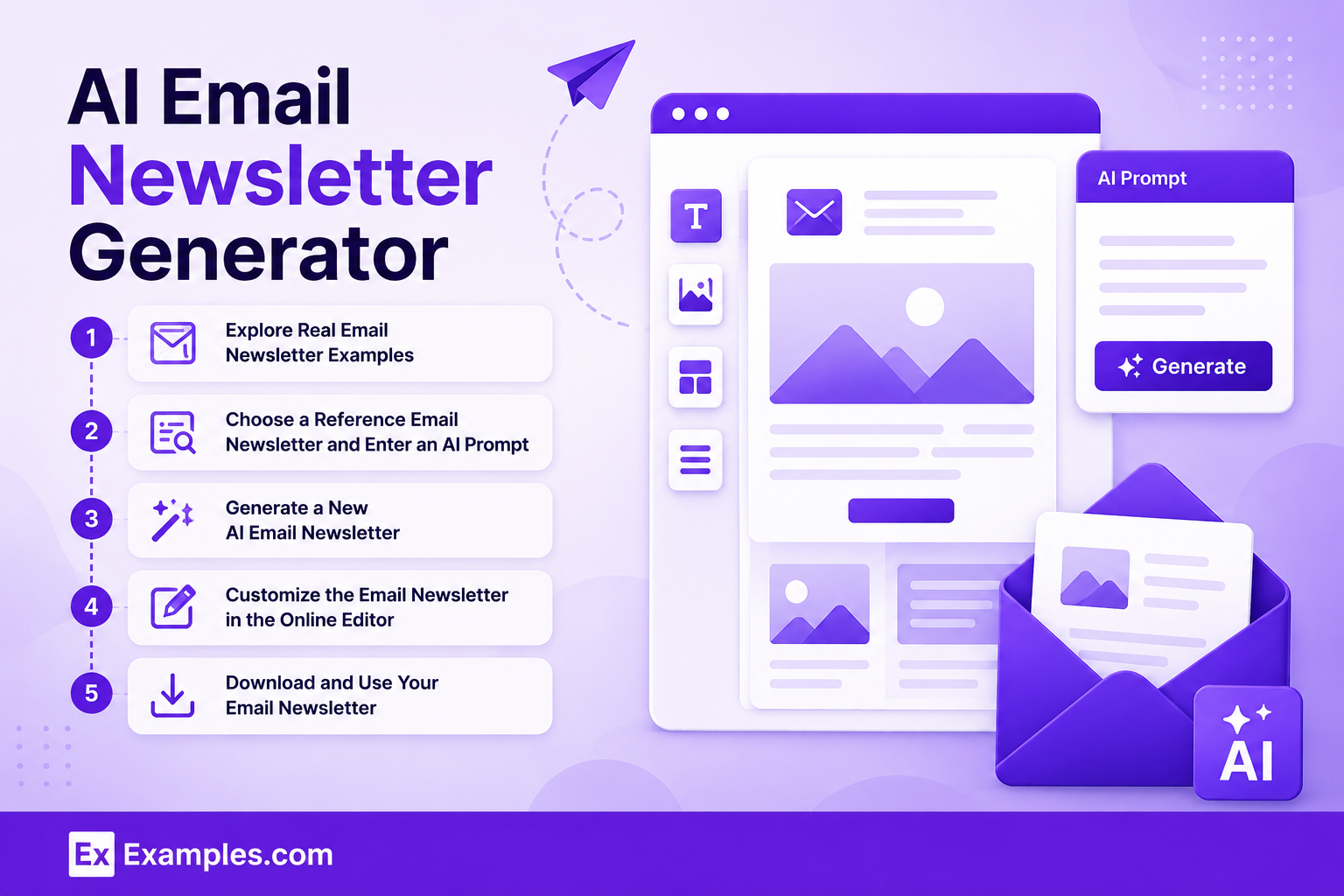
Explore Real Email Newsletter Examples
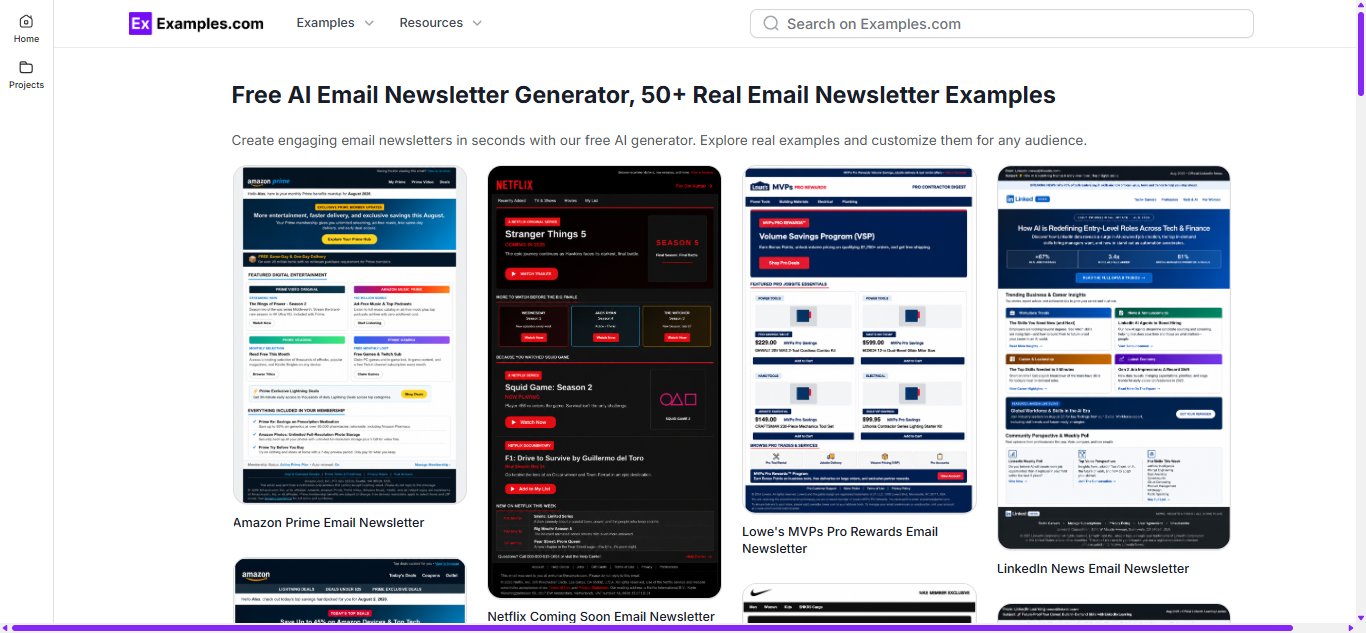
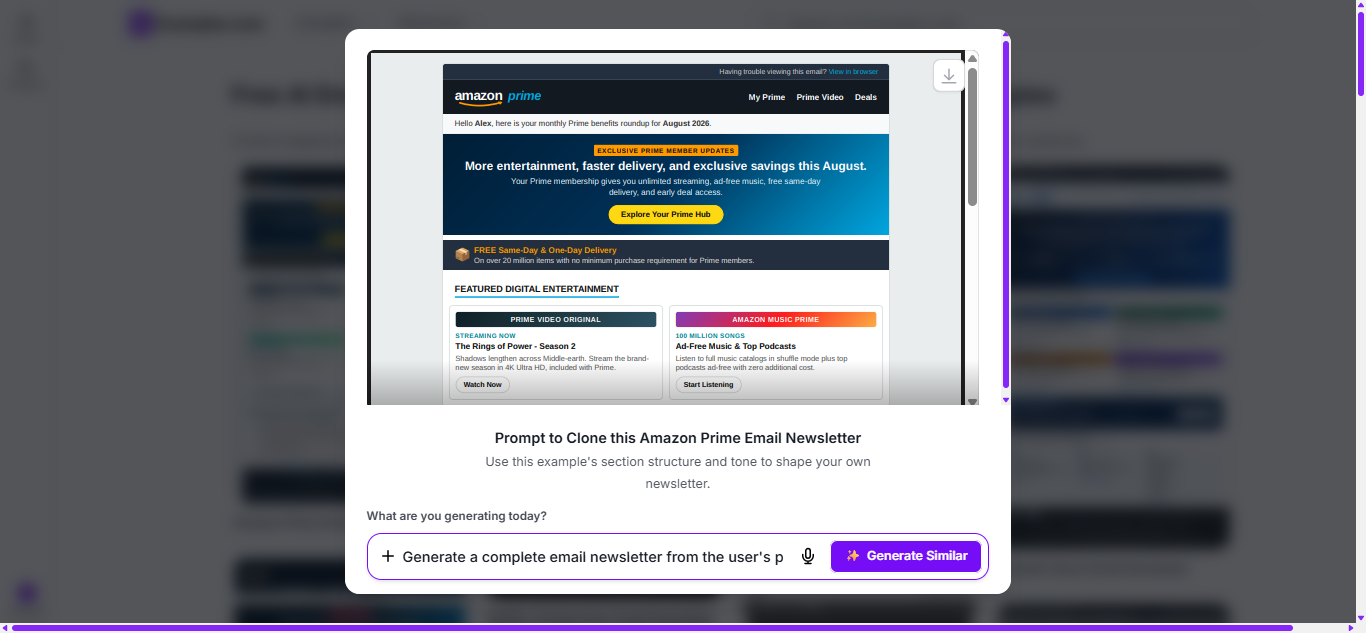
Browse professionally designed email newsletter examples to understand layouts, content structure, subject lines, calls to action, and visual design. Reviewing real newsletters helps you create engaging, well-organized emails for marketing, updates, announcements, and customer communication.
Choose a Reference Email Newsletter and Enter an AI Prompt
Select an email newsletter example and describe your requirements, including your purpose, target audience, key message, content sections, branding, call to action, and preferred writing style.
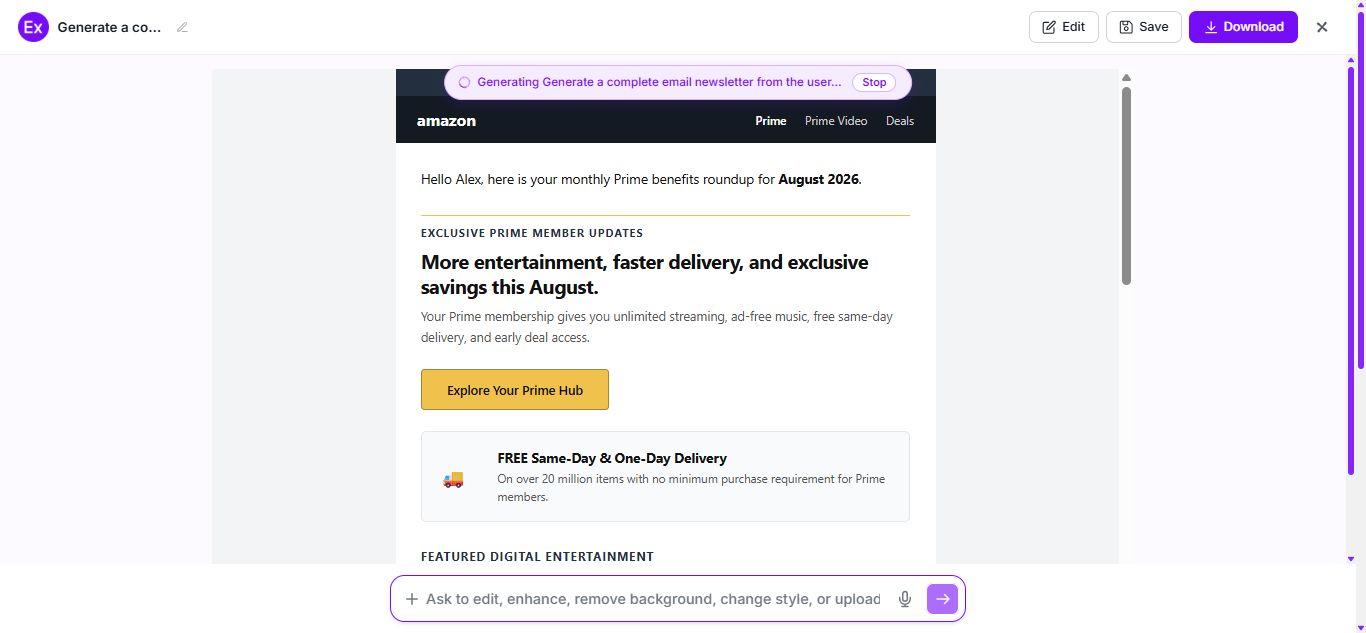
Generate a New AI Email Newsletter
The AI generates a customized email newsletter with a compelling subject line, engaging content, organized sections, and a clear call to action based on your prompt.
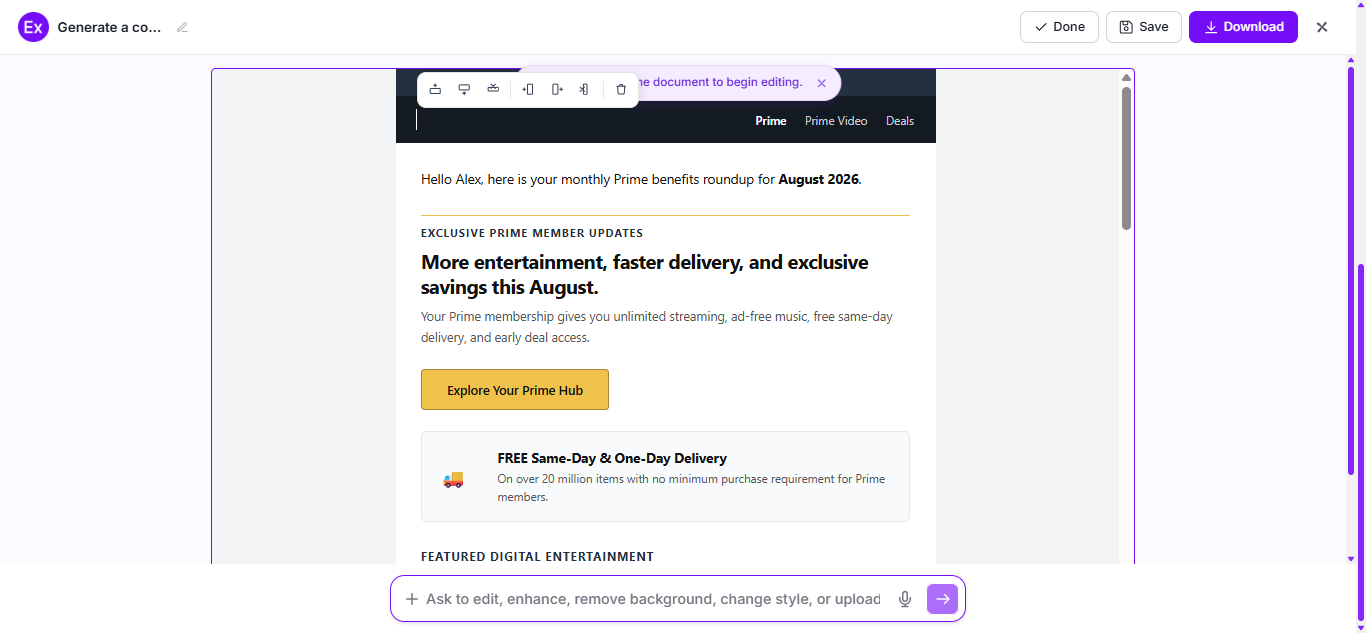
Customize the Email Newsletter in the Online Editor
Edit the subject line, headings, text, images, colors, buttons, branding, layout, and other design elements to match your communication goals and audience.
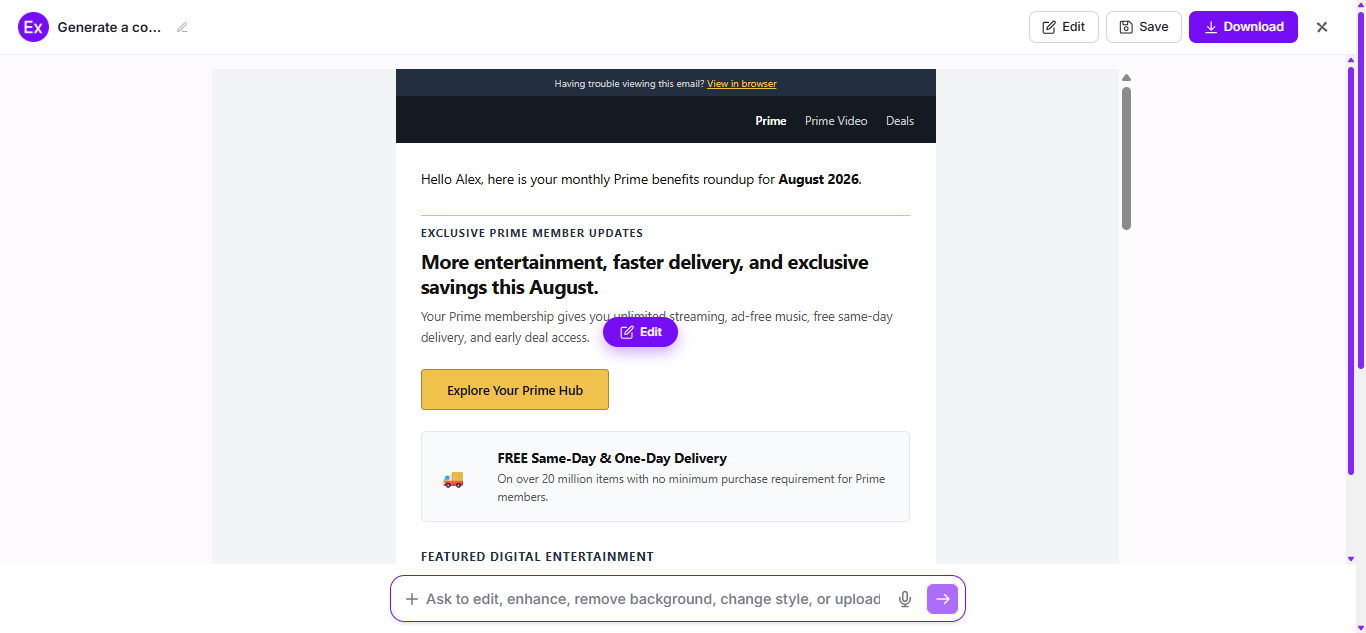
Download and Use Your Email Newsletter
Download your completed email newsletter as a PDF for review, presentation, printing, or future reference.
Customize an email newsletter by editing the subject line, headline, content, images, colors, fonts, layout, and call-to-action to match your brand and audience. Personalize the message with relevant information, organize the content into clear sections, and optimize the design for readability across desktop and mobile devices to create a more engaging and effective newsletter.
AI Email Newsletter Editing Features
1
AI Content Generation
Generate engaging email newsletter content, headlines, subject lines, and calls to action based on your goals and audience.
2
Smart Content Editing
Edit or refine text, sections, and messaging to improve clarity, engagement, and readability.
3
Auto Layout Formatting
Automatically organize headings, content blocks, images, and spacing into a clean, professional newsletter layout.
4
Newsletter Customization
Personalize colors, fonts, branding, images, buttons, and content sections to match your style and audience.
5
Content Review
Review and refine your email newsletter to ensure accuracy, consistency, and a polished final design before downloading.
6
Instant PDF Download
Download your completed email newsletter as a PDF for printing, presentations, or future reference.
Which Essential Elements Should I Include in Every Email Newsletter?
Compelling Subject Line: Write a clear and engaging subject line that encourages subscribers to open your email.
Personalized Greeting: Address readers in a friendly, personalized way to build a stronger connection.
Valuable Content: Share useful updates, tips, announcements, or promotions that provide real value to your audience.
Clear Headings: Organize your content with descriptive headings to make the newsletter easy to scan and read.
High-Quality Visuals: Include relevant images, graphics, or icons that support your message without overwhelming the content.
Strong Call to Action (CTA): Add a clear button or link that tells readers exactly what action to take next.
Consistent Branding: Use your brand's colors, fonts, and logo to create a professional and recognizable design.
Contact Information: Include your business name, contact details, and other essential information so readers can easily reach you.
How Do I Write a Better Email Newsletter?
Define Your Goal: Start with a clear purpose, whether it's sharing updates, promoting a product, or educating your audience.
Know Your Audience: Write content that matches your subscribers' interests, needs, and expectations.
Create a Strong Subject Line: Use a concise and compelling subject line that encourages readers to open the email.
Keep Content Clear and Concise: Use short paragraphs, clear headings, and simple language to improve readability.
Include Valuable Information: Provide useful tips, news, offers, or insights that give readers a reason to stay engaged.
Use a Clear Call to Action: Guide readers toward the next step with a noticeable and action-oriented CTA.
Maintain Consistent Branding: Use consistent colors, fonts, images, and tone to reinforce your brand identity.
Proofread Before Sending: Review your content for grammar, formatting, broken links, and accuracy to ensure a professional newsletter.
Why Should I Use Real Email Newsletter Examples to Create My Own Email Newsletter?
Learn proven layouts and content structures that improve readability.
Understand how to organize headlines, sections, and calls to action effectively.
Discover ideas for engaging subject lines and compelling email copy.
See how different newsletter styles fit various goals, such as updates, promotions, or education.
Improve your newsletter's visual design with real formatting examples.
Save time by using successful examples as a starting point instead of creating everything from scratch.
Maintain a consistent and professional brand presentation across every newsletter.
Avoid common content and design mistakes by following well-crafted examples.
What Common Email Newsletter Mistakes Should I Avoid?
Weak Subject Lines: Avoid vague or uninteresting subject lines that reduce open rates.
Unclear Purpose: Focus each newsletter on one primary message or objective.
Excessive Content: Keep your content concise and easy to scan instead of overwhelming readers.
Poor Formatting: Use clear headings, proper spacing, and a clean layout for better readability.
Inconsistent Branding: Maintain consistent colors, fonts, visuals, and tone throughout the newsletter.
Weak Call to Action: Include a clear and actionable CTA that guides readers to the next step.
Ignoring Mobile Users: Optimize your newsletter for both desktop and mobile devices.
Low-Quality Visuals: Use relevant, high-quality images that support your content.
Grammar and Spelling Errors: Proofread your newsletter carefully before sending it.
Lack of Value: Share useful, relevant, and engaging content that keeps subscribers interested.
How Can I Market My Product Using an Email Newsletter?
1
Define Your Goal
Decide whether your email newsletter will promote a product, announce an offer, educate customers, or drive traffic to your website.
2
Know Your Audience
Create content that addresses your subscribers' interests, preferences, and needs to increase engagement.
3
Write a Compelling Subject Line
Use a clear, engaging subject line that encourages recipients to open your email.
4
Highlight Your Product's Value
Explain how your product solves a problem or provides benefits using concise and persuasive content.
5
Include a Strong Call to Action
Add a clear button or link that directs readers to learn more or make a purchase.
6
Use Engaging Visuals
Include high-quality images or graphics that showcase your product and support your message.
7
Personalize Your Newsletter
Tailor your content and recommendations to make the email more relevant to your subscribers.
8
Review and Send
Proofread your newsletter, test links and formatting, then send it to your subscriber list with confidence.
Email Newsletter Ideas for Different Industries
Retail Email Newsletters: Showcase new arrivals, seasonal collections, exclusive offers, and shopping tips to encourage purchases.