Free AI Mind Map Generator, 50+ Real Mind Map Examples
Generate Mind Maps With AI Taking Top Real-World Mind Map Examples As Inspiration, Updated Regularly.
Select or upload a product to enable generation.
Examples
Browse an Example below, or pick one above to generate right here.
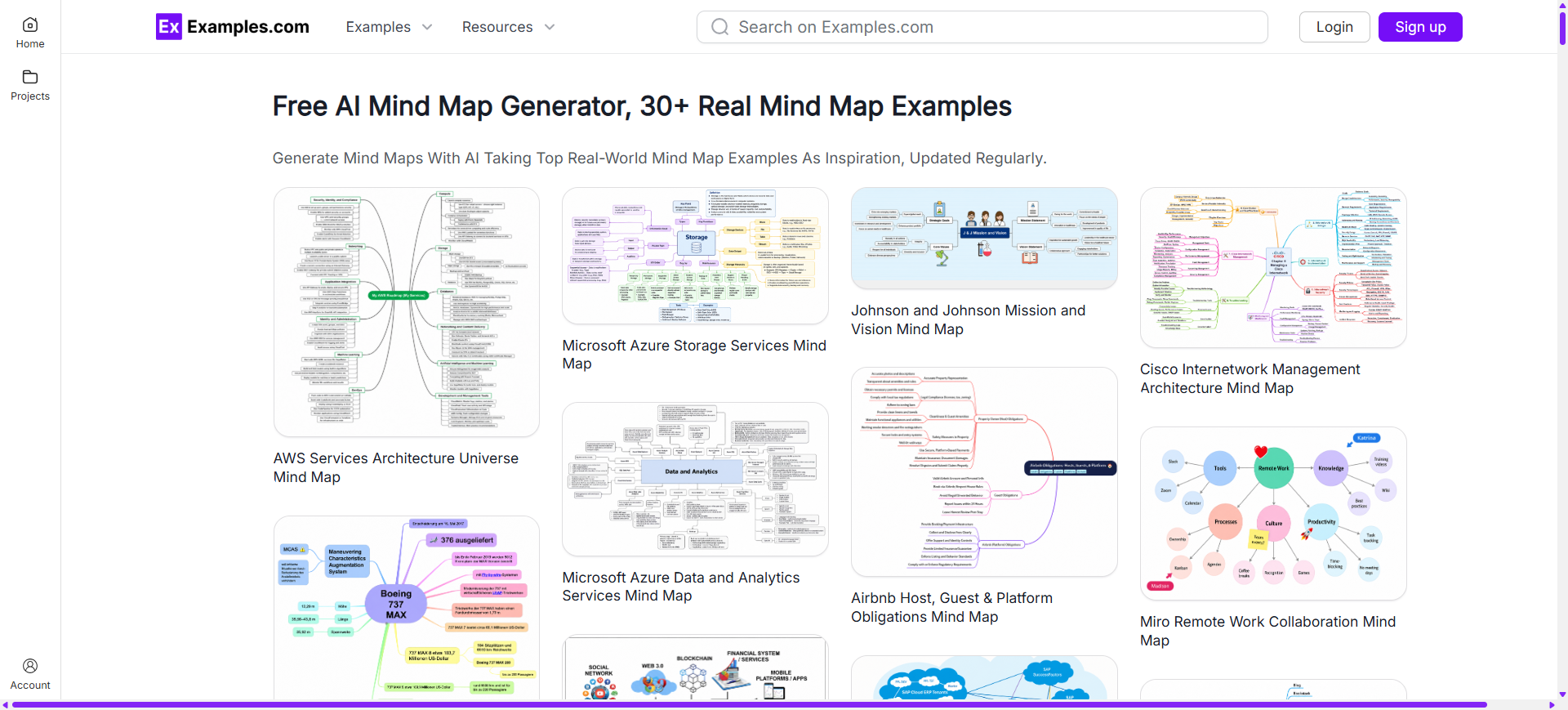
AWS Services Architecture Universe Mind Map
product shot
Boeing 737 MAX Aircraft Overview Mind Map
product shot
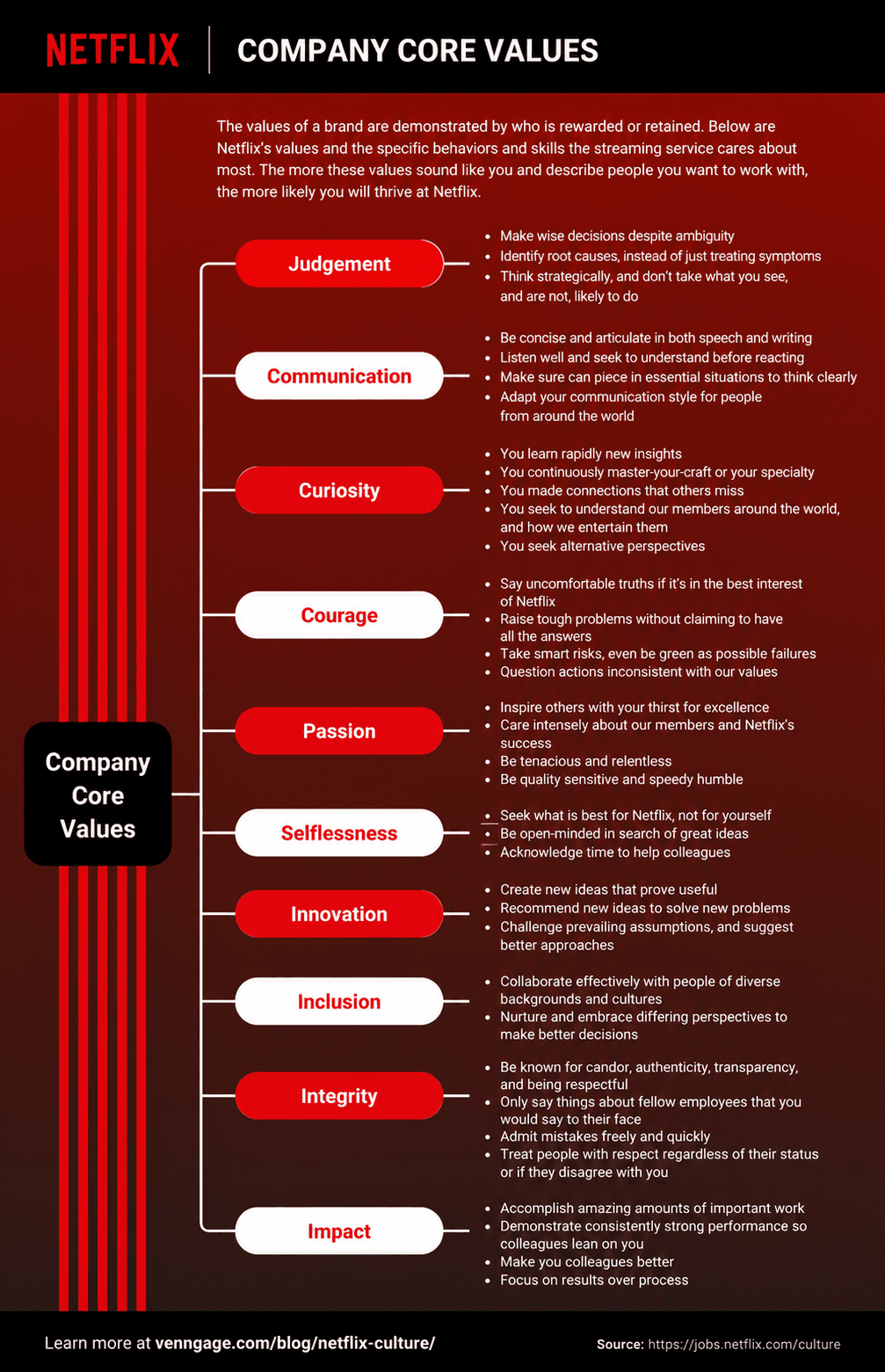
Netflix Culture and Core Values Mind Map
product shot
Netflix Global Interface & Asset Localization Model Mind Map
product shot
Spotify Design System and Backend Architecture Mind Map
product shot
Google Multi-Region Cloud Architecture Mind Map
product shot
Apple iOS Quality Assurance Testing Mind Map
product shot
Microsoft Azure Storage Services Mind Map
product shot
Microsoft Azure Data and Analytics Services Mind Map
product shot
Metaverse Ecosystem Architecture & Product Mind Map
product shot
Salesforce AI Multi-Agent Interview Workflow Mind Map
product shot
Adobe Photoshop Image Editing Graphic Design Mind Map
product shot
OpenAI API Capabilities and Services Mind Map
product shot
Stripe Payments Ecosystem and Partner Network Mind Map
product shot
Walmart Mission, Vision, and Strategic Goals Mind Map
product shot
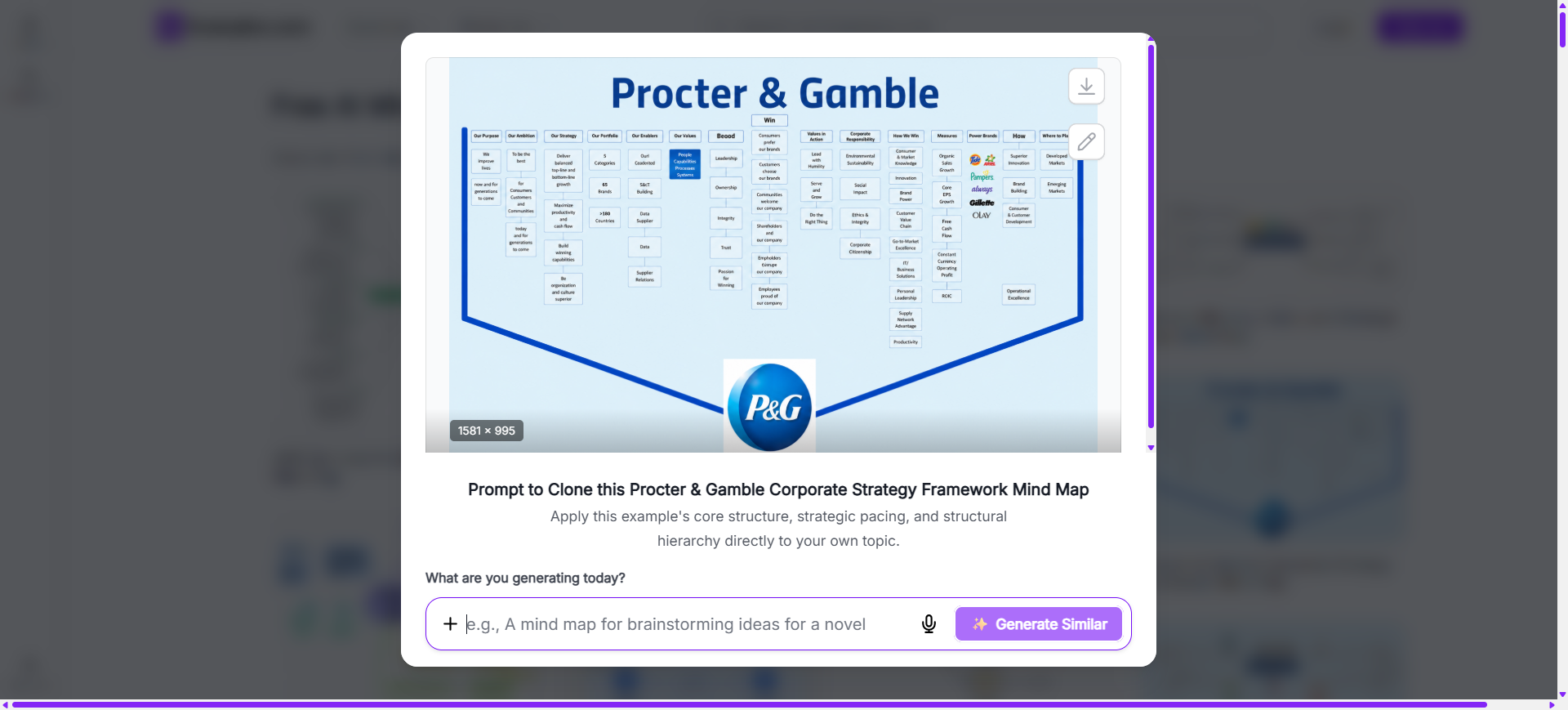
Procter & Gamble Corporate Strategy Framework Mind Map
product shot
Johnson and Johnson Mission and Vision Mind Map
product shot
Airbnb Host, Guest & Platform Obligations Mind Map
product shot
SAP Enterprise Cloud ERP Integration Ecosystem Mind Map
product shot
Oracle Database Domains Architecture Mind Map
product shot
Siemens Two-Tier Corporate Governance Structure Mind Map
product shot
Cambridge AS and A Level Literature Curriculum Mind Map
product shot
McKinsey 7-S Organizational Framework Mind Map
product shot
McKinsey 8 Essentials to Innovation Mind Map
product shot
Boston Consulting Group Portfolio Analysis Mind Map
product shot
Cisco Internetwork Management Architecture Mind Map
product shot
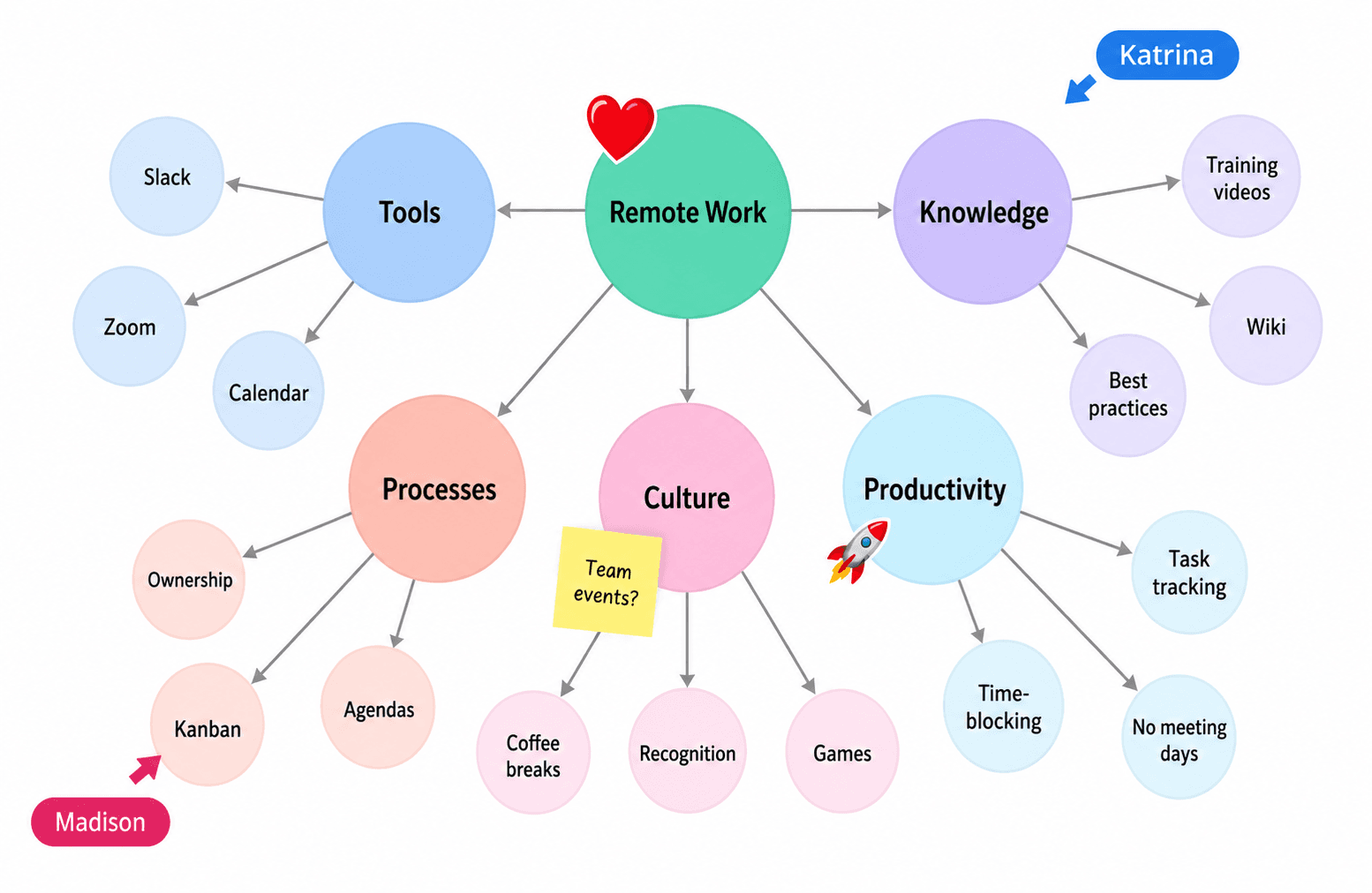
Miro Remote Work Collaboration Mind Map
product shot
Slack Enterprise Monitoring Architecture Mind Map
product shot
Tesla Electric Vehicle Portfolio Overview Mind Map
product shot
Toyota Mission Vision Strategy Framework Mind Map
product shot
Organize ideas visually using AI-powered mind map generation inspired by real-world mind map examples. Browse mind maps created for business planning, project management, education, brainstorming, strategy development, research, and personal productivity, choose a structure that matches your objective, enter an AI prompt, generate a completely new mind map, customize every branch in the online editor, and download the final PNG. Examples.com helps users transform complex information into clear, organized visual diagrams that improve understanding, collaboration, and decision-making.
What Is A Mind Map?
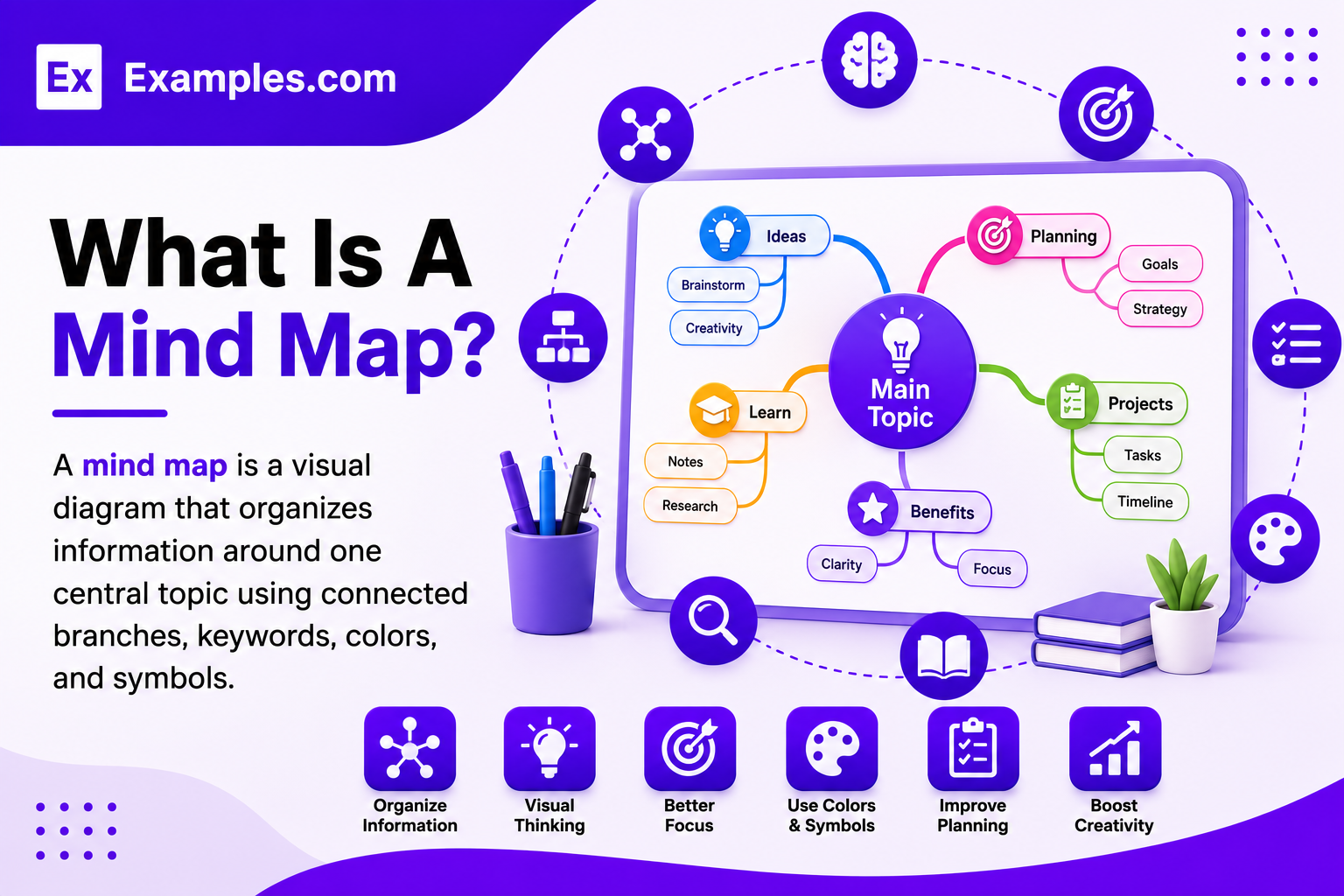
A mind map is a visual diagram that organizes information around one central topic using connected branches, keywords, colors, and symbols. Mind maps help users brainstorm ideas, plan projects, organize knowledge, solve problems, and simplify complex information using AI-powered design generation and online customization tools.
Popular Types Of Mind Maps
Mind maps are used across business, education, planning, and creative thinking. Different layouts help organize information based on project goals, learning styles, and decision-making needs.
🧠
Standard Radial Mind Maps
Organize ideas around a central topic using connected branches for brainstorming and creative thinking.
🫧
Bubble Mind Maps
Arrange concepts inside connected circles to encourage collaboration, discussions, and idea generation.
🔄
Flow Chart Mind Maps
Connect ideas with directional arrows to visualize workflows, processes, and decision-making sequences clearly.
📈
Business Strategy Mind Maps
Plan goals, SWOT analysis, marketing strategies, finance, operations, and organizational objectives visually.
📋
Project Management Mind Maps
Organize project phases, tasks, deadlines, milestones, responsibilities, and team collaboration efficiently.
🎓
Educational Mind Maps
Simplify lessons, essays, research topics, vocabulary, and study materials through organized visual learning.
Why Should I Use Real Mind Map Examples To Create My Own Mind Map?
Real mind map examples help users understand how information can be organized using central ideas, connected branches, keywords, colors, and visual hierarchy. Instead of starting with a blank diagram, users can explore professionally designed mind maps that simplify complex concepts and improve information organization.
Using real-world mind map examples also makes idea development faster and more effective. Users can choose a reference layout, enter an AI prompt, generate a completely new mind map, and customize every branch to match their own project, research, business strategy, or learning objective. This approach improves clarity, creativity, and overall visual organization.
How Do I Generate A Mind Map With AI?
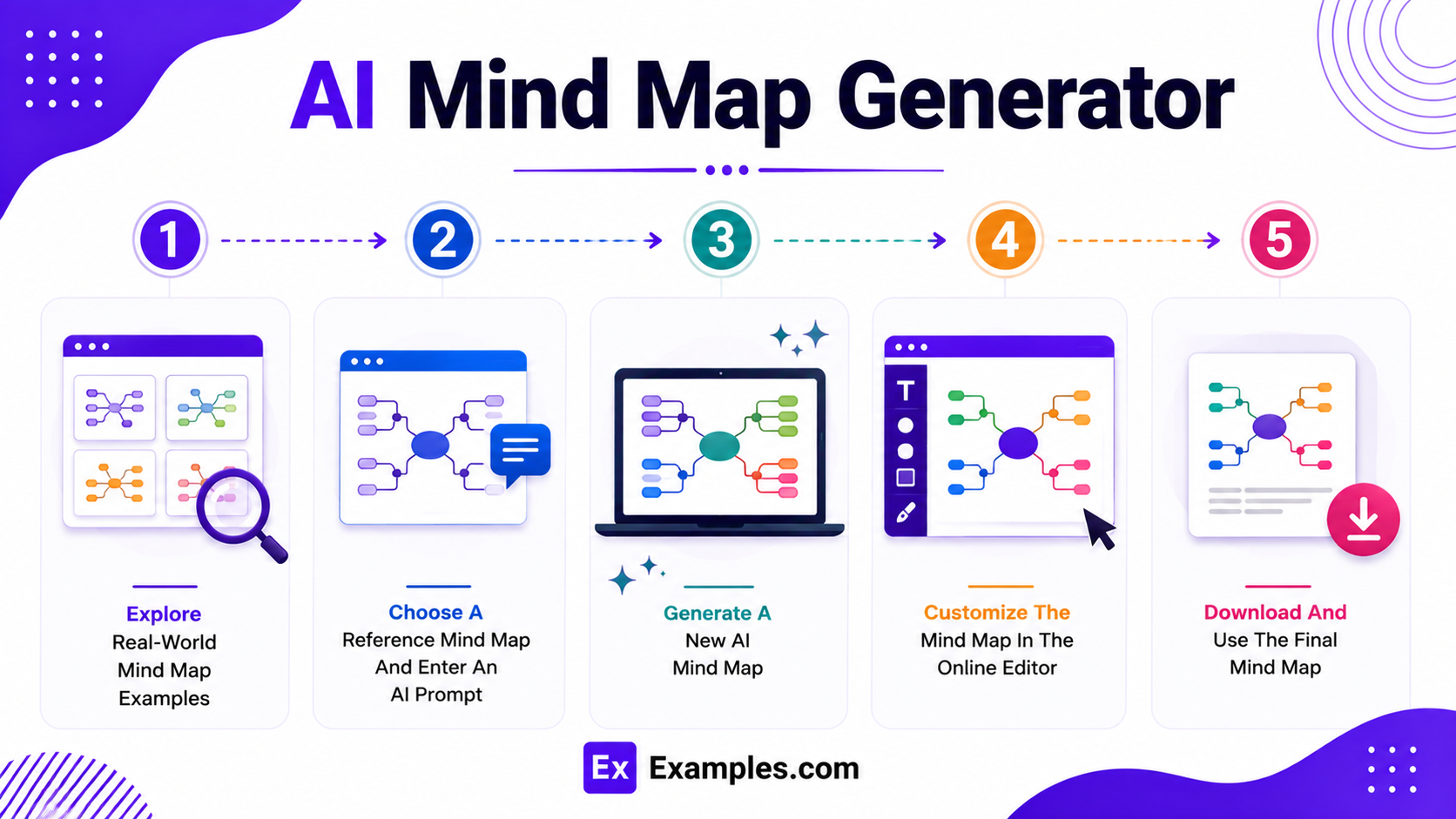
Creating a mind map with AI combines real-world inspiration, intelligent diagram generation, and flexible online editing tools into a simple workflow.
Explore Real-World Mind Map Examples
Browse mind map examples covering business strategy, project management, education, research, brainstorming, meeting notes, language learning, essay planning, and creative thinking. These examples help users discover branching structures, layouts, colors, icons, and organization techniques before creating a new mind map.
Choose A Reference Mind Map And Enter An AI Prompt
Select a mind map example that matches your preferred visual style. Then enter an AI prompt describing your topic, objectives, main branches, subtopics, keywords, colors, icons, and preferred layout to generate a personalized mind map.
Generate A New AI Mind Map
The AI generates a completely new mind map inspired by the selected example and your prompt. Users can create original central topics, connected branches, sub-branches, visual hierarchy, and structured diagrams without modifying the original reference.
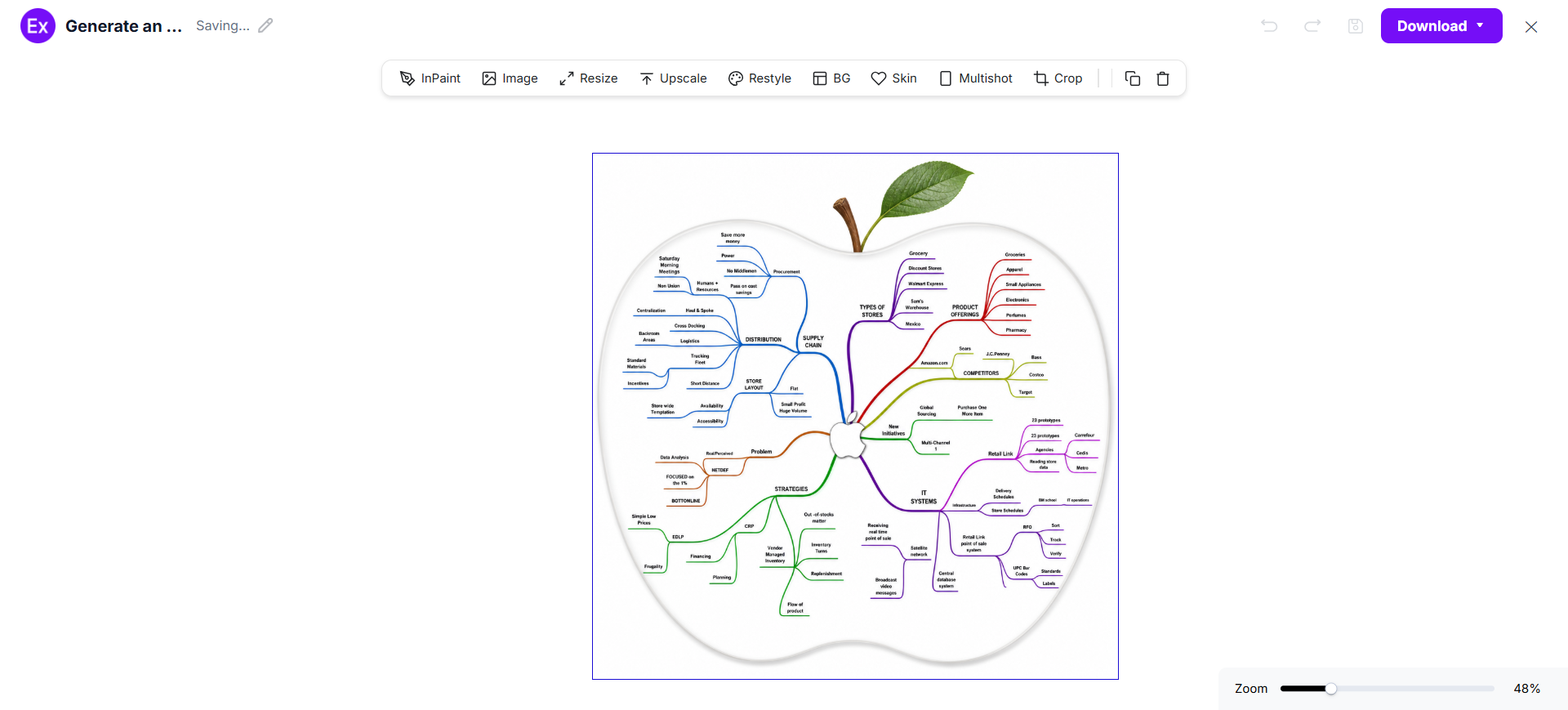
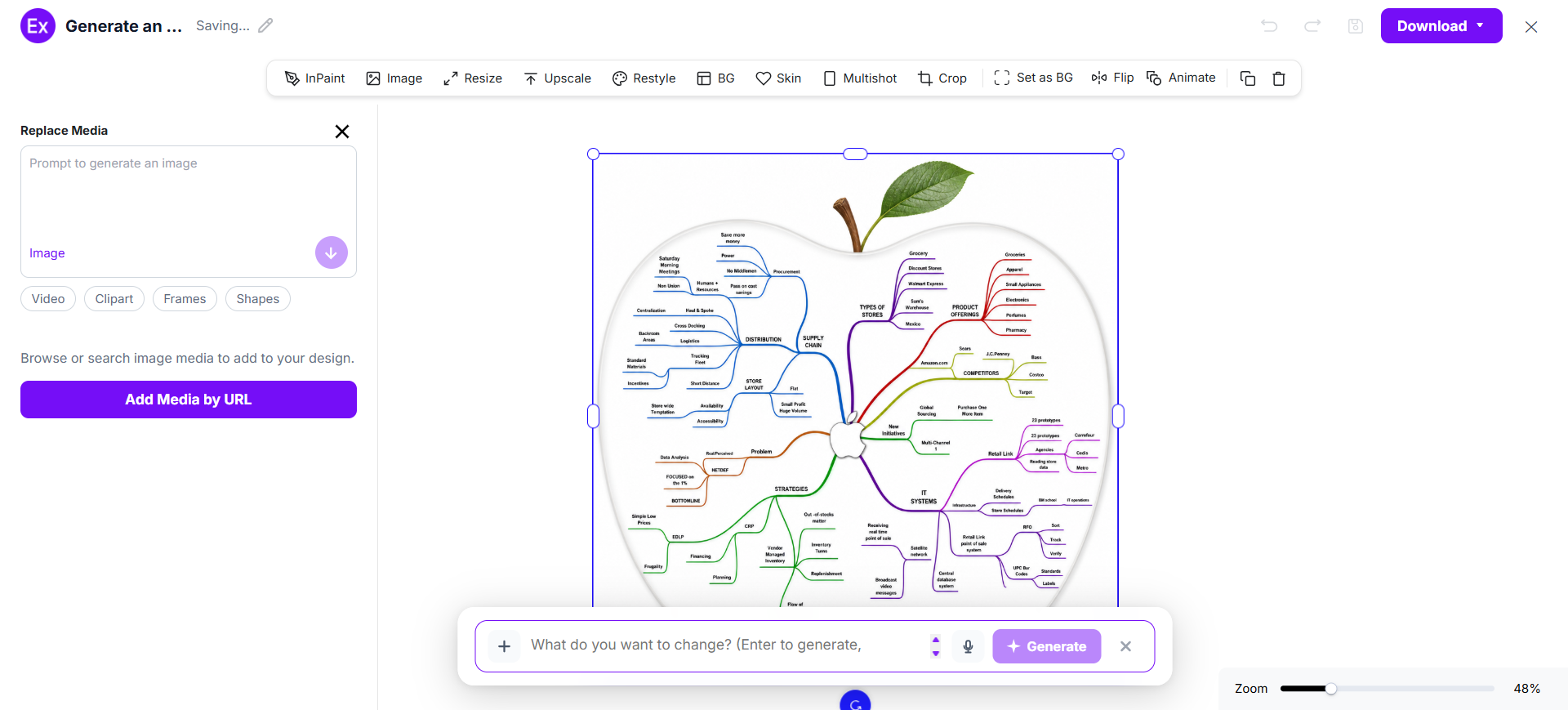
Customize The Mind Map In The Online Editor
Open the generated mind map inside the online editor to edit text, change colors, add icons, upload images, rearrange branches, create sub-branches, adjust layouts, and refine every visual element using AI-powered editing tools.
Download And Use The Final Mind Map
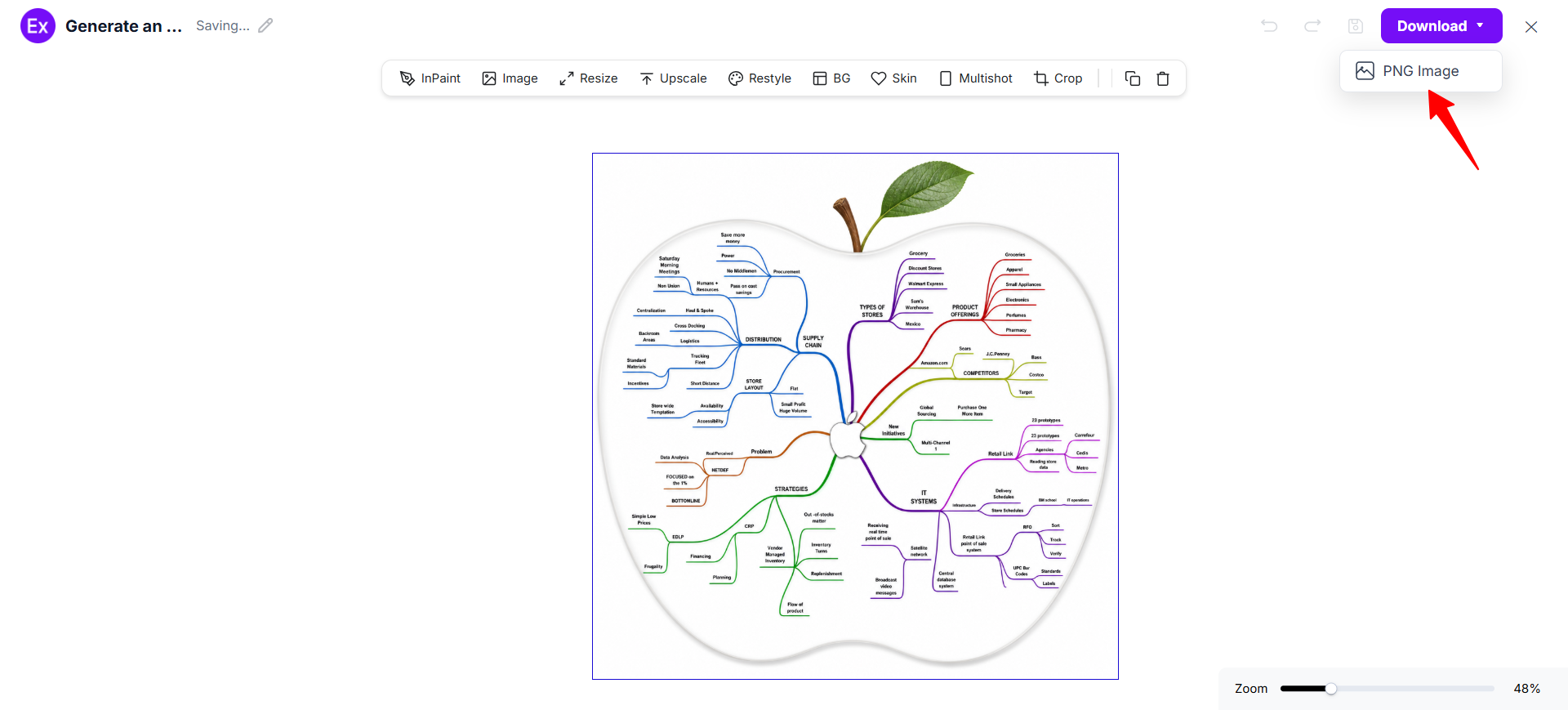
After customization is complete, download the finished mind map as a PNG image. The final diagram can be used for project planning, education, presentations, business strategy, brainstorming, research, meeting documentation, and personal organization.
Mind map customization allows users to personalize every branch, node, and connection according to their goals and workflow. Examples.com provides an online editor where users can edit keywords, rename topics, change colors, upload images, add icons, rearrange branches, expand ideas, and organize information into a clear visual structure without requiring professional diagramming software.
Users can also generate new visual elements with AI prompts, improve image quality, resize mind map layouts, edit backgrounds, and create multiple diagram variations. This flexible workflow helps businesses, educators, researchers, students, and professionals build organized mind maps for planning, brainstorming, collaboration, and presentations.
AI Mind Map Editing Features
Examples.com includes multiple AI-powered editing tools that help users improve and customize mind map designs online.
1
InPaint
Edit or remove selected branches, icons, or visual elements without affecting the overall structure.
2
Resize
Adjust mind map dimensions for presentations, documents, websites, or classroom materials.
3
Upscale
Improve image quality and sharpen graphics for clearer mind maps and professional presentations.
4
Restyle
Generate alternative layouts, color themes, visual styles, and branch arrangements using AI.
5
Background Editing
Remove or replace backgrounds to create cleaner and distraction-free mind map layouts.
6
Crop
Refine the overall composition by adjusting spacing and removing unnecessary empty areas.
7
Flip
Mirror layouts horizontally or vertically to explore different visual arrangements and presentations.
8
Animate
Transform static mind maps into engaging animated visuals for meetings, education, or digital content.
9
Multishot
Generate multiple mind map variations from a single prompt to compare different organizational structures.
Standard Mind Map Sizes And Formats
Selecting the right mind map size helps improve readability, collaboration, and information organization. The ideal format depends on the complexity of the topic and how the mind map will be shared or presented.
Mind Map Format
Common Size
Best Use Case
Landscape Mind Map
1920 × 1080 px
Business presentations and brainstorming
Portrait Mind Map
1080 × 1920 px
Educational topics and study materials
Square Mind Map
1080 × 1080 px
Social media, quick planning, and collaboration
A4 Mind Map
210 × 297 mm
Reports, classroom activities, and documentation
A3 Mind Map
297 × 420 mm
Complex projects and strategic planning
Digital Mind Map
Custom Screen Size
Online collaboration and interactive planning
Landscape layouts provide more space for radial branching, while portrait formats work well for structured educational content. Larger print formats support complex diagrams with multiple branches and subtopics.
PNG format is commonly preferred because it preserves image quality while supporting presentations, documentation, websites, online collaboration, and digital publishing.
Essential Elements Every Mind Map Should Include
A well-designed mind map combines visual organization with logical connections that make information easier to understand, remember, and communicate.
Central Topic – Place one clear keyword, idea, or objective at the center to establish the main focus.
Main Branches – Create primary branches that represent the most important categories connected directly to the central topic.
Sub-Branches – Break each main branch into smaller ideas, supporting details, tasks, or related concepts.
Keywords – Use short keywords instead of long sentences to improve clarity and memory retention.
Color Coding – Assign different colors to each branch to separate ideas and improve visual organization.
Icons And Symbols – Add meaningful icons that reinforce concepts and make information easier to recognize.
Logical Structure – Arrange branches in a natural sequence that supports clear thinking and idea development.
Balanced Layout – Distribute branches evenly around the center to maintain visual balance and readability.
Clear Connections – Ensure every branch and subtopic connects logically to the overall topic and objective.
How Do I Design A Better Mind Map?
A well-designed mind map organizes ideas into a clear visual structure that improves understanding, planning, and creative thinking. Following a few design principles helps create diagrams that are easier to read, remember, and share.
Start With One Clear Central Topic – Place the main idea at the center to define the purpose of the mind map.
Create Strong Main Branches – Organize the primary categories around the central topic before adding details.
Add Meaningful Sub-Branches – Expand each branch with supporting ideas, tasks, examples, or related concepts.
Use Short Keywords – Replace long sentences with concise keywords that are easier to scan and remember.
Apply Color Coding – Use different colors to distinguish categories and improve visual organization.
Add Icons And Symbols – Include simple visuals that reinforce important concepts and improve recognition.
Maintain Balanced Spacing – Leave enough space between branches to prevent overcrowded layouts.
Organize Ideas Logically – Arrange information in a natural sequence that is easy to follow.
Review The Complete Structure – Check that every branch supports the central topic and contributes to the overall objective.
Common Mind Map Design Mistakes To Avoid
Avoiding common mind map design mistakes helps improve organization, readability, and the effectiveness of visual communication.
Using Too Much Text – Long sentences make branches difficult to scan. Use concise keywords and short phrases instead.
Adding Too Many Main Branches – Group related ideas into logical categories instead of creating unnecessary primary branches.
Ignoring Visual Hierarchy – Make the central topic and main branches more prominent than supporting details.
Using Similar Colors Everywhere – Apply different colors to separate topics and improve visual organization.
Overcrowding The Layout – Leave enough spacing between branches to maintain clarity and balance.
Weak Connections Between Ideas – Ensure every branch and sub-branch connects logically to the central topic.
Missing Visual Anchors – Add icons or symbols that strengthen memory and improve quick recognition of key concepts.
Lack Of Clear Structure – Organize information consistently so readers can understand the mind map effortlessly.
How Can I Market My Product Using A Mind Map?
Mind maps help organize marketing strategies, visualize business ideas, and simplify product planning. They improve communication between teams, stakeholders, and customers by presenting complex information in an easy-to-follow visual format.
1
Marketing Strategy Planning
Map marketing goals, target audiences, campaigns, promotional channels, and content ideas into one organized visual structure.
2
Product Development
Organize product features, customer needs, improvements, launch plans, and innovation ideas before development begins.
3
Sales Planning
Visualize sales processes, customer journeys, lead generation, conversion strategies, and business opportunities.
4
Team Collaboration
Share project responsibilities, timelines, meeting outcomes, brainstorming sessions, and action plans through collaborative mind maps.
5
Customer Research
Organize customer feedback, competitor analysis, market trends, audience insights, and research findings visually.
6
Business Decision Making
Evaluate opportunities, challenges, strategic priorities, risks, and business objectives using structured visual planning.
Which Mind Map Sizes Perform Best?
The ideal mind map size depends on the complexity of the topic, presentation method, and collaboration requirements.
Mind Map Format
Best For
Advantages
Landscape (1920 × 1080 px)
Business planning and presentations
Provides wide space for radial branching and detailed organization
Portrait (1080 × 1920 px)
Educational materials and study guides
Supports structured vertical information flow
Square (1080 × 1080 px)
Social media and collaborative planning
Compact layout with balanced organization
A4 (210 × 297 mm)
Reports, classrooms, and documentation
Convenient for printing and note-taking
A3 (297 × 420 mm)
Large projects and workshops
Accommodates extensive branches and complex ideas
Digital Mind Map
Online collaboration and remote teams
Easy editing, sharing, and interactive teamwork
Landscape mind maps are ideal for brainstorming and business strategy because they provide more space for branching ideas. Portrait and printable formats work well for education, while digital mind maps simplify collaboration and real-time planning.
Mind Map Ideas For Different Industries
Different industries use mind maps to organize ideas, improve planning, simplify communication, and visualize complex information.
Business Management – Plan company strategies, organizational goals, marketing initiatives, finance, and operational improvements.
Education – Organize lesson plans, study guides, research topics, essay outlines, and classroom activities visually.
Project Management – Track project phases, milestones, tasks, deadlines, resources, and team responsibilities.
Human Resources – Visualize recruitment workflows, employee onboarding, training programs, and organizational structures.
Information Technology – Plan software architecture, development workflows, troubleshooting processes, and system documentation.
Healthcare – Organize patient care plans, medical research, treatment workflows, and healthcare management strategies.
Finance – Map budgeting plans, investment strategies, financial goals, and business forecasting processes.
Research And Development – Structure research ideas, experiments, innovation projects, and knowledge management activities.
Personal Productivity – Plan daily goals, career development, personal learning, habit tracking, and long-term planning.
FAQs
What Is The Main Purpose Of A Mind Map?
A mind map organizes ideas around one central topic using connected branches, making information easier to understand, remember, and communicate.
Can I Create A Mind Map Without Prior Experience?
Yes. AI-powered tools help users generate structured layouts, organize ideas, customize branches, and create professional mind maps without previous diagramming experience.
What Should I Include In A Mind Map?
A mind map should include a central topic, main branches, sub-branches, keywords, color coding, icons, and logical connections that support the overall objective.
How Does A Mind Map Improve Learning?
Mind maps simplify complex information by presenting ideas visually, helping improve understanding, memory retention, note-taking, and knowledge organization.
Can I Customize Every Branch After AI Generates A Mind Map?
Yes. Users can edit text, colors, icons, images, branches, layouts, and visual elements using the online editor after generating a mind map.
What Is The Difference Between A Mind Map And A Flowchart?
A mind map organizes ideas around a central topic with branching connections, while a flowchart follows a sequential process using directional steps and decision paths.
Which Industries Benefit Most From Mind Maps?
Mind maps are widely used in business, education, healthcare, marketing, project management, technology, finance, research, and personal productivity.
Where Can I Use A Mind Map?
Mind maps can be used for brainstorming, project planning, strategic planning, meeting notes, education, presentations, research, decision-making, and creative problem-solving.






 Creating a mind map with AI combines real-world inspiration, intelligent diagram generation, and flexible online editing tools into a simple workflow.