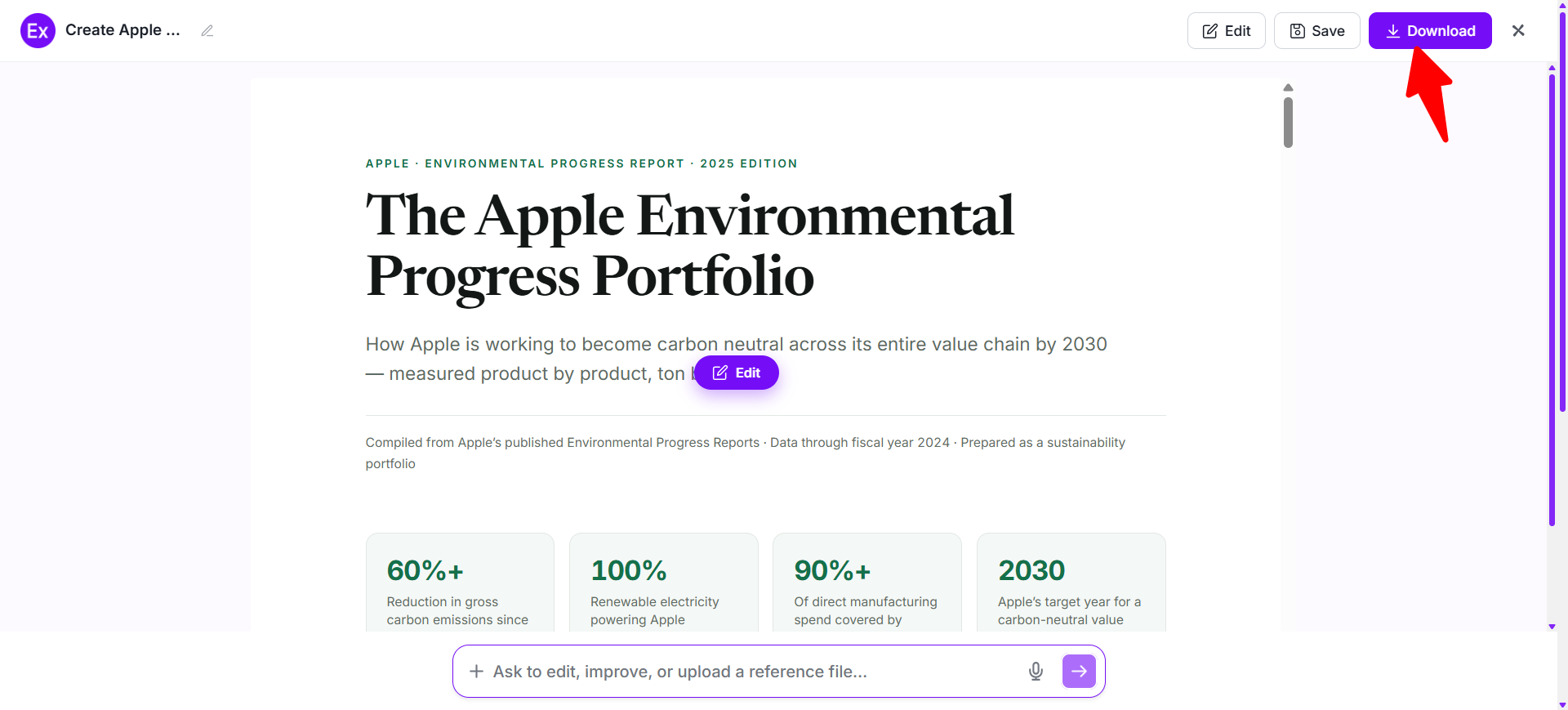
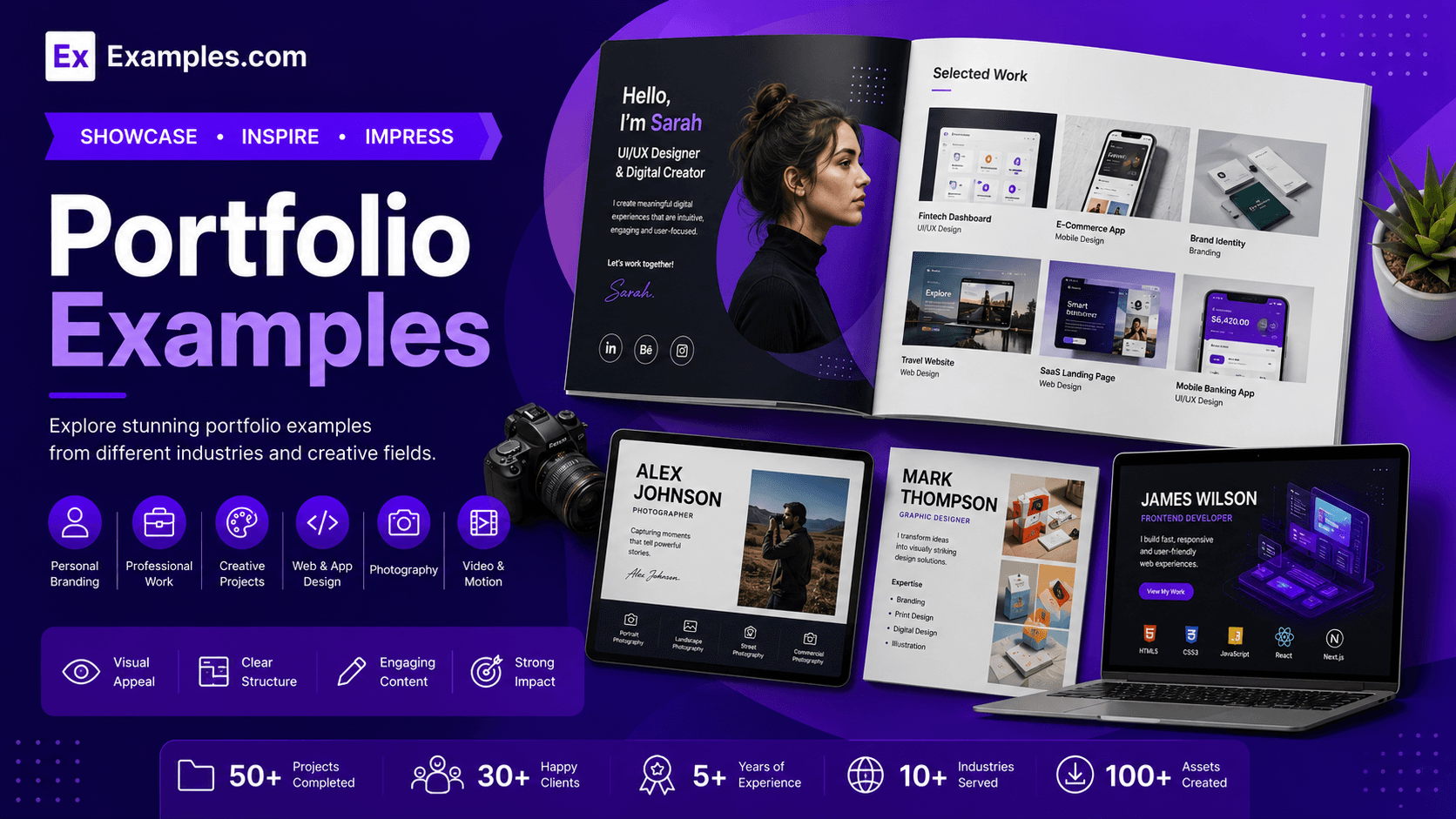
Create polished portfolios using AI-powered design generation inspired by real-world portfolio examples. I can explore portfolios created by designers, photographers, writers, developers, artists, architects, businesses, and professionals, choose a presentation style that fits my goals, enter an AI prompt, generate a completely new portfolio, customize each section in the online editor, and download the final PDF. With Examples.com, I can turn selected work, achievements, projects, and professional information into an organized visual portfolio that clearly communicates my skills and experience.
What Is A Portfolio?
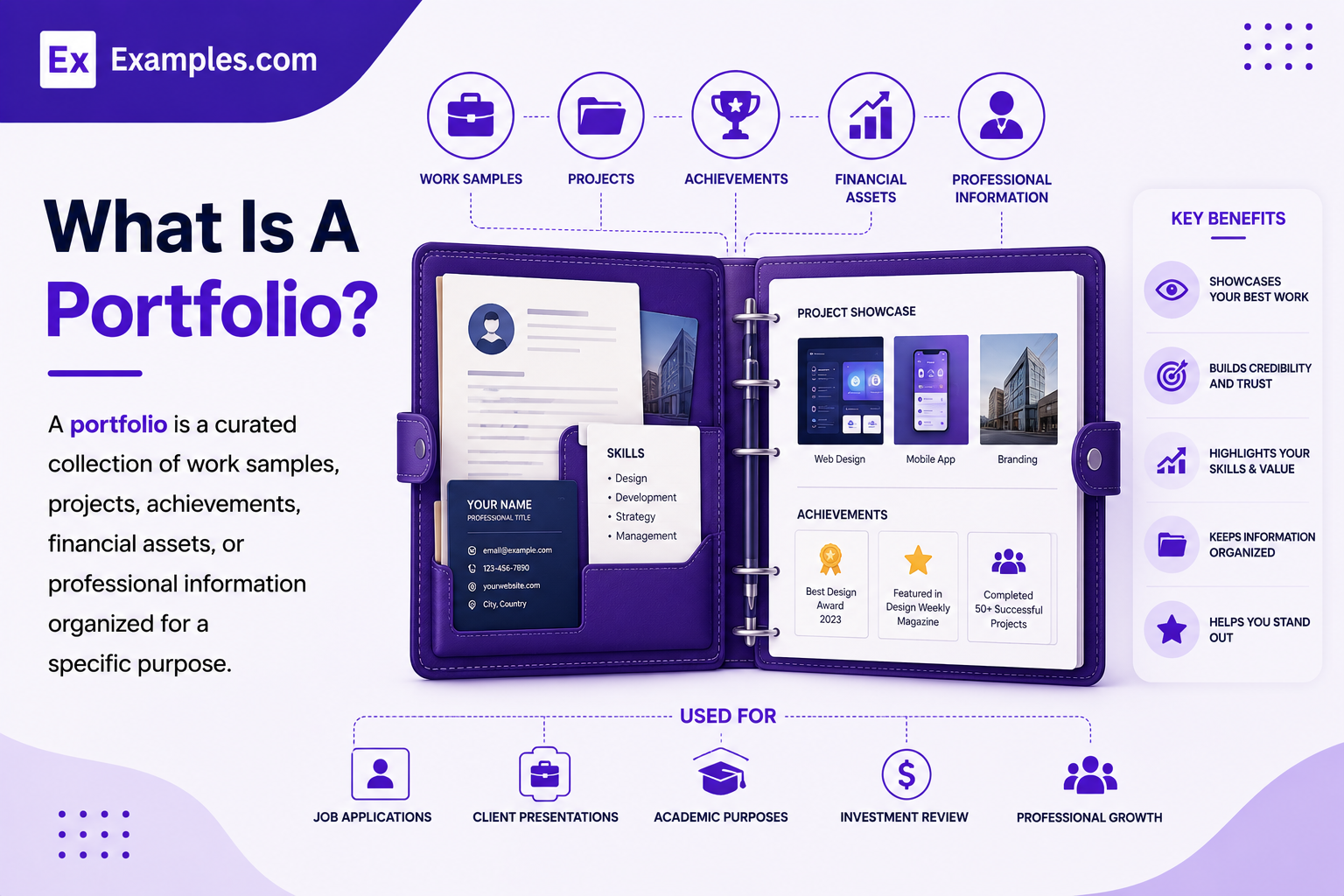
A portfolio is a curated collection of work samples, projects, achievements, financial assets, or professional information organized for a specific purpose. Professional portfolios demonstrate skills and experience, while investment portfolios contain financial assets. I can create visual portfolios to present creative work, career achievements, projects, services, or other organized information.
Popular Types Of Portfolios
Different portfolio types serve different professional, creative, educational, and financial purposes.
📁
Showcase Portfolios
Present a carefully selected collection of your strongest completed projects to demonstrate professional capabilities.
📈
Development Portfolios
Document ongoing work, drafts, experiments, and progress to show learning and professional development.
📋
Assessment Portfolios
Organize selected work to demonstrate specific skills, competencies, qualifications, or evaluation requirements.
🔄
Hybrid Portfolios
Combine polished projects with case studies that explain processes, decisions, challenges, and outcomes.
💼
Investment Portfolios
Organize financial assets such as stocks, bonds, funds, cash, and real estate according to investment objectives.
🏢
Business Portfolios
Present a company's products, services, projects, brands, capabilities, or market offerings in an organized collection.
Why Should I Use Real Portfolio Examples To Create My Own Portfolio?
Real portfolio examples help me understand how professionals organize projects, case studies, images, descriptions, achievements, and supporting information into a convincing presentation. They provide inspiration for choosing layouts, visual hierarchy, navigation, typography, and the right amount of information for my audience.
Instead of modifying an existing portfolio, I can use professional examples as visual references. On Examples.com, I simply choose a portfolio style, enter an AI prompt, generate a completely new portfolio, and customize each section with my own projects, images, information, and professional achievements.
How Do I Generate Portfolios Using Proven Examples From The World's Best Professionals?
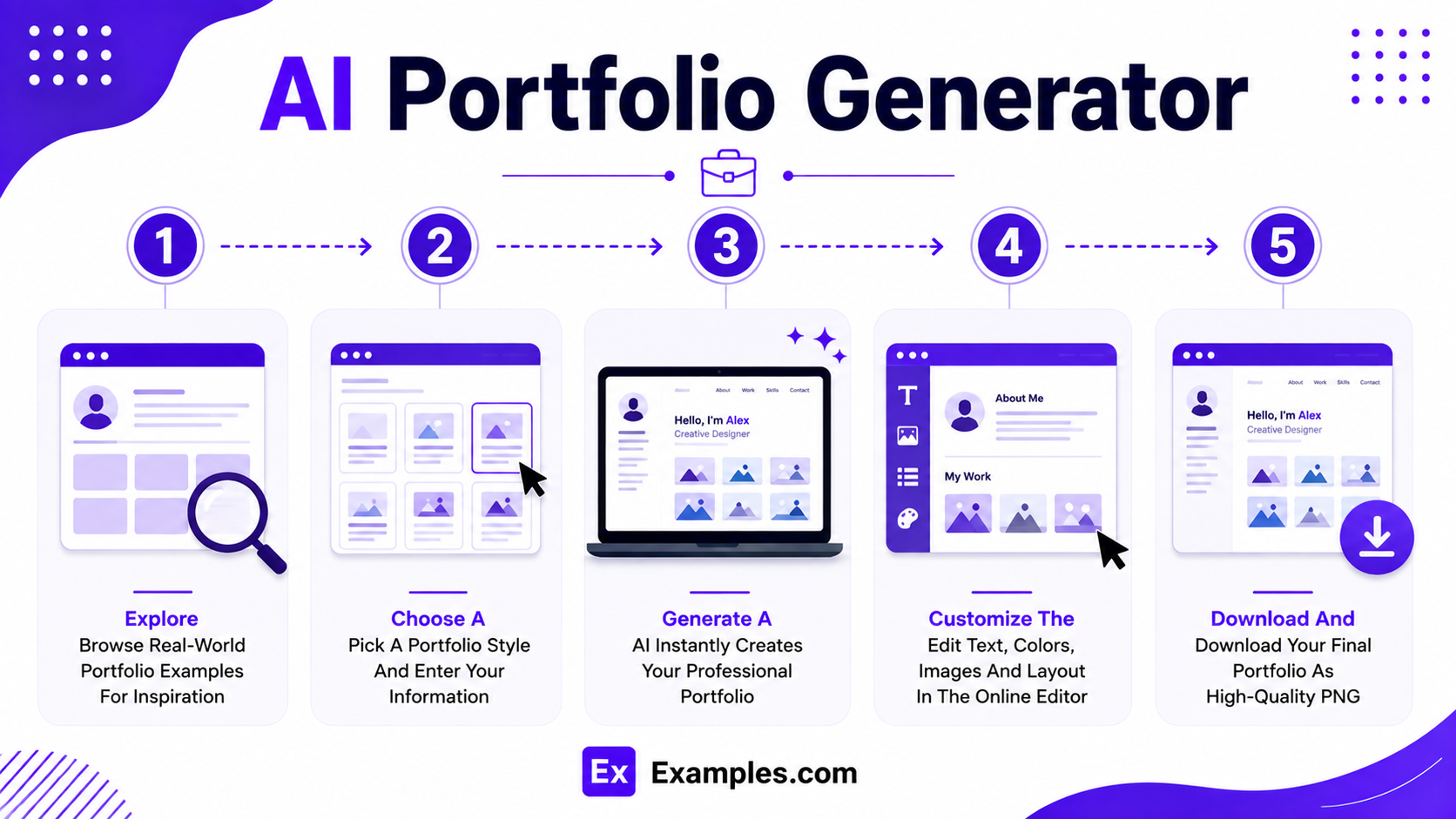
Creating a professional portfolio becomes easier when users use high-quality real-world examples as inspiration. The workflow combines portfolio references, AI-powered generation, online editing, and personalized customization to organize work into a clear visual presentation.
Explore Real-World Portfolio Examples
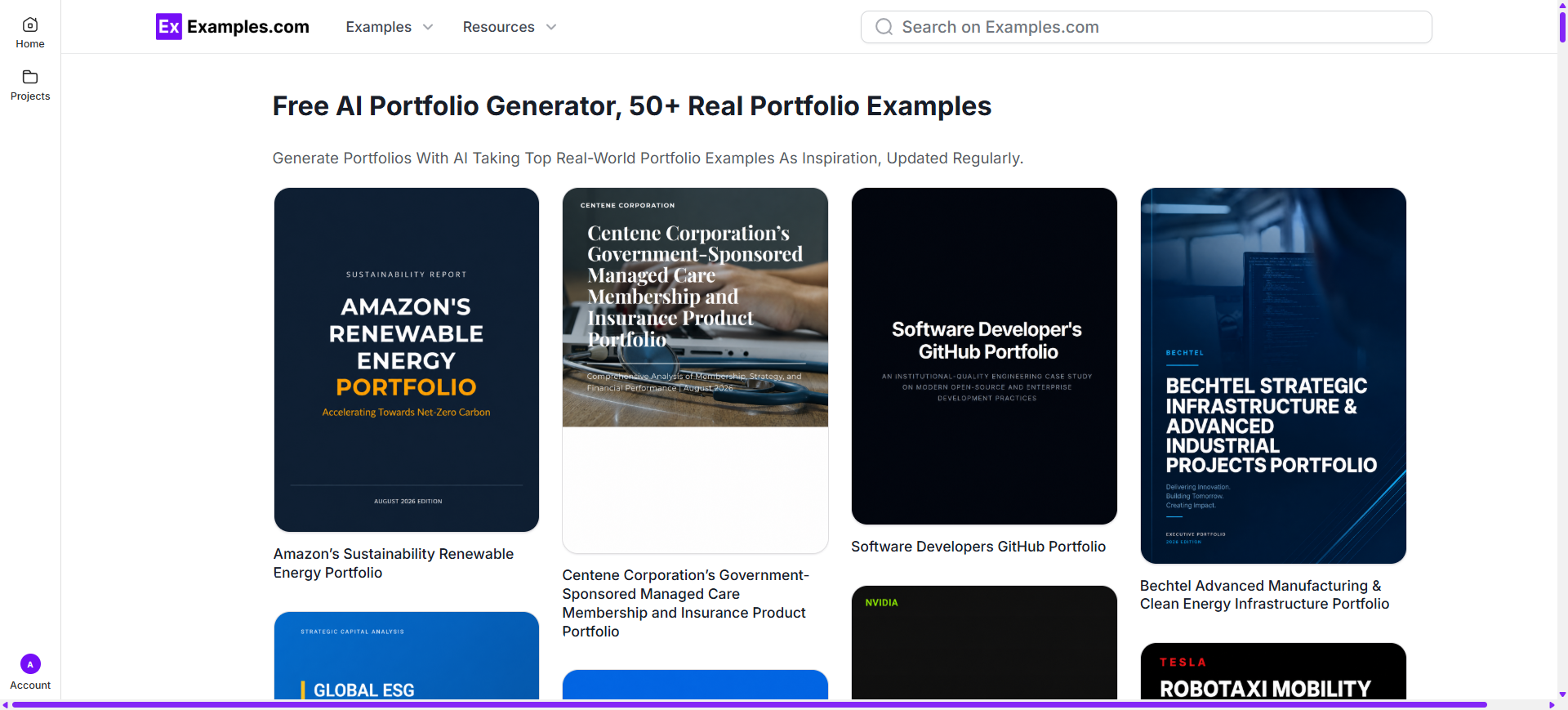
Browse portfolio examples from designers, photographers, writers, developers, artists, architects, marketers, business professionals, and creative teams to discover project layouts, case study structures, visual styles, typography, and presentation ideas.
Choose A Reference Portfolio And Enter An AI Prompt
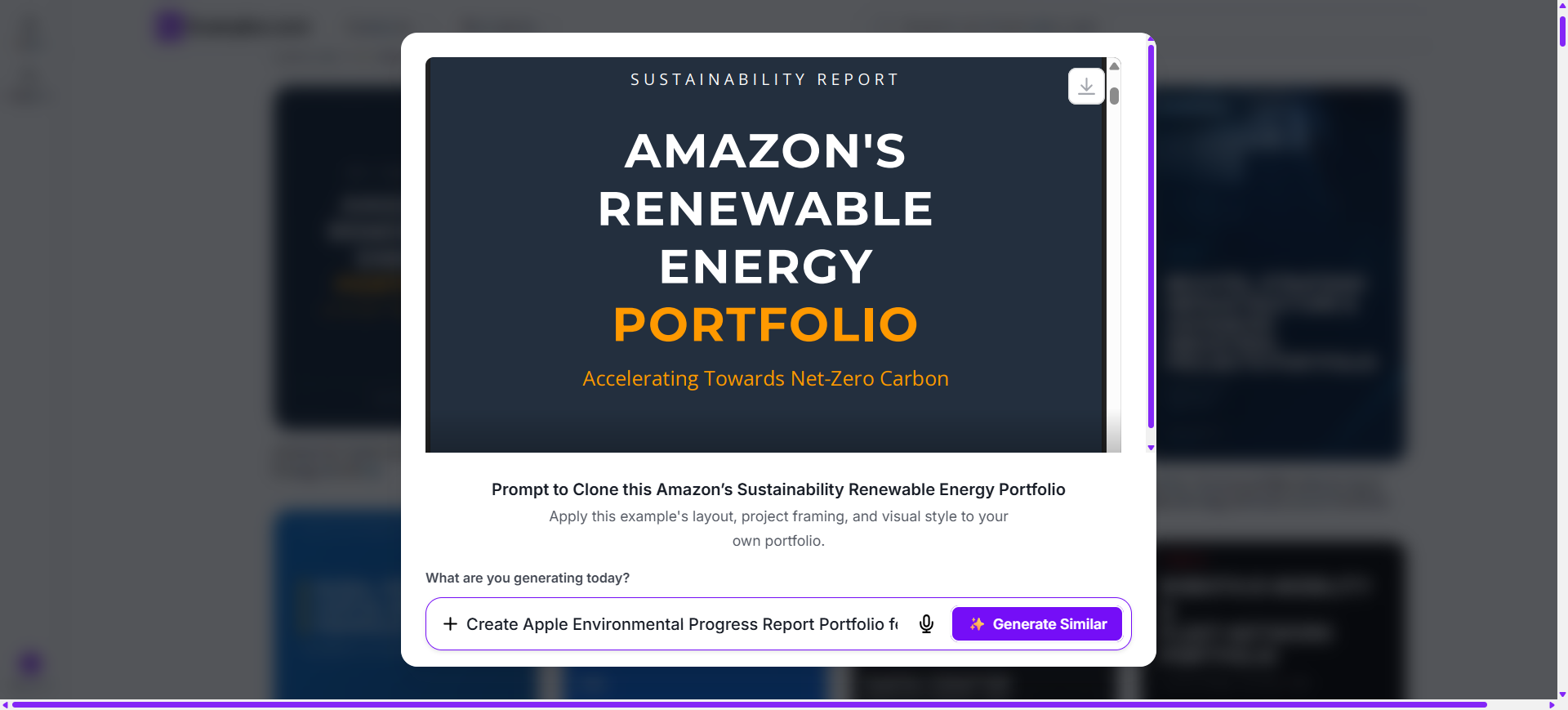
After selecting a portfolio style, describe your profession, projects, skills, audience, visual preferences, branding, images, and presentation goals through an AI prompt to generate a completely original portfolio.
Generate A New AI Portfolio
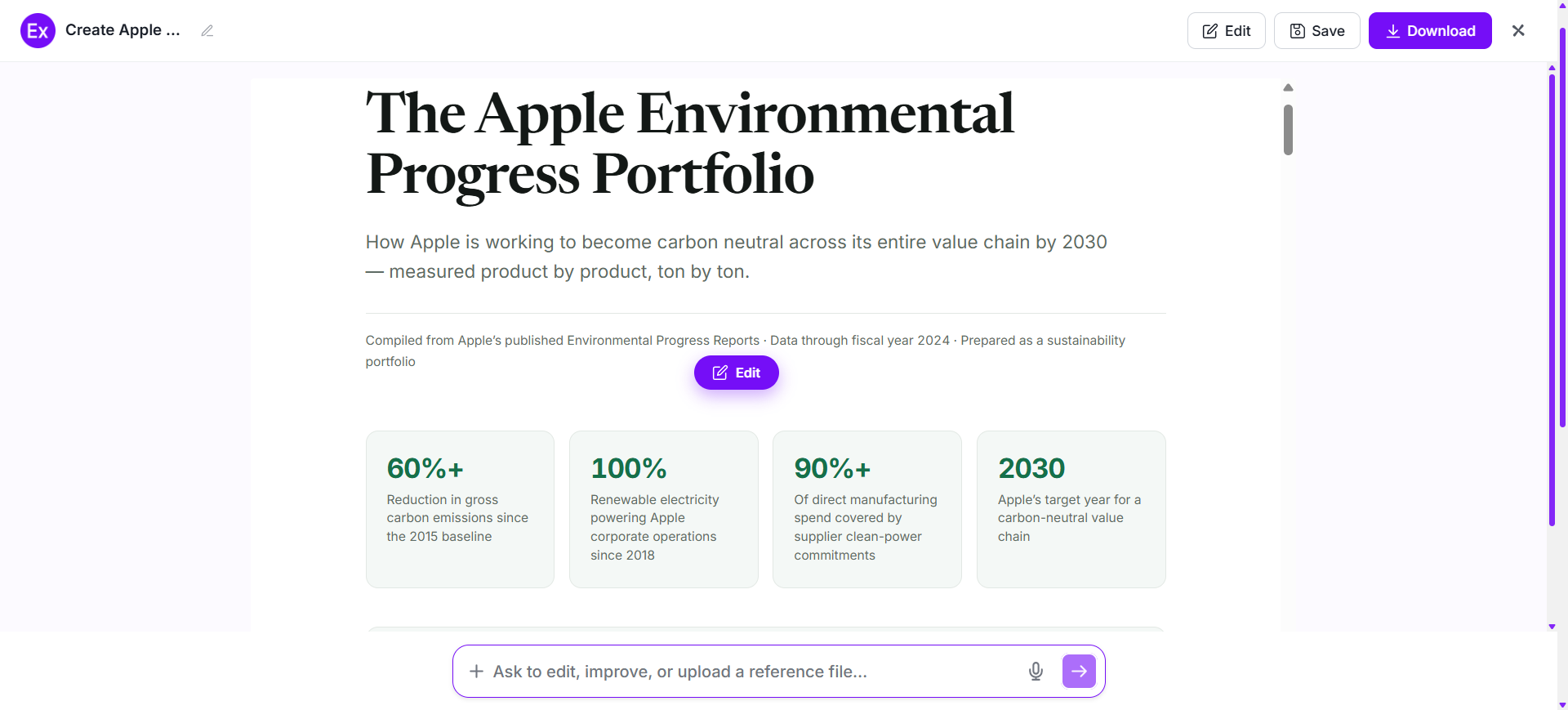
The AI creates a brand-new portfolio inspired by the selected example and user prompt. It generates original sections, project presentations, visual arrangements, headings, and supporting content without modifying the original reference portfolio.
Customize The Portfolio In The Online Editor
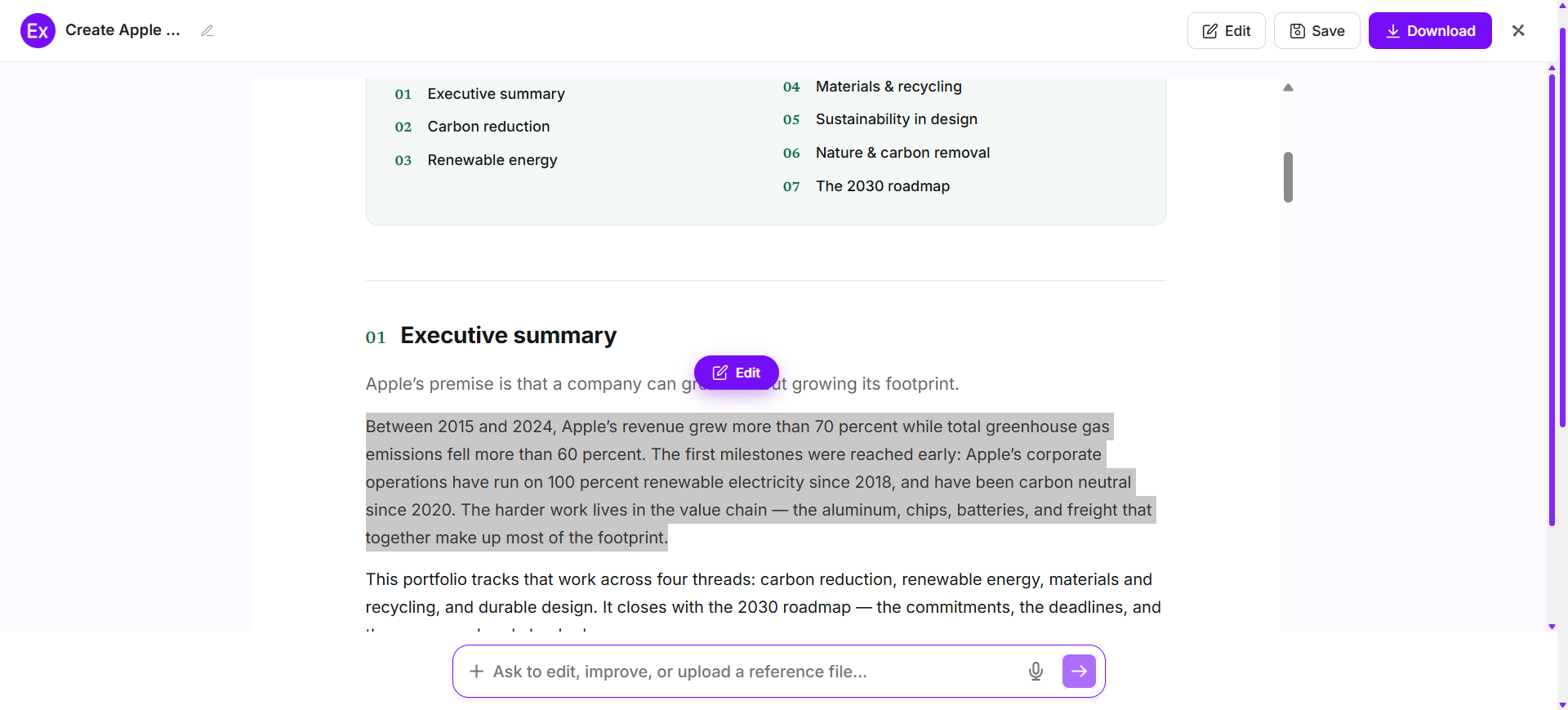
Personalize each section by replacing project images, editing descriptions, updating headings, changing colors, uploading media, rearranging projects, adding graphics, and refining the overall presentation using AI-powered editing tools.
Download And Use The Final Portfolio
Once the portfolio is complete, download the finished design as a PDF and use it for client presentations, job applications, professional introductions, project showcases, educational submissions, business proposals, or creative presentations.
After generating a new portfolio, I can open it in the online editor to personalize each project, image, heading, and supporting section. I can replace work samples, upload my own images, edit project descriptions, change colors, update typography, rearrange sections, add graphics, and organize my portfolio around the skills and experience I want to highlight.
The editor also includes AI-powered tools that help improve visual quality, generate new visuals, resize layouts, remove backgrounds, and create multiple design variations. With Examples.com, I can turn an AI-generated portfolio into a polished visual presentation that clearly communicates my work without requiring advanced design experience.
AI Portfolio Editing Features
AI-powered editing features make portfolio customization faster while giving me greater control over individual visual elements.
1
InPaint
Edit or replace selected images, objects, or visual elements while preserving the surrounding portfolio design PDF.
2
Resize
Adjust portfolio dimensions for presentations, websites, social media, applications, or printed materials.
3
Upscale
Improve text, image resolution and sharpen project visuals for clearer portfolio presentations.
4
Restyle
Generate alternative visual styles, typography combinations, layouts, and color themes using AI.
5
BG
Remove or replace image backgrounds to create cleaner project presentations and professional visuals.
6
Crop
Refine project images by adjusting framing and removing unnecessary visual areas.
7
Flip
Mirror selected images or visual elements to explore alternative portfolio compositions.
8
Animate
Transform selected portfolio visuals into animated presentations for digital showcases and creative pitches.
9
Multishot
Generate multiple portfolio design variations from one prompt to compare different presentation approaches.
Standard Portfolio Sizes And Formats
The best portfolio format depends on the type of work being presented, the intended audience, and how the portfolio will be viewed.
Portfolio Format
Common Size
Best Use Case
Landscape Portfolio
1920 × 1080 px
Client presentations and project showcases
Portrait Portfolio
1080 × 1920 px
Creative portfolios and mobile viewing
Square Portfolio
1080 × 1080 px
Social media and digital project showcases
A4 Portfolio
210 × 297 mm
Professional documents and applications
A3 Portfolio
297 × 420 mm
Detailed visual work and presentation boards
Digital Portfolio
Custom Screen Size
Websites, online portfolios, and digital sharing
Landscape formats provide space for detailed project presentations, while portrait layouts work well for vertical creative work. A4 is practical for professional documents, and larger formats can showcase detailed visual projects.
Essential Elements Every Portfolio Should Include
A strong professional portfolio should make relevant work easy to understand while providing enough context to demonstrate skills and experience.
Curated Work Samples – Select your strongest and most relevant projects rather than including every completed piece.
Clear Project Descriptions – Explain what each project involved, your role, and the purpose of the work.
Problem-Solving Context – Show the challenge, approach, process, and outcome to demonstrate how you applied your skills.
Professional Introduction – Include a concise biography that explains your background, expertise, and professional focus.
Clear Navigation – Organize projects into logical sections so viewers can find relevant work quickly.
Consistent Visual Style – Use coordinated typography, colors, spacing, and image treatments throughout the portfolio.
Social Proof – Include relevant testimonials, recommendations, project outcomes, awards, or measurable results when available.
Contact Information – Provide clear contact details and appropriate professional links for potential clients or employers.
Updated Resume – Add a current resume or career summary when the portfolio is intended for professional opportunities.
How Do I Design A Better Portfolio?
A strong portfolio should present relevant work clearly while showing the skills, thinking, and results behind each project.
Define the portfolio's purpose – Define the portfolio's purpose and identify the audience who will review it.
Select your strongest projects – Select your strongest projects that directly support your professional goals.
Organize projects into clear categories – Organize projects into clear categories that make navigation easier.
Add concise descriptions – Add concise descriptions explaining your role, process, and project outcomes.
Use high-quality images – Use high-quality images that represent your work accurately.
Include case studies – Include case studies when explaining complex projects or problem-solving processes.
Add relevant testimonials – Add relevant testimonials, achievements, or measurable results when available.
Keep contact information easy to find – Keep contact information easy to find for potential employers or clients.
Review and update the portfolio regularly – Review and update the portfolio regularly so the content remains relevant and accurate.
Common Portfolio Design Mistakes To Avoid
A portfolio should make relevant work easy to discover and understand. Avoiding common presentation problems helps create a stronger professional impression and keeps attention focused on the most important projects.
Including Too Much Work – Showing every project can dilute your strongest examples. Select work that supports your current goals.
Using Low-Quality Images – Blurry or poorly cropped project visuals can reduce the impact of otherwise strong work.
Missing Project Context – Images alone may not explain your contribution. Add concise information about the challenge, process, role, and outcome.
Poor Navigation – Disorganized sections make it difficult for viewers to find relevant projects. Use clear categories and logical ordering.
Inconsistent Visual Style – Unrelated fonts, colors, spacing, and image treatments can make the portfolio feel disconnected.
Writing Excessive Descriptions – Long blocks of text can distract from the work. Use concise explanations that provide useful context.
Ignoring The Target Audience – A portfolio for a potential employer may require different projects and information than one created for a client.
Outdated Information – Old projects, incorrect contact details, and outdated professional information can weaken credibility. Review the portfolio regularly.
How Can I Market My Product Using A Portfolio?
A portfolio can help businesses and professionals demonstrate capabilities, products, completed projects, and measurable results. It gives potential customers useful evidence before making a decision.
1
Product Showcase
Present product images, features, use cases, specifications, and completed applications in an organized visual collection.
2
Case Studies
Explain customer challenges, solutions, implementation processes, and outcomes to demonstrate practical value.
3
Service Portfolio
Show examples of completed services across different industries, project types, or customer requirements.
4
Client Work
Highlight selected customer projects with appropriate descriptions, results, testimonials, and supporting visuals.
5
Business Capabilities
Present company expertise, major projects, certifications, partnerships, and areas of specialization.
6
Sales Presentations
Use a curated portfolio to support proposals, client meetings, business pitches, and partnership discussions.
Which Portfolio Sizes Perform Best?
The best portfolio format depends on the type of work, viewing platform, and presentation purpose.
Portfolio Format
Best For
Advantages
Landscape (1920 × 1080 px)
Client presentations and creative showcases
Provides wide space for project images and case studies
Portrait (1080 × 1920 px)
Mobile portfolios and vertical creative work
Works well for photography, fashion, and social content
Square (1080 × 1080 px)
Social media and digital showcases
Compact format with balanced visual presentation
A4 (210 × 297 mm)
Job applications and professional documents
Easy to print, share, and review
A3 (297 × 420 mm)
Design presentations and visual project boards
Provides more space for detailed work
Digital Portfolio
Websites and online presentations
Easy to share, update, and access across devices
Choosing the right portfolio size improves readability, visual presentation, and accessibility while ensuring your work is displayed appropriately for its intended audience.
Portfolio Ideas For Different Industries
Different professionals use portfolios to demonstrate their expertise, completed work, creative process, and professional achievements.
Graphic Design – Show logos, branding systems, packaging, advertising graphics, illustrations, and campaign designs.
Photography – Present selected photographs organized by genre, client, project, location, or creative style.
Web And UX Design – Show interface designs, websites, user journeys, prototypes, case studies, and product experiences.
Architecture – Present building concepts, floor plans, 3D visualizations, construction projects, and architectural drawings.
Writing – Show published articles, copywriting projects, research, editorial work, books, and selected writing samples.
Software Development – Present applications, websites, software projects, technical solutions, product contributions, and development case studies.
Fashion – Show collections, garment designs, styling projects, sketches, photography, materials, and campaign work.
Marketing – Present campaigns, content strategies, advertisements, research projects, performance results, and client work.
Business Consulting – Showcase strategy projects, business solutions, research findings, transformation programs, and measurable outcomes.
Finance And Investment – Organize investment research, financial analysis, business reports, professional achievements, and relevant financial projects while keeping sensitive information private.
FAQs
What Is The Main Purpose Of A Professional Portfolio?
A professional portfolio presents selected work samples and supporting information that demonstrate skills, experience, capabilities, and completed projects to potential employers or clients.
What Should I Include In A Portfolio?
Include your strongest relevant projects, concise project descriptions, your role, process, results, professional introduction, contact information, and supporting evidence such as testimonials or achievements.
How Many Projects Should A Portfolio Have?
There is no universal number. It is generally better to present a focused selection of strong, relevant projects than a large collection of unrelated work.
Can I Create A Portfolio Without Design Experience?
Yes. AI-powered tools can help generate layouts, organize projects, create visual presentations, and customize portfolio sections without advanced design knowledge.
Can I Customize Every Portfolio Section After AI Generates It?
Yes. After generating a portfolio, I can edit project information, replace images, change colors, rearrange sections, update typography, and customize visual elements using the online editor available on Examples.com.
What Is The Difference Between A Portfolio And A Resume?
A resume summarizes professional experience, education, and qualifications, while a portfolio provides tangible examples of work that demonstrate skills and practical capabilities.
Which Professionals Commonly Need A Portfolio?
Designers, photographers, writers, developers, architects, artists, marketers, consultants, and other professionals who need to demonstrate completed work commonly use portfolios.
Where Can I Use A Portfolio?
Portfolios can be used for job applications, client proposals, interviews, business presentations, freelance work, professional websites, educational submissions, social media, and creative showcases.
 Creating a professional portfolio becomes easier when users use high-quality real-world examples as inspiration. The workflow combines portfolio references, AI-powered generation, online editing, and personalized customization to organize work into a clear visual presentation.