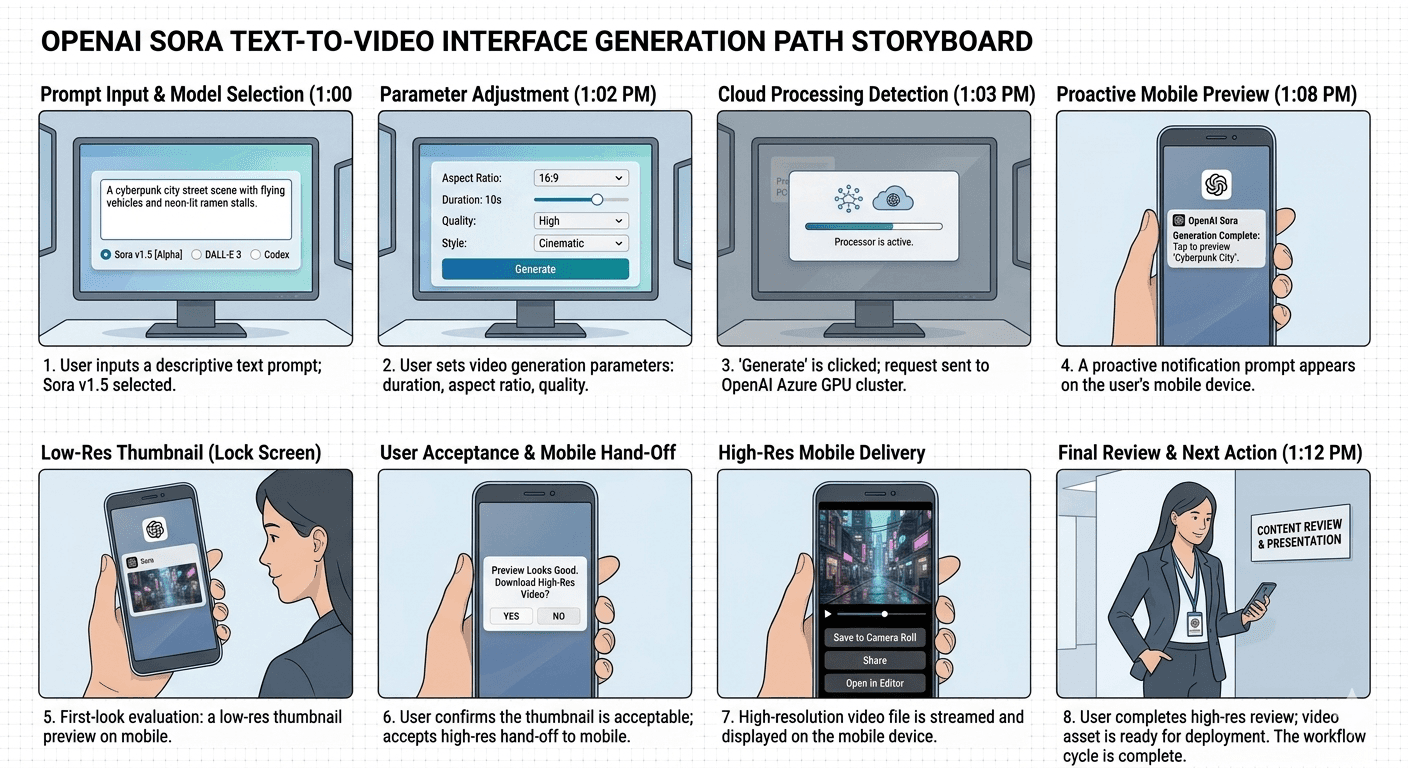
OpenAI Sora Text-to-Video Interface Generation Path Storyboard
product shot
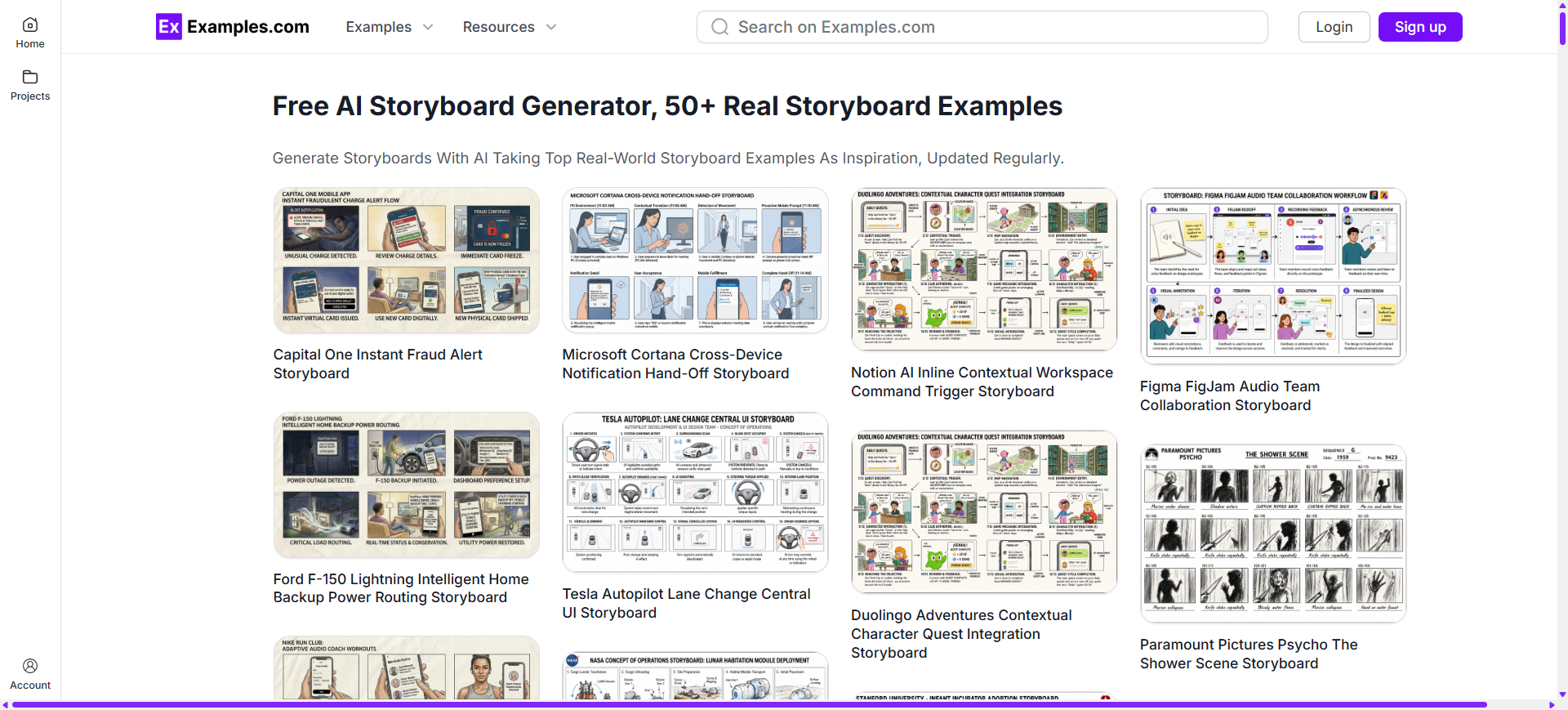
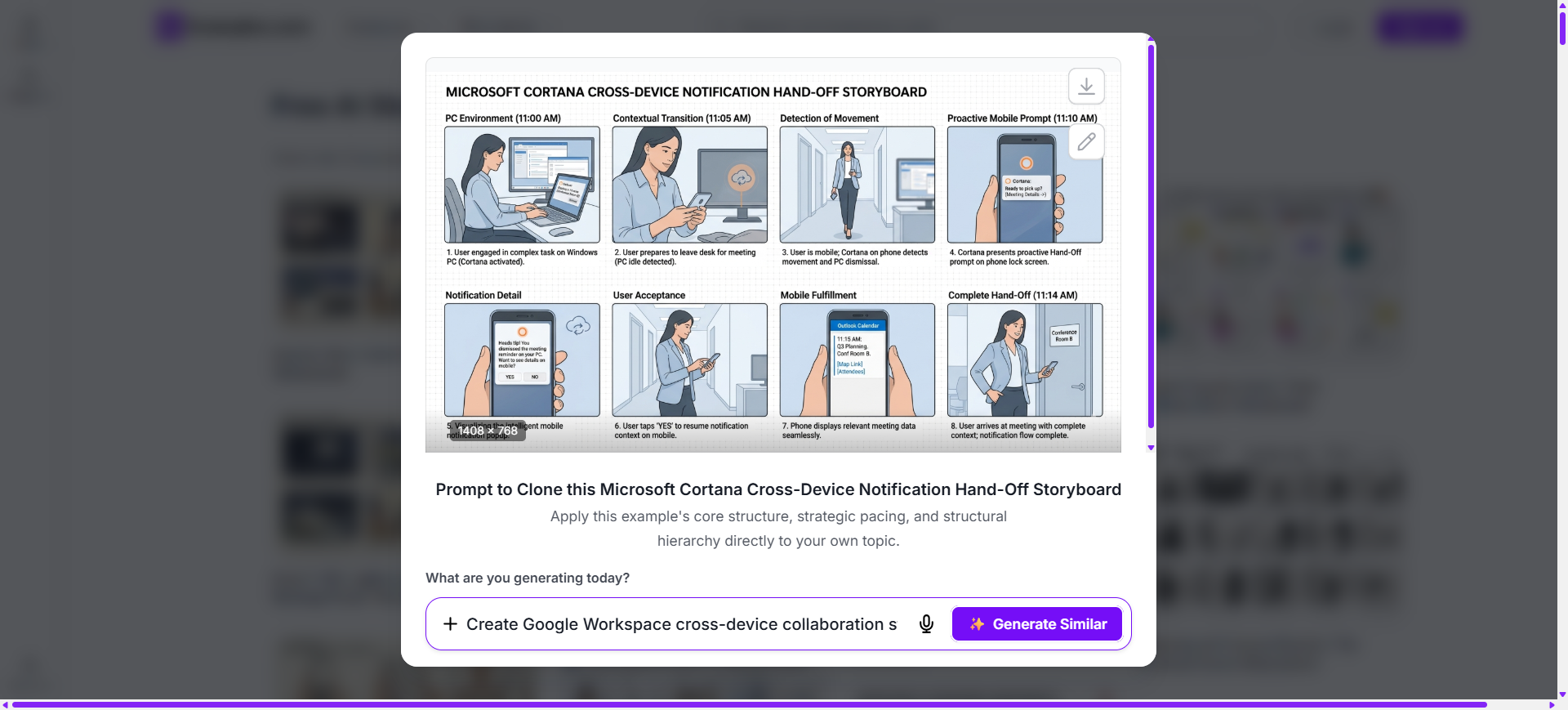
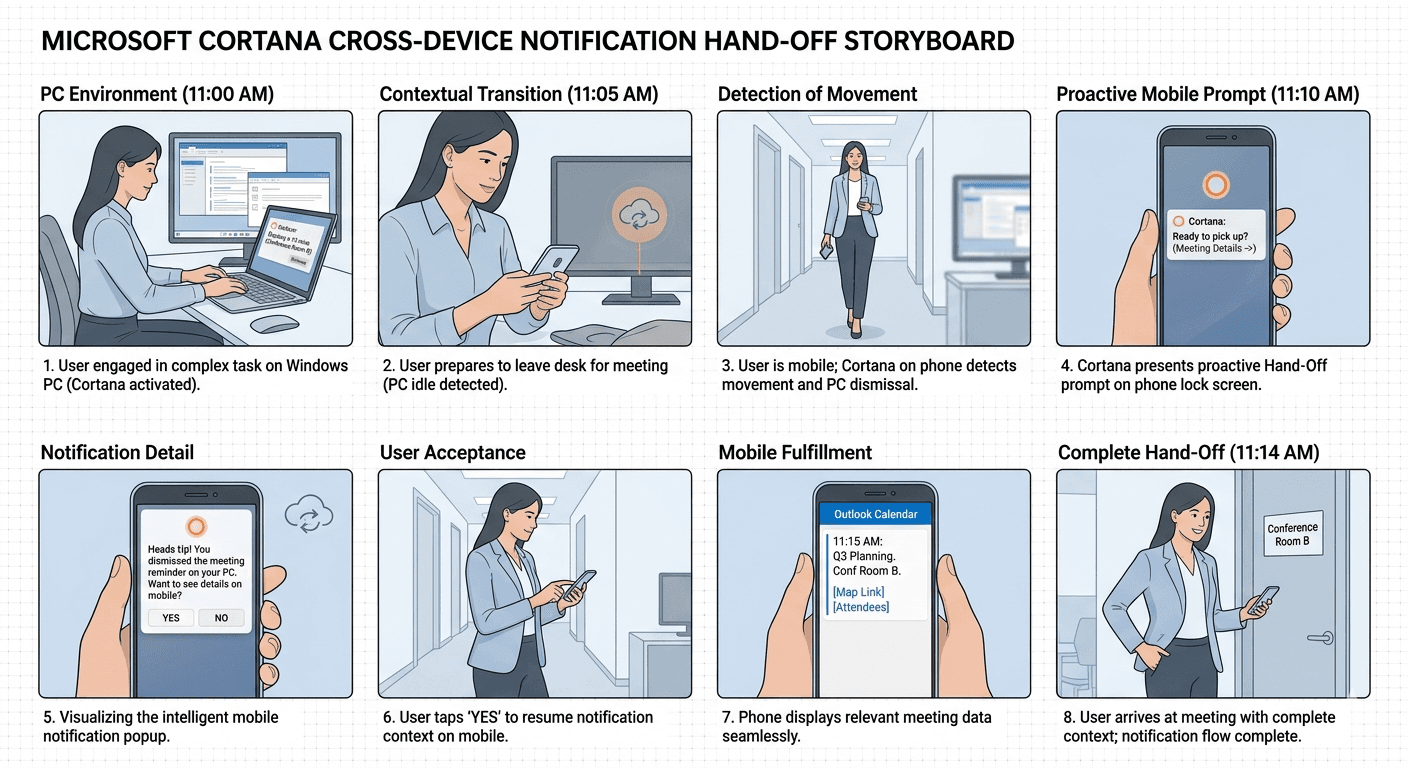
Microsoft Cortana Cross-Device Notification Hand-Off Storyboard
product shot
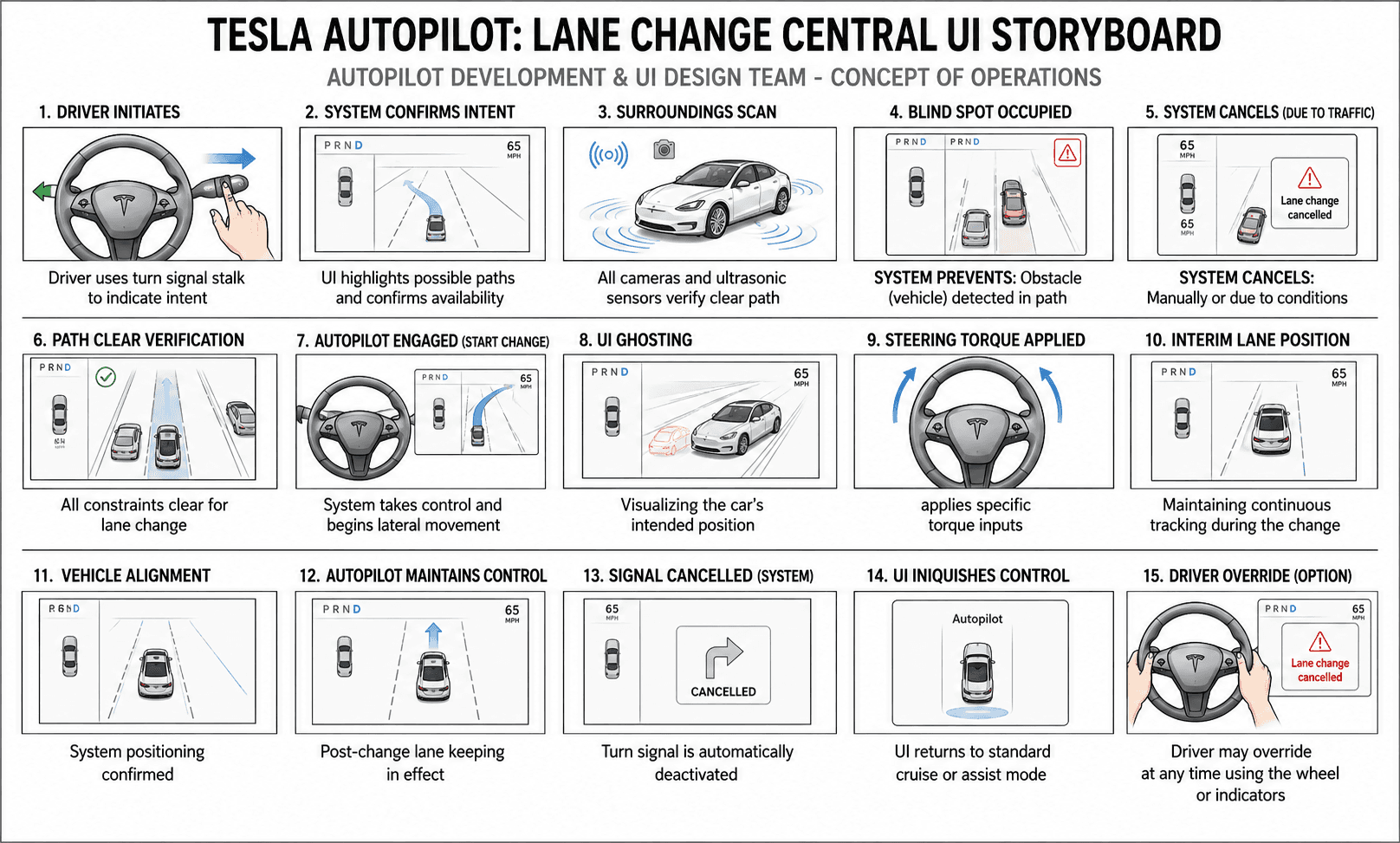
Tesla Autopilot Lane Change Central UI Storyboard
product shot
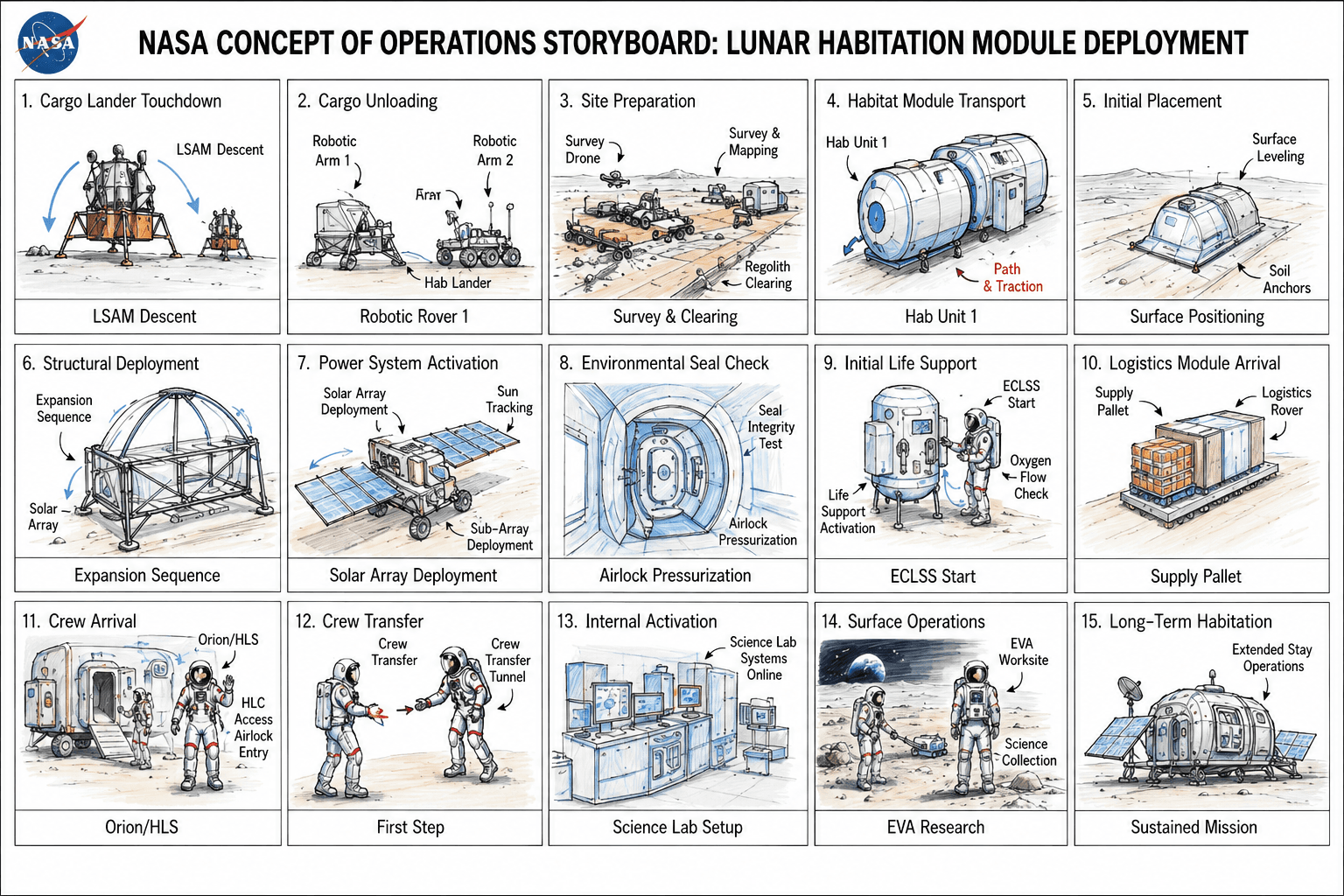
NASA Concept of Operations Storyboard
product shot
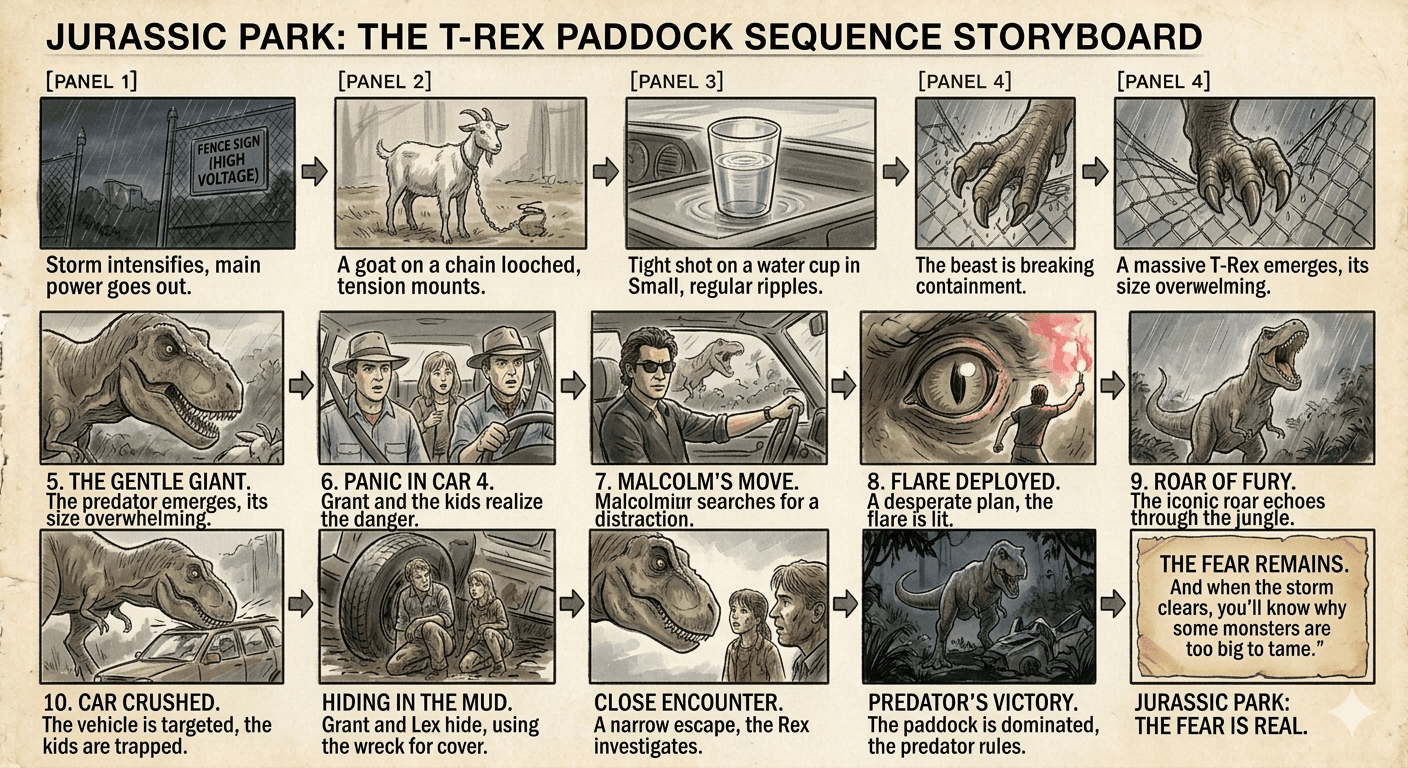
Jurassic Park The T-Rex Paddock Sequence Storyboard
product shot
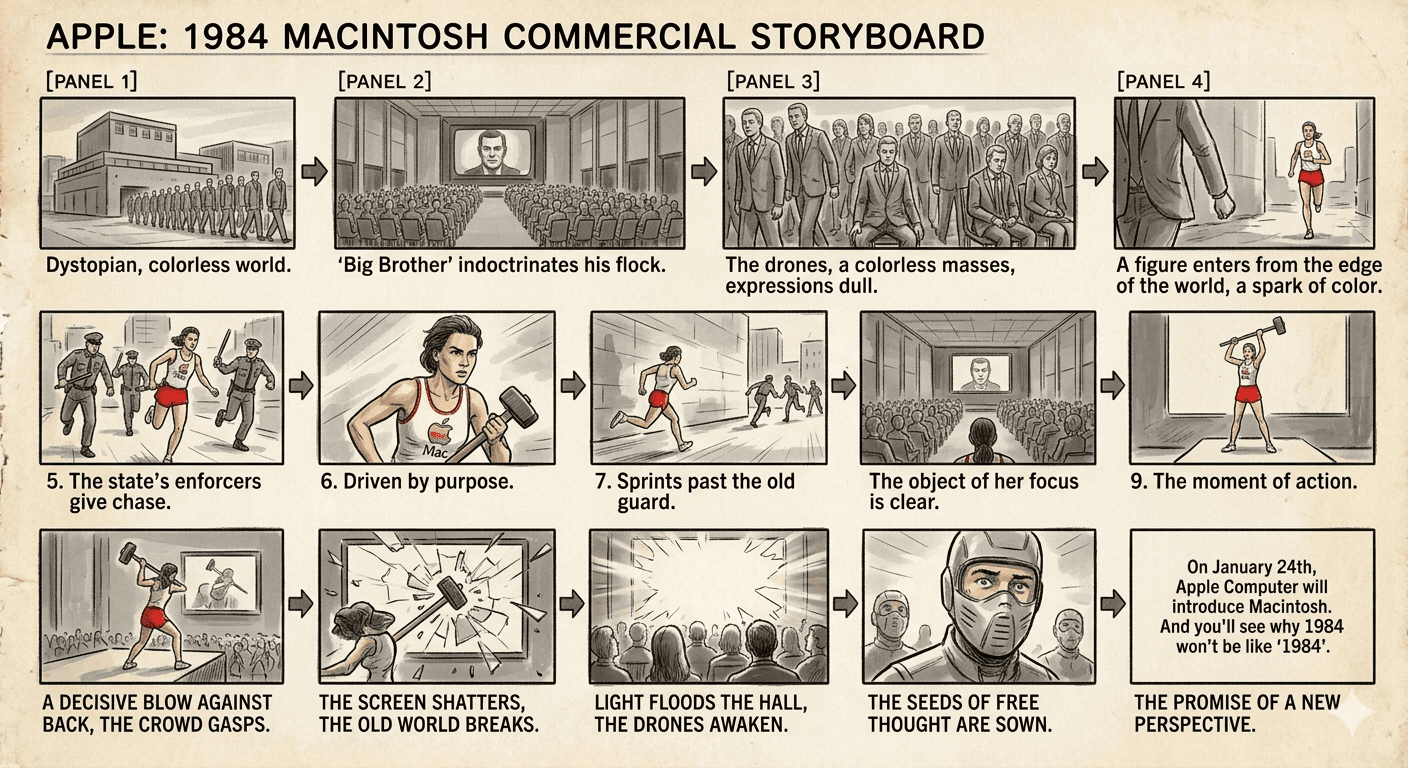
Apple’s 1984 Macintosh Commercial Storyboard
product shot
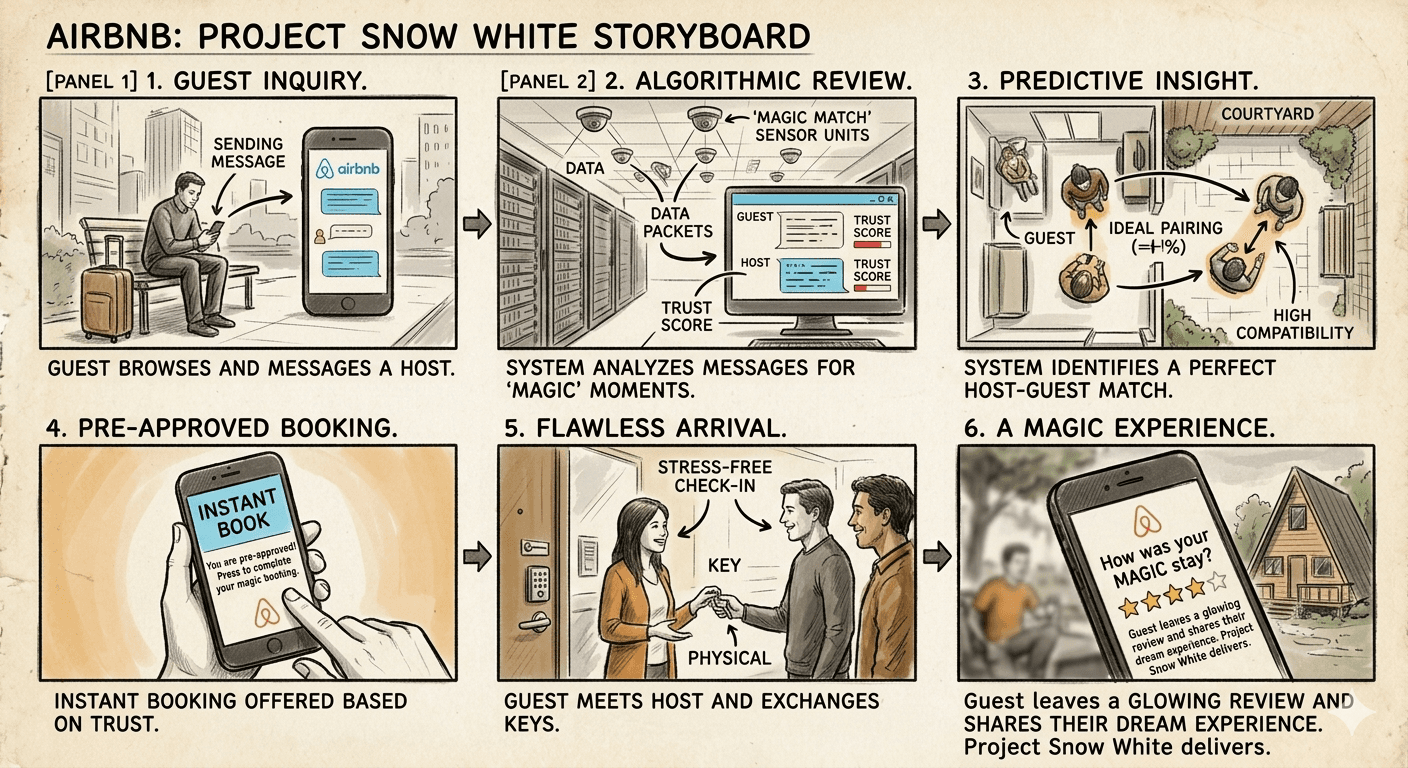
Airbnb Project Snow White Storyboard
product shot
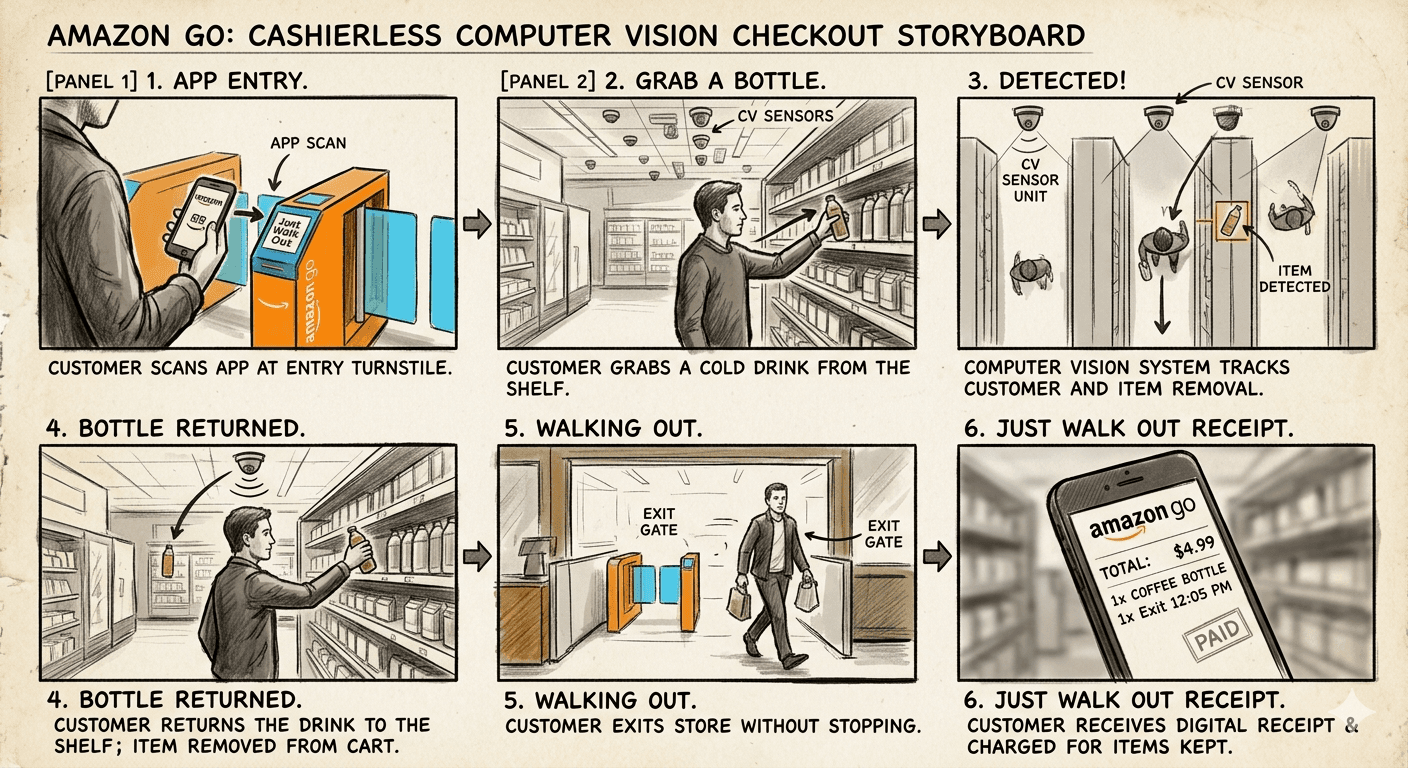
Amazon Go Cashierless Computer Vision Checkout Storyboard
product shot
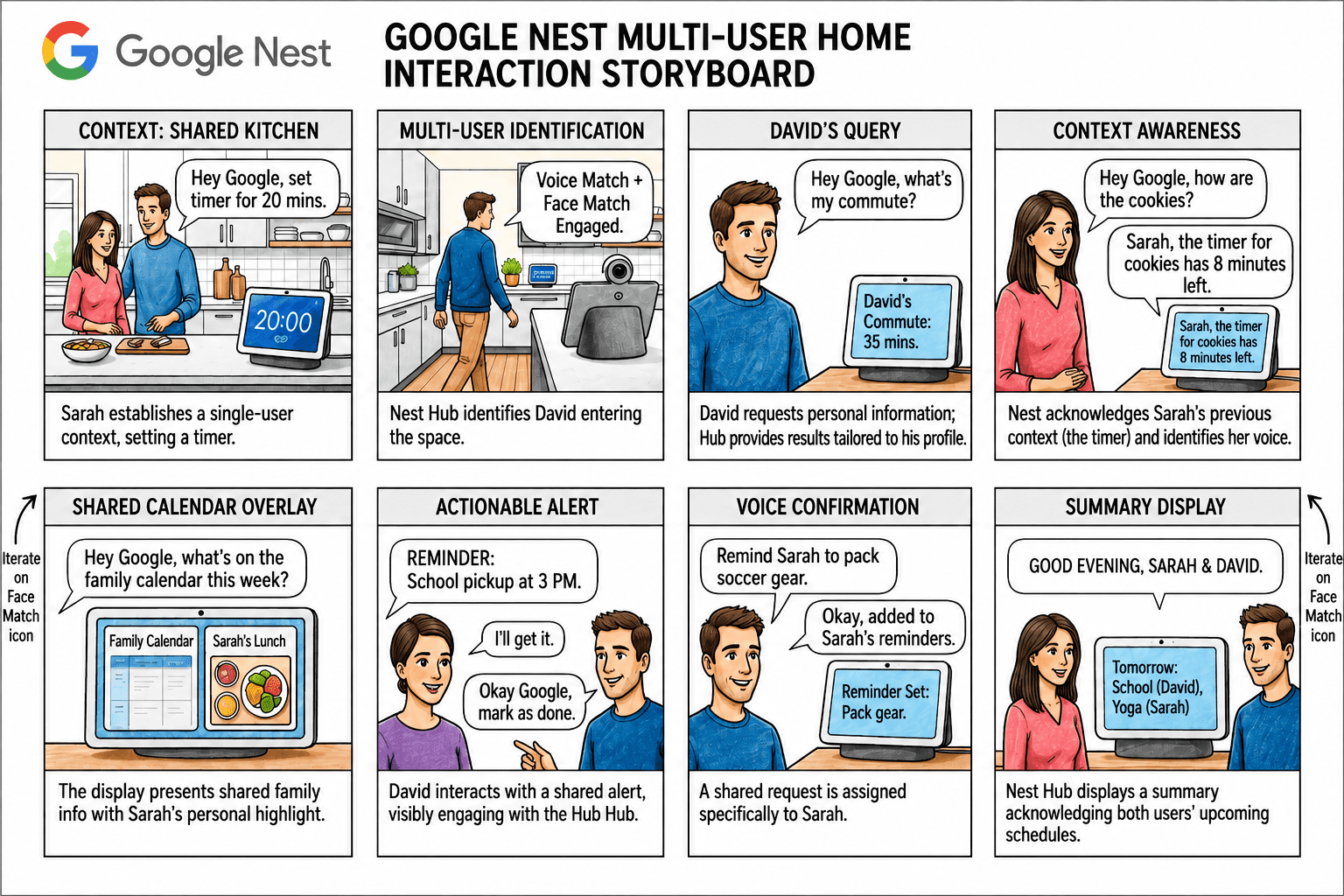
Google Nest Multi-User Home Interaction Storyboard
product shot
Notion AI Inline Contextual Workspace Command Trigger Storyboard
product shot
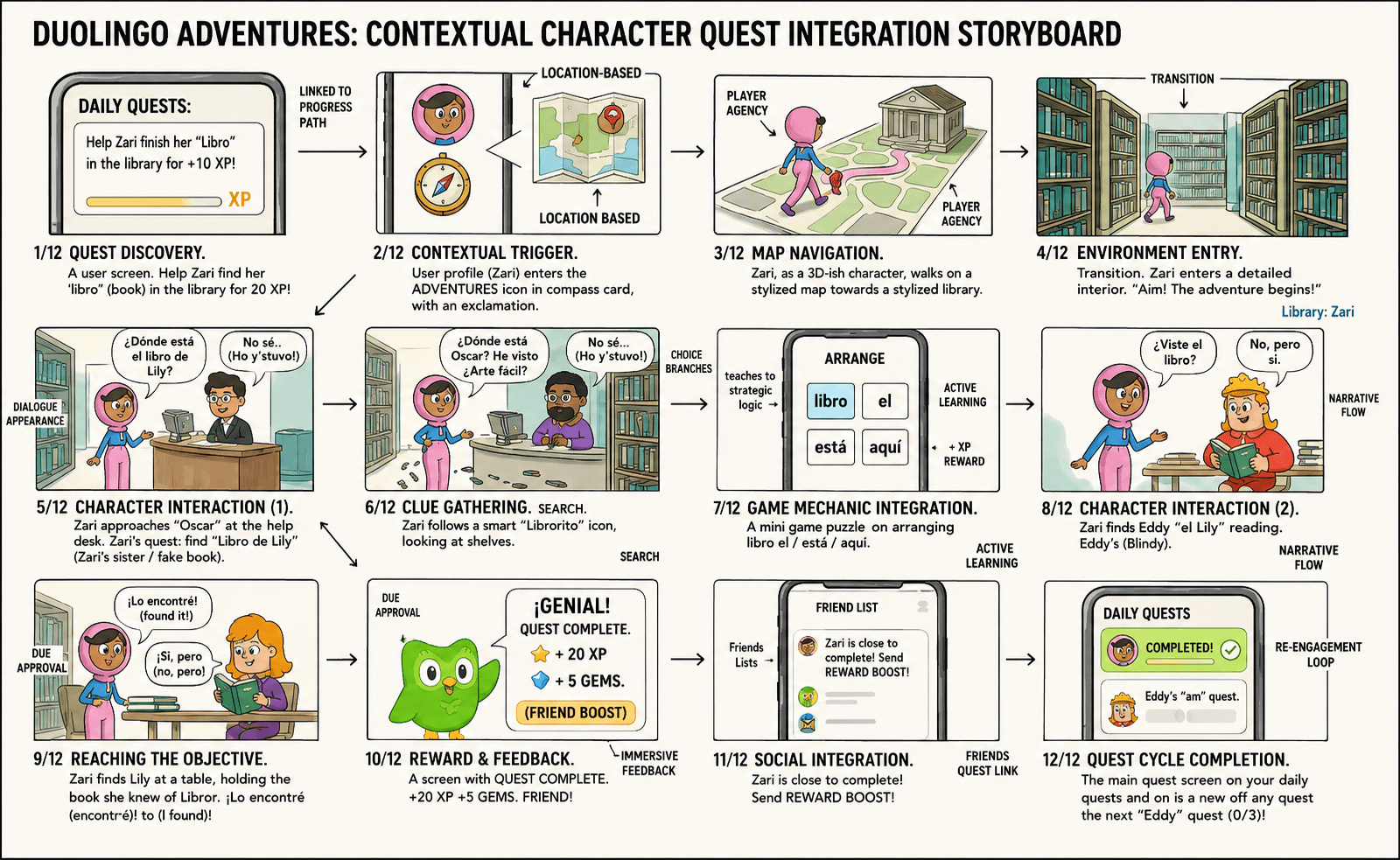
Duolingo Adventures Contextual Character Quest Integration Storyboard
product shot
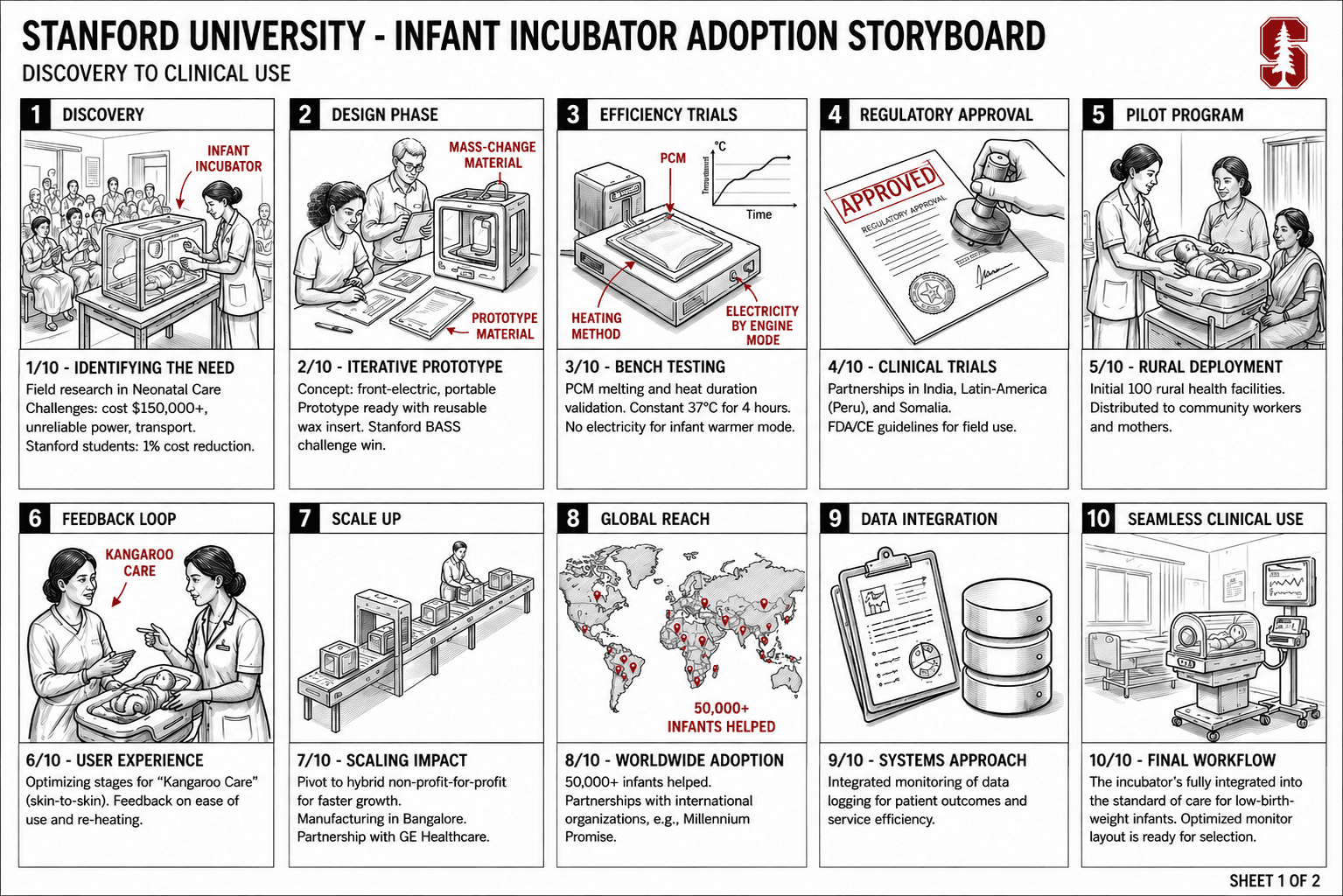
Stanford University Infant Incubator Adoption Storyboard
product shot
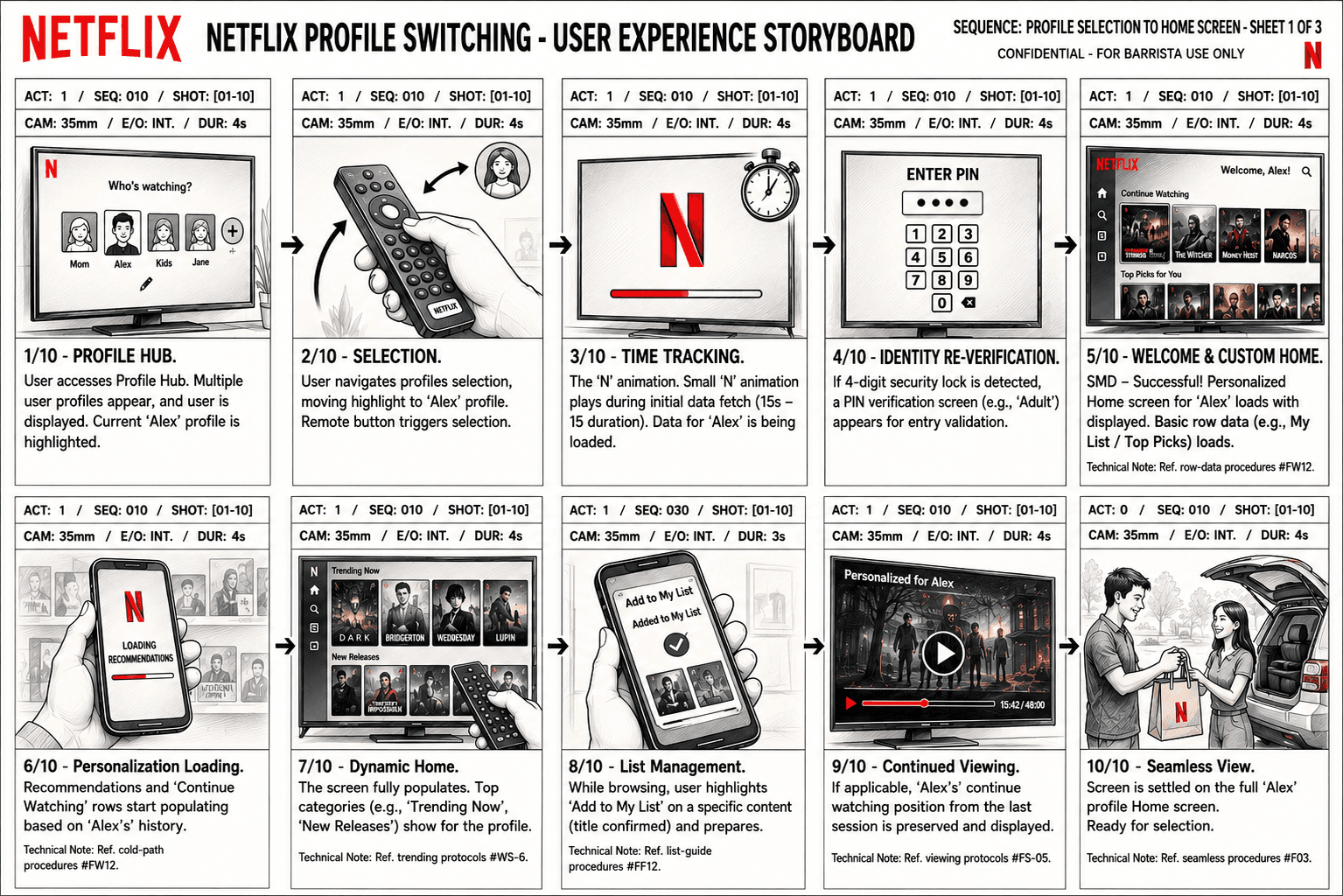
Netflix Profile Switching Experience Storyboard
product shot
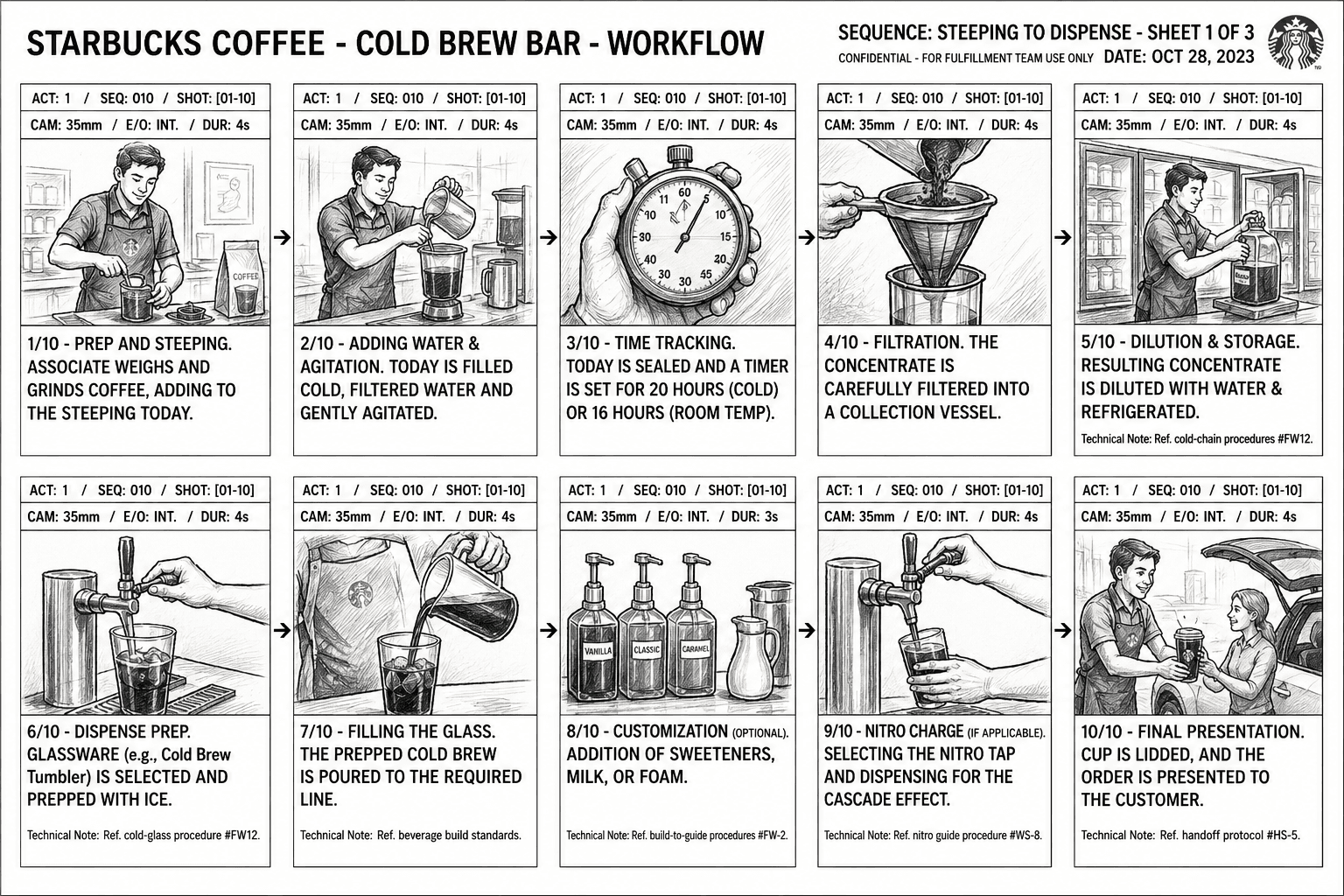
Starbucks Cold Brew Bar Workflow Storyboard
product shot
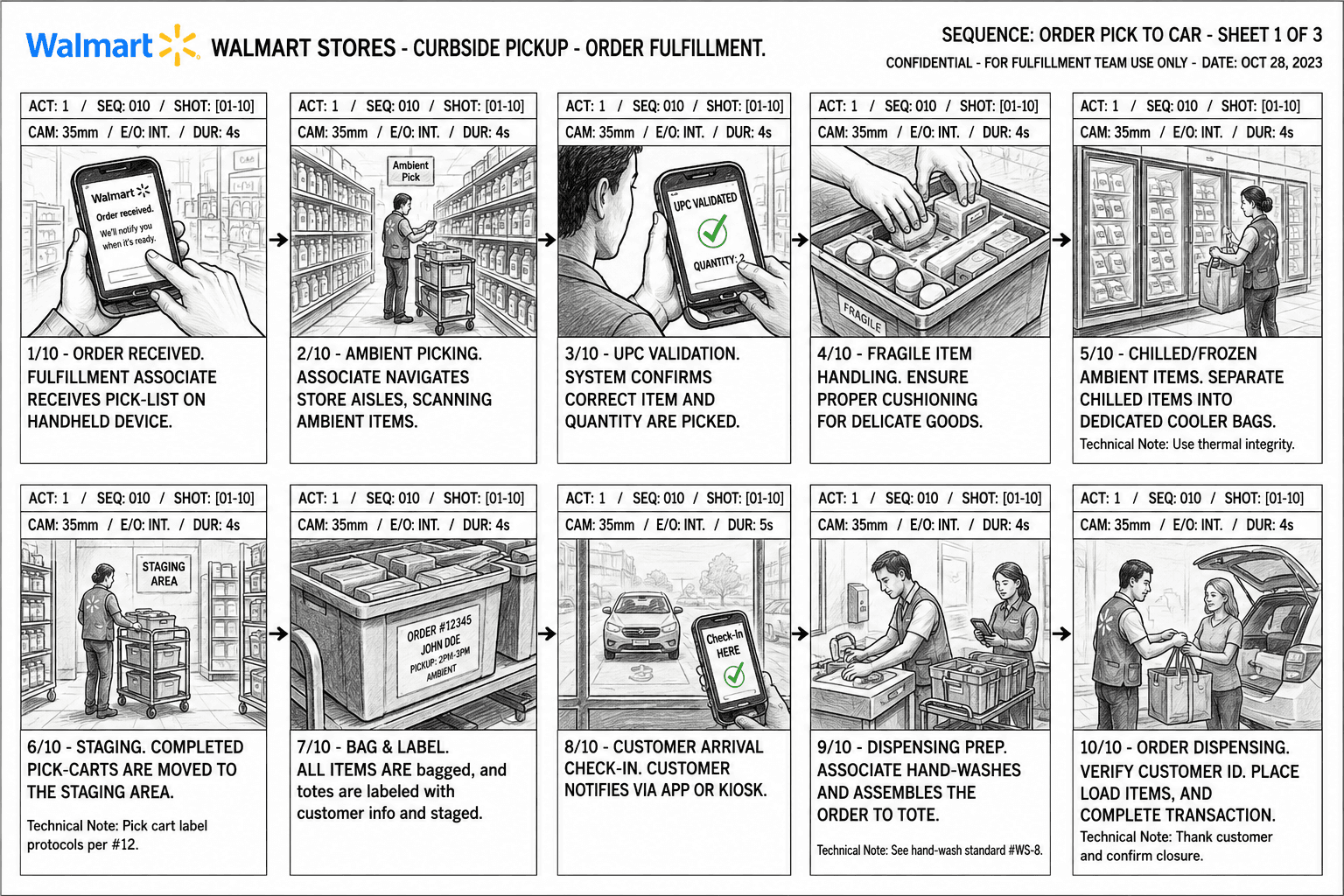
Walmart Curbside Pickup Fulfillment Storyboard
product shot
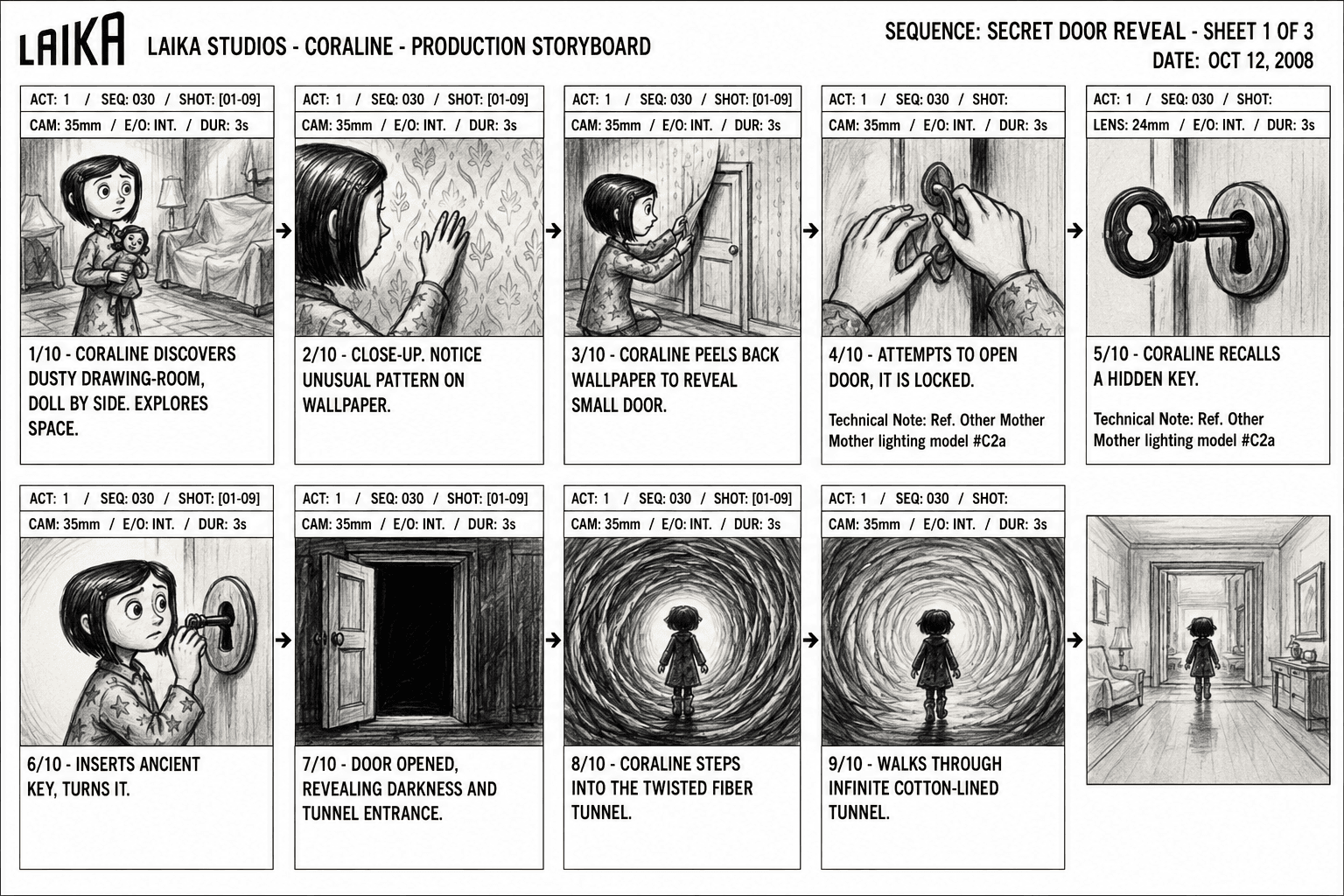
Laika Studios Coraline Secret Door Storyboard
product shot
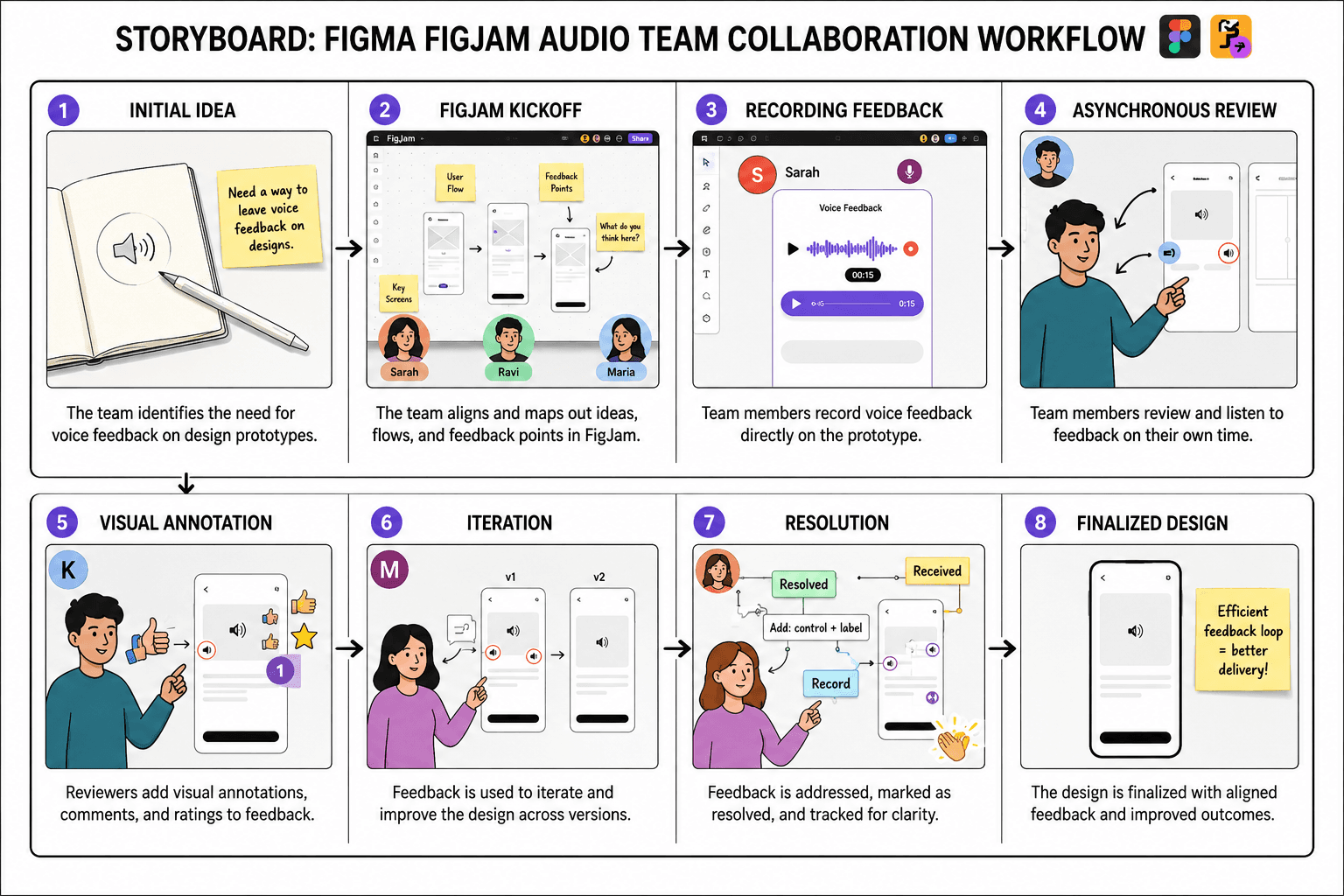
Figma FigJam Audio Team Collaboration Storyboard
product shot
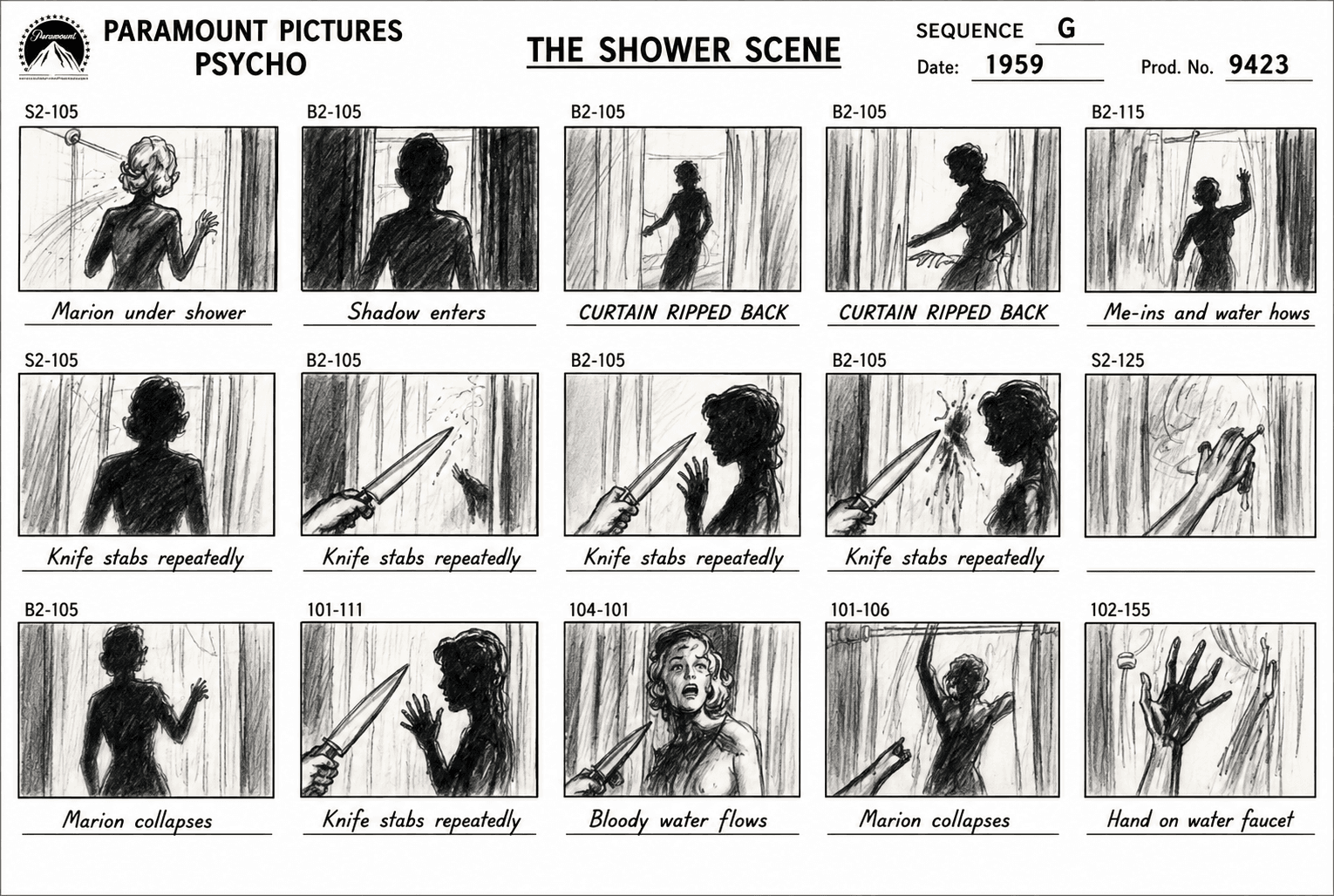
Paramount Pictures Psycho The Shower Scene Storyboard
product shot
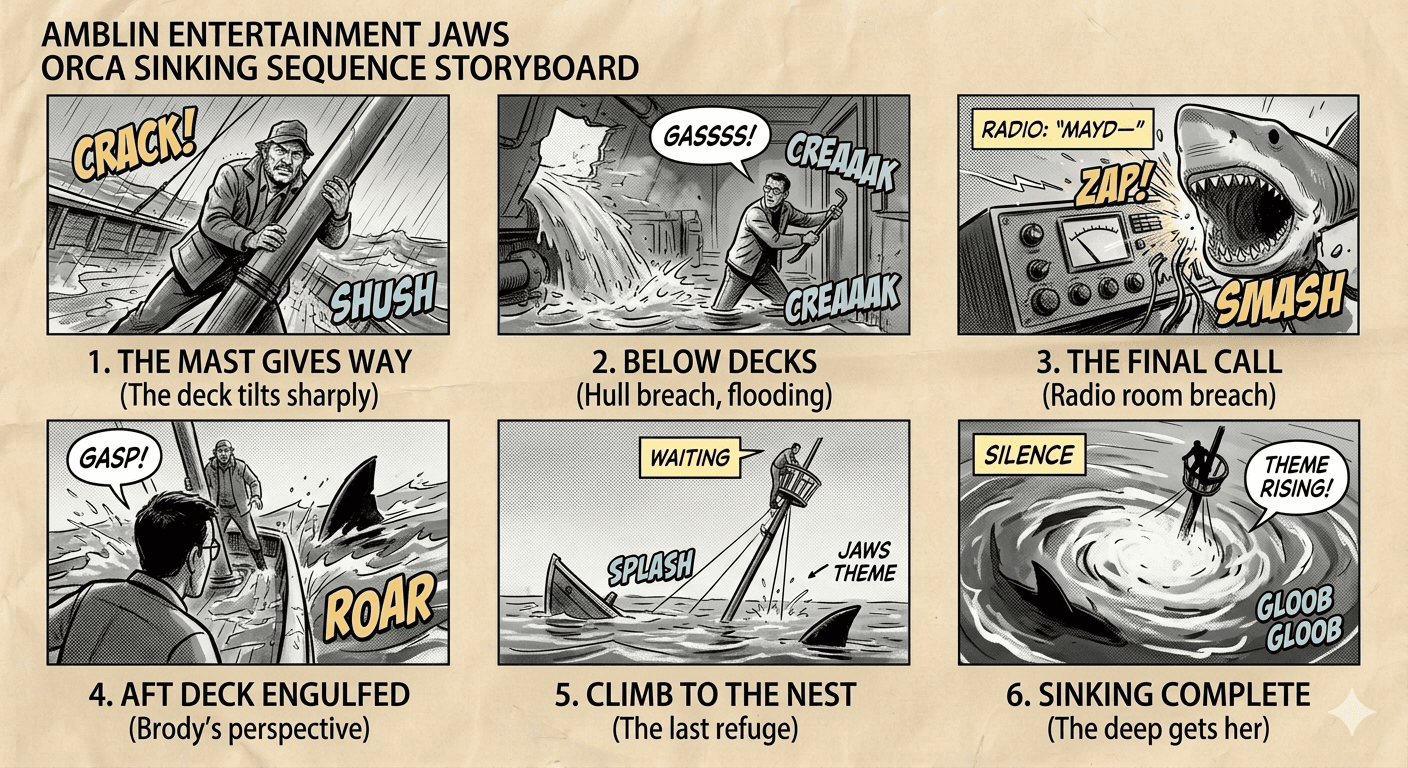
Amblin Entertainment Jaws Orca Sinking Sequence Storyboard
product shot
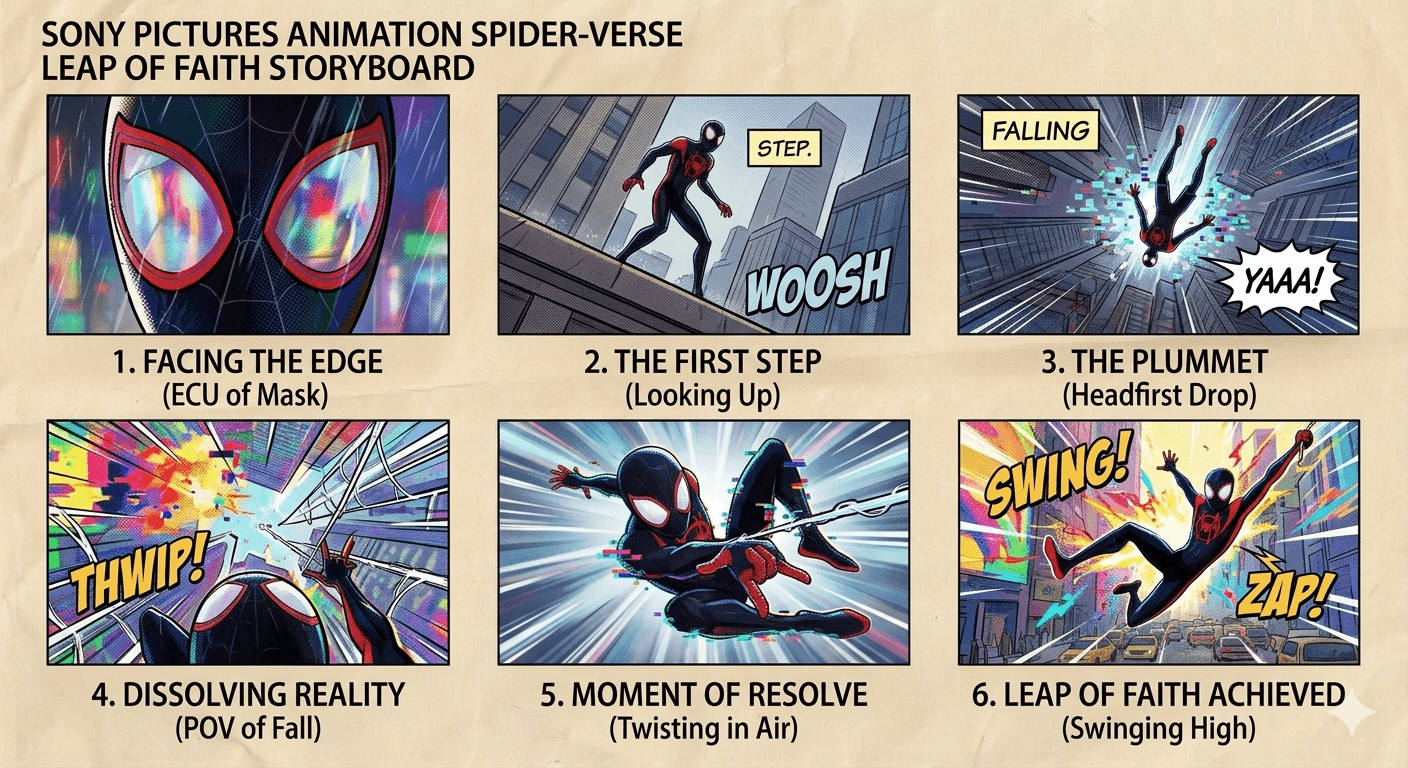
Sony Pictures Animation Spider-Verse Leap of Faith Storyboard
product shot
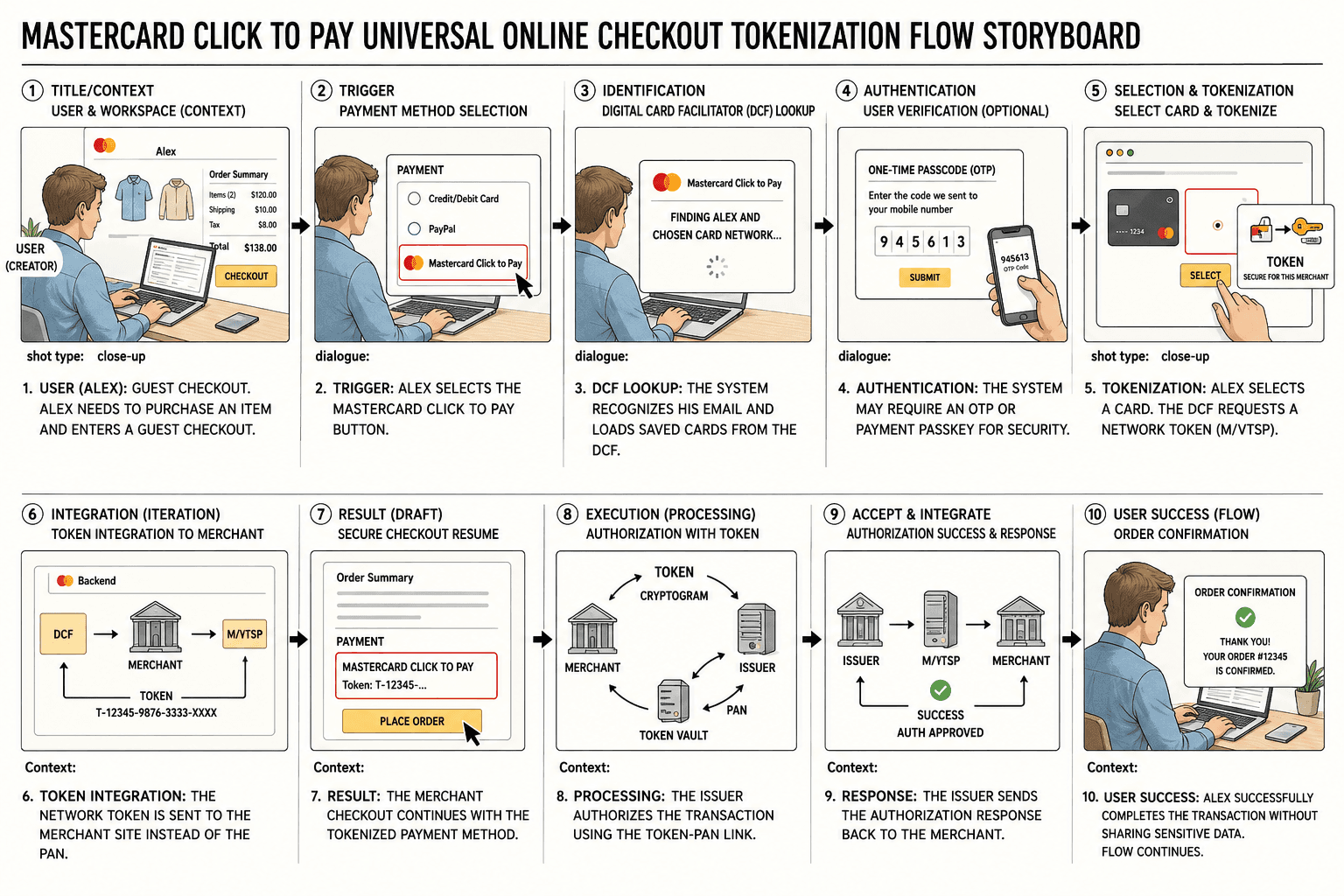
Mastercard Click to Pay Universal Online Checkout Tokenization Flow Storyboard
product shot
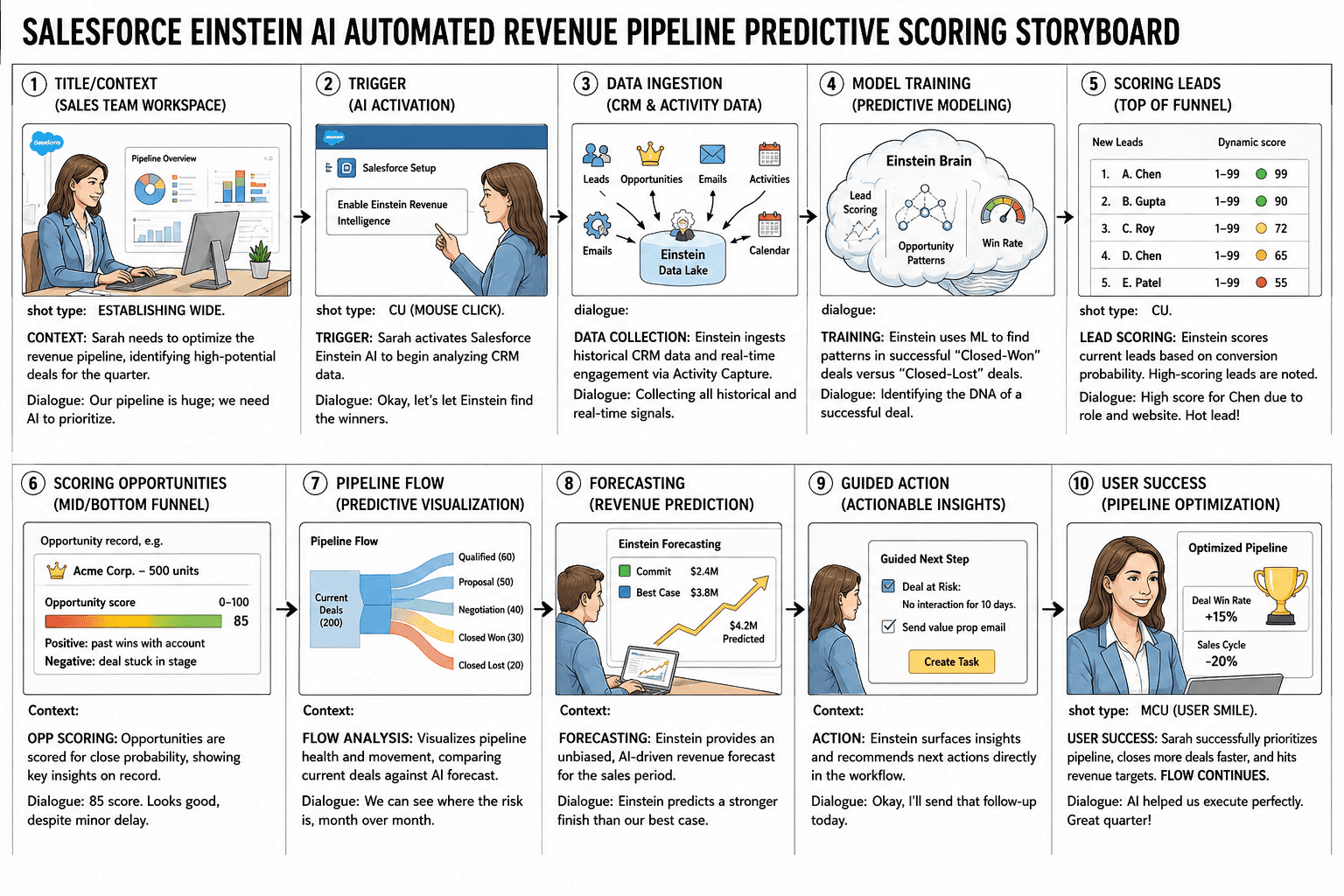
Salesforce Einstein AI Automated Revenue Pipeline Predictive Scoring Storyboard
product shot
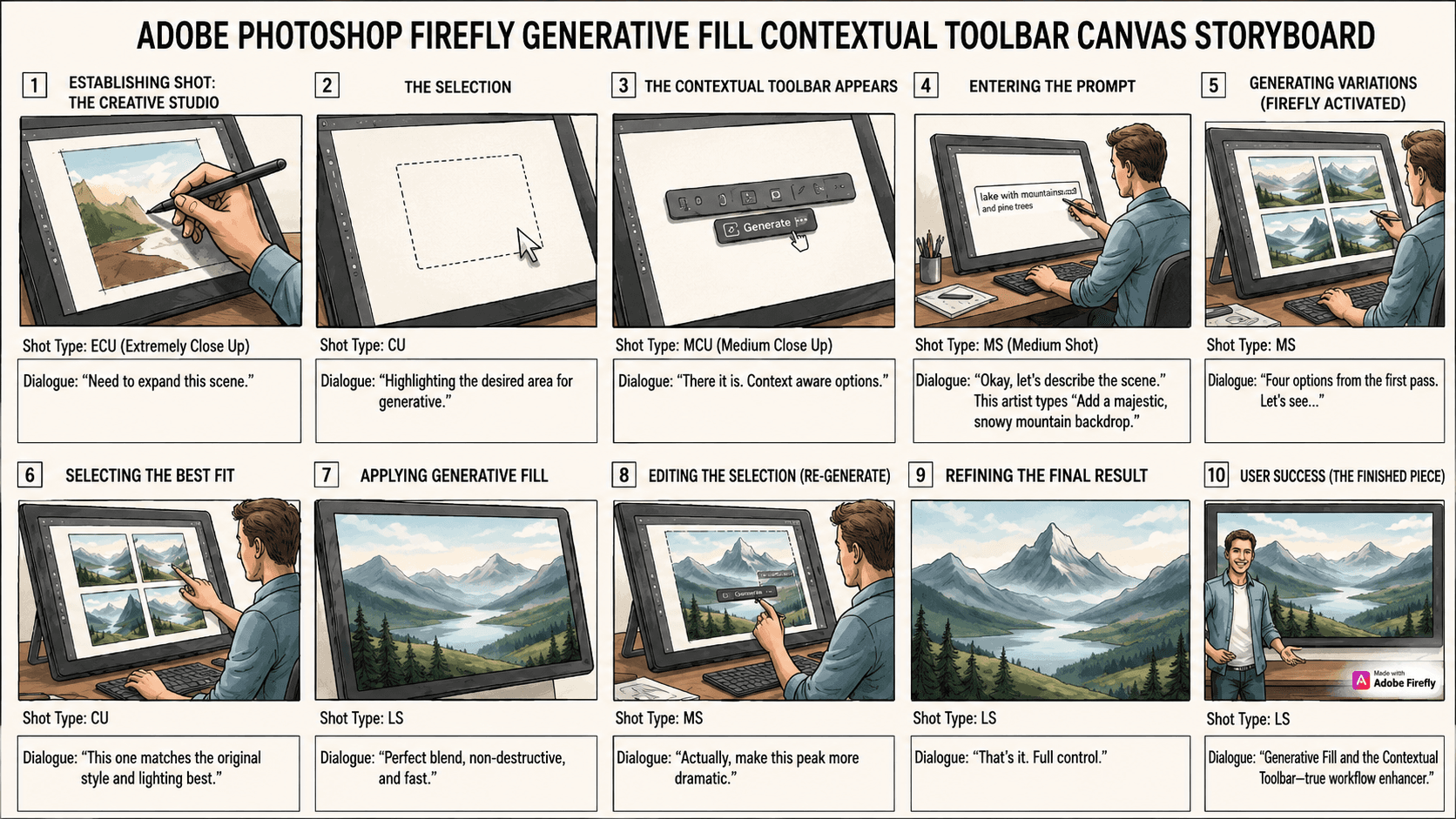
Adobe Photoshop Firefly Generative Fill Contextual Toolbar Canvas Storyboard
product shot
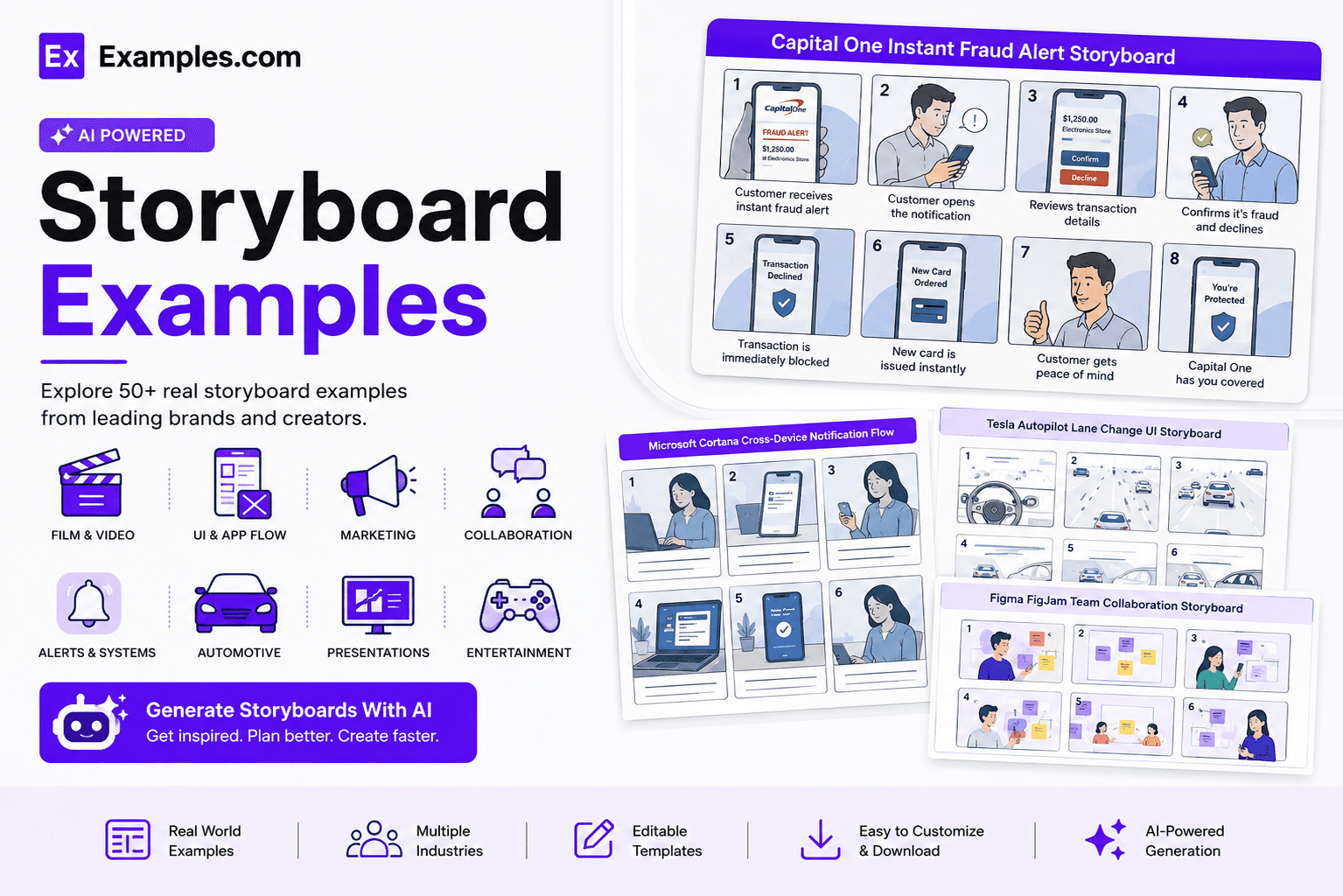
Create custom storyboards online using AI-powered visual generation inspired by real-world storyboard examples. Browse professional storyboard layouts from films, animation, advertising, marketing campaigns, UX design, product demonstrations, training videos, and presentations. Choose a reference storyboard, enter your prompt, generate a completely new storyboard in seconds, customize every panel in the online editor, and download the final PNG. Examples.com helps users transform ideas into organized visual sequences for planning, communication, and creative production without requiring advanced illustration skills.
What Is A Storyboard?
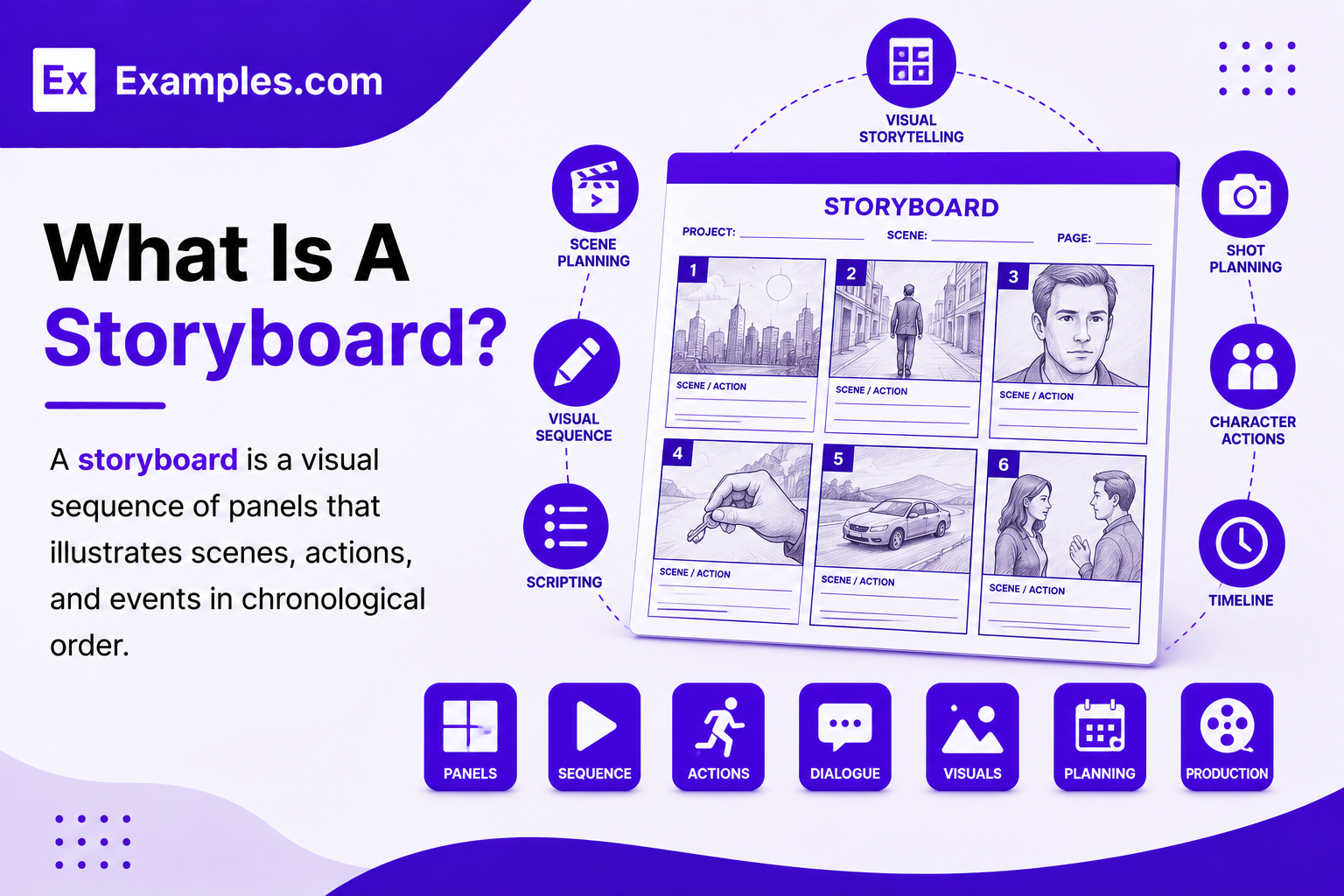
A storyboard is a visual sequence of panels that illustrates scenes, actions, and events in chronological order. Storyboards combine sketches, captions, annotations, and visual directions to communicate ideas before production begins. They are widely used for films, animations, marketing campaigns, presentations, UX workflows, product demonstrations, and educational projects.
Popular Types Of Storyboard Examples
Storyboards are used across filmmaking, animation, marketing, product development, education, and business communication. Different storyboard types help teams visualize ideas before production begins.
🎬
Film Storyboards
Film storyboards help directors plan camera angles, scenes, character movements, shot composition, and visual storytelling before filming begins.
🎨
Animation Storyboards
Animation storyboards organize character actions, scene transitions, expressions, timing, and storytelling before creating final animated sequences.
📢
Marketing Storyboards
Marketing storyboards visualize advertising campaigns, product launches, promotional videos, commercials, and branded storytelling before production.
💻
UX And UI Storyboards
UX and UI storyboards illustrate user journeys, application workflows, customer interactions, and digital experiences through visual panels.
🎓
Training Storyboards
Training storyboards organize instructional videos, onboarding programs, educational lessons, and workplace learning experiences step by step.
📊
Presentation Storyboards
Presentation storyboards structure keynote sessions, business presentations, product demonstrations, and visual storytelling for audiences.
Why Should I Use Real Storyboard Examples To Create My Own Storyboard?
Real storyboard examples help users understand scene sequencing, camera composition, visual storytelling, annotations, and narrative flow before creating their own projects. Instead of starting from scratch, users can study professional storyboard layouts that simplify planning and improve communication across creative teams.
Using real-world storyboard examples also helps users generate better ideas faster. Users can select a reference storyboard, enter a custom AI prompt, and generate a completely new storyboard inspired by professional visual storytelling techniques. This workflow improves production planning while allowing every storyboard panel to be fully customized.
How Do I Generate A Storyboard With AI?
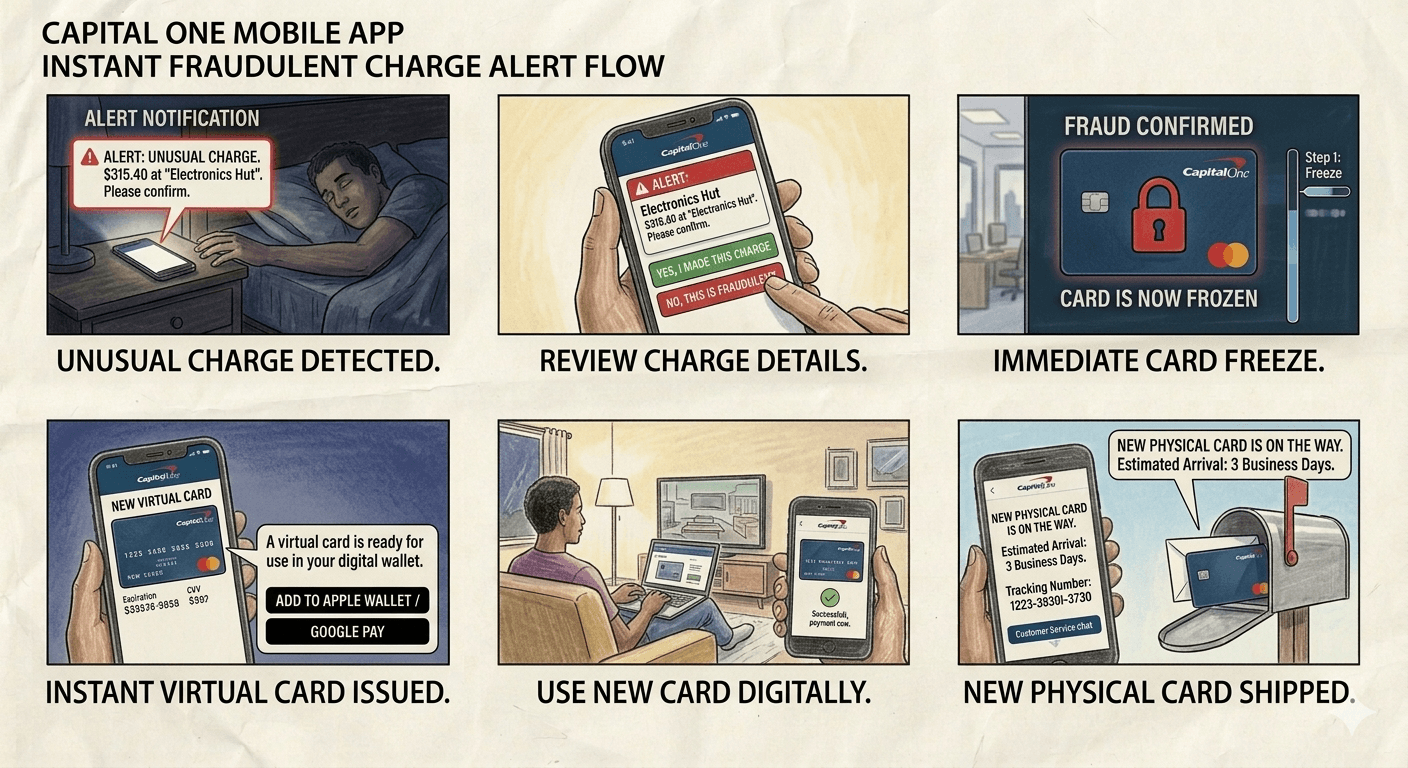
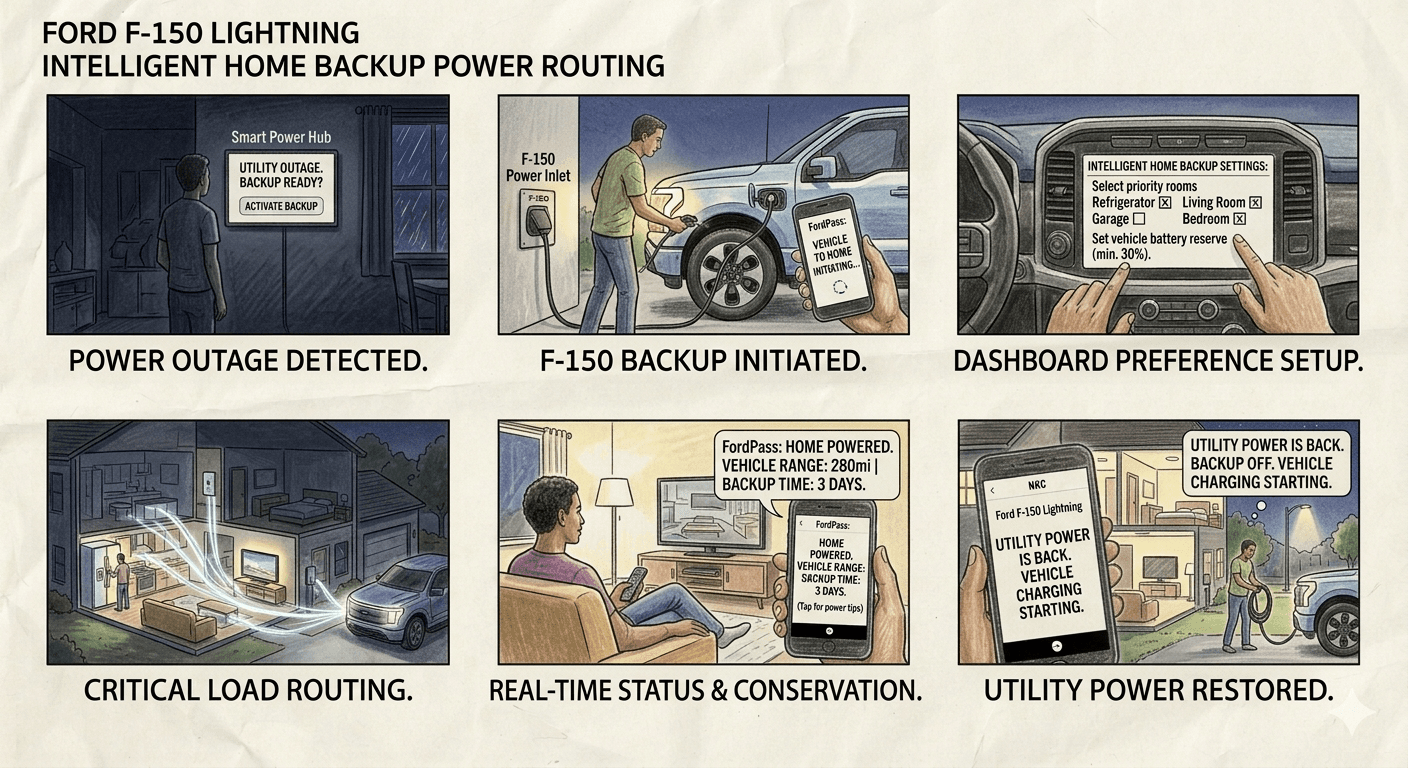
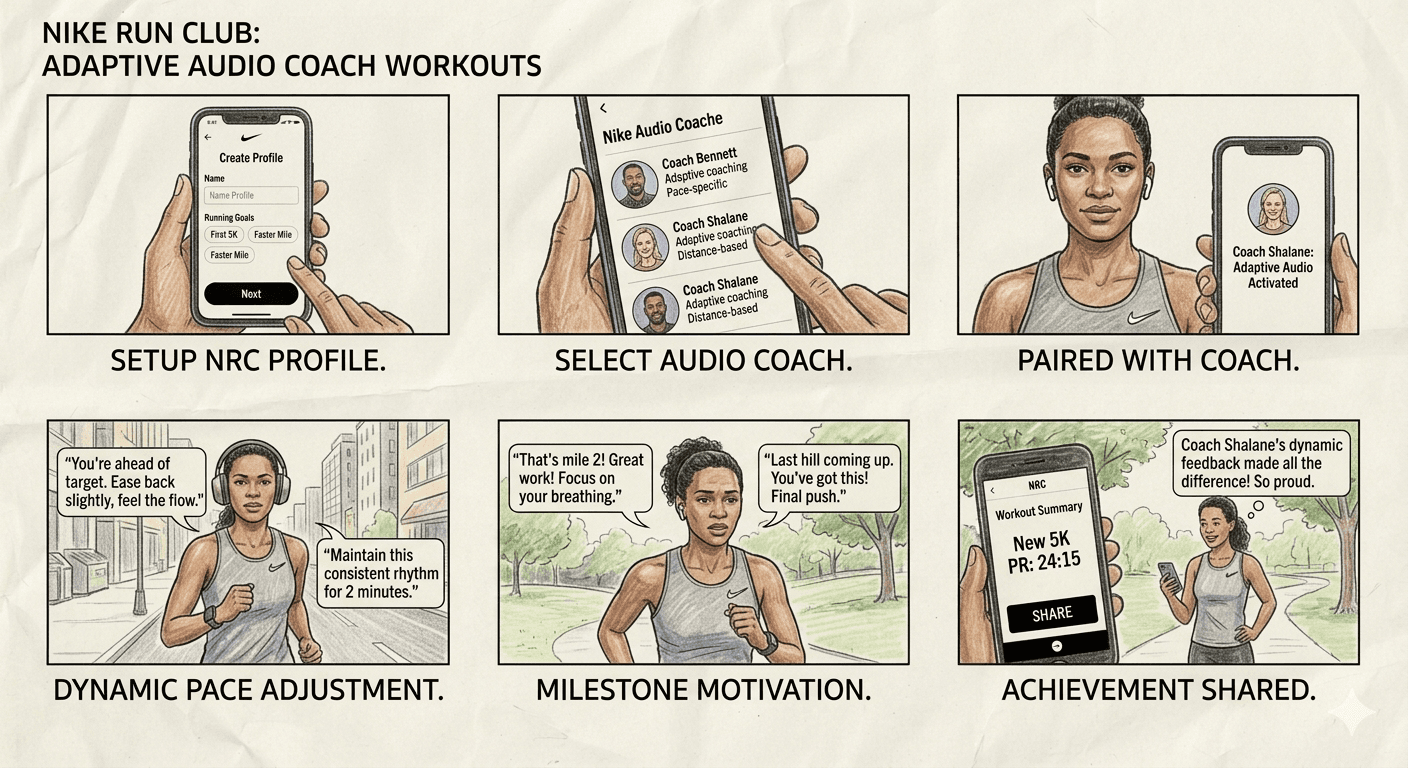
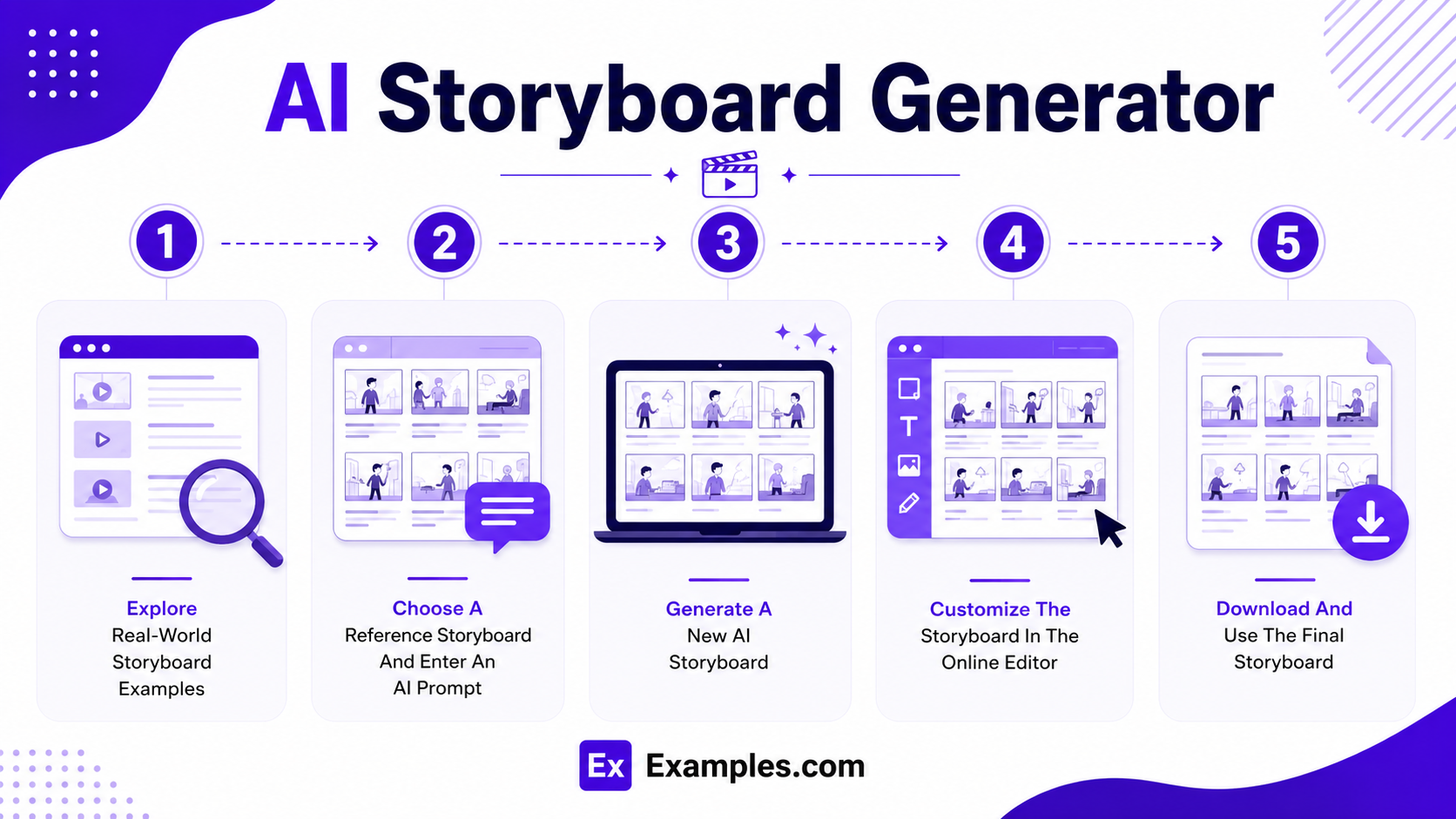
Creating a storyboard with AI combines real-world inspiration, intelligent visual generation, and online editing tools into a simple workflow suitable for beginners and professionals.
Browse Storyboard Examples
Browse a large collection of storyboard examples created for films, animation, marketing campaigns, UX design, product demonstrations, educational projects, and business presentations. These examples help users discover visual storytelling techniques, panel layouts, and scene organization.
Choose A Reference Storyboard And Enter An AI Prompt
Select a storyboard example that matches your preferred visual style. Enter an AI prompt describing your script, scenes, characters, camera angles, dialogue, timing, and creative objectives. The selected storyboard serves as visual inspiration during AI generation.
Generate A New AI Storyboard
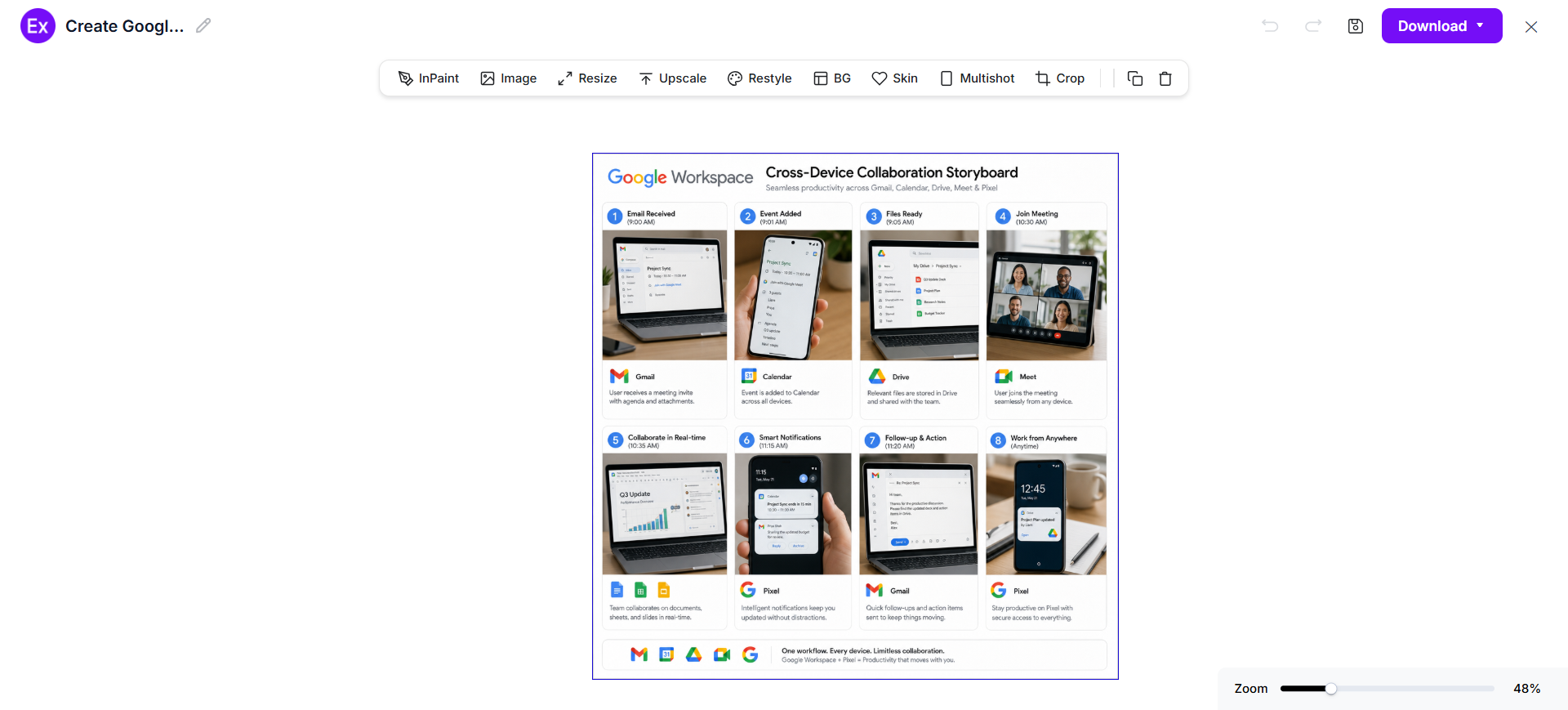
The AI generates a completely new storyboard inspired by the selected example and your prompt. Users can create original scene panels, captions, annotations, visual sequences, and storytelling layouts without modifying the original storyboard.
Customize The Storyboard In The Online Editor
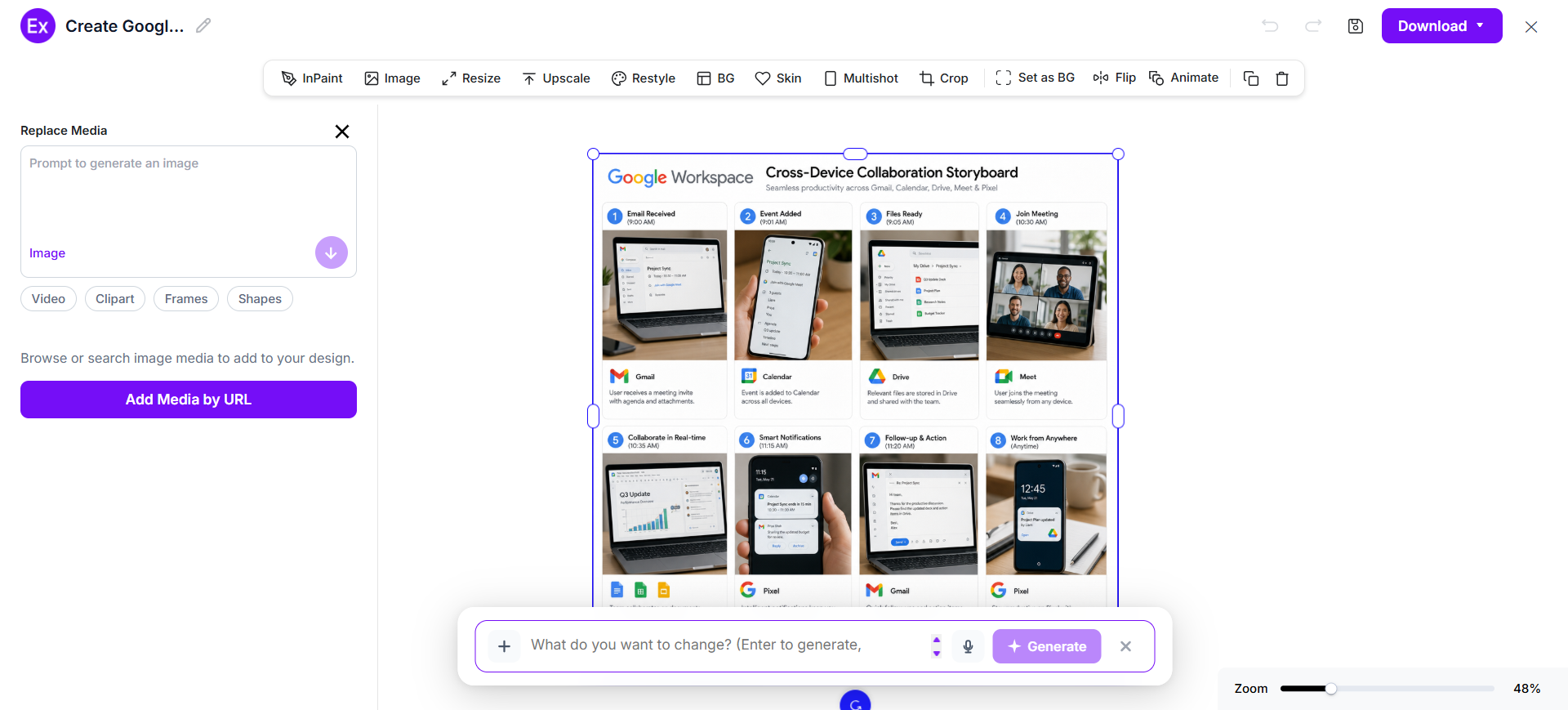
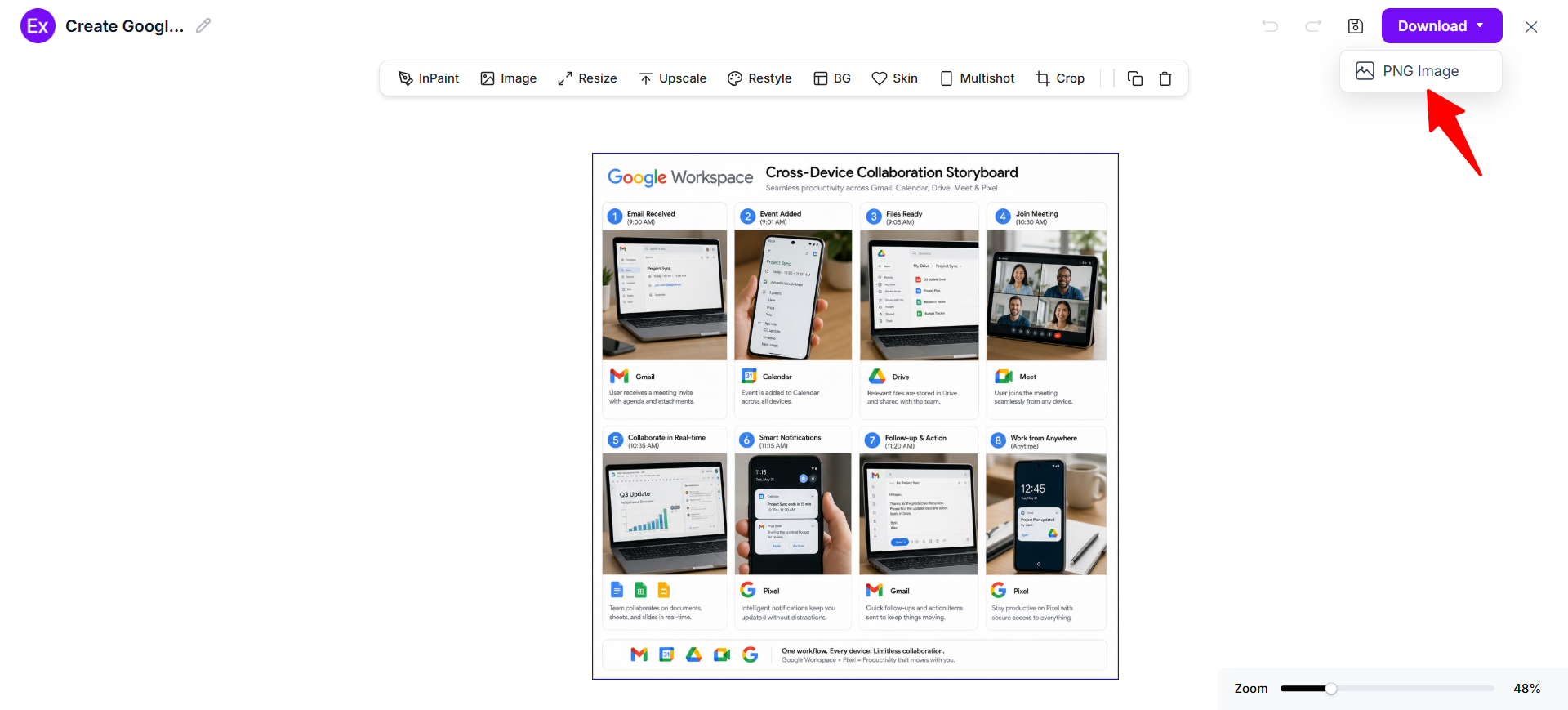
Open the generated storyboard inside the editor to edit captions, replace images, update dialogue, rearrange panels, adjust layouts, add annotations, insert arrows, and refine visual storytelling using AI-powered editing tools.
Download And Use The Final Storyboard
After customization is complete, download the finished storyboard in PNG format. The final storyboard can be used for film production, animation, advertising, UX planning, product demonstrations, presentations, educational content, and creative collaboration.
After generating a storyboard, users can personalize every panel, caption, annotation, and visual sequence using the online editor on Examples.com. Edit scene descriptions, replace placeholder images, update dialogue, rearrange frames, adjust camera directions, add arrows, insert production notes, and organize the complete visual narrative without requiring professional illustration or filmmaking experience.
The editor also includes AI-powered tools that simplify storyboard creation and refinement. Users can generate alternative scene layouts, improve image quality, resize storyboards for different presentation formats, remove unwanted backgrounds, and create multiple storyboard variations for creative review. This flexible workflow helps transform AI-generated storyboards into polished production-ready visual plans.
AI Storyboard Editing Features
Examples.com provides AI-powered editing tools that help users refine storyboard panels while maintaining a clear and consistent visual narrative.
1
InPaint
Edit or replace selected objects, characters, backgrounds, or scene elements without affecting the remaining storyboard panels.
2
Resize
Adjust storyboard dimensions for presentations, printed documents, widescreen displays, or collaborative reviews.
3
Upscale
Improve image resolution and sharpen illustrations for clearer storyboard presentations and production planning.
4
Restyle
Generate alternative artistic styles, layouts, scene compositions, and visual themes using AI.
5
Background Editing
Remove or replace scene backgrounds to improve focus and create cleaner visual presentations.
6
Crop
Trim unnecessary areas and improve panel composition while preserving important visual details.
7
Flip
Mirror storyboard panels horizontally or vertically to explore different visual compositions.
8
Animate
Convert static storyboard panels into animated previews for presentations, concept reviews, and creative pitches.
9
Multishot
Generate multiple storyboard variations from a single prompt to compare storytelling approaches and scene arrangements.
Standard Storyboard Sizes And Formats
Selecting the appropriate storyboard size improves readability, collaboration, and production planning. The ideal format depends on how the storyboard will be reviewed, presented, or shared.
Storyboard Format
Common Size
Best Use Case
Landscape Storyboard
1920 × 1080 px
Film production and video planning
Portrait Storyboard
1080 × 1920 px
Training materials and educational content
Square Storyboard
1080 × 1080 px
Social media campaigns and creative concepts
A4 Storyboard
210 × 297 mm
Script reviews and printed production documents
A3 Storyboard
297 × 420 mm
Complex projects with multiple scenes and annotations
Digital Storyboard
Custom Screen Size
Online collaboration and remote production planning
Landscape storyboards provide more room for wide cinematic scenes, while portrait layouts work well for instructional sequences. Larger print formats provide additional space for annotations, dialogue, camera directions, and production notes.
PNG format is commonly preferred because it preserves image quality while supporting presentations, documentation, online collaboration, and creative production workflows.
Essential Elements Every Storyboard Should Include
A well-designed storyboard combines visual storytelling with clear production instructions so every panel communicates its purpose effectively.
Scene Panels – Display each scene inside individual frames arranged in chronological order.
Sequential Flow – Organize storyboard panels logically so the story progresses naturally from beginning to end.
Captions – Add concise descriptions that explain the purpose of each scene or action.
Dialogue – Include important conversations or narration that support the visual sequence.
Camera Directions – Specify camera angles, zooms, pans, close-ups, or movement instructions where needed.
Actions And Arrows – Use arrows and visual indicators to illustrate character movement, object motion, or camera transitions.
Timing Notes – Record scene duration or pacing information to improve production planning.
Visual References – Include sketches, illustrations, screenshots, or placeholder images that communicate each scene clearly.
Annotations – Add production notes, sound effects, transitions, or technical instructions that guide the creative team.
How Do I Design A Better Storyboard?
A well-designed storyboard organizes scenes into a logical visual sequence that improves planning, communication, and production efficiency. Following a structured approach helps transform ideas into clear visual narratives before production begins.
Start With A Script Or Outline – Define the complete story before creating storyboard panels.
Divide The Story Into Scenes – Break the narrative into clear visual sequences that are easy to follow.
Create One Key Action Per Panel – Focus each frame on a single important moment to improve storytelling clarity.
Add Clear Captions – Describe the action, dialogue, or purpose of every scene using concise text.
Include Dialogue And Audio Notes – Record narration, conversations, or sound effects where appropriate.
Show Camera Directions – Add arrows, zooms, pans, close-ups, and movement instructions to communicate production intent.
Maintain Consistent Visual Style – Keep characters, layouts, and perspectives uniform throughout the storyboard.
Review Scene Flow – Check that transitions between panels support a natural and logical progression.
Finalize Before Production – Confirm that every storyboard panel supports the overall narrative and creative objectives.
Common Storyboard Design Mistakes To Avoid
Avoiding common storyboard mistakes helps improve communication, reduce revisions, and create a smoother production workflow.
Skipping Script Planning – Prepare a clear script or outline before designing storyboard panels to maintain a logical narrative.
Overcrowding Individual Panels – Focus each panel on one important action instead of combining multiple events.
Ignoring Scene Sequence – Arrange storyboard panels in chronological order so viewers can easily follow the story.
Missing Camera Directions – Include arrows, movement indicators, and camera notes to communicate transitions effectively.
Using Vague Captions – Write concise descriptions that clearly explain the action or purpose of every scene.
Leaving Out Timing Notes – Include estimated timing when planning videos, animations, or commercials.
Inconsistent Visual Style – Keep characters, layouts, and perspectives consistent across all storyboard panels.
Skipping Final Review – Check the complete storyboard for continuity, missing scenes, and visual flow before production begins.
How Can I Market My Product Using A Storyboard?
Storyboards transform marketing ideas into structured visual presentations that are easier to review, communicate, and refine before production.
1
Commercial Planning
Visualize television commercials, online advertisements, promotional videos, and campaign concepts before production begins.
2
Product Launch Campaigns
Plan launch announcements, feature highlights, demonstrations, promotional sequences, and campaign storytelling.
3
Social Media Videos
Organize short-form video concepts, captions, scene transitions, and storytelling for digital marketing platforms.
4
Sales Presentations
Illustrate customer journeys, product demonstrations, business proposals, and value propositions using visual storytelling.
5
Website And UX Demonstrations
Map user interactions, onboarding experiences, interface navigation, and digital workflows before development begins.
6
Brand Storytelling
Present company history, mission, customer experiences, and brand values through engaging sequential visual narratives.
Which Storyboard Sizes Perform Best?
The best storyboard size depends on the production type, review process, collaboration requirements, and presentation format.
Storyboard Format
Best For
Advantages
Landscape (1920 × 1080 px)
Films, commercials, and video production
Provides wide cinematic layouts and detailed scene planning.
Portrait (1080 × 1920 px)
Educational content and mobile video planning
Supports vertical storytelling and instructional sequences.
Square (1080 × 1080 px)
Social media concepts and digital campaigns
Balanced format for collaborative reviews and online content.
A4 (210 × 297 mm)
Script meetings and printed reviews
Easy to print, annotate, and distribute among production teams.
A3 (297 × 420 mm)
Large production projects
Provides additional space for multiple panels and production notes.
Digital Storyboard
Online collaboration and remote teams
Supports easy sharing, editing, and real-time creative feedback.
Choosing the appropriate storyboard size improves readability, simplifies collaboration, and helps creative teams communicate visual ideas more effectively throughout the production process.
Storyboard Ideas For Different Industries
Storyboards help teams visualize concepts, organize production workflows, and communicate ideas before execution across many industries.
Film Production – Plan scenes, camera angles, transitions, character movements, and shot compositions before filming.
Animation – Visualize character actions, expressions, scene timing, and animated storytelling before production.
Marketing – Plan social media campaigns, explainer videos, product promotions, and customer engagement strategies.
UX And UI Design – Illustrate user journeys, onboarding flows, application interactions, and digital experiences.
Education – Organize instructional videos, online courses, classroom demonstrations, and educational storytelling.
Healthcare – Visualize patient education videos, medical training, safety procedures, and awareness campaigns.
Corporate Training – Plan onboarding programs, compliance training, workplace scenarios, and employee learning materials.
Product Development – Present product demonstrations, feature walkthroughs, customer experiences, and usability testing concepts.
Event Planning – Storyboard conferences, product launches, presentations, ceremonies, and live event experiences before execution.
FAQs
What Is The Main Purpose Of A Storyboard?
A storyboard organizes scenes into sequential visual panels, helping teams plan stories, communicate ideas, and prepare projects before production begins.
Can I Create A Storyboard Without Drawing Skills?
Yes. AI-powered storyboard tools generate scene layouts, visual panels, and production-ready sequences from simple text prompts.
What Should A Storyboard Include?
A storyboard should include scene panels, captions, dialogue, camera directions, actions, arrows, annotations, and a logical sequence of events.
How Does A Storyboard Improve Production Planning?
Storyboards help identify missing scenes, improve communication, reduce revisions, and ensure every team member understands the creative vision before production begins.
Can I Edit Every Storyboard Panel After AI Generates It?
Yes. Users can edit images, captions, dialogue, annotations, panel order, layouts, and other visual elements using the online editor after AI generation.
What Is The Difference Between A Storyboard And A Script?
A script explains the narrative using written text, while a storyboard converts that narrative into sequential visual panels with scenes and camera directions.
Which Industries Commonly Use Storyboards?
Storyboards are widely used in filmmaking, animation, advertising, marketing, education, UX design, healthcare, product development, and corporate training.
Where Can I Use A Storyboard?
Storyboards can be used for films, animations, commercials, presentations, product demonstrations, marketing campaigns, educational content, UX planning, and creative project development.
 Creating a storyboard with AI combines real-world inspiration, intelligent visual generation, and online editing tools into a simple workflow suitable for beginners and professionals.