

Use Case
Prompt
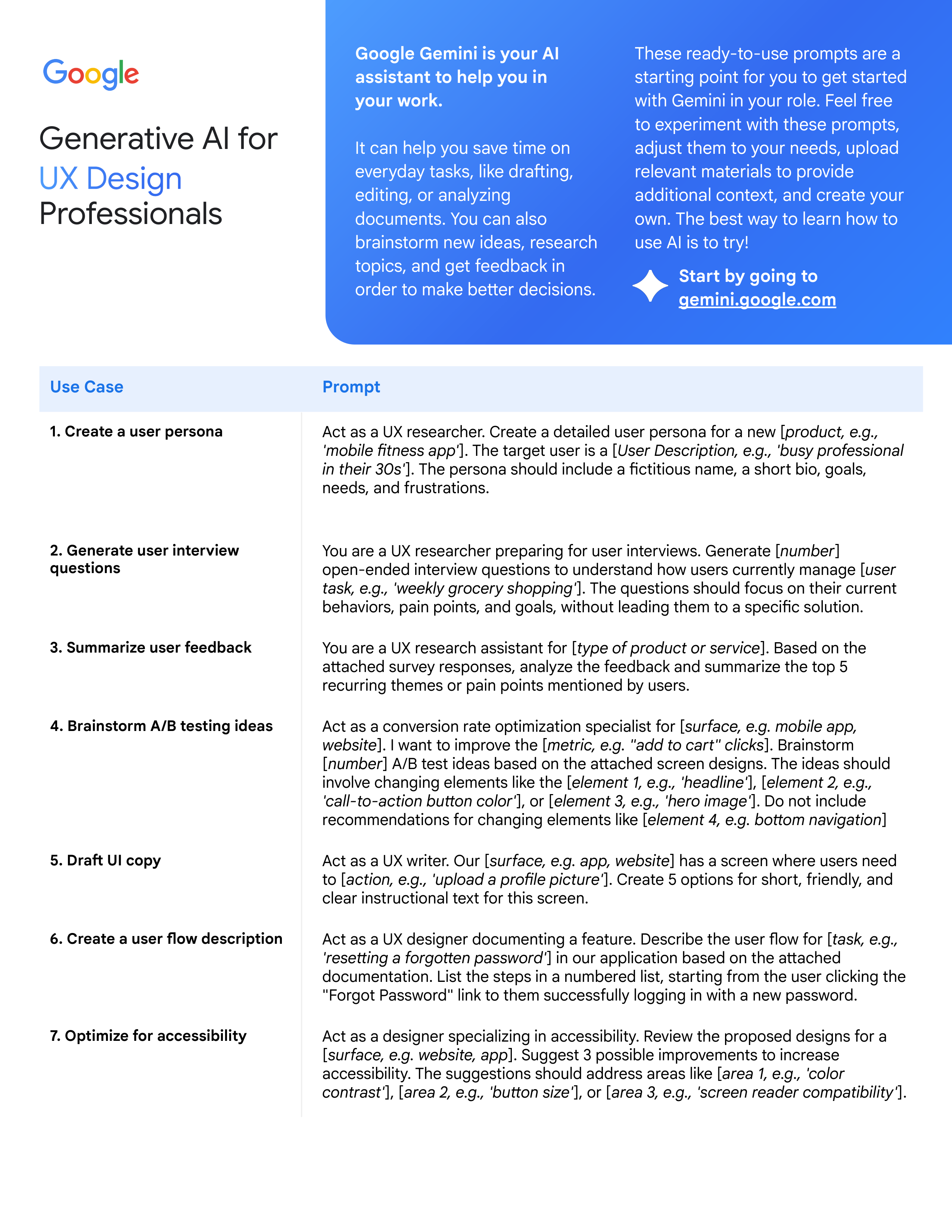
1. Create a user persona
Act as a UX researcher. Create a detailed user persona for a new [
product, e.g.,
'mobile fitness app'
]. The target user is a [
User Description, e.g., 'busy professional
in their 30s'
]. The persona should include a fictitious name, a short bio, goals,
needs, and frustrations.
2. Generate user interview
questions
You are a UX researcher preparing for user interviews. Generate [
number
]
open-ended interview questions to understand how users currently manage [
user
task, e.g., 'weekly grocery shopping'
]. The questions should focus on their current
behaviors, pain points, and goals, without leading them to a specific solution.
3. Summarize user feedback
You are a UX research assistant for [
type of product or service
]. Based on the
attached survey responses, analyze the feedback and summarize the top 5
recurring themes or pain points mentioned by users.
4. Brainstorm A/B testing ideas
Act as a conversion rate optimization specialist for [
surface, e.g. mobile app,
website
]. I want to improve the [
metric, e.g. "add to cart" clicks
]. Brainstorm
[
number
] A/B test ideas based on the attached screen designs. The ideas should
involve changing elements like the [
element 1, e.g., 'headline'
], [
element 2, e.g.,
'call-to-action button color'
], or [
element 3, e.g., 'hero image'
]. Do not include
recommendations for changing elements like [
element 4, e.g. bottom navigation
]
5. Draft UI copy
Act as a UX writer. Our [
surface, e.g. app, website
] has a screen where users need
to [
action, e.g., 'upload a profile picture'
]. Create 5 options for short, friendly, and
clear instructional text for this screen.
6. Create a user flow description
Act as a UX designer documenting a feature. Describe the user flow for [
task, e.g.,
'resetting a forgotten password'
] in our application based on the attached
documentation. List the steps in a numbered list, starting from the user clicking the
"Forgot Password" link to them successfully logging in with a new password.
7. Optimize for accessibility
Act as a designer specializing in accessibility. Review the proposed designs for a
[
surface, e.g. website, app
]. Suggest 3 possible improvements to increase
accessibility. The suggestions should address areas like [
area 1, e.g., 'color
contrast'
], [
area 2, e.g., 'button size'
], or [
area 3, e.g., 'screen reader compatibility'
].
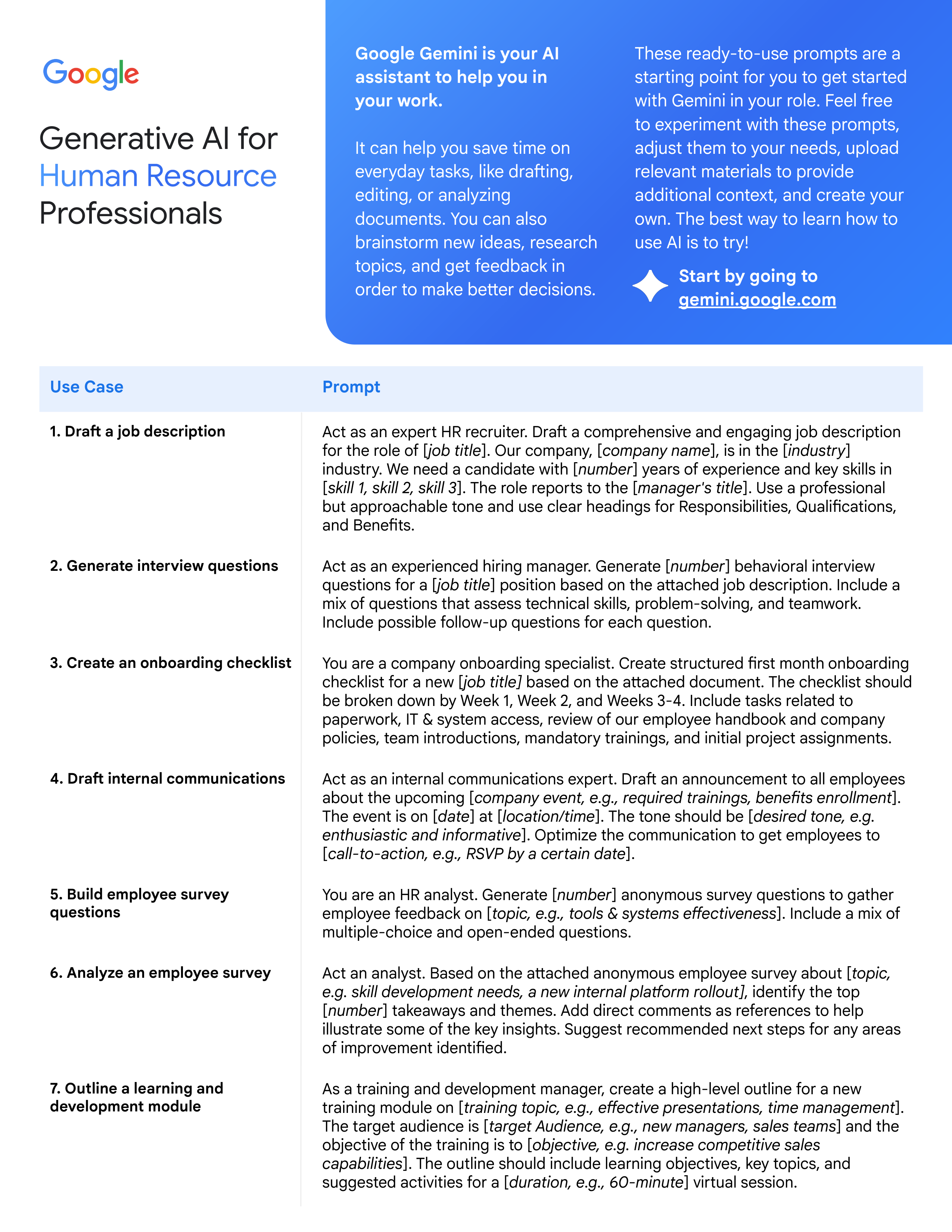
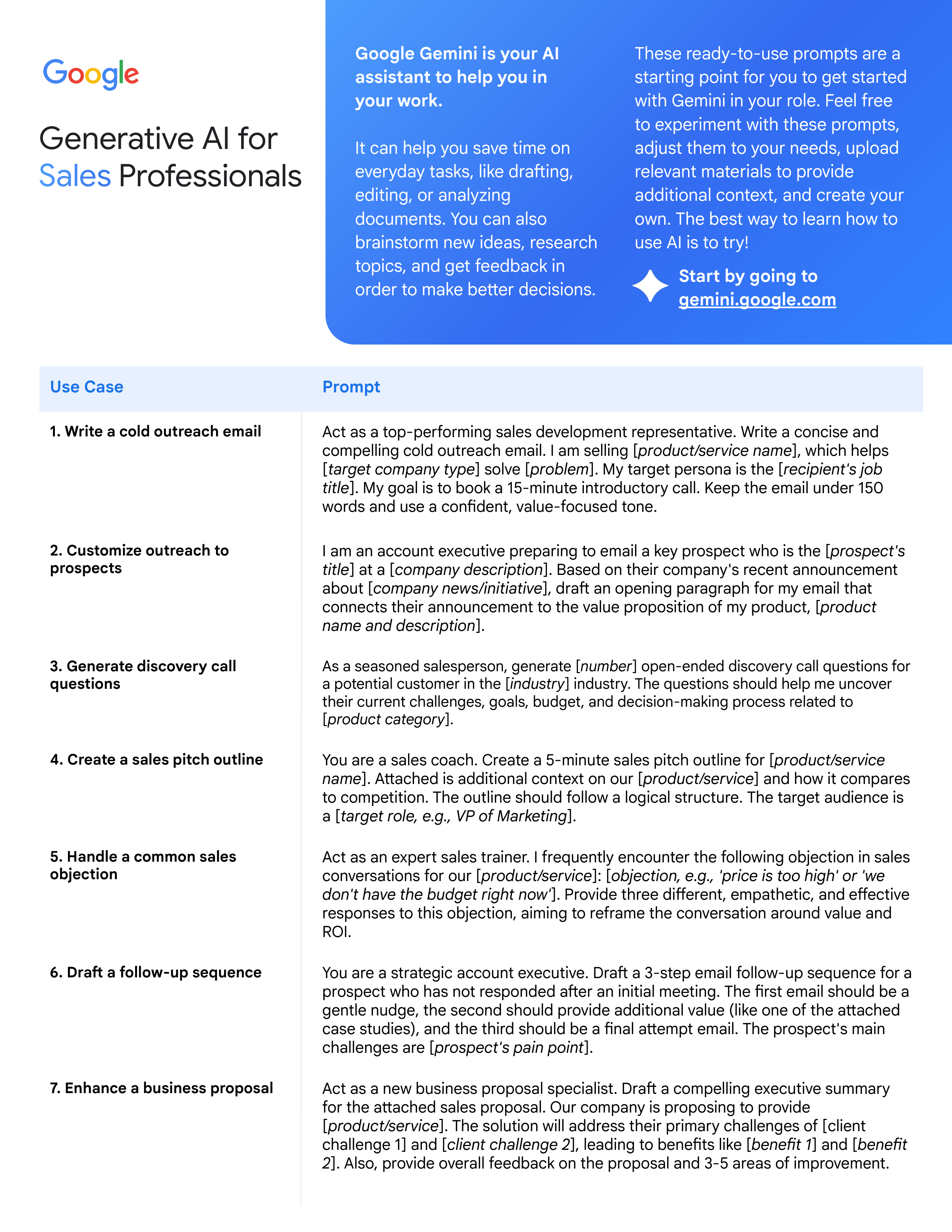
Generative AI for
Professionals
These ready-to-use prompts are a
starting point for you to get started
with Gemini in your role. Feel free
to experiment with these prompts,
adjust them to your needs, upload
relevant materials to provide
additional context, and create your
own. The best way to learn how to
use AI is to try!
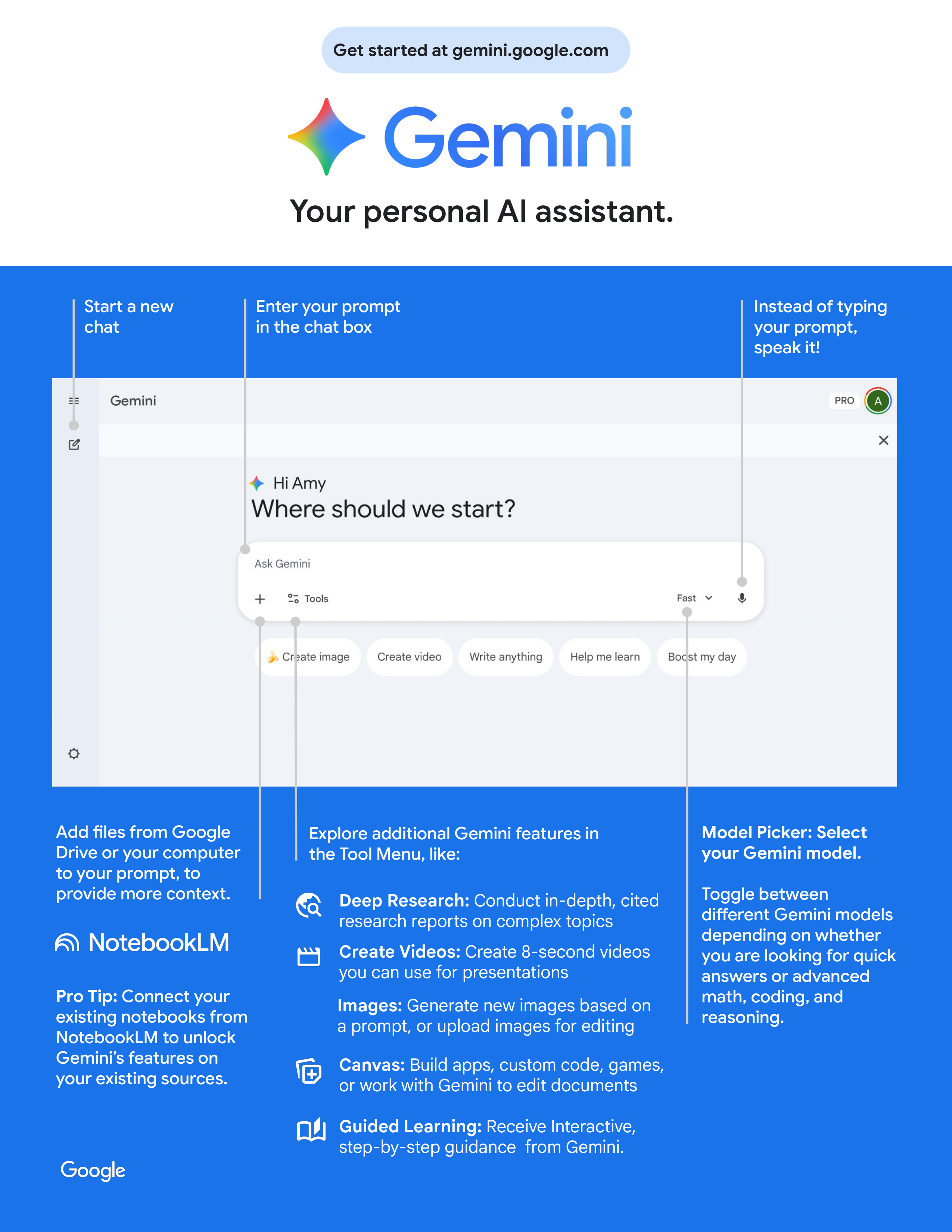
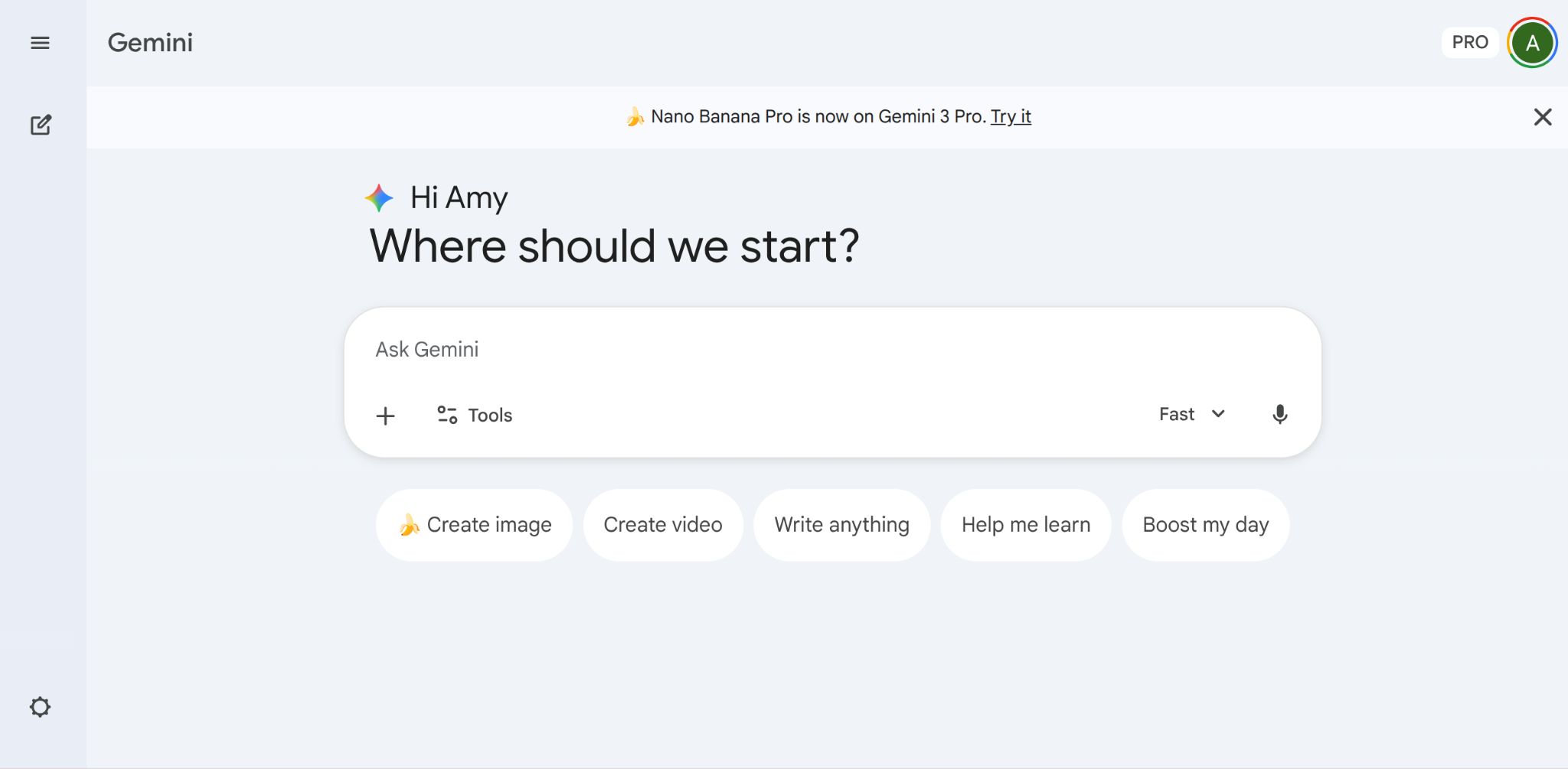
Start by going to
gemini.google.com
Google Gemini is your AI
assistant to help you in
your work.
It can help you save time on
everyday tasks, like drafting,
editing, or analyzing
documents. You can also
brainstorm new ideas, research
topics, and get feedback in
order to make better decisions.