


XXX-X-XXXX-XXXX-X/XX/$XX.00 © 20XX IEEE
AWS Data Visualization using DynamoDB and
Lambda
Ej Miguel Francisco Caliwag, Angela Caliwag, Wansu Lim
Department of Aeronautics, Mechanical and Electronic Convergence Engineering
Kumoh National Institute of Technology
Gumi-si, Republic of Korea
Email: (ejcaliwag.emfc, a_caliwag, wansu.lim)@kumoh.ac.kr
ORCID: 0000-0003-4563-8705
Abstract
—AWS IoT has been one of the extremely powerful
AWS service offers. AWS IoT has the ability to process more
than billions and trillions of devices and messages respectively
and can process and routes to endpoints (i.e. AWS DynamoDB,
Aws Lambda). In this paper, we proposed a method for
temperature data sensing using DHT22 sensor connected to
Raspberry Pi 4B that interacts to AWS IoT which will allow us
to connect to AWS DynamoDB for storing, AWS Lambda for
serverless trigger in AWS services, AWS Quicksight for
visualization and AWS Machine Learning for further data
processing.
Keywords—MQTT, AWS, Raspberry Pi 4 model B, DHT11,
Lambda, DynamoDB
I.
I
NTRODUCTION
Internet-of-Things (IoT) has been tremendously growing
as it plays the role of connecting thing (i.e. devices such as
lights, phones, cars, etc.) Recently, cloud providers such as
AWS has been offering their service ‘AWS IoT’ platform
which integrates all the necessary functions required for
developing an IoT System and has the ability to process more
than billions and trillions of devices and messages
respectively and can process and routes to endpoints (i.e.
AWS DynamoDB, Aws Lambda) provided by AWS [1].
Cloud supporting IoT has a huge impact on the performance
of IoT applications when it comes to storage, computing, and
cost. Many works have been performed using AWS as a cloud
provider. In [2], a prototype of a pragmatic air flow control
system for home automation using recently developed AWS
IoT Core, efficient MQTT protocol over Websocket server
and robust hardware end devices had been presented. In [3],
utilized MQTT broker built using AWS to perform a smart
home system for room temperature control. In [4], a home
security system has been constructed using IoT and AWS
Cloud Services.
II.
H
ARDWARE
D
ESIGN
The following are the hardware components needed for the
proposed system.
A.
Raspberry Pi 4 model B
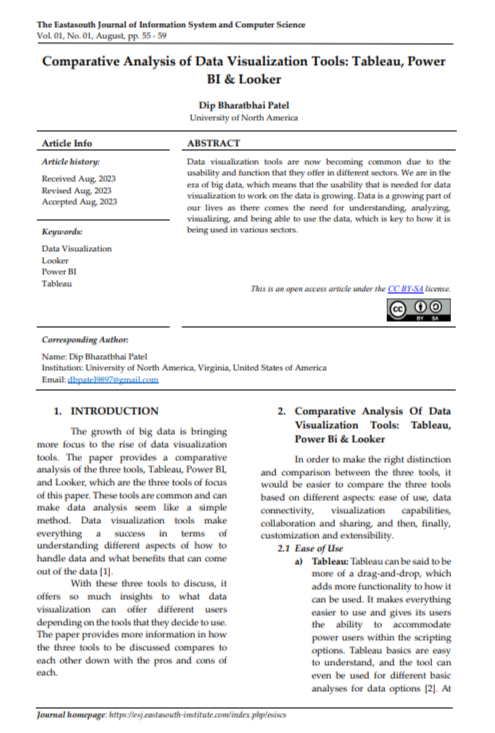
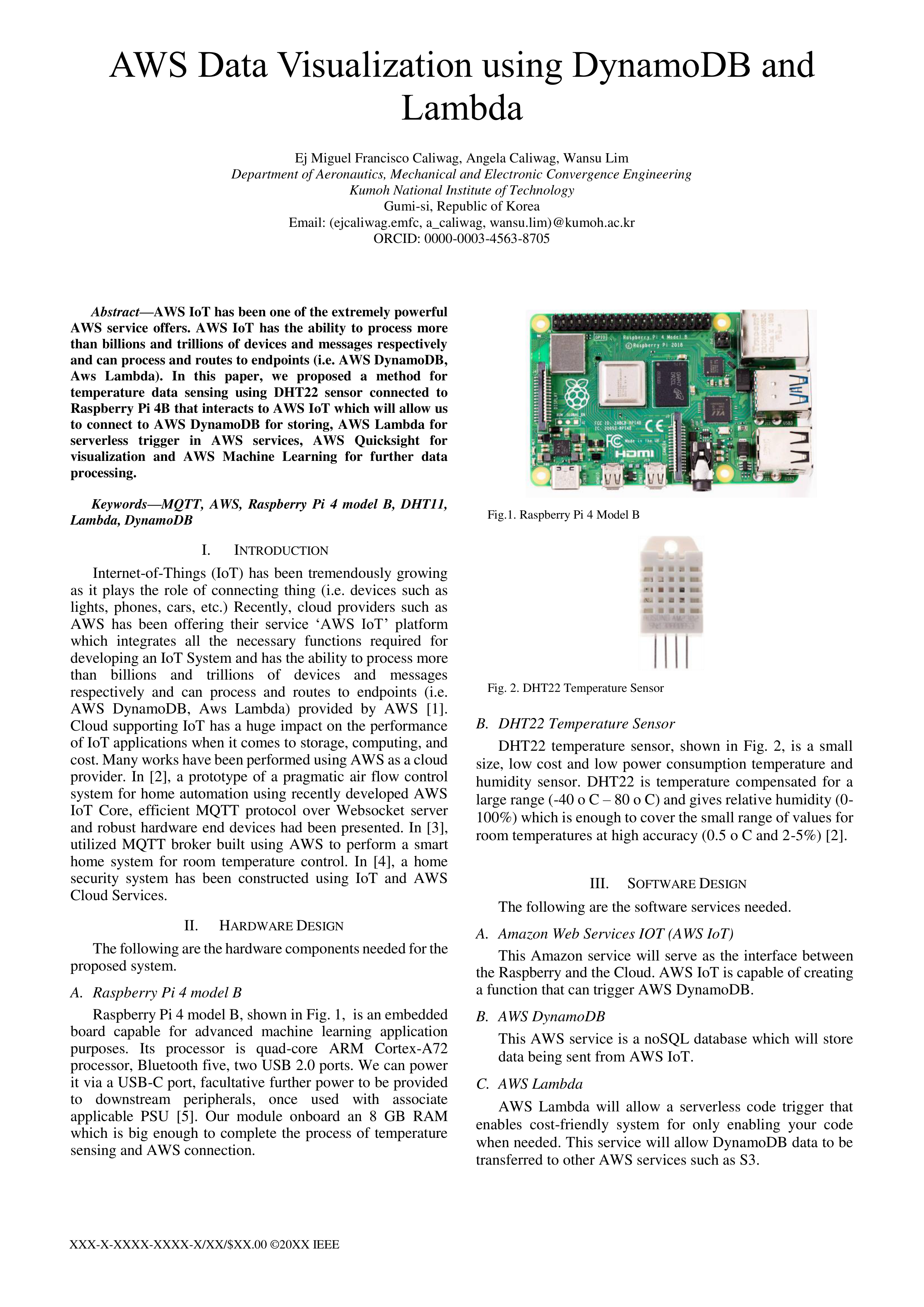
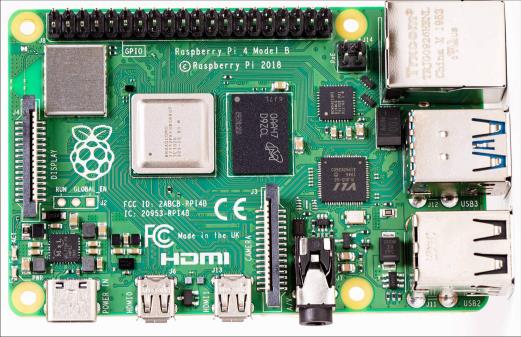
Raspberry Pi 4 model B, shown in Fig. 1, is an embedded
board capable for advanced machine learning application
purposes. Its processor is quad-core ARM Cortex-A72
processor, Bluetooth five, two USB 2.0 ports. We can power
it via a USB-C port, facultative further power to be provided
to downstream peripherals, once used with associate
applicable PSU [5]. Our module onboard an 8 GB RAM
which is big enough to complete the process of temperature
sensing and AWS connection.
B.
DHT22 Temperature Sensor
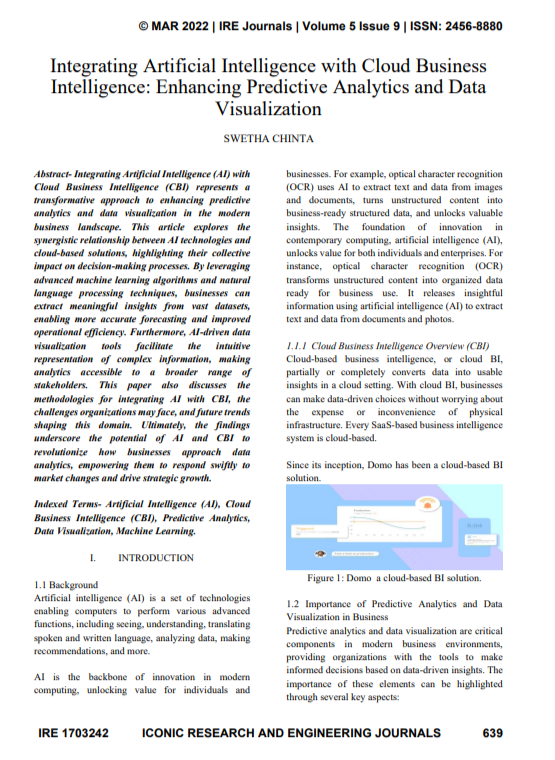
DHT22 temperature sensor, shown in Fig. 2, is a small
size, low cost and low power consumption temperature and
humidity sensor. DHT22 is temperature compensated for a
large range (-40 o C – 80 o C) and gives relative humidity (0-
100%) which is enough to cover the small range of values for
room temperatures at high accuracy (0.5 o C and 2-5%) [2].
III.
S
OFTWARE
D
ESIGN
The following are the software services needed.
A.
Amazon Web Services IOT (AWS IoT)
This Amazon service will serve as the interface between
the Raspberry and the Cloud. AWS IoT is capable of creating
a function that can trigger AWS DynamoDB.
B.
AWS DynamoDB
This AWS service is a noSQL database which will store
data being sent from AWS IoT.
C.
AWS Lambda
AWS Lambda will allow a serverless code trigger that
enables cost-friendly system for only enabling your code
when needed. This service will allow DynamoDB data to be
transferred to other AWS services such as S3.
Fig.1. Raspberry Pi 4 Model B
Fig. 2. DHT22 Temperature Sensor


D.
AWS S3
AWS Simple Storage Service (S3) allows files to be
stored in a bucket including your code and data being sent
from DynamoDB which enables you to organize project well.
E.
AWS Quicksight
AWS Quicksight allows a visual interaction with data that
is very helpful data analytics.
F.
AWS Machine Learning
AWS Machine Learning is a cloud-based machine
learning that performs data analytics and further processes in
your data.
IV.
P
ROPOSED
M
ETHOD
In this paper, we proposed a temperature data collecting
system using Raspberry Pi 4 model B, DHT22 temperature
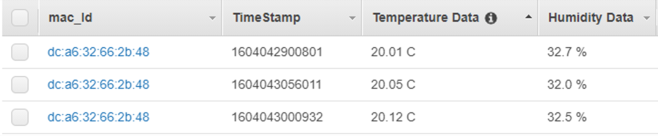
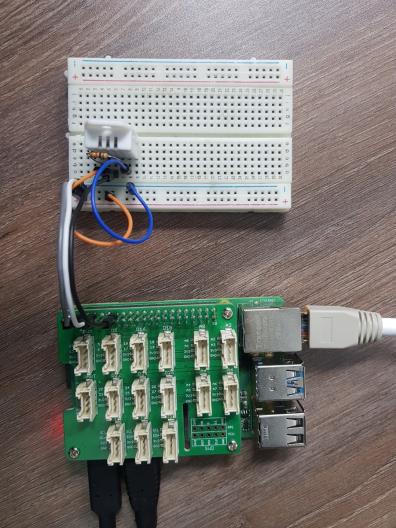
sensor and AWS services. First, we developed a local-based
temperature sensing system by connecting DHT22 to the
GPIO pins of the raspberry pi as shown in Fig. 5. We enable
IC2 and GPIO in raspberry pi for the board to detect the sensor
and to enable communication for data transfer. Then, we
import ‘Adafruit_DHT_Python’ which is a library provided
by adafruit for interfacing the sensor. After a successful local
implementation, MQTT protocol will be used to create and
establish an interface between Raspberry board and AWS IoT.
MQTT is a publish/subscribe message exchange protocol
developed by IBM which is composed of MQTT broker and
client. MQTT has been adopted as the message transfer
binding protocol in oneM2M IoT international standards. We
utilized MQTT protocol to interact Raspberry Pi board to
AWS. After a successful connection, we have created a
function that triggers AWS DynamoDB. This function will
allow the temperature data being sent from the board to AWS
IoT be permanently stored in a NoSQL database. After storing
the data, we can now proceed with connecting the database
through a lambda function which will enable the data to be
stored in a S3 bucket so that the bucket will have to do the
work of triggering AWS Quicksight for visualization and
AWS Machine Learning for further data processing and
analytics.
V.
R
ECENT
R
ESULTS
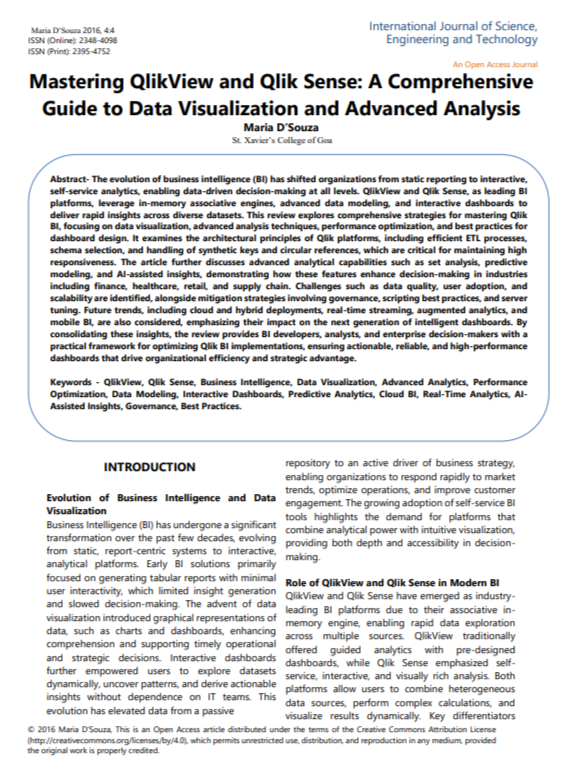
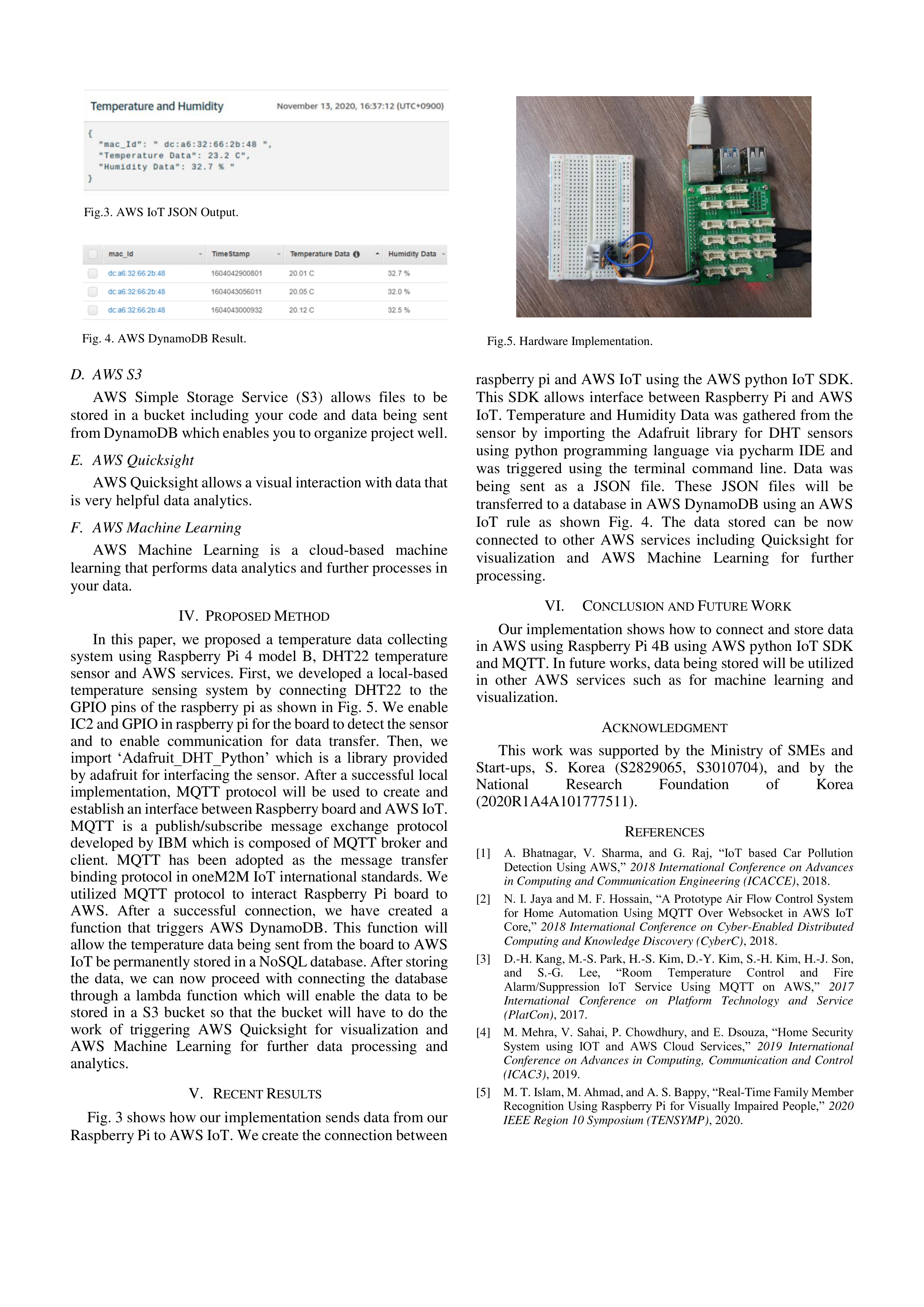
Fig. 3 shows how our implementation sends data from our
Raspberry Pi to AWS IoT. We create the connection between
raspberry pi and AWS IoT using the AWS python IoT SDK.
This SDK allows interface between Raspberry Pi and AWS
IoT. Temperature and Humidity Data was gathered from the
sensor by importing the Adafruit library for DHT sensors
using python programming language via pycharm IDE and
was triggered using the terminal command line. Data was
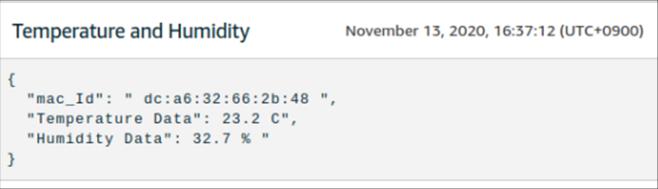
being sent as a JSON file. These JSON files will be
transferred to a database in AWS DynamoDB using an AWS
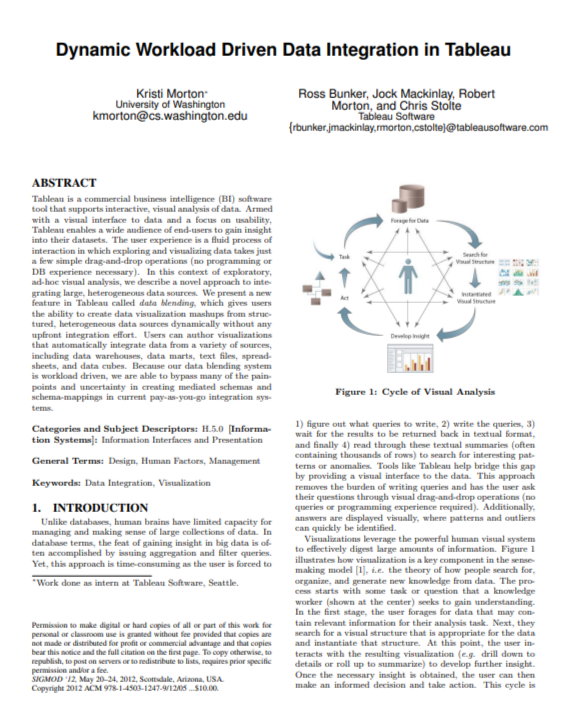
IoT rule as shown Fig. 4. The data stored can be now
connected to other AWS services including Quicksight for
visualization and AWS Machine Learning for further
processing.
VI.
C
ONCLUSION AND
F
UTURE
W
ORK
Our implementation shows how to connect and store data
in AWS using Raspberry Pi 4B using AWS python IoT SDK
and MQTT. In future works, data being stored will be utilized
in other AWS services such as for machine learning and
visualization.
A
CKNOWLEDGMENT
This work was supported by the Ministry of SMEs and
Start-ups, S. Korea (S2829065, S3010704), and by the
National
Research
Foundation
of
Korea
(2020R1A4A101777511).
R
EFERENCES
[1]
A. Bhatnagar, V. Sharma, and G. Raj, “IoT based Car Pollution
Detection Using AWS,”
2018 International Conference on Advances
in Computing and Communication Engineering (ICACCE)
, 2018.
[2]
N. I. Jaya and M. F. Hossain, “A Prototype Air Flow Control System
for Home Automation Using MQTT Over Websocket in AWS IoT
Core,”
2018 International Conference on Cyber-Enabled Distributed
Computing and Knowledge Discovery (CyberC)
, 2018.
[3]
D.-H. Kang, M.-S. Park, H.-S. Kim, D.-Y. Kim, S.-H. Kim, H.-J. Son,
and
S.-G.
Lee,
“Room
Temperature
Control
and
Fire
Alarm/Suppression IoT Service Using MQTT on AWS,”
2017
International Conference on Platform Technology and Service
(PlatCon)
, 2017.
[4]
M. Mehra, V. Sahai, P. Chowdhury, and E. Dsouza, “Home Security
System using IOT and AWS Cloud Services,”
2019 International
Conference on Advances in Computing, Communication and Control
(ICAC3)
, 2019.
[5]
M. T. Islam, M. Ahmad, and A. S. Bappy, “Real-Time Family Member
Recognition Using Raspberry Pi for Visually Impaired People,”
2020
IEEE Region 10 Symposium (TENSYMP)
, 2020.
Fig.3. AWS IoT JSON Output.
Fig. 4. AWS DynamoDB Result.
Fig.5. Hardware Implementation.